SOCIAL SCHEDULERS

Buffer vs Publer: Features, Pricing and Reviews in 2026
Buffer
FreemiumSubscription

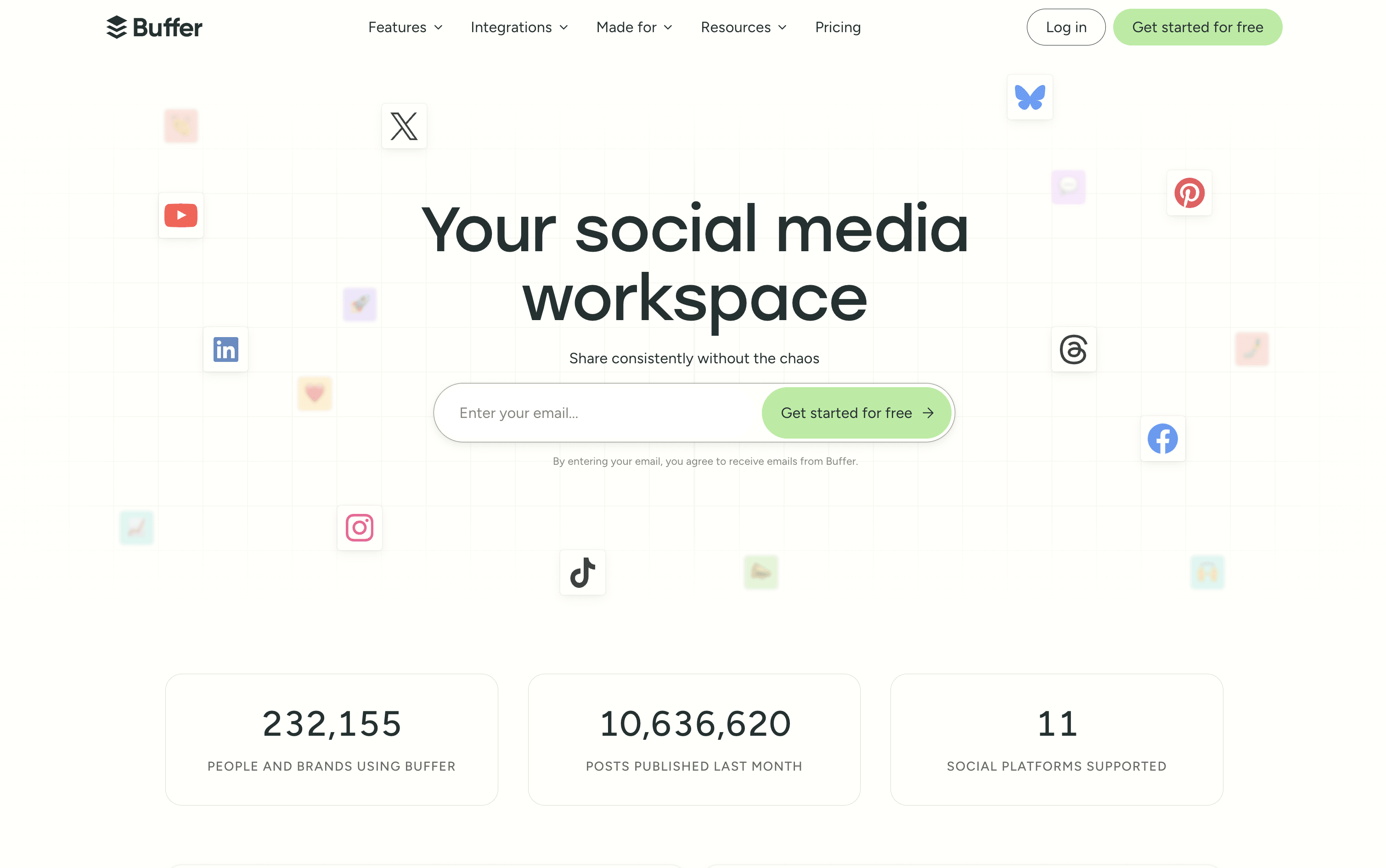
Buffer is a simple social media tool to schedule, publish, and grow your content across multiple platforms.

Buffer screenshot
Publer
FreemiumSubscription

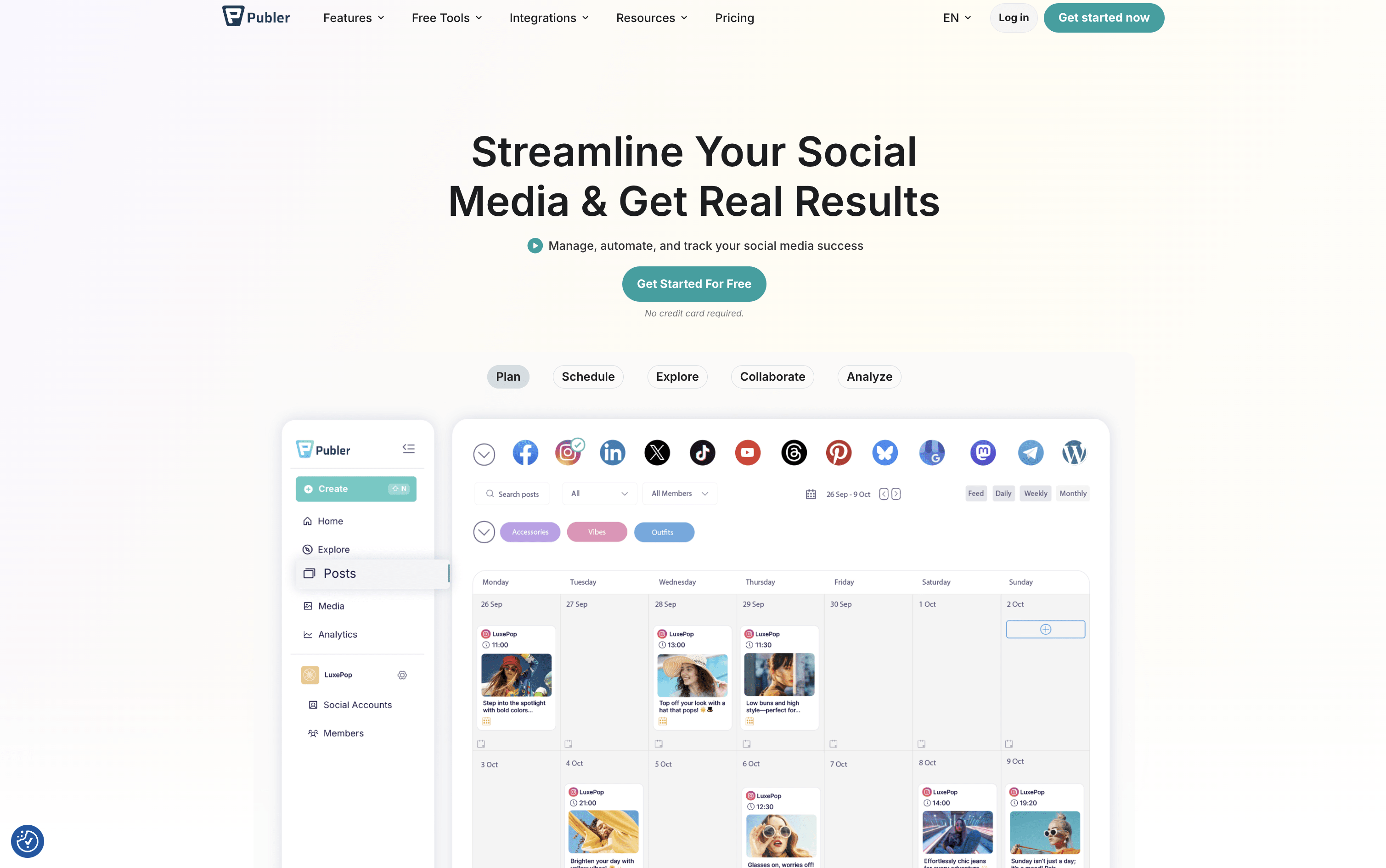
Publer is an all-in-one social media scheduler that helps you plan, schedule, and publish content across 13 platforms.

Publer screenshot

What Are Buffer and Publer?

Buffer

Buffer

Buffer is a social media scheduling and management tool that connects to over 11 major platforms from one simple dashboard. You can write, schedule, and publish posts without logging into each account separately. It includes tools for planning and storing content ideas, managing replies and comments through a unified inbox, and tracking post performance with clear and simple reports.

Buffer also includes a built-in AI assistant that helps you write captions, repurpose content for different platforms, and think of new ideas. A Start Page feature lets you build a simple link-in-bio landing page, so you can share one link across all your social profiles.

Buffer offers a free plan and two affordable paid tiers suitable for individuals, teams, and agencies.

Publer

Publer

Publer is a complete social media scheduling and management tool that brings all your social accounts together in one place. You can create posts, add images or videos, write captions, and set them to go live at the right time across 13 supported platforms, including Instagram, Facebook, TikTok, LinkedIn, YouTube, Pinterest, Twitter/X, Threads, Bluesky, Mastodon, Telegram, Google Business Profile, and WordPress.

Beyond scheduling, Publer includes a built-in AI assistant that helps you write better captions, suggest hashtags, and even create images. It offers a visual calendar, bulk scheduling for up to 500 posts at once, content recycling to automatically reuse top posts, and a full analytics dashboard. Teams and agencies can collaborate using shared workspaces, role-based access, and approval workflows.

How Do Buffer and Publer Compare on Features?

Buffer

Buffer

  • Schedule posts across 11 social platforms

  • AI assistant for captions and content ideas

  • Visual content calendar and queue management

  • Unified inbox for all comments and replies

  • Analytics with custom reports and PDF export

  • Team collaboration with approval workflows

  • Start Page link-in-bio builder included

  • Hashtag manager and UTM tracking

  • Chrome browser extension and mobile app

  • Free plan available with no credit card

Publer

Publer

  • Schedule posts across 13 social media platforms

  • AI-powered caption and hashtag generation

  • Visual content calendar with drag-and-drop

  • Bulk scheduling up to 500 posts at once

  • Content recycling and evergreen automation

  • Team collaboration with approval workflows

  • Analytics, competitor tracking, and PDF reports

  • Canva, Google Drive, and Dropbox integration

  • Link in Bio tool for Instagram

  • Free plan with core scheduling features

Where Do Buffer and Publer Fit?

How Much Do Buffer and Publer Cost?

Buffer Pricing Plans

Free

Free
  • Up to 3 social channels
  • 10 scheduled posts per channel
  • 100 content ideas
  • AI assistant included
  • Basic analytics (30-day history)
  • Community inbox with comment and DM replies
  • Start Page (link-in-bio builder)
  • Browser extension
  • Canva, Dropbox, and Google Drive integrations
  • 1 user only
Most Popular

Essentials (Monthly)

$6/mo
  • Price is $6 per channel per month
  • Everything in Free plan
  • Unlimited scheduled posts
  • Unlimited content ideas
  • 250 tags for organization
  • First comment scheduling
  • Hashtag manager
  • Custom video covers
  • Channel groups
  • Advanced analytics with full history

Essentials (Yearly)

$60/yr
  • Price is $60 per channel per year ($5/month equivalent)
  • Save approximately 2 months vs monthly billing
  • All Essentials features included

Team (Monthly)

$12/mo
  • Price is $12 per channel per month
  • Everything in Essentials plan
  • Unlimited team members
  • Approval workflows
  • Custom access levels and permissions
  • Branded analytics reports
  • Shared content calendar
  • Internal notes on drafts
  • 5 API keys and app clients
  • Email support

Team (Yearly)

$120/yr
  • Price is $120 per channel per year ($10/month equivalent)
  • Save approximately 2 months vs monthly billing
  • All Team features included

Publer Pricing Plans

Free

Custom
  • 1 user and 1 workspace
  • 3 social accounts (excluding Twitter/X)
  • Up to 10 scheduled posts per account
  • 24-hour post history
  • 25 saved drafts
  • Link in Bio for Instagram
  • Post scheduling and calendar view
  • Basic AI integration
  • Mobile app and browser extension
  • Canva integration and built-in photo editor

Professional

$5/mo
  • Everything in Free
  • Unlimited scheduled posts and drafts
  • Twitter/X integration
  • Bulk scheduling
  • Unlimited workspaces and media storage
  • Unlimited RSS feed automations
  • Approval workflows
  • Unbranded Link in Bio
  • Schedule first comments and threads
  • Media library with watermark support

Professional (Yearly)

$4/mo
  • All Professional plan features
  • Billed annually β€” save 2 months
Most Popular

Business

$10/mo
  • Everything in Professional
  • Unlimited AI prompts
  • Full analytics and reporting
  • Best time to post recommendations
  • Competitor analysis
  • Hashtag suggestions and analytics
  • Post recycling and recurring posts
  • Publer API access
  • 1:1 onboarding support

Business (Yearly)

$8/mo
  • All Business plan features
  • Billed annually β€” save 2 months

Enterprise

Custom
  • Everything in Business
  • Volume-based discounts
  • Unlimited daily posting
  • Priority and expedited support
  • Early access to new features
  • Dedicated enterprise onboarding
  • Bank and wire transfer payment options

How Are Buffer and Publer Used?

Frequently Asked Questions About Buffer and Publer

Buffer

Buffer

Publer

Publer