
Sendible is a social media management platform for agencies and teams to schedule, collaborate, and report across multiple networks.
Pricing
Type
What Is Sendible?
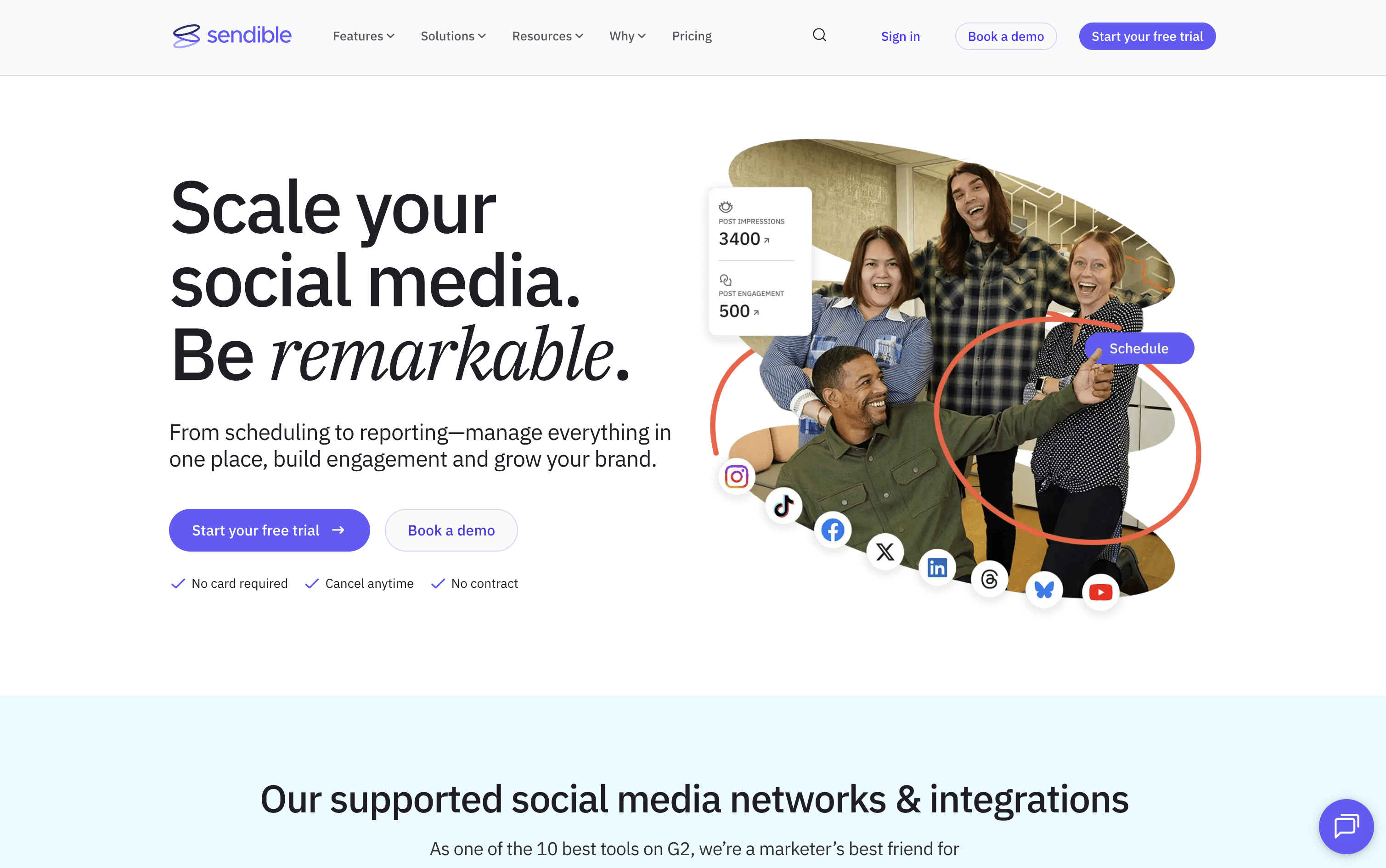
Sendible is a web-based platform that helps you manage all your social media from one dashboard. You can write posts, schedule them in bulk, and publish directly to Instagram, Facebook, X, LinkedIn, TikTok, YouTube, Google Business Profiles, Threads, and Bluesky, all from a single Compose Box.
It goes beyond basic scheduling with Smart Queues for recycling evergreen content automatically, a shared Content Library for teams, built-in AI to write and improve captions, and automated reports to show clients their results. Approval workflows, secure client onboarding without password sharing, and a white-label option make it a strong all-in-one choice for agencies managing many clients at once.
How to Use Sendible?
Getting started with Sendible is straightforward. Here are the steps to follow:
Sign up and connect your social profiles. Use business, page, or company account types where needed to unlock all posting and analytics features.
Open the Compose Box to write your post. Tailor the text, images, or video for each platform separately without copying and pasting.
Use AI Assist inside the Compose Box to generate new captions, improve existing text, or fix grammar instantly.
For large volumes of content, upload posts in bulk using the CSV importer or create them in the dashboard to plan months ahead.
Set up Smart Queues to automatically repost evergreen content like tips or quotes on a regular schedule without any daily effort.
Invite team members, set approval workflows, and onboard clients securely using Client Connect — no password sharing needed.
Check the Priority Inbox to respond to comments, messages, and mentions from all profiles in one place.
Build or automate reports and share them with clients on a set schedule to clearly show performance results.
Sendible Features
Here are the main features of Sendible:
Smart Compose Box: Write, preview, and tailor posts for each platform in one session — customize text, images, videos, hashtags, and UTM links per network.
Bulk Scheduler: Import hundreds of posts at once using a CSV file or create them in the dashboard to plan months in advance.
Smart Queues: Set up recurring content categories that auto-publish at chosen days and times, keeping your calendar full without daily effort.
Content Library: Store and reuse posts, hashtags, images, and drafts in a shared library organized with custom tags.
AI Assist: Generate captions, rewrite copy, and improve content quality directly inside the Compose Box.
Approval Workflows: Set one-step or multi-step review processes so posts are checked before going live.
Priority Inbox: Manage all comments, messages, and mentions from every connected profile in one central inbox.
Custom Reports: Build branded, automated PDF reports with performance data and Google Analytics integration on a set schedule.
White Label: Rebrand the platform with your own logo, domain, and colors for a client-facing agency setup.
Where does Sendible fit?
Sendible Pricing Plans
How is Sendible used?
Frequently Asked Questions About Sendible
Best alternatives to Sendible

Buffer
Freemium · Subscription
Buffer is a simple social media tool to schedule, publish, and grow your content across multiple platforms.

Metricool
Freemium · Subscription
Metricool is an all-in-one social media management tool for scheduling, analytics, reporting, inbox, and ad management.

Postiz
Freemium · Subscription
Postiz is an open-source, AI-powered social media scheduling platform that lets you plan, create, and publish content across 30+ platforms.

Hootsuite
Paid · Subscription
Hootsuite is an all-in-one social media management platform for scheduling, publishing, monitoring, and analytics across multiple networks.

Sprout Social
Paid · Subscription
Sprout Social is an AI-powered social media management platform for scheduling, engagement, analytics, and team collaboration.

Publer
Freemium · Subscription
Publer is an all-in-one social media scheduler that helps you plan, schedule, and publish content across 13 platforms.

Later
Paid · Subscription
Later is a visual social media scheduling tool for planning, publishing, and growing your presence across platforms.

Agorapulse
Paid · Subscription
Agorapulse is an all-in-one social media management platform for scheduling, engagement, listening, and tracking social ROI.