
Later is a visual social media scheduling tool for planning, publishing, and growing your presence across platforms.
Pricing
Type
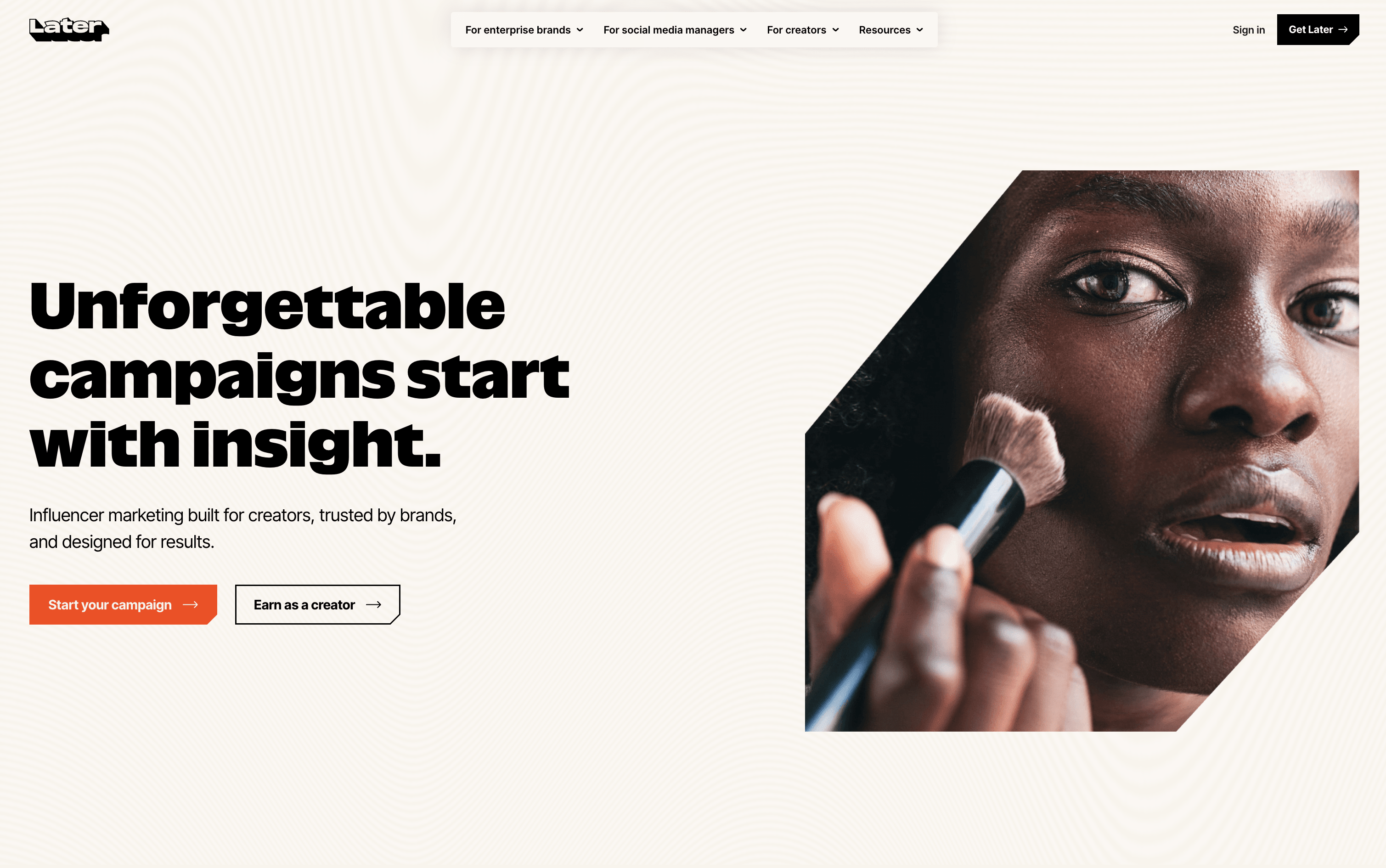
What Is Later?
Later is an online social media scheduling tool that lets you plan, create, and publish content in advance. You can view all your upcoming posts in a visual calendar and see exactly how your Instagram grid will look before anything goes live. It supports scheduling to multiple platforms at once, keeping your content consistent and saving time.
Later also offers Auto Publish, which posts content automatically at the scheduled time without any extra steps. A built-in Link in Bio page turns your social profile into a clickable, shoppable landing page to drive traffic.
The platform includes post performance analytics, AI caption writing, hashtag suggestions, and team approval tools. Plans suit solo users, growing teams, and agencies of all sizes.
How to Use Later?
Getting started with Later is simple. Follow these steps to manage your social media content easily:
Sign up and connect your social media accounts, including Instagram, Facebook, TikTok, LinkedIn, Pinterest, YouTube, Threads, and Snapchat.
Upload your images and videos to the Media Library, or connect Canva to export designs directly into Later.
Open the Visual Planner and drag content onto the calendar. Use the Instagram grid preview to see how your feed will look before anything goes live.
Write your captions using the built-in tools or the AI Caption Writer. Add hashtags and use the Best Time to Post suggestions for better engagement.
Choose Auto Publish for automatic posting, or use Notification Publishing to complete posts manually through the mobile app.
Set up your Link in Bio page to make posts clickable and send traffic directly to your website or products.
Check the Analytics section to see which posts perform best and improve your content plan over time.
Later Features
Here are the main features of Later:
Visual Content Calendar: Drag-and-drop calendar for planning and scheduling posts. Includes an Instagram grid preview to see how your feed will look before publishing.
Auto Publish: Posts content automatically at the scheduled time across all supported platforms with no manual action needed.
Best Time to Post: Analyzes your past performance and audience activity to suggest the best times for better engagement.
AI Caption Writer: Generates caption ideas and suggestions to help you create better content faster.
Link in Bio: A customizable landing page linked from your bio, making posts clickable and shoppable to drive more traffic.
Media Library: A central place to upload, store, and organize all your images and videos.
Analytics: Track post performance, follower growth, and engagement across platforms with clear and easy-to-read reports.
Team Collaboration: Share calendars, add notes, assign roles, set up approval workflows, and manage team access.
Canva Integration: Export designs from Canva directly into your Later Media Library for quick and easy scheduling.
Where does Later fit?
Later Pricing Plans
How is Later used?
Frequently Asked Questions About Later
Best alternatives to Later

Buffer
Freemium · Subscription
Buffer is a simple social media tool to schedule, publish, and grow your content across multiple platforms.

Metricool
Freemium · Subscription
Metricool is an all-in-one social media management tool for scheduling, analytics, reporting, inbox, and ad management.

Postiz
Freemium · Subscription
Postiz is an open-source, AI-powered social media scheduling platform that lets you plan, create, and publish content across 30+ platforms.

Hootsuite
Paid · Subscription
Hootsuite is an all-in-one social media management platform for scheduling, publishing, monitoring, and analytics across multiple networks.

Sprout Social
Paid · Subscription
Sprout Social is an AI-powered social media management platform for scheduling, engagement, analytics, and team collaboration.

Publer
Freemium · Subscription
Publer is an all-in-one social media scheduler that helps you plan, schedule, and publish content across 13 platforms.

Agorapulse
Paid · Subscription
Agorapulse is an all-in-one social media management platform for scheduling, engagement, listening, and tracking social ROI.

Sendible
Paid · Subscription
Sendible is a social media management platform for agencies and teams to schedule, collaborate, and report across multiple networks.