Best 14+ TikTok Schedulers in 2026
TikTok rewards creators who post frequently and consistently, but filming, editing, and uploading videos every single day is exhausting. A TikTok Scheduler lets you upload your finished videos in advance and have them go live automatically at peak viewing times without any manual effort.
Many TikTok schedulers also include AI caption suggestions, hashtag tools, and performance analytics to help you understand what is driving views and followers. Whether you are a solo creator or a brand team, these tools turn a chaotic daily task into a structured weekly workflow.
 Buffer
 Metricool
 Hootsuite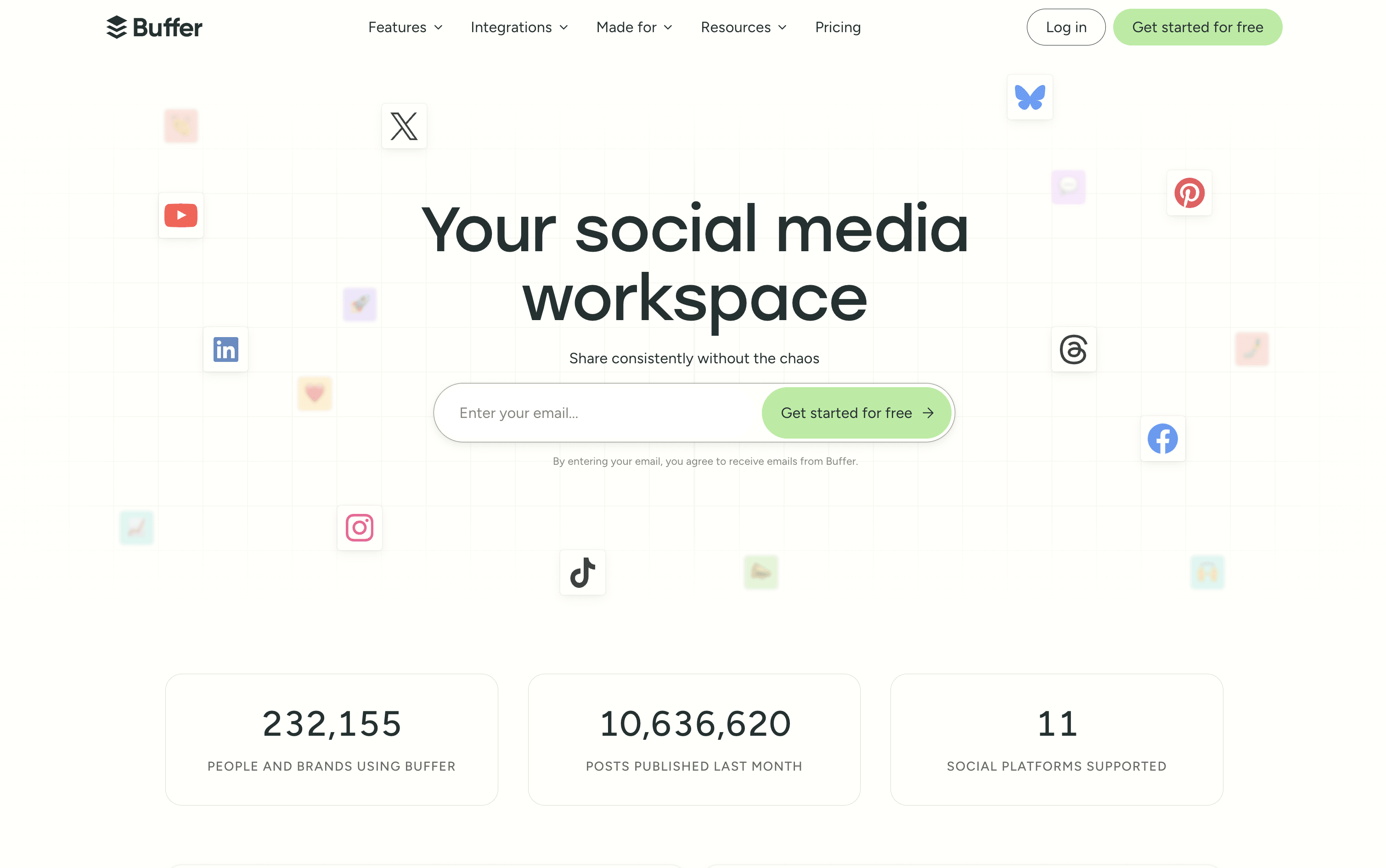
Buffer is a social media scheduling and management tool that connects to over 11 major platforms from one simple dashboard. You can write, schedule, and publish posts without logging into each account separately. It includes tools for planning and storing content ideas, managing replies and comments through a unified inbox, and tracking post performance with clear and simple reports.
Buffer also includes a built-in AI assistant that helps you write captions, repurpose content for different platforms, and think of new ideas. A Start Page feature lets you build a simple link-in-bio landing page, so you can share one link across all your social profiles.
Buffer offers a free plan and two affordable paid tiers suitable for individuals, teams, and agencies.
Buffer Features
Schedule posts across 11 social platforms
AI assistant for captions and content ideas
Visual content calendar and queue management
Unified inbox for all comments and replies
Analytics with custom reports and PDF export
Team collaboration with approval workflows
Start Page link-in-bio builder included
Hashtag manager and UTM tracking
Chrome browser extension and mobile app
Free plan available with no credit card
Buffer Pricing Plans
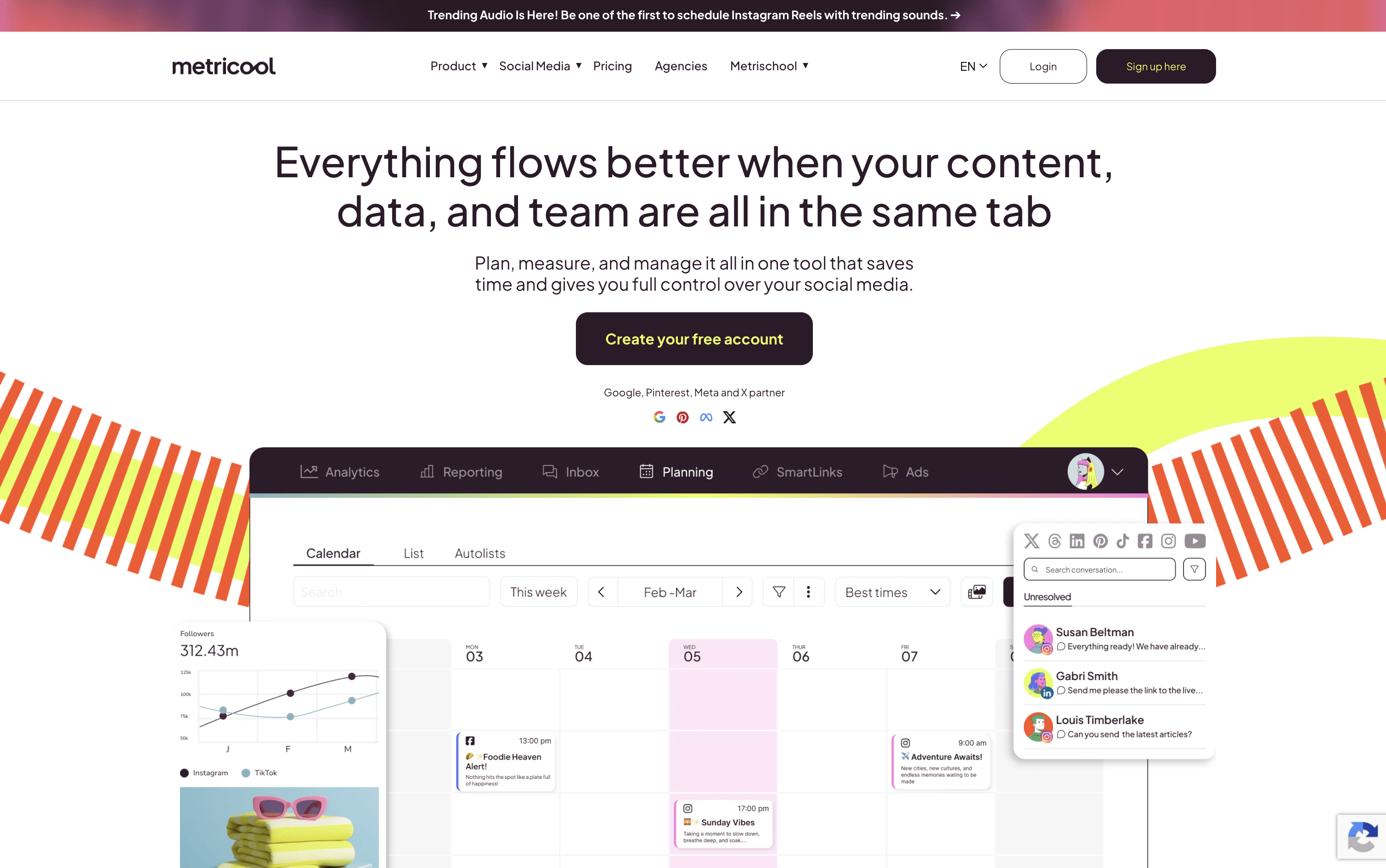
Metricool is a web-based platform that lets you handle every part of your social media presence from one central dashboard. You can connect accounts from Instagram, Facebook, TikTok, LinkedIn, Twitter/X, YouTube, Pinterest, Threads, Bluesky, Google Business Profile, and Twitch. It includes a drag-and-drop content calendar for easy post planning, built-in AI tools for writing captions, competitor tracking, and a SmartLinks feature for building link-in-bio pages.
Beyond scheduling, it offers a unified inbox for managing messages and comments, detailed analytics for tracking your results, ad campaign management for Google, Meta, and TikTok ads, and automated reporting tools for teams and clients. Free and paid plans are available to suit different needs and team sizes.
Metricool Features
Schedule posts across 10+ social platforms
Visual drag-and-drop content calendar with best times
AI caption writing and hashtag generation
Competitor tracking and analysis tools
Unified inbox for all messages and comments
Automated PDF and PPT report downloads
Google, Meta, and TikTok ads management
SmartLinks link-in-bio builder with click analytics
Team roles, approvals, and workflow management
RSS auto-posting and evergreen content recycling
Metricool Pricing Plans
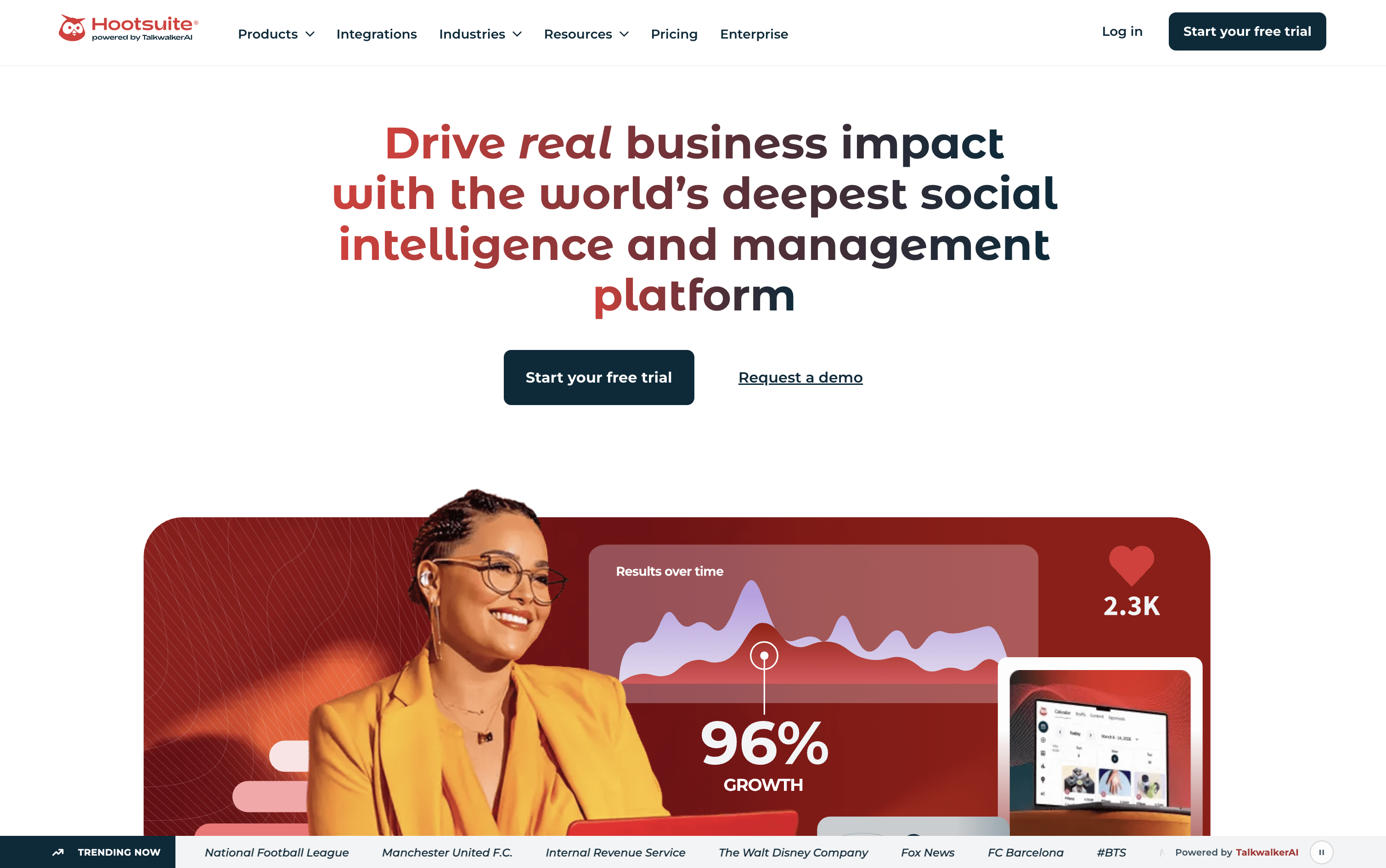
Hootsuite is a platform that lets you manage all your social media accounts from one place. You can create and schedule posts for different platforms at the same time, without having to switch between apps or log in and out of each account.
Beyond publishing, Hootsuite includes a shared inbox where your team can read and reply to comments and messages. It also has social listening tools that alert you when people mention your brand or important keywords online. Built-in analytics show you which posts are working and which are not, so you can make smarter decisions.
Teams can work together through shared calendars, approval steps, and assigned tasks, making it useful for groups of any size.
Hootsuite Features
Schedule posts across 10+ social platforms
AI caption and content generation (OwlyGPT)
Unified inbox for all messages and comments
Social listening across 30+ networks
Analytics with competitor benchmarking
Bulk scheduling up to 350 posts
Canva and Adobe Express integration
Team approval workflows and role permissions
Best time to post recommendations
Employee advocacy tools (Amplify)
Mobile app for iOS and Android
Hootsuite Pricing Plans

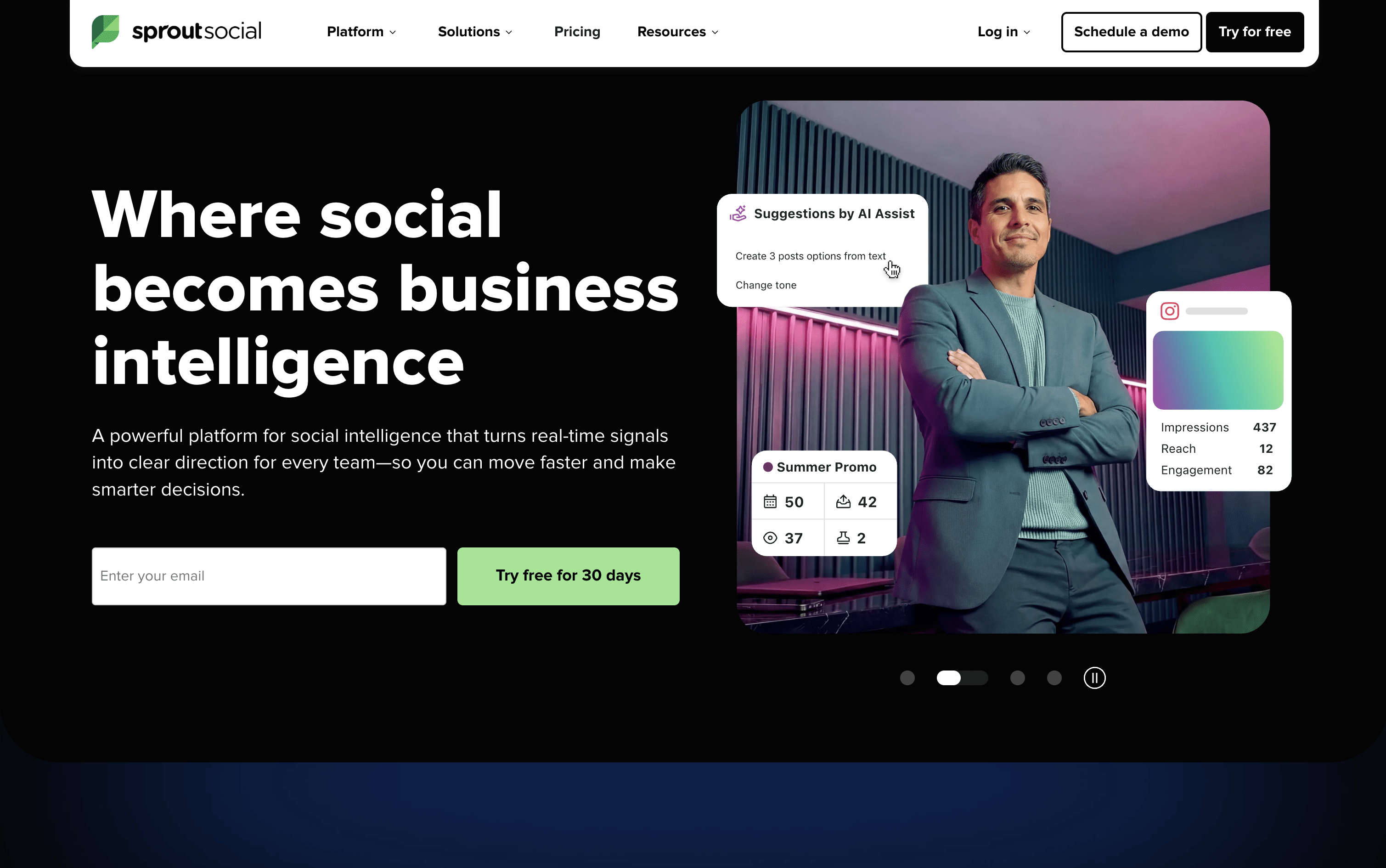
Sprout Social is a social media tool that lets you publish, engage, and analyze across all major platforms from one place. It supports Instagram, Facebook, X, LinkedIn, TikTok, Pinterest, YouTube, Threads, Bluesky, WhatsApp Business, and more.
The platform includes a Smart Inbox that pulls every message, comment, mention, and review into a single stream, so your team can respond without switching between apps. Detailed analytics show you which content is performing best and why, with reports you can share with clients or leadership.
Built-in AI tools help you write captions, suggest posting times, summarize conversations, and automate parts of your workflow. Sprout Social is designed for teams that want social media to deliver real results, not just publish and hope for the best.
Sprout Social Features
Unified Smart Inbox for all messages and reviews
Visual content calendar with drag-and-drop scheduling
ViralPost AI-powered optimal send times
Bulk scheduling via CSV upload (up to 350 posts)
Social listening and brand mention monitoring
Competitor analytics and performance benchmarking
Approval workflows for teams and external clients
AI caption writing and hashtag suggestions
Salesforce, HubSpot, and Zendesk integrations
iOS and Android mobile apps available
Sprout Social Pricing Plans
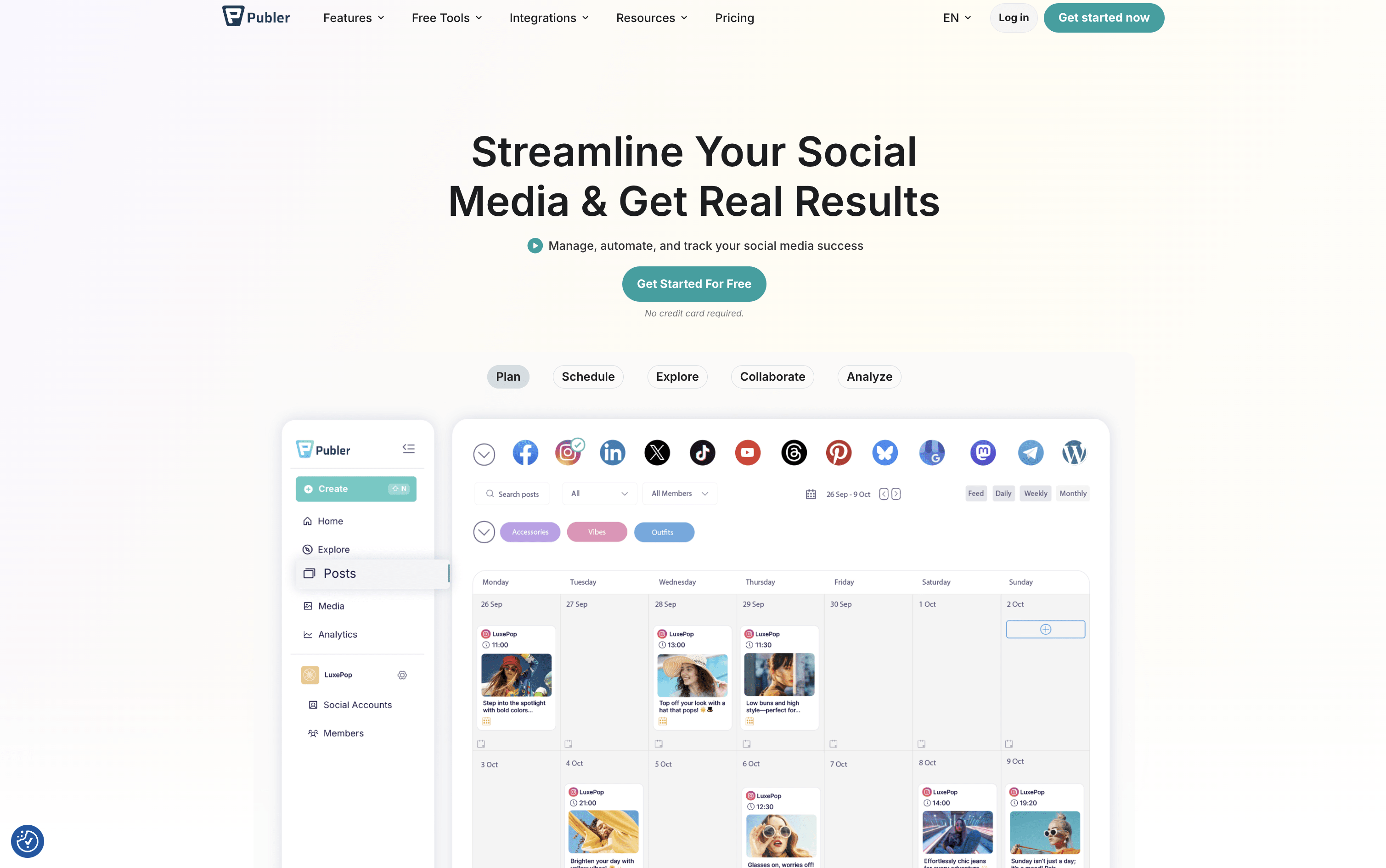
Publer is a complete social media scheduling and management tool that brings all your social accounts together in one place. You can create posts, add images or videos, write captions, and set them to go live at the right time across 13 supported platforms, including Instagram, Facebook, TikTok, LinkedIn, YouTube, Pinterest, Twitter/X, Threads, Bluesky, Mastodon, Telegram, Google Business Profile, and WordPress.
Beyond scheduling, Publer includes a built-in AI assistant that helps you write better captions, suggest hashtags, and even create images. It offers a visual calendar, bulk scheduling for up to 500 posts at once, content recycling to automatically reuse top posts, and a full analytics dashboard. Teams and agencies can collaborate using shared workspaces, role-based access, and approval workflows.
Publer Features
Schedule posts across 13 social media platforms
AI-powered caption and hashtag generation
Visual content calendar with drag-and-drop
Bulk scheduling up to 500 posts at once
Content recycling and evergreen automation
Team collaboration with approval workflows
Analytics, competitor tracking, and PDF reports
Canva, Google Drive, and Dropbox integration
Link in Bio tool for Instagram
Free plan with core scheduling features
Publer Pricing Plans

Later is an online social media scheduling tool that lets you plan, create, and publish content in advance. You can view all your upcoming posts in a visual calendar and see exactly how your Instagram grid will look before anything goes live. It supports scheduling to multiple platforms at once, keeping your content consistent and saving time.
Later also offers Auto Publish, which posts content automatically at the scheduled time without any extra steps. A built-in Link in Bio page turns your social profile into a clickable, shoppable landing page to drive traffic.
The platform includes post performance analytics, AI caption writing, hashtag suggestions, and team approval tools. Plans suit solo users, growing teams, and agencies of all sizes.
Later Features
Visual drag-and-drop content calendar
Instagram grid preview before publishing
Auto Publish across 8 social platforms
AI caption writer and ideas generator
Link in Bio page with click analytics
Best Time to Post for all platforms
Unlimited media storage for images and videos
Hashtag suggestions and saved caption templates
Team approval workflows and collaboration
Canva integration for fast scheduling workflow
Later Pricing Plans

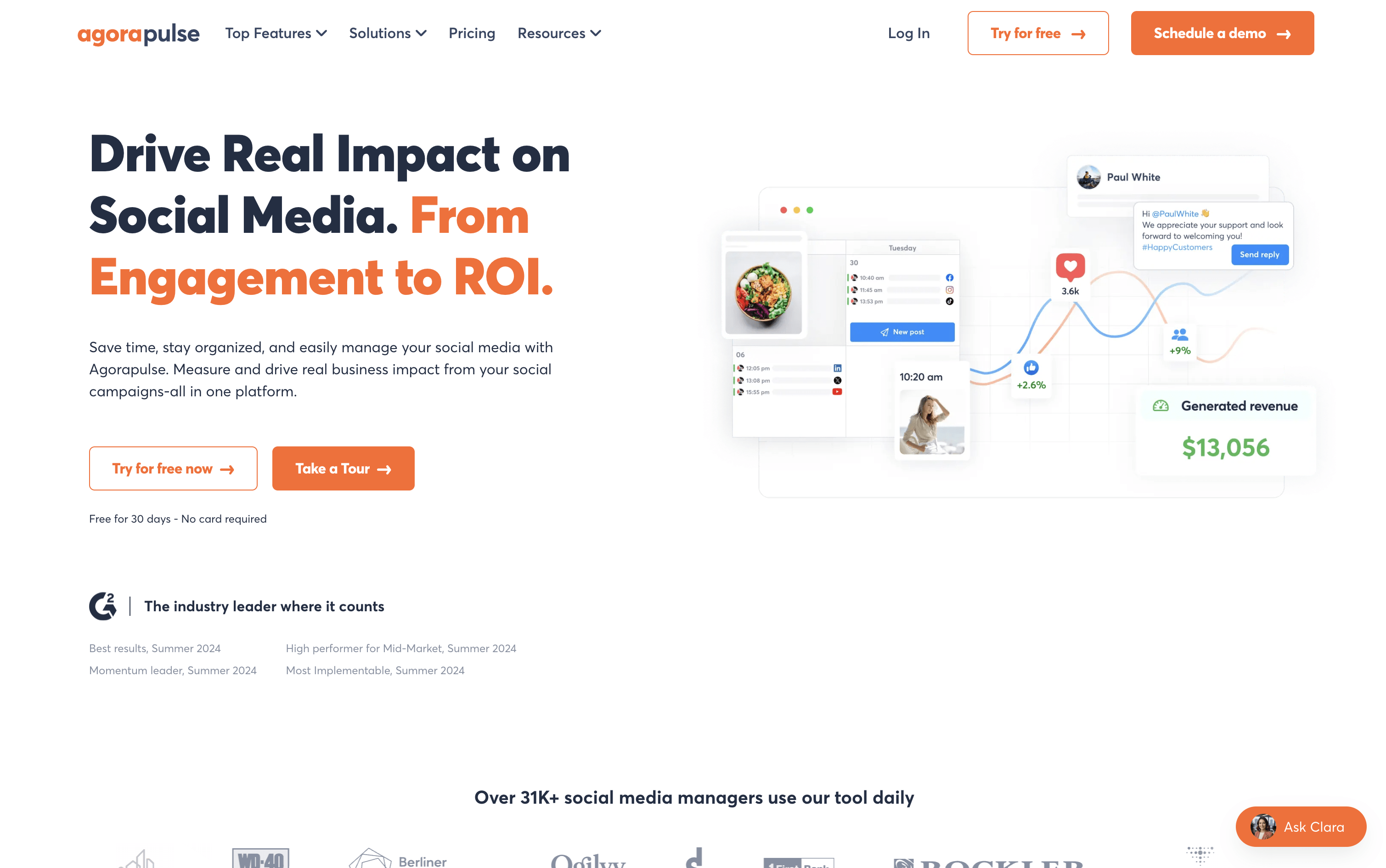
Agorapulse is a tool that lets individuals and teams manage all their social media from one dashboard. You can schedule posts, reply to comments and messages, listen to what people say about your brand, and see how well your content performs across platforms including Instagram, Facebook, LinkedIn, X, TikTok, YouTube, Pinterest, Threads, Bluesky, and Google Business Profile.
A key feature that sets Agorapulse apart is its Social ROI tracking. It connects with Google Analytics to show how social media posts bring visitors, leads, and sales to your website. Beyond that, it includes team tools like approval workflows, shared calendars, and task assignments, making it a strong choice for agencies and growing marketing teams.
Agorapulse Features
Schedule posts across 10+ social platforms
Unified inbox for all comments, DMs, and reviews
Social ROI tracking via Google Analytics
Brand and competitor listening with 24-month history
AI writing assistant and reply suggestions
Bulk scheduling via CSV upload
Approval workflows and shared content calendars
White-label and custom PDF/PowerPoint reports
Employee advocacy campaign management
Mobile app for iOS and Android
Agorapulse Pricing Plans

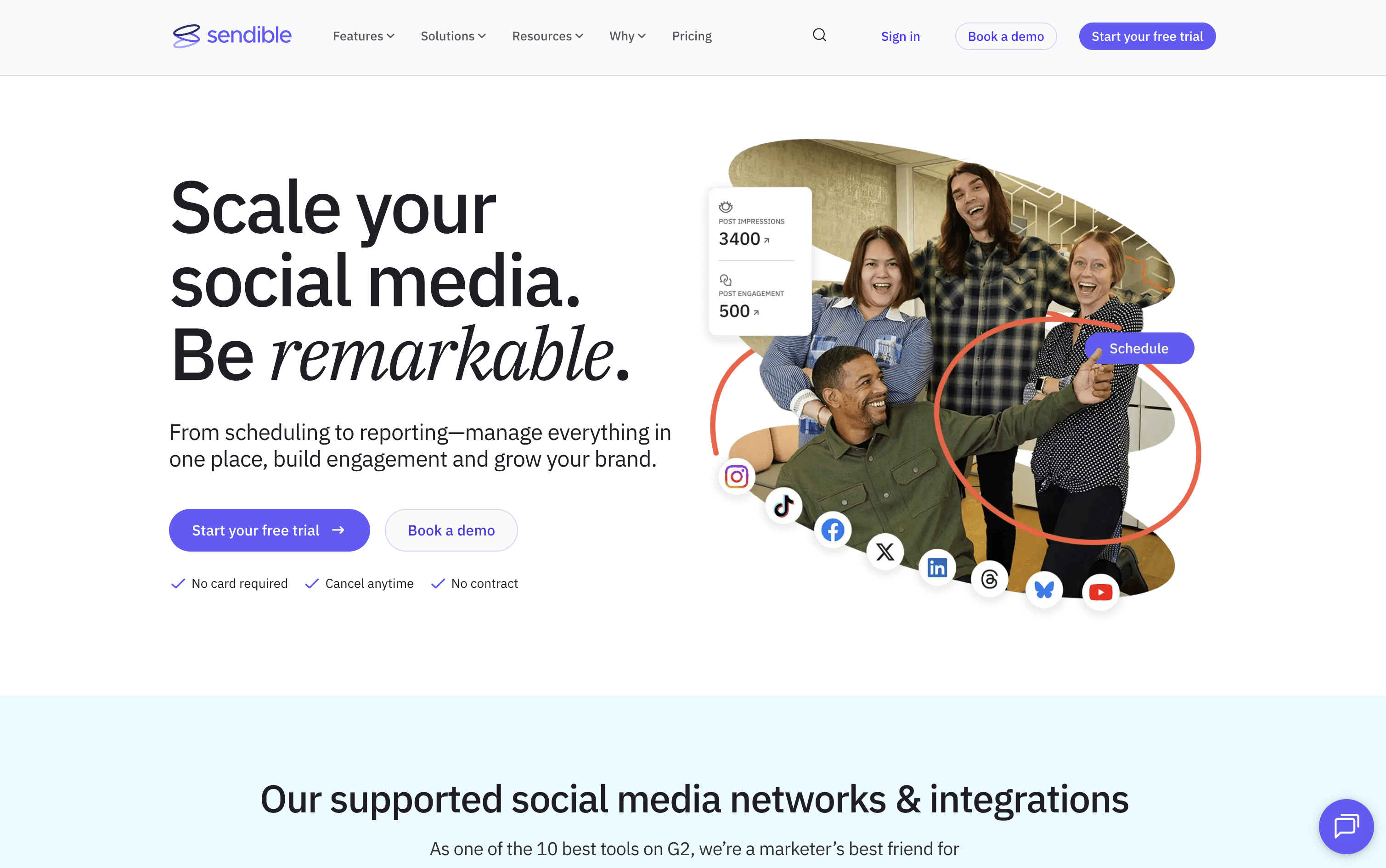
Sendible is a web-based platform that helps you manage all your social media from one dashboard. You can write posts, schedule them in bulk, and publish directly to Instagram, Facebook, X, LinkedIn, TikTok, YouTube, Google Business Profiles, Threads, and Bluesky, all from a single Compose Box.
It goes beyond basic scheduling with Smart Queues for recycling evergreen content automatically, a shared Content Library for teams, built-in AI to write and improve captions, and automated reports to show clients their results. Approval workflows, secure client onboarding without password sharing, and a white-label option make it a strong all-in-one choice for agencies managing many clients at once.
Sendible Features
Schedule posts across 9+ social networks
Bulk upload with CSV importer
Smart Queues for evergreen content recycling
AI caption generation and content improvement
Approval workflows for teams and clients
Priority Inbox for unified comment and message management
Custom, automated PDF reports with Google Analytics
Shared content and hashtag library
Canva, Google Drive, and Dropbox integration
White label option for agencies
Sendible Pricing Plans

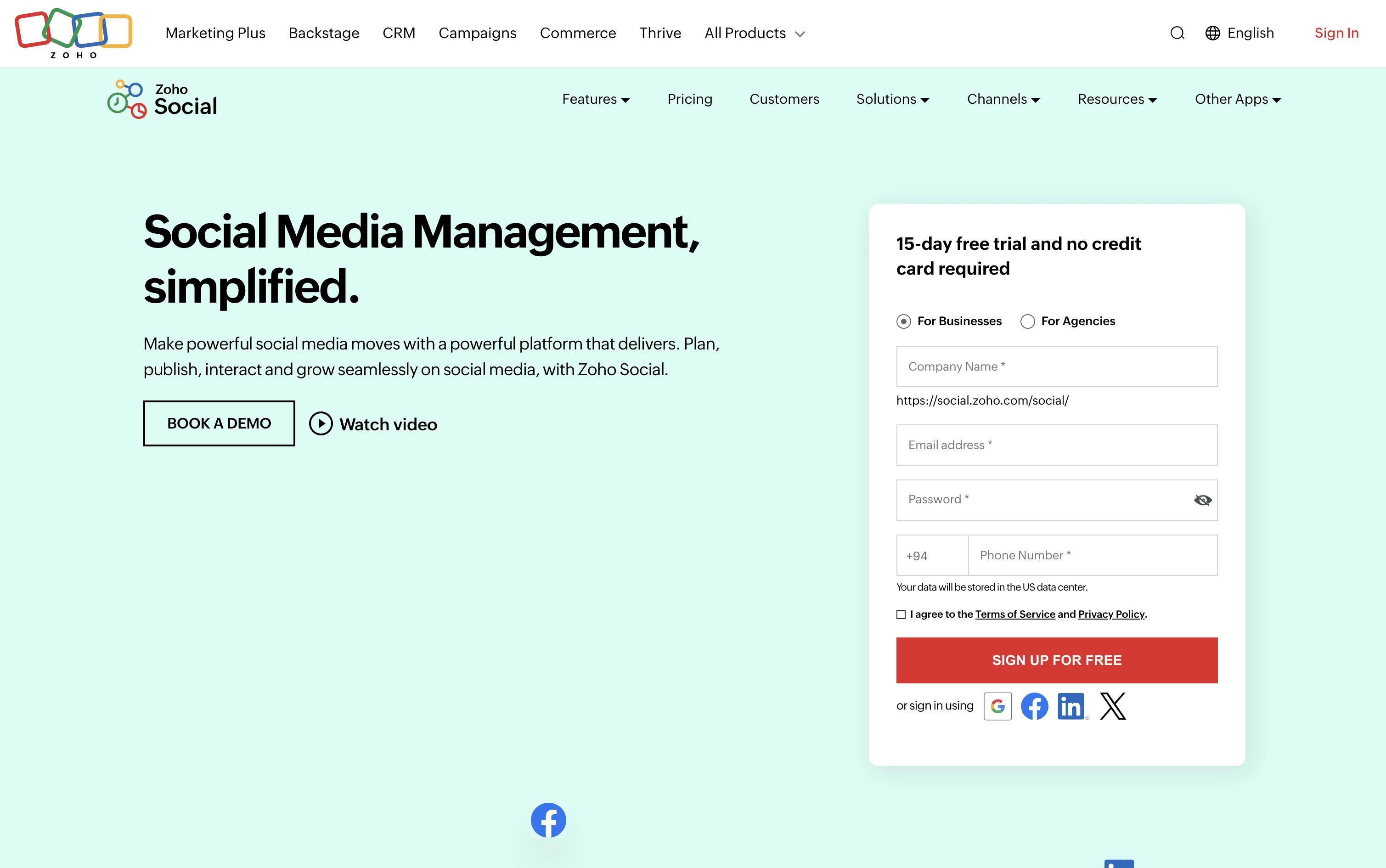
Zoho Social is a social media management tool that brings all your social accounts together under one roof. You can connect platforms like Instagram, Facebook, LinkedIn, TikTok, YouTube, Pinterest, Threads, Bluesky, Mastodon, and more, and handle everything from a single dashboard.
It includes a visual publishing calendar, a unified inbox for all messages and comments, a monitoring panel to follow brand mentions and keywords, and detailed analytics for every post and channel. The built-in AI assistant, Zia, helps you write captions, suggest hashtags, and draft replies faster.
Teams can set up approval steps before publishing, assign incoming messages to specific members, and work together in a shared space. Agencies can manage multiple client brands from one account with custom reports and dedicated client portals.
Zoho Social Features
Schedule posts across 13+ social platforms
SmartQ best time to post recommendations
Visual publishing calendar with drag-and-drop
Unified inbox for all messages and comments
Real-time brand and keyword monitoring
Custom analytics reports and data export
Zia AI for captions and hashtag ideas
Bulk scheduling via spreadsheet upload
Approval workflows and team collaboration
Zoho CRM and Desk integration
Zoho Social Pricing Plans

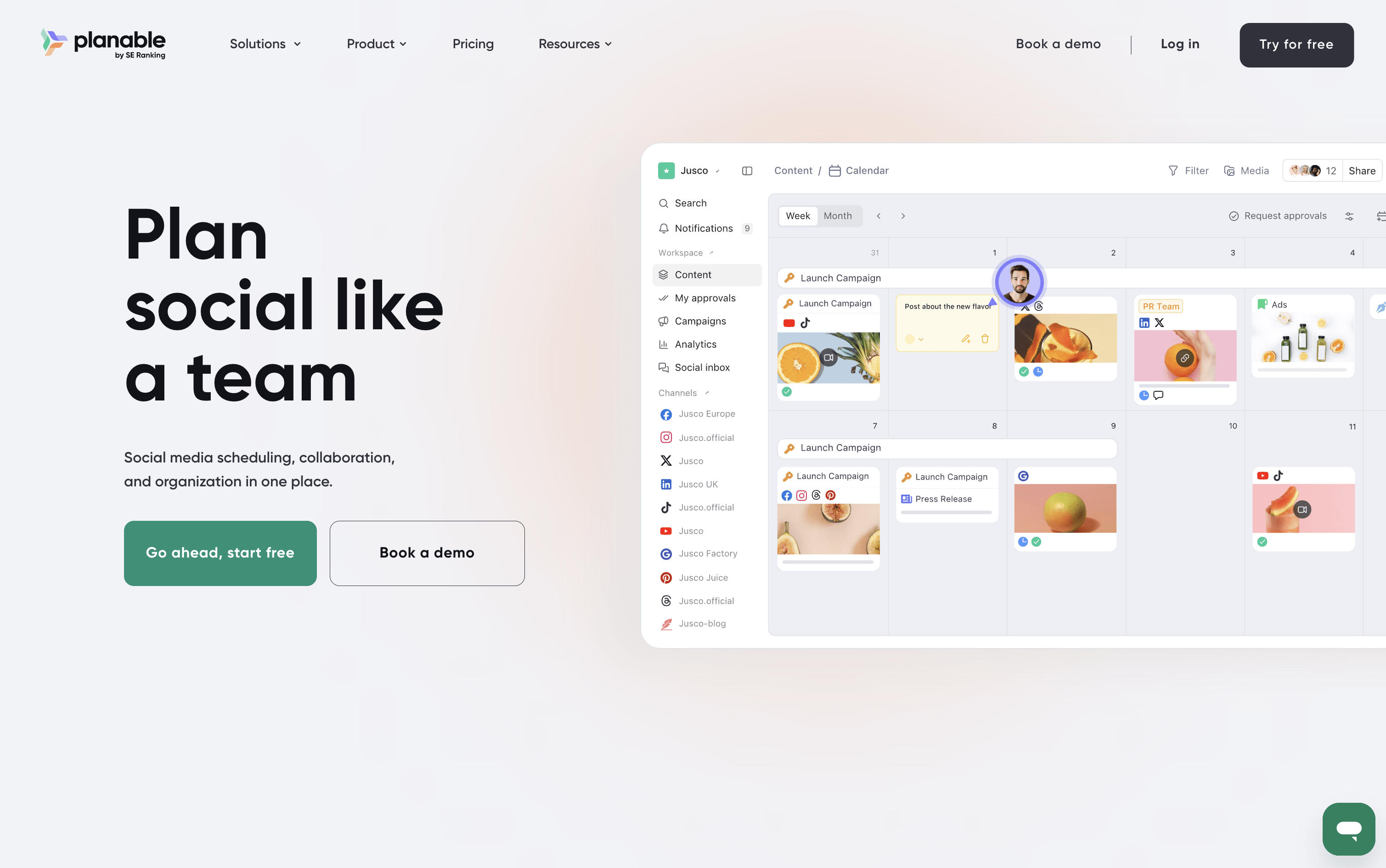
Planable is a social media management tool that handles the full content workflow in one place. You can create posts, plan them visually on a calendar, collect feedback from teammates and clients, send posts through approval steps, and publish to nine platforms: Instagram, Facebook, X, LinkedIn, TikTok, Pinterest, YouTube, Threads, and Google Business Profile.
It also includes a unified inbox for managing comments and messages, an analytics section to track how posts perform, and custom reports for sharing results with clients. A Universal Content feature lets you manage other materials like blogs and newsletters using the same review process.
Planable is best suited for teams and agencies where approvals and collaboration are central to the work.
Planable Features
Visual calendar with drag-and-drop planning
Step-by-step approval workflows for teams and clients
AI caption, hashtag, and reply generation
Unified inbox for comments and messages
Custom analytics reports in PDF or CSV
Instagram Grid view planner
Multi-workspace management for brands and clients
Canva and Zapier integration
Mobile app for approvals and scheduling
Supports 9 social platforms
Planable Pricing Plans

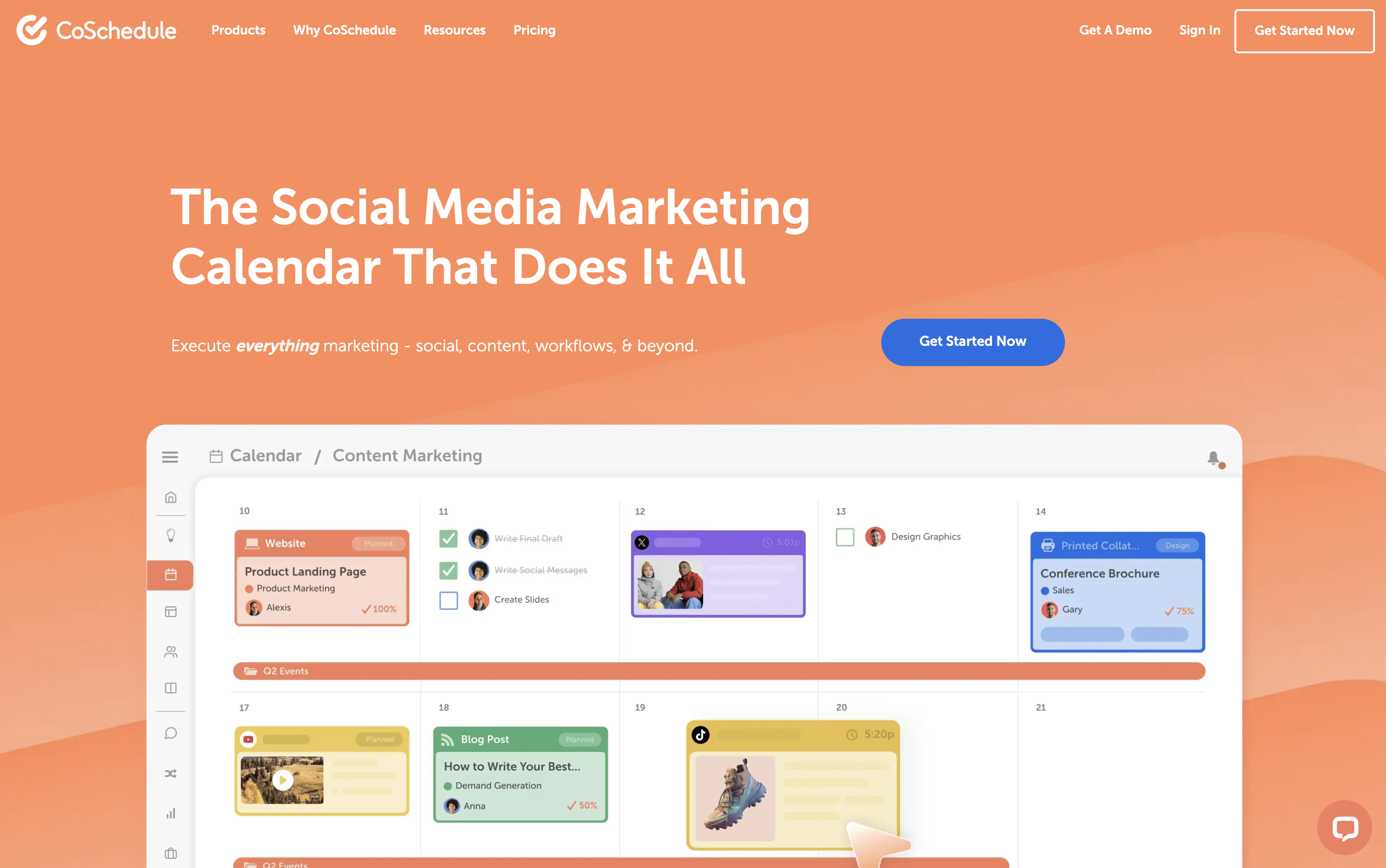
CoSchedule is a marketing calendar tool that acts as a central hub for all marketing work. You can plan, create, schedule, and publish social media posts, blog content, email campaigns, and team projects from one unified dashboard. The drag-and-drop calendar shows everything in one clear view, past, present, and future. It supports over ten major social networks, including Instagram, Facebook, LinkedIn, TikTok, Pinterest, YouTube, and Bluesky. A feature called ReQueue automatically re-shares your best content to keep your posting schedule full without extra effort. The built-in AI assistant, Hire Mia, helps with writing captions, drafting blog posts, and building full campaigns. Approval workflows and team management tools make it easy for larger teams and agencies to stay coordinated.
CoSchedule Features
Drag-and-drop marketing calendar
Social scheduling for 11+ platforms
ReQueue evergreen content recycling
AI writing assistant (Hire Mia)
Team collaboration and approval workflows
Kanban boards and task management
WordPress deep integration
Google Analytics and UTM tracking
Digital asset management
Bulk scheduling and templates
Social inbox management
White-label client calendars
AI image generation
CoSchedule Pricing Plans

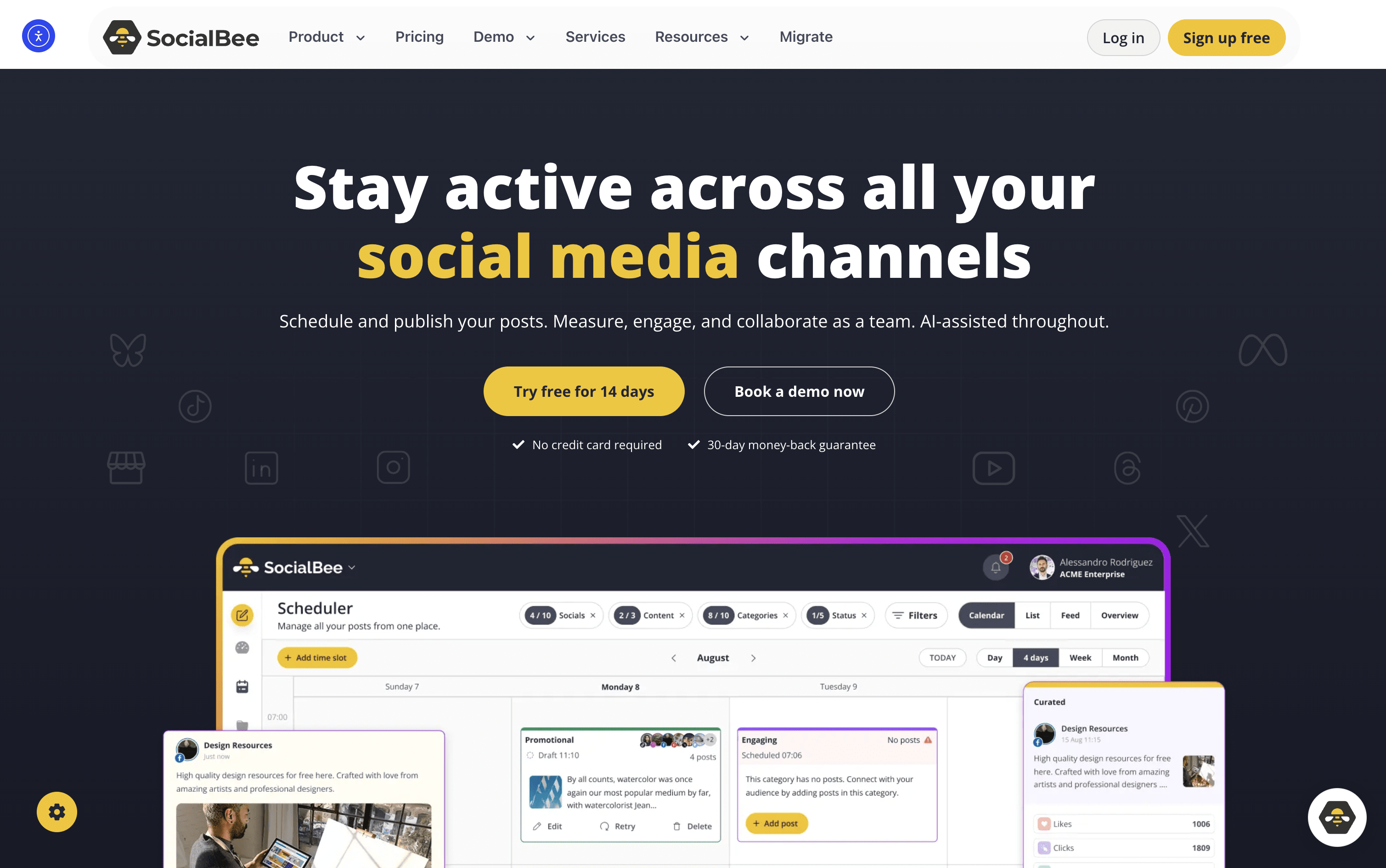
SocialBee is an all-in-one social media tool that lets you create, plan, schedule, and publish content across ten platforms, including Instagram, Facebook, LinkedIn, TikTok, YouTube, Pinterest, X, Threads, Bluesky, and Google Business Profile.
At its core is a category-based queue system. You sort posts into topic folders like Tips, Promotions, or Blog Shares, assign a recurring schedule, and SocialBee publishes them in rotation automatically. This keeps your content mix balanced without daily effort.
It also includes an AI assistant for generating captions, images, and complete content strategies. Additional tools include a visual content calendar, a shared inbox for replies, detailed analytics, team collaboration, approval workflows, and PDF report exports. It suits solo users and large agencies alike.
SocialBee Features
Schedule posts across 10 social platforms
Category-based content queues and auto-rotation
AI Copilot for strategy and captions
Evergreen content recycling with variations
Instagram Grid preview
Unified inbox for comments and DMs
Canva, Unsplash, and GIPHY integration
RSS auto-posting and bulk post editor
Team approval workflows and internal notes
PDF analytics reports and UTM tracking
14-day free trial available
SocialBee Pricing Plans

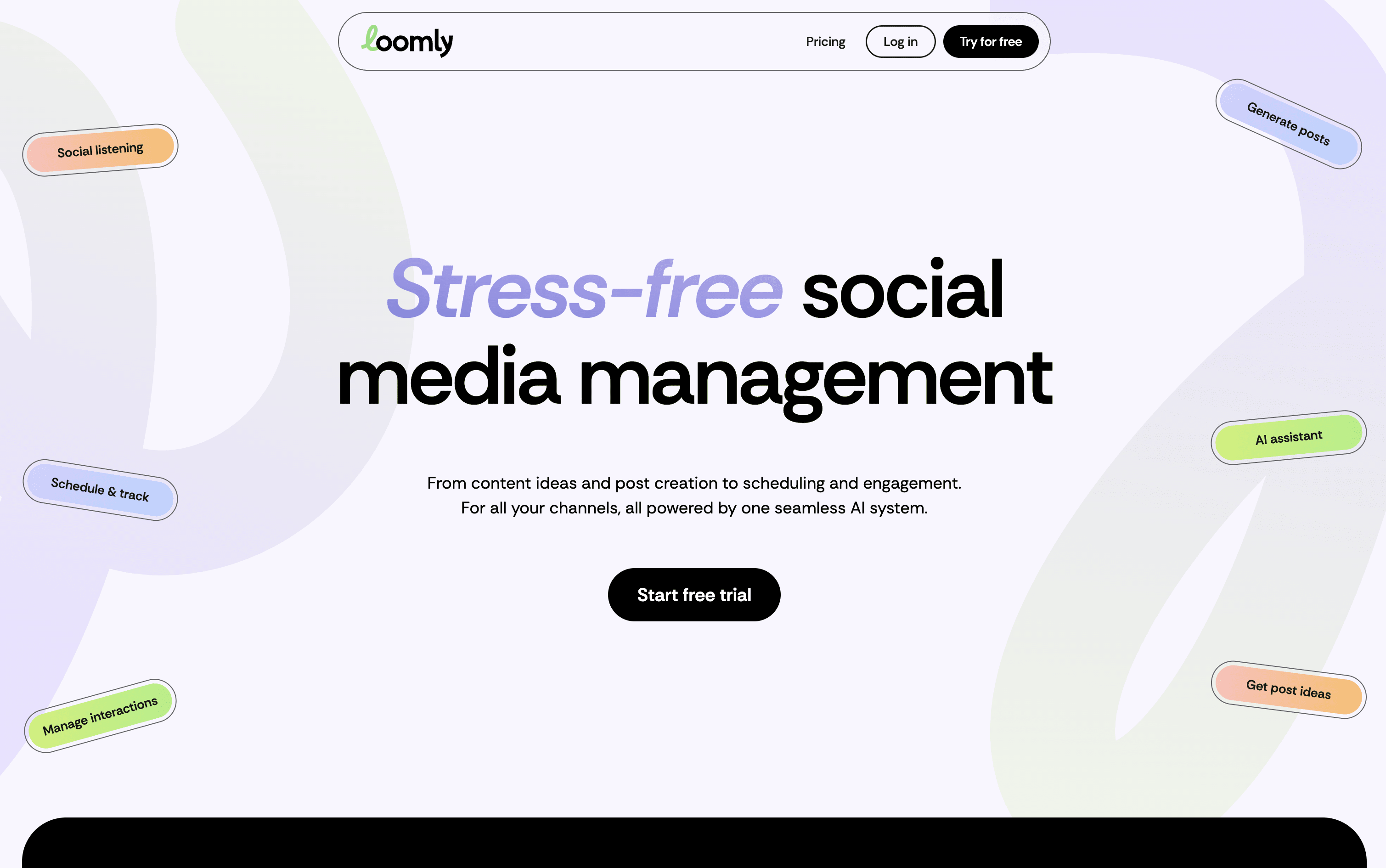
Loomly is a platform that brings all your social media work into one organized space. At its core is a visual calendar showing every post you have planned or already published, making it easy to spot content gaps and plan ahead. You write posts once and customize them for each platform, with realistic previews showing exactly how they will look before going live.
Built-in AI tools help you write captions, generate content ideas, suggest the best posting times, and highlight what is working in your analytics. Loomly also includes team collaboration features with approval stages, a central media library, and a shared inbox for managing comments and messages from all platforms in one place.
Loomly Features
Visual drag-and-drop content calendar with labels
Multi-platform scheduling and auto-publishing
AI caption and post idea generation
Per-platform post preview before publishing
Team approval workflows and role-based access
Centralized engagement inbox for all platforms
Advanced analytics and exportable client reports
Media library with built-in image editor
Hashtag manager with AI-powered suggestions
Canva, Google Drive, and Zapier integrations
Loomly Pricing Plans

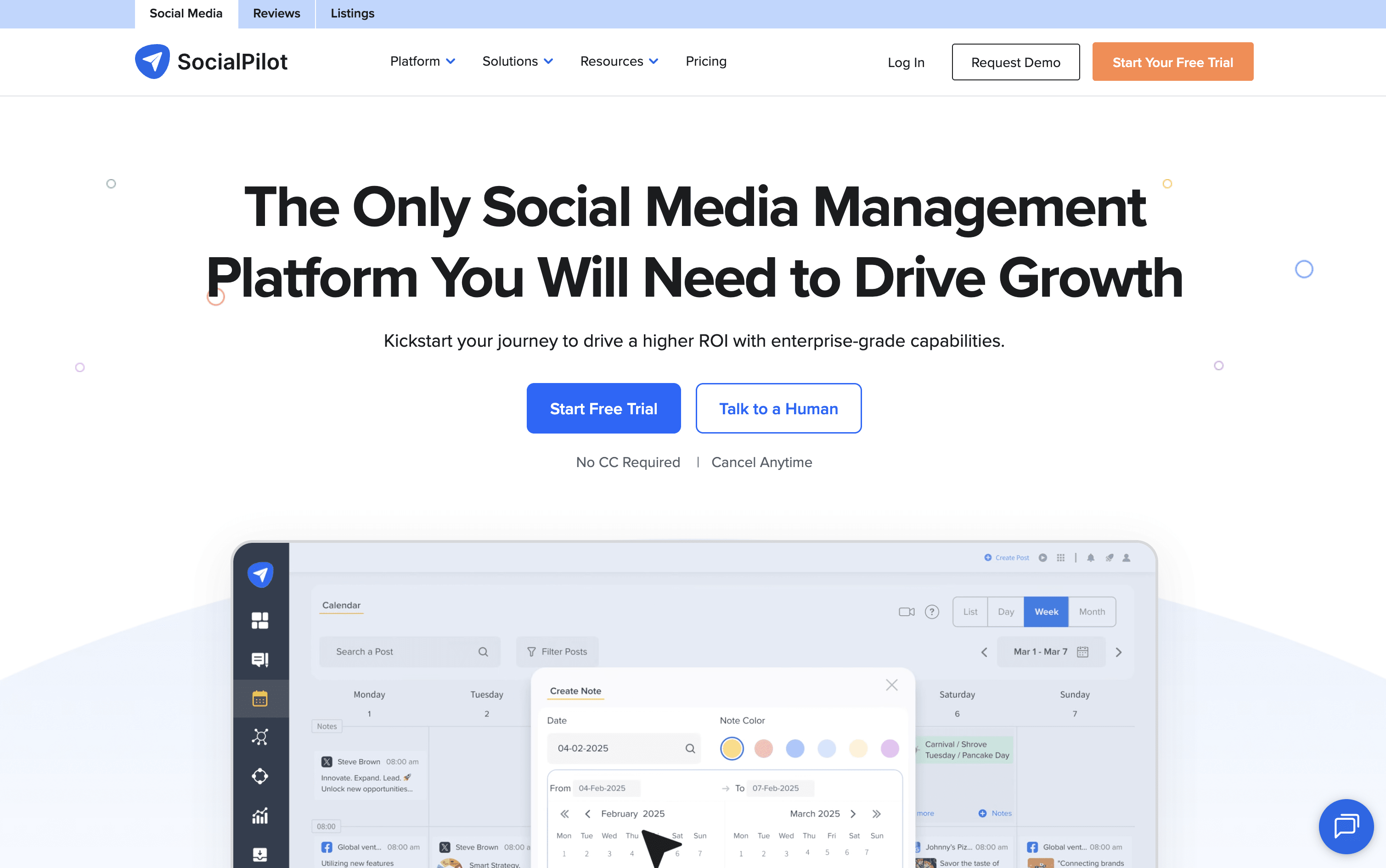
SocialPilot is a complete social media management platform that combines scheduling, content planning, team collaboration, and analytics into one easy dashboard. You can connect accounts from Instagram, Facebook, TikTok, LinkedIn, YouTube, Pinterest, Threads, Bluesky, X, and Google Business Profile all in one place.
It lets you schedule posts one at a time or in bulk using a CSV file. The AI assistant called AI Pilot helps write captions, suggest hashtags, and create content in over 10 languages. A drag-and-drop content calendar makes it easy to plan weeks of posts at once.
Agencies can use white-label reports, client approval workflows, and a review management system for Google and Facebook. The platform is easy to use with no complicated setup needed.
SocialPilot Features
Schedule posts across 10+ social platforms
AI-generated captions and hashtag suggestions
Bulk schedule up to 500 posts via CSV upload
Drag-and-drop content calendar with filtering
Unified inbox for comments, DMs, and mentions
White-label branded reports for agencies
Client review and approval workflows
Advanced analytics with PDF export
Google and Facebook review management
Canva, Zapier, and Google Drive integrations
SocialPilot Pricing Plans

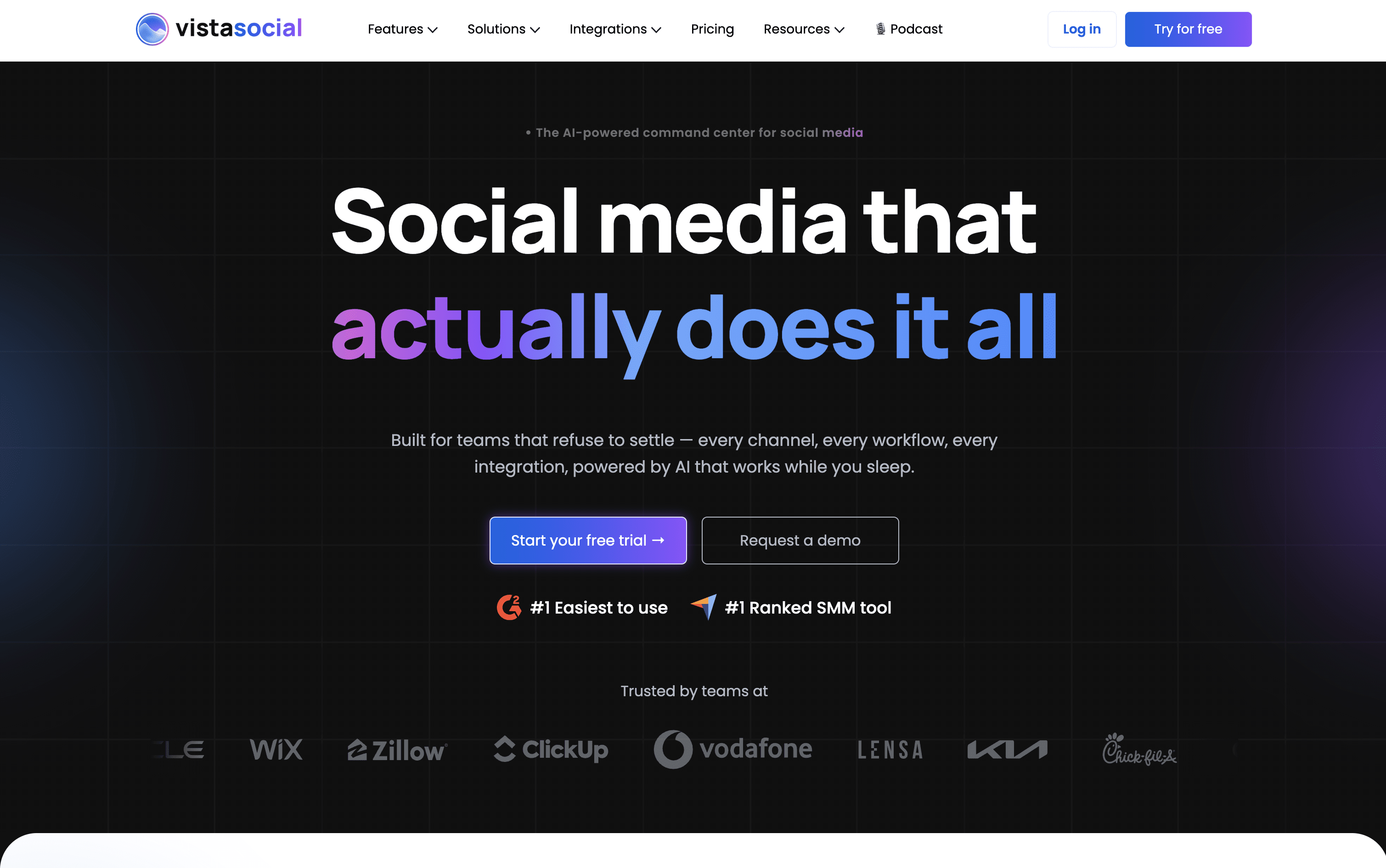
Vista Social is a social media management platform that lets you handle all your social accounts from one single dashboard. You can plan and schedule posts, reply to comments and messages, monitor reviews, track performance, and create content using built-in AI, without switching between different apps.
It works with over 13 platforms including Facebook, Instagram, TikTok, LinkedIn, YouTube, Pinterest, Threads, Bluesky, Snapchat, Reddit, and Google Business Profile. The platform includes AI tools to generate captions, images, and short videos. Teams benefit from shared calendars, approval workflows, and role-based permissions, while agencies can use white-label reports and manage multiple client accounts easily.
Vista Social is built to keep all your social media work in one organized, simple place.
Vista Social Features
Schedule posts on 13+ social networks
AI caption, image, and video creation
Unified inbox for all messages and comments
Review monitoring and management
White-label PDF reports for agencies
Multi-step approval workflows and permissions
Social listening and brand monitoring
Employee advocacy tools
Vista Page link-in-bio builder
Bulk scheduling and RSS feed posting
Vista Social Pricing Plans

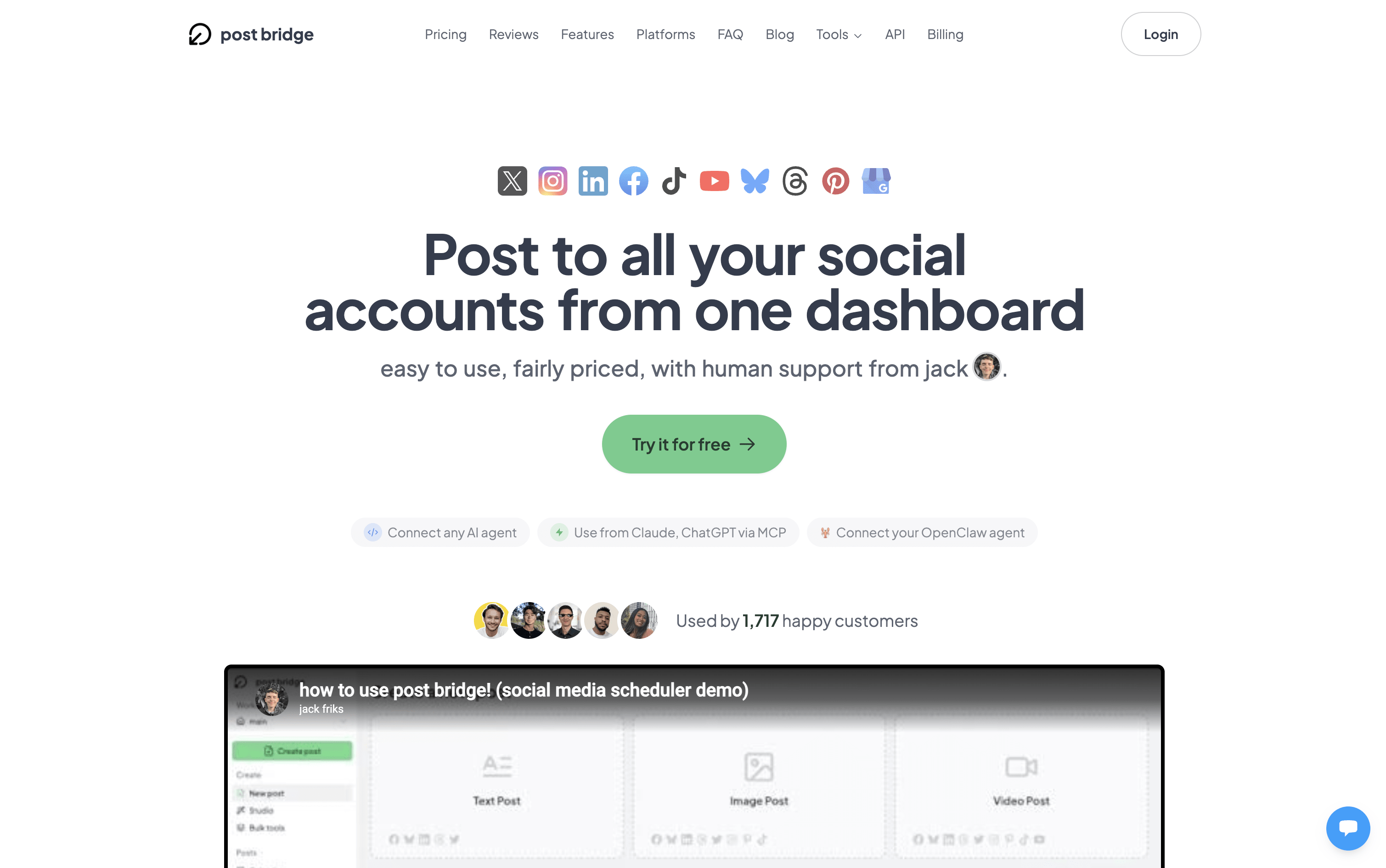
Post Bridge is a social media scheduling and cross-posting tool that lets you upload content once and send it to multiple platforms at the same time. You can write different captions, use different hashtags, and even attach different media for each platform, all from a single clean dashboard.
It supports ten major platforms including Instagram, TikTok, YouTube, LinkedIn, Facebook, Bluesky, Threads, Pinterest, X, and Google Business Profile. It handles text posts, images, videos, carousels, Reels, Shorts, and Stories depending on the platform.
It also includes a Content Studio for video creation and editing, basic post analytics to track performance, and a developer API with AI assistant support for automated posting workflows.
Post Bridge Features
Cross-post to 10+ platforms in one click
Per-platform caption and media customization
Bulk video scheduling with CSV upload
Content Studio with viral video templates
Carousel, Reels, Shorts, and Stories support
Basic post analytics per platform
Developer API and AI assistant integration
Free tools: grid maker, caption generator, tag generator
Multiple accounts per platform supported
Team member access on Pro plan
Post Bridge Pricing Plans

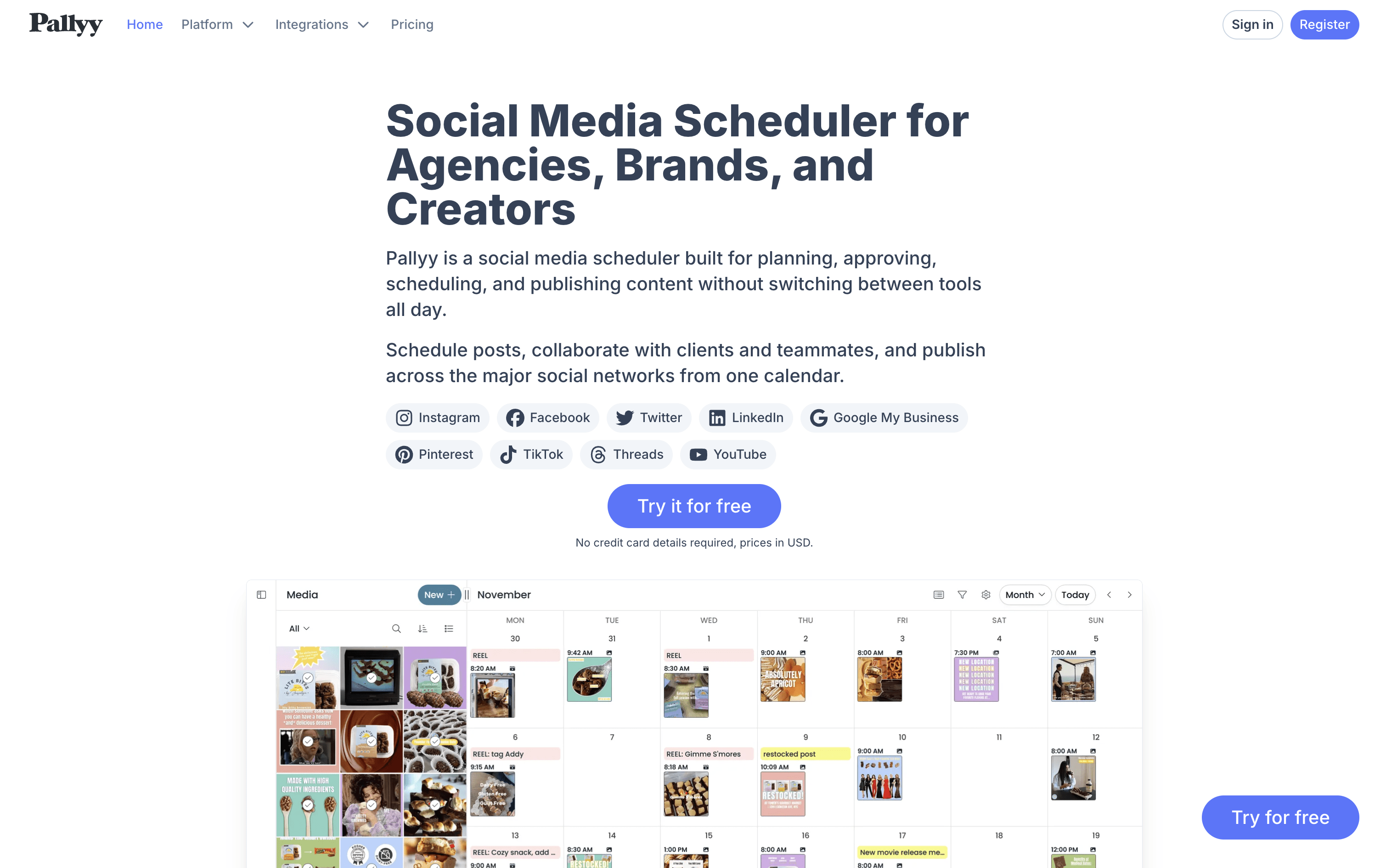
Pallyy is a social media scheduling and management tool that covers the full workflow, from creating and planning posts to getting approvals and checking results. It works across major platforms including Instagram, Facebook, TikTok, LinkedIn, Pinterest, YouTube, Threads, and Google Business.
The core of Pallyy is its Social Sets, separate workspaces for each brand, client, or location. Each set connects your accounts, stores media, and handles scheduling independently. You get a visual content calendar with drag-and-drop, an Instagram grid planner to preview your feed, a unified inbox for all messages and comments, built-in analytics, and a link in bio tool. Clients can review and approve content for free without needing a paid seat.
Pallyy Features
Schedule posts across Instagram, TikTok, LinkedIn, Facebook, Pinterest, YouTube, and more
Visual Instagram grid planner for feed preview
Drag-and-drop visual content calendar
AI caption and alt text generator
Unified social inbox for messages and comments
Free client approvals via shared calendar
Advanced analytics with PDF export reports
Link in bio tool for multiple links
Auto-publishing with queue management
Up to 50GB media storage
Pallyy Pricing Plans

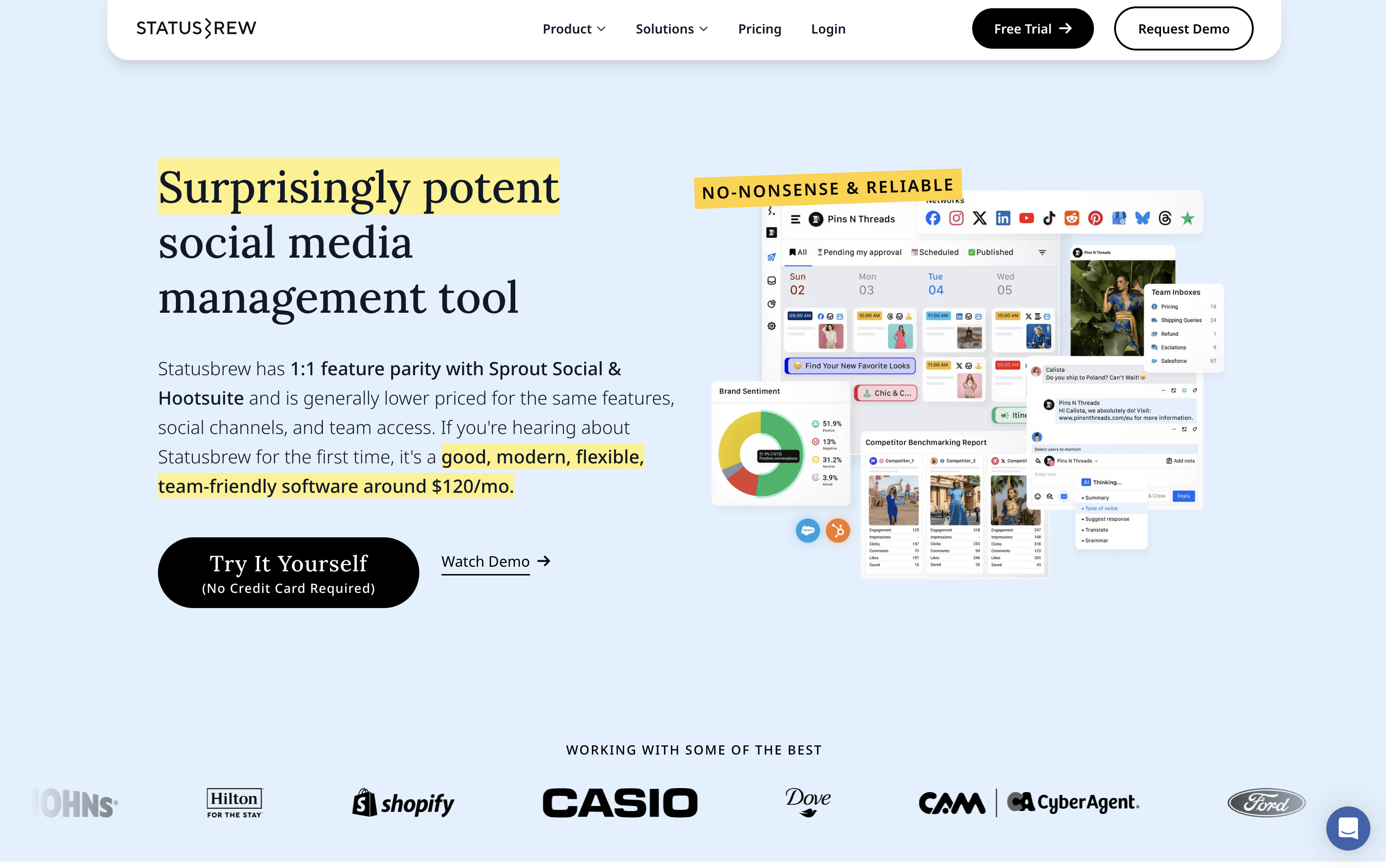
Statusbrew is a social media management tool that covers the complete process of managing your online presence, from scheduling posts to handling replies and measuring results. It connects to more than 20 platforms, including Facebook, Instagram, X, LinkedIn, TikTok, YouTube, Pinterest, Threads, Bluesky, Google Business Profile, Reddit, and WhatsApp Business.
Teams can plan content using a visual calendar, manage approval workflows with clients or teammates, and handle all comments, messages, and reviews from a single inbox. AI tools help write captions, analyze message tone, and suggest the best times to post. A 14-day free trial is available with no credit card required.
Statusbrew Features
Schedule posts across 20+ social platforms
Visual calendar with drag-and-drop content planning
Unified inbox for comments, DMs, and reviews
AI caption writing and hashtag suggestions
Rule-based automation for comment moderation
Approval workflows for teams and clients
230+ analytics metrics and competitor benchmarking
Bulk scheduling via CSV upload
BrewLink in bio tool for Instagram
Mobile app for iOS and Android
Statusbrew Pricing Plans

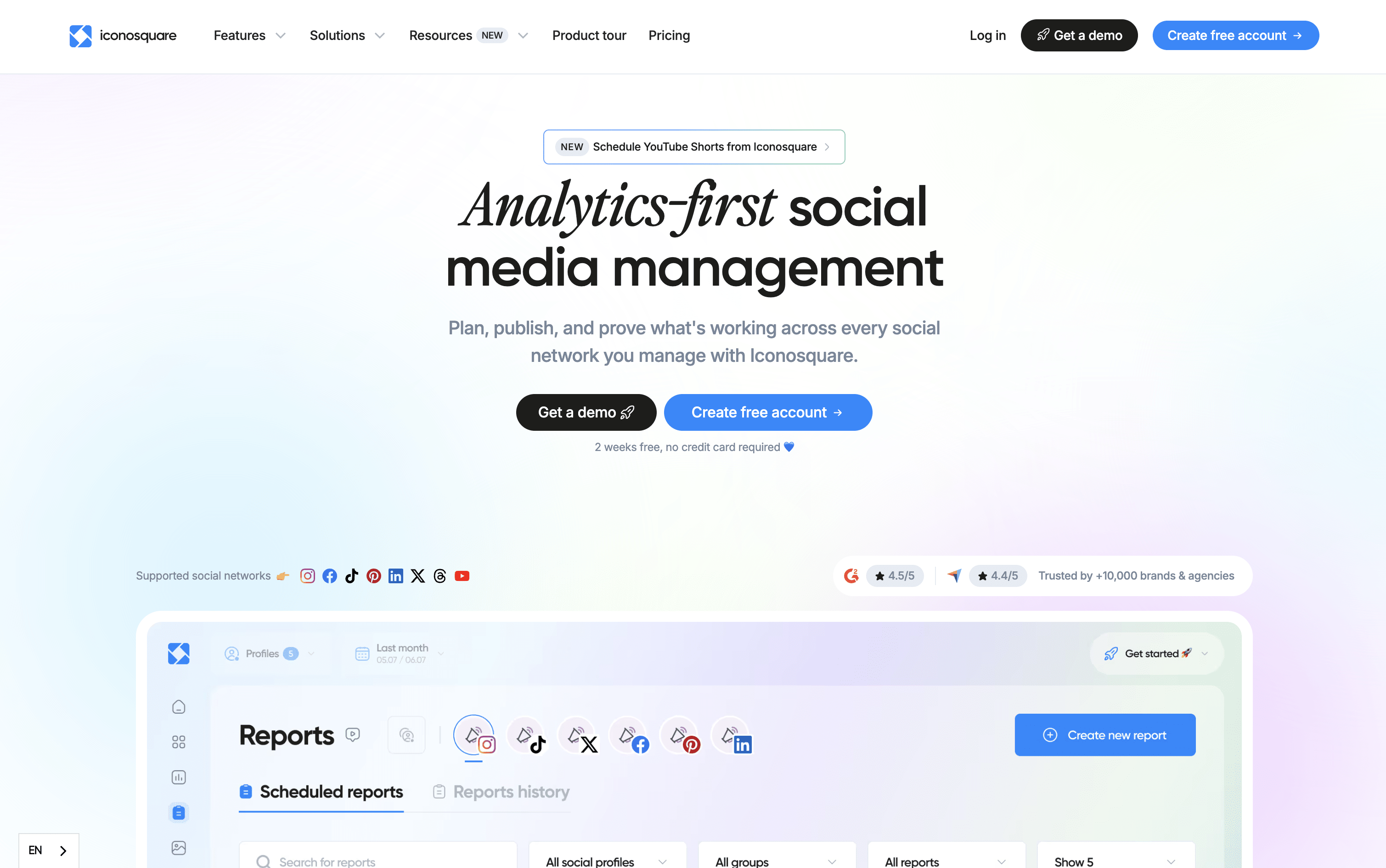
Iconosquare is an all-in-one social media management platform built around powerful analytics. It lets you schedule and publish content across eight platforms, track over 100 performance metrics, monitor competitors, and manage team workflows from one dashboard.
Unlike tools that focus only on posting, Iconosquare goes deeper with custom dashboards, automated reports, hashtag tracking, and a unified inbox for comments and messages. It also includes AI tools to help generate captions, suggest hashtags, and plan content ideas.
It suits small businesses, marketing agencies, multi-location brands, and enterprise teams. Plans start with a free option, and all paid plans come with a full 14-day free trial before you commit.
Iconosquare Features
Schedule posts across 8 social platforms
100+ real-time analytics metrics and custom dashboards
AI caption, hashtag, and content idea generation
Competitor tracking and performance benchmarking
Unified inbox for comments, DMs, and mentions
Hashtag and brand monitoring
Automated PDF and white-label reporting
Team collaboration with approval workflows
Visual content calendar with best-time suggestions
Mobile app for iOS and Android
Iconosquare Pricing Plans
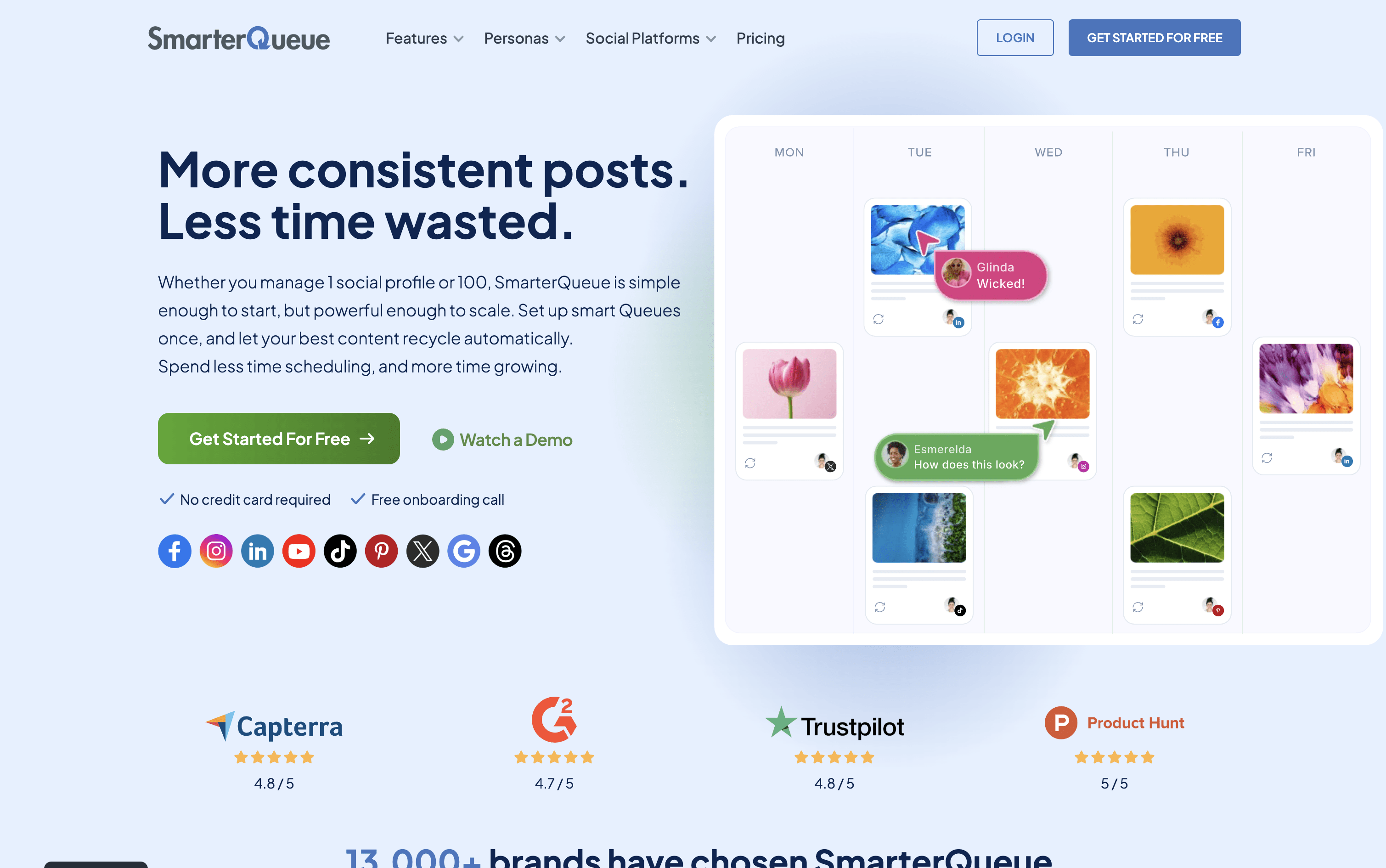
SmarterQueue is a social media scheduling platform that runs on a category-based system. You group your posts into content types such as tips, promotions, or quotes, then set a weekly posting plan. The tool automatically pulls posts from each category and publishes them at the right times.
Its key feature is evergreen recycling. When a post finishes its first publishing cycle, it returns to the queue and gets reshared again later. You can add variations to each post so the same content looks different each time it is published.
The platform connects to nine networks, Instagram, Facebook, TikTok, LinkedIn, X, Pinterest, YouTube, Threads, and Google Business Profile and is used by solo creators, businesses, and agencies.
SmarterQueue Features
Category-based posting plan with full automation
Evergreen recycling with post variations for freshness
Instagram grid visual planner
AI caption writer and variation generator
RSS feeds, CSV import, and Chrome extension
Supports 9 social platforms
Post analytics with best time insights
Team workspaces with roles and approval comments
Media library with Canva, Unsplash, Pixabay
Per-profile customization and post preview
SmarterQueue Pricing Plans

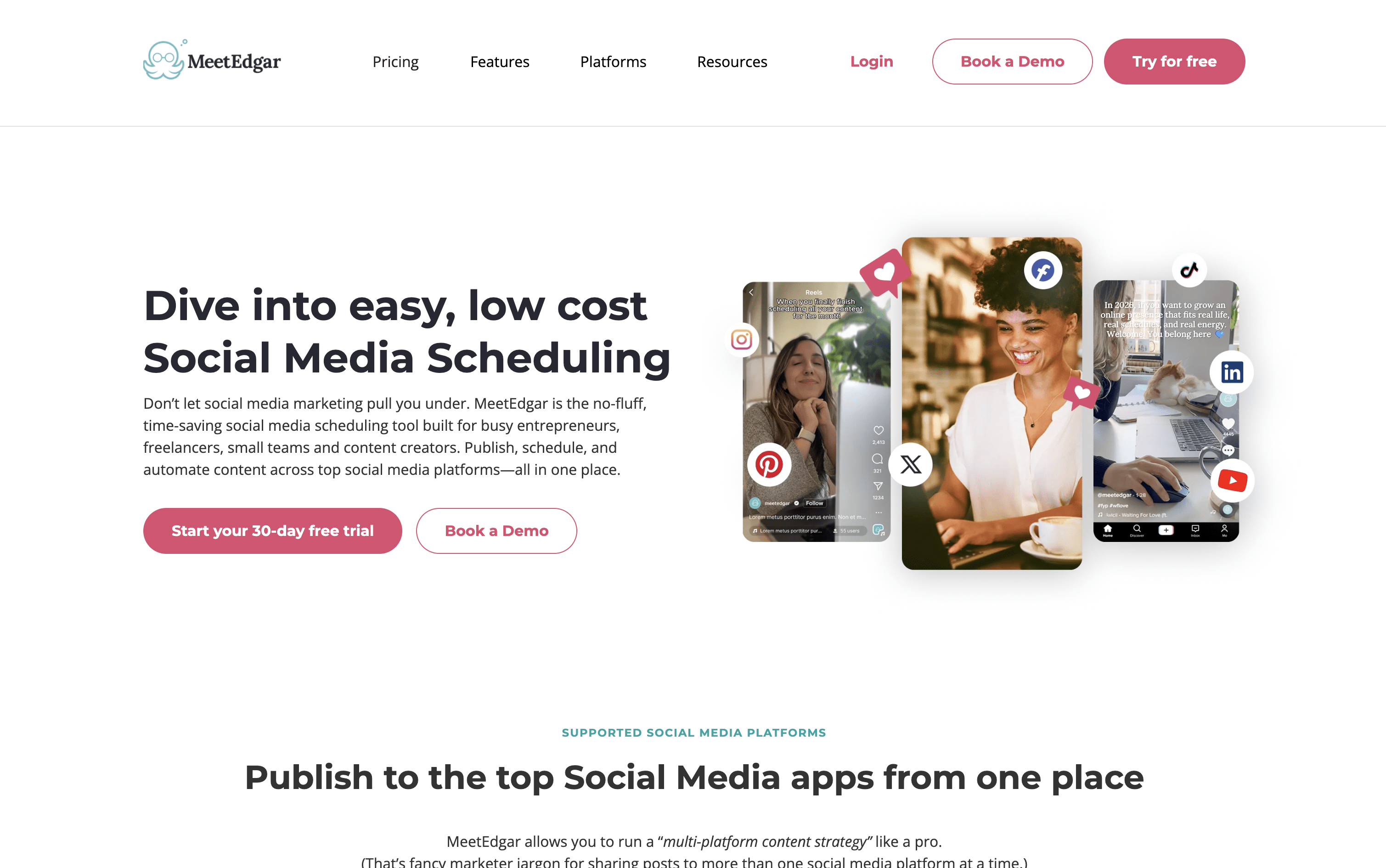
MeetEdgar is a scheduling tool that goes beyond just posting at set times. It organizes your content into themed categories, such as tips, quotes, or promotions, and uses those categories to automatically fill your publishing schedule. When a post goes live, it returns to the library and can be shared again later, so your best content keeps working long after it was first created.
It also includes an AI tool called Inky that helps you write captions, generate post ideas, and create multiple versions of one post. You can import posts in bulk using a spreadsheet, connect your blog via RSS to automatically add new articles, and manage all your accounts from one simple dashboard.
MeetEdgar Features
Limitless content library with evergreen recycling
AI captions and post variations via Inky
Bulk CSV import for mass content uploads
RSS feed auto-import from blogs
Recurring automated posting schedules
Multi-platform publishing across 10 platforms
Content categories for balanced scheduling
Real-time analytics and engagement tracking
Canva and Zapier integrations
iOS app for mobile monitoring
MeetEdgar Pricing Plans

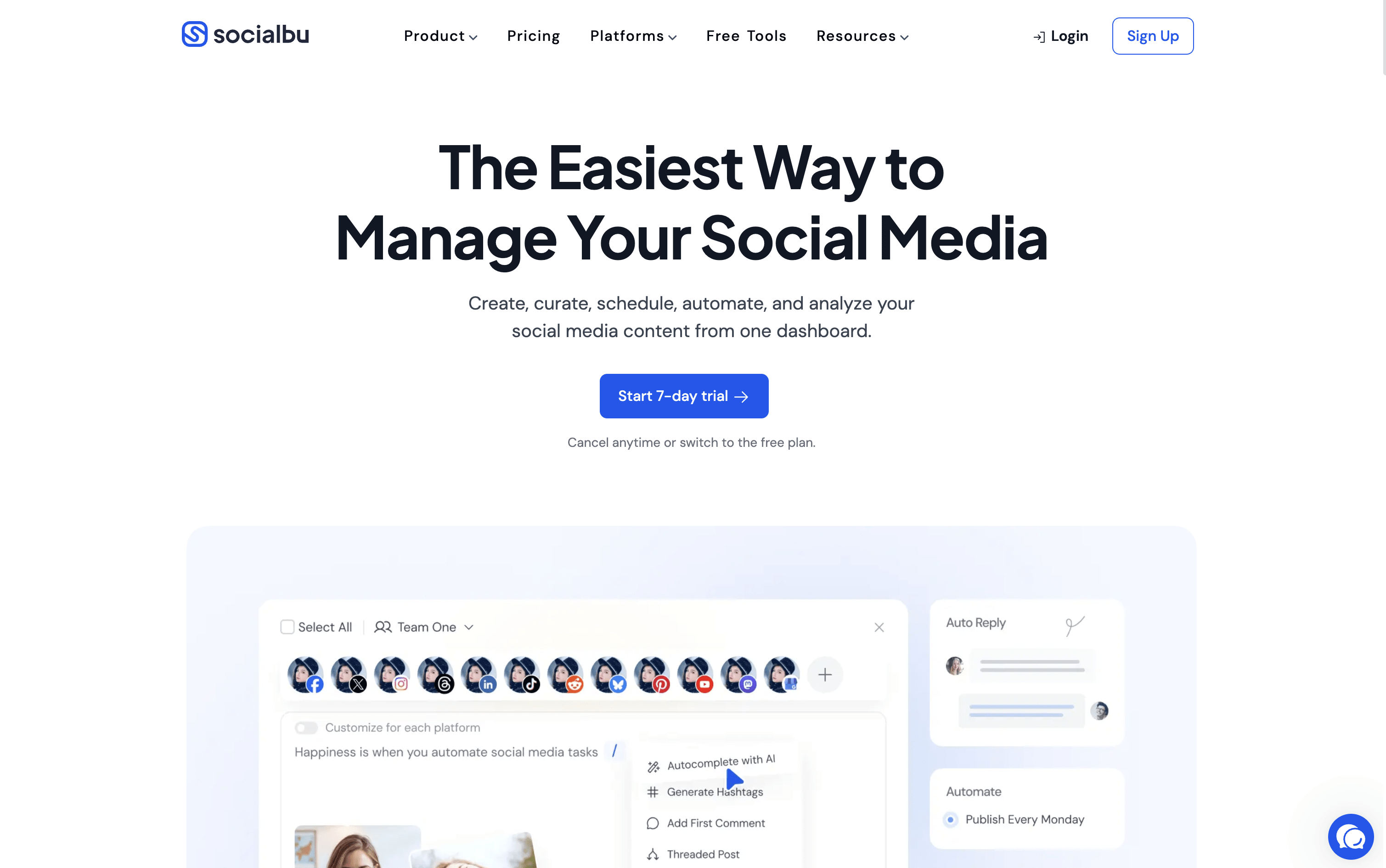
SocialBu is a social media management tool that lets you schedule, publish, and automate posts across 12 platforms, including Instagram, Facebook, X, LinkedIn, TikTok, YouTube, Pinterest, Reddit, Threads, Bluesky, Mastodon, and Google Business Profile.
You can create posts using built-in AI assistance, manage a visual content calendar, set up recurring posts, and respond to all messages from a single unified inbox. It also includes detailed analytics to track content performance and team features for approvals and collaboration.
SocialBu is designed to reduce the daily effort needed to maintain an active social media presence, while giving you the tools to grow your audience and improve your strategy over time.
SocialBu Features
Schedule posts across 12 social media platforms
AI-powered caption and content generation built in
Visual drag-and-drop content calendar with monthly view
Smart queues and bulk CSV scheduling
Unified inbox for messages, comments, and mentions
RSS auto-posting and evergreen content recycling
Team collaboration with approval workflows
Detailed analytics with exportable PDF reports
Automation rules, triggers, and webhooks
iOS and Android mobile apps available
SocialBu Pricing Plans

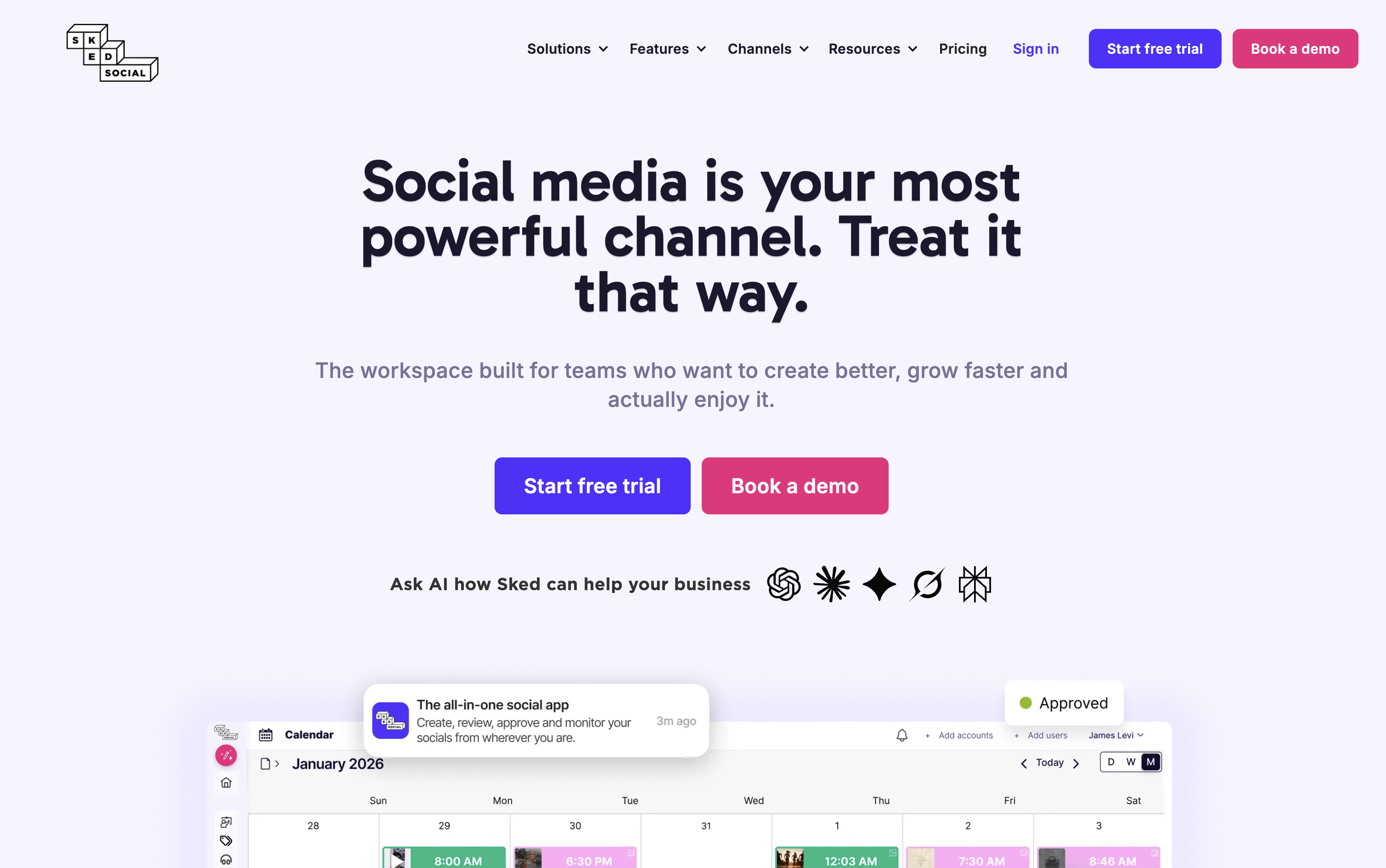
Sked Social is a social media scheduling and management tool that handles your entire content workflow. You can capture ideas, plan strategy, create and edit posts, get team approvals, auto-publish across platforms, manage messages, and track analytics — all from one dashboard.
It supports Instagram, Facebook, TikTok, LinkedIn, Pinterest, YouTube, X, and Threads. A standout feature is the Ideas board, where you organize content into topic areas called Content Pillars. This helps teams plan balanced, strategic content instead of posting randomly.
Built-in AI tools generate captions that match your brand voice. It also includes a media library, video editor, and client-friendly approval tools, making it suitable for both solo users and growing agencies.
Sked Social Features
Schedule posts to 8+ social media platforms
Ideas board with Content Pillar organization
Drag-and-drop visual content calendar with grid preview
Brand-trained AI caption generator
Built-in image and video editor
Unified inbox for all platforms
Team collaboration and approval workflows
Competitor tracking and performance analytics
PDF and Excel report exports
Free link-in-bio tool (Sked Link)
iOS and Android mobile apps
Sked Social Pricing Plans

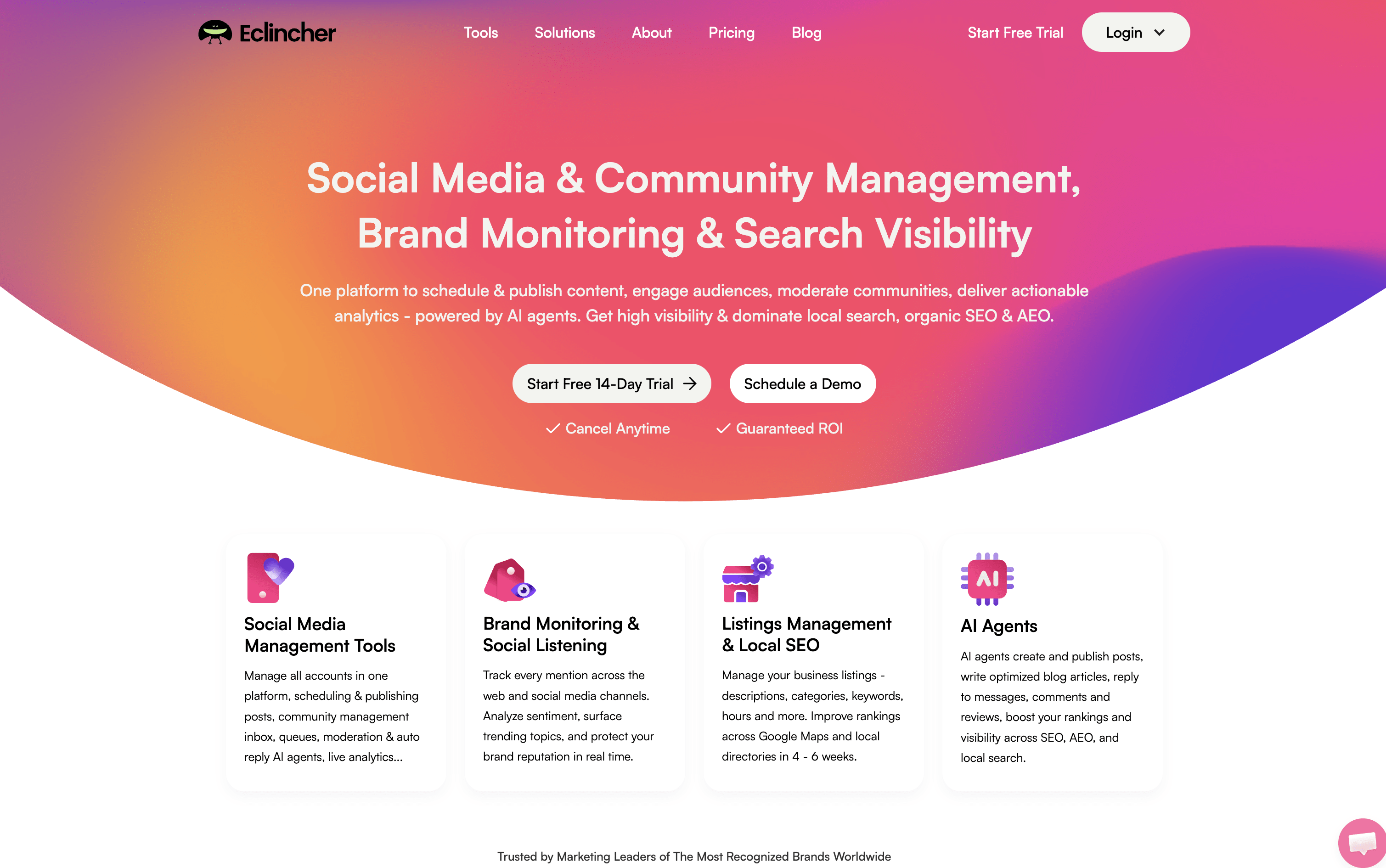
eClincher is a web-based platform that lets you manage all your social media accounts from a single dashboard. You can schedule and publish posts on Instagram, Facebook, LinkedIn, TikTok, YouTube, Pinterest, Threads, X, Bluesky, and Google Business Profile.
It includes a unified inbox where you handle messages, comments, and reviews from every platform in one place. Beyond social media, it also manages local business listings, monitors brand mentions across the web, and provides detailed performance reports.
Built-in AI agents can create posts, reply to messages, write full blog articles, and give improvement suggestions for your strategy. It is designed for teams and agencies that manage multiple brands and accounts at the same time.
eClincher Features
Schedule posts across 10+ social platforms
Smart queues for consistent automatic posting
AI-generated captions and content
Unified inbox for messages, comments, and reviews
AI auto-reply for community management
Brand monitoring and social listening
Local SEO and business listings sync
Visual drag-and-drop content calendar
White-label reports for clients
Team collaboration with approval workflows
eClincher Pricing Plans
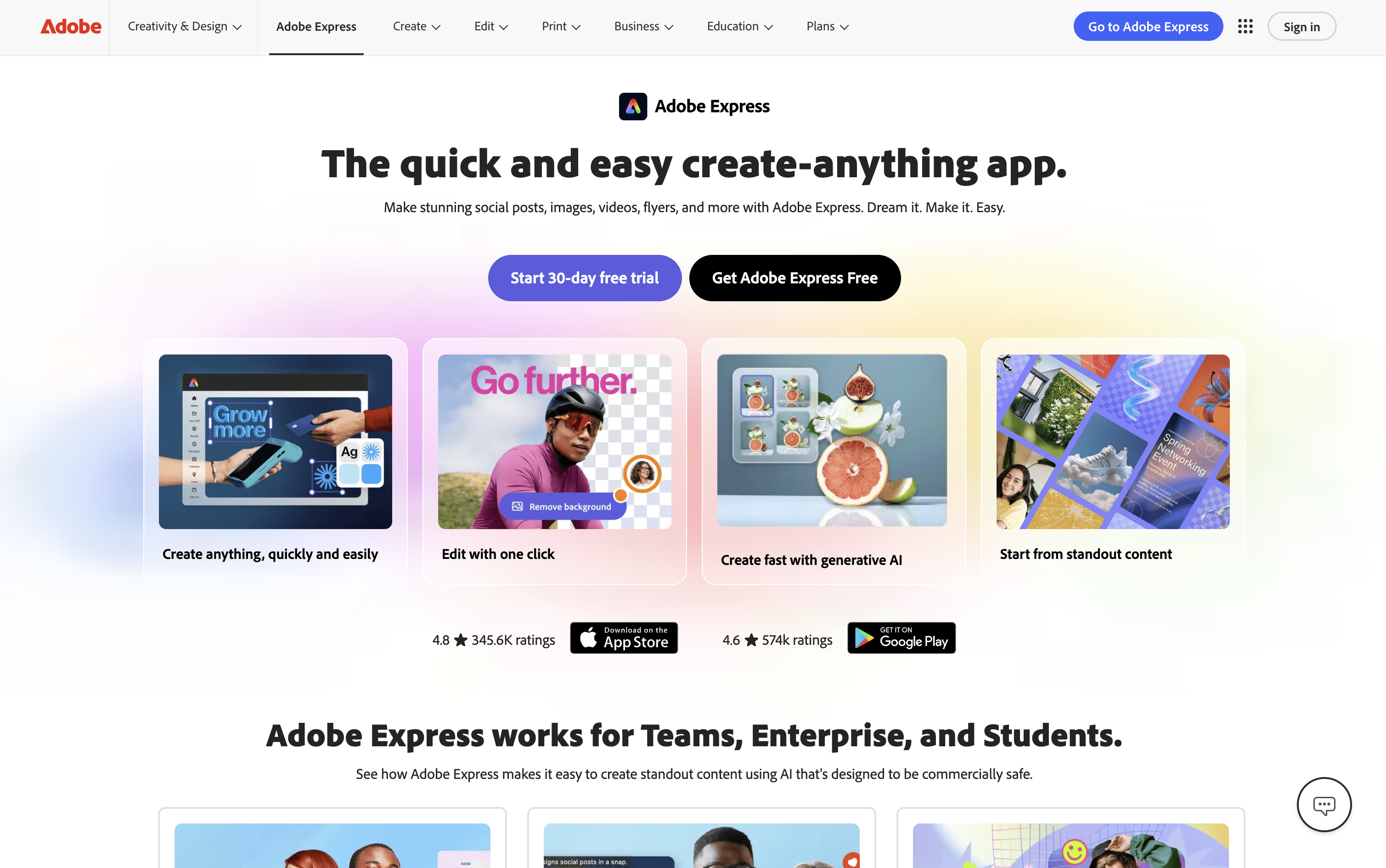
Adobe Express is an all-in-one creative platform where you can design graphics, edit photos, create videos, and manage social media publishing in one place. It includes over 100,000 ready-made templates for social posts, Stories, Reels, presentations, and more. The platform also includes AI tools powered by Adobe Firefly, which let you generate images from text, remove backgrounds, write captions, and make quick edits just by typing.
A standout feature is the built-in Content Scheduler, which lets you plan, preview, and automatically publish posts to Instagram, Facebook, TikTok, LinkedIn, X, and Pinterest. Since design and scheduling are in the same app, you can go from idea to published post without switching between tools. It works on desktop browsers, iOS, and Android apps.
Adobe Express Features
100,000+ design templates for all platforms
Built-in scheduler for 6 social networks
AI image generation with Adobe Firefly
Video editing with captions and background removal
Brand Kit for consistent team designs
Quick Actions for instant edits
Real-time collaboration and approval workflows
30,000+ Adobe Fonts available
Mobile apps for iOS and Android
Export as PNG, JPG, PDF, or MP4
Adobe Express Pricing Plans
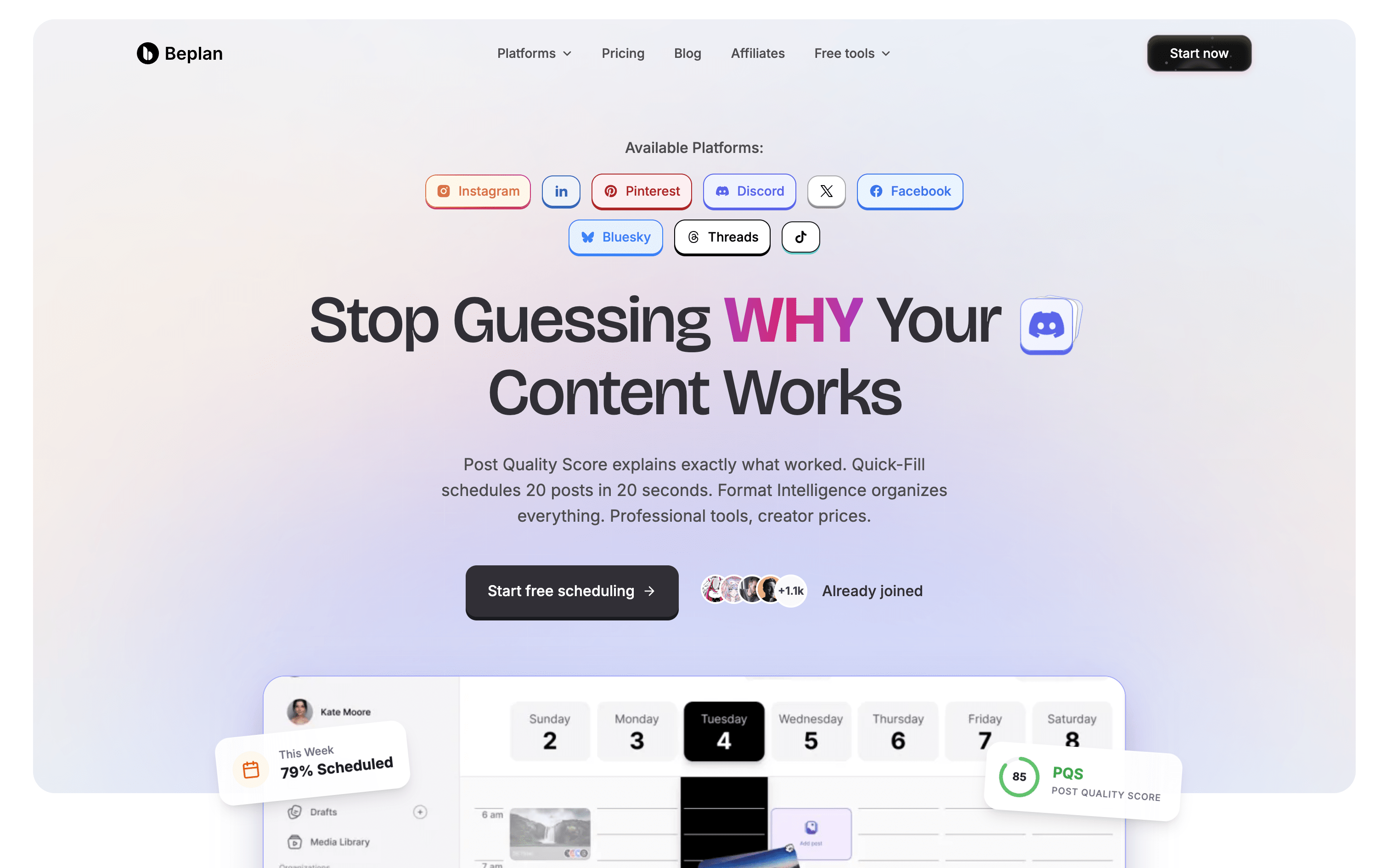
Beplan is an online social media scheduling tool that supports ten platforms, including Instagram, TikTok, YouTube, LinkedIn, X, Facebook, Pinterest, Threads, Bluesky, and Discord. From one visual calendar, you can plan, write, and schedule posts using drag-and-drop controls.
It goes beyond basic scheduling by giving every post a Post Quality Score from 0 to 100 and explaining why a post may perform well or not. The Quick-Fill feature auto-matches your tagged media to open calendar slots, cutting scheduling time from hours to seconds. AI caption tools help you write and adjust text for each platform automatically. Social Sets let you manage multiple brands with separate media libraries, schedules, and analytics for each one.
Beplan Features
Schedule posts across 10 platforms from one calendar
Quick-Fill bulk scheduling fills calendar in seconds
Post Quality Score with Smart Insights per post
AI caption writing and optimization per platform
Content Runway to track scheduled days ahead
VOD-to-Shorts for automatic video repurposing
Format Intelligence for smarter media organization
Multi-brand Social Sets with separate analytics
Team collaboration and approval workflow add-on
No per-channel fees on any plan