
Sprout Social is an AI-powered social media management platform for scheduling, engagement, analytics, and team collaboration.
Pricing
Type
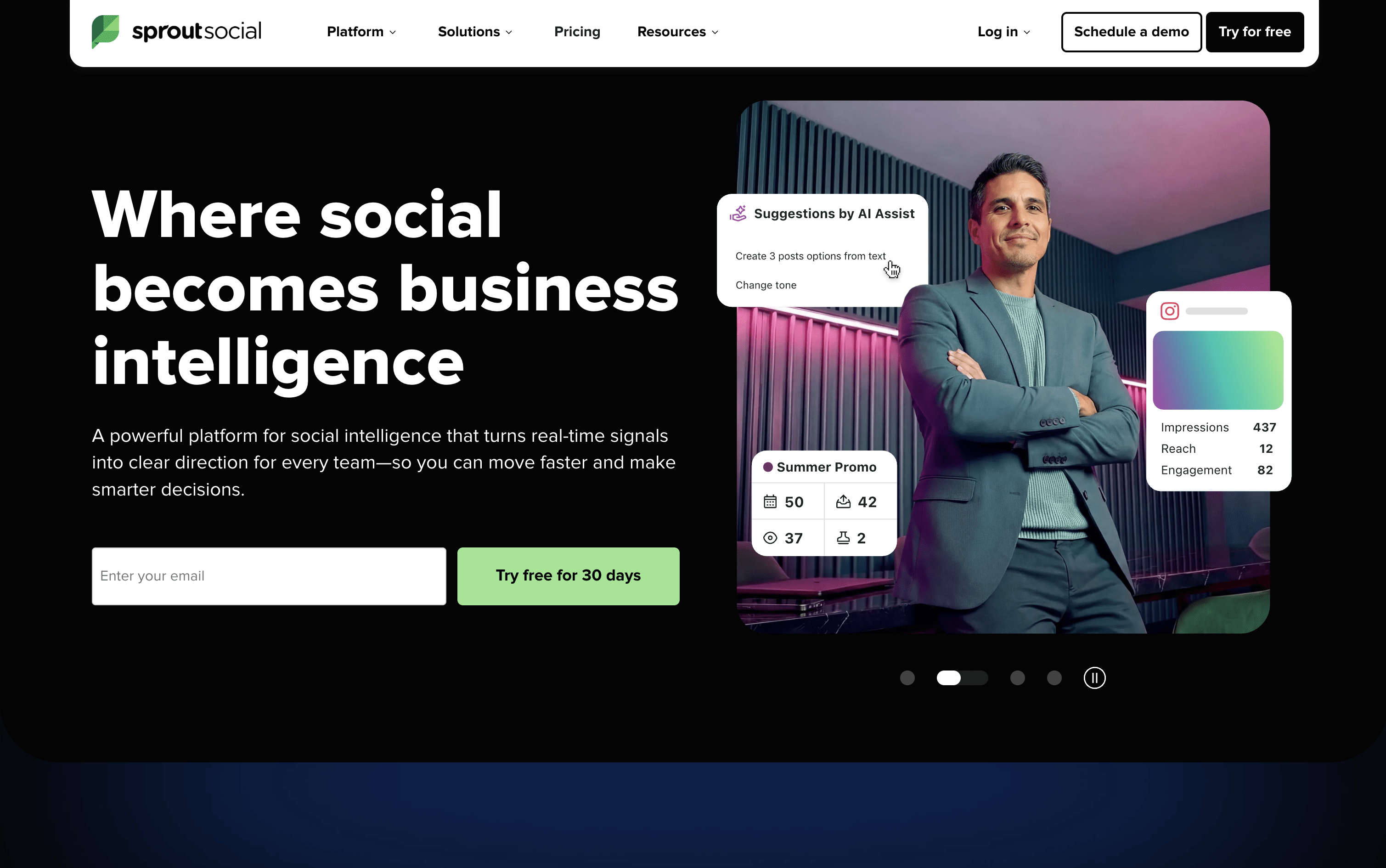
What Is Sprout Social?
Sprout Social is a social media tool that lets you publish, engage, and analyze across all major platforms from one place. It supports Instagram, Facebook, X, LinkedIn, TikTok, Pinterest, YouTube, Threads, Bluesky, WhatsApp Business, and more.
The platform includes a Smart Inbox that pulls every message, comment, mention, and review into a single stream, so your team can respond without switching between apps. Detailed analytics show you which content is performing best and why, with reports you can share with clients or leadership.
Built-in AI tools help you write captions, suggest posting times, summarize conversations, and automate parts of your workflow. Sprout Social is designed for teams that want social media to deliver real results, not just publish and hope for the best.
How to Use Sprout Social?
Getting started with Sprout Social is simple. Here are the key steps to make the most of it:
Sign up for a 30-day free trial and connect your social profiles — no credit card required. Invite team members and set their roles and permissions.
Use the Content Calendar to plan, schedule, and preview posts across all your connected profiles. Drag and drop posts to easily reschedule them.
Turn on ViralPost to let the platform automatically publish your content at the times your audience is most active, based on real engagement data.
Check the Smart Inbox daily to see all messages, comments, and mentions in one place. Assign conversations to teammates and mark them complete to stay organized.
Set up Approval Workflows so posts go through review before publishing — useful for teams, agencies, or anyone with compliance requirements.
Use the Reports section to track post performance, audience growth, and team response times across all networks, then export or schedule reports to share with stakeholders.
Sprout Social Features
Here are the main features of Sprout Social:
Smart Inbox: Combines all messages, comments, mentions, DMs, and reviews from every connected profile into one unified stream for faster team responses.
Content Calendar: Plan and schedule posts across multiple profiles and networks with a visual calendar that supports drag-and-drop rescheduling.
ViralPost Scheduling: Uses AI to automatically publish posts at the times your audience engages most, maximizing reach without guesswork.
Bulk Scheduling: Upload and schedule up to 350 posts at once using a CSV file, saving hours of manual work.
Social Listening: Monitor public conversations, brand mentions, hashtags, and competitor activity outside your own profiles across the open web.
Analytics and Reporting: Track performance at the post, profile, network, and campaign level with detailed, exportable reports and AI-generated insights.
Approval Workflows: Set up internal or external review processes so all content is approved before it goes live.
AI Tools: Generate captions, suggest hashtags, summarize conversations, and analyze reports using built-in AI across the platform.
Team Collaboration: Assign tasks, manage roles and permissions, track productivity, and avoid duplicate replies with collision detection.
Integrations: Connect with Canva, Salesforce, HubSpot, Zendesk, Google Analytics, Slack, Dropbox, Google Drive, Shopify, and more.
Where does Sprout Social fit?
Sprout Social Pricing Plans
How is Sprout Social used?
Frequently Asked Questions About Sprout Social
Best alternatives to Sprout Social

Buffer
Freemium · Subscription
Buffer is a simple social media tool to schedule, publish, and grow your content across multiple platforms.

Metricool
Freemium · Subscription
Metricool is an all-in-one social media management tool for scheduling, analytics, reporting, inbox, and ad management.

Postiz
Freemium · Subscription
Postiz is an open-source, AI-powered social media scheduling platform that lets you plan, create, and publish content across 30+ platforms.

Hootsuite
Paid · Subscription
Hootsuite is an all-in-one social media management platform for scheduling, publishing, monitoring, and analytics across multiple networks.

Publer
Freemium · Subscription
Publer is an all-in-one social media scheduler that helps you plan, schedule, and publish content across 13 platforms.

Later
Paid · Subscription
Later is a visual social media scheduling tool for planning, publishing, and growing your presence across platforms.

Agorapulse
Paid · Subscription
Agorapulse is an all-in-one social media management platform for scheduling, engagement, listening, and tracking social ROI.

Sendible
Paid · Subscription
Sendible is a social media management platform for agencies and teams to schedule, collaborate, and report across multiple networks.