SOCIAL SCHEDULERS
News

Canva vs Sprout Social: Features, Pricing and Reviews in 2026

Canva
FreemiumSubscriptionCustom

Canva is a drag-and-drop design platform with built-in social media scheduling, AI tools, and millions of ready-made templates.
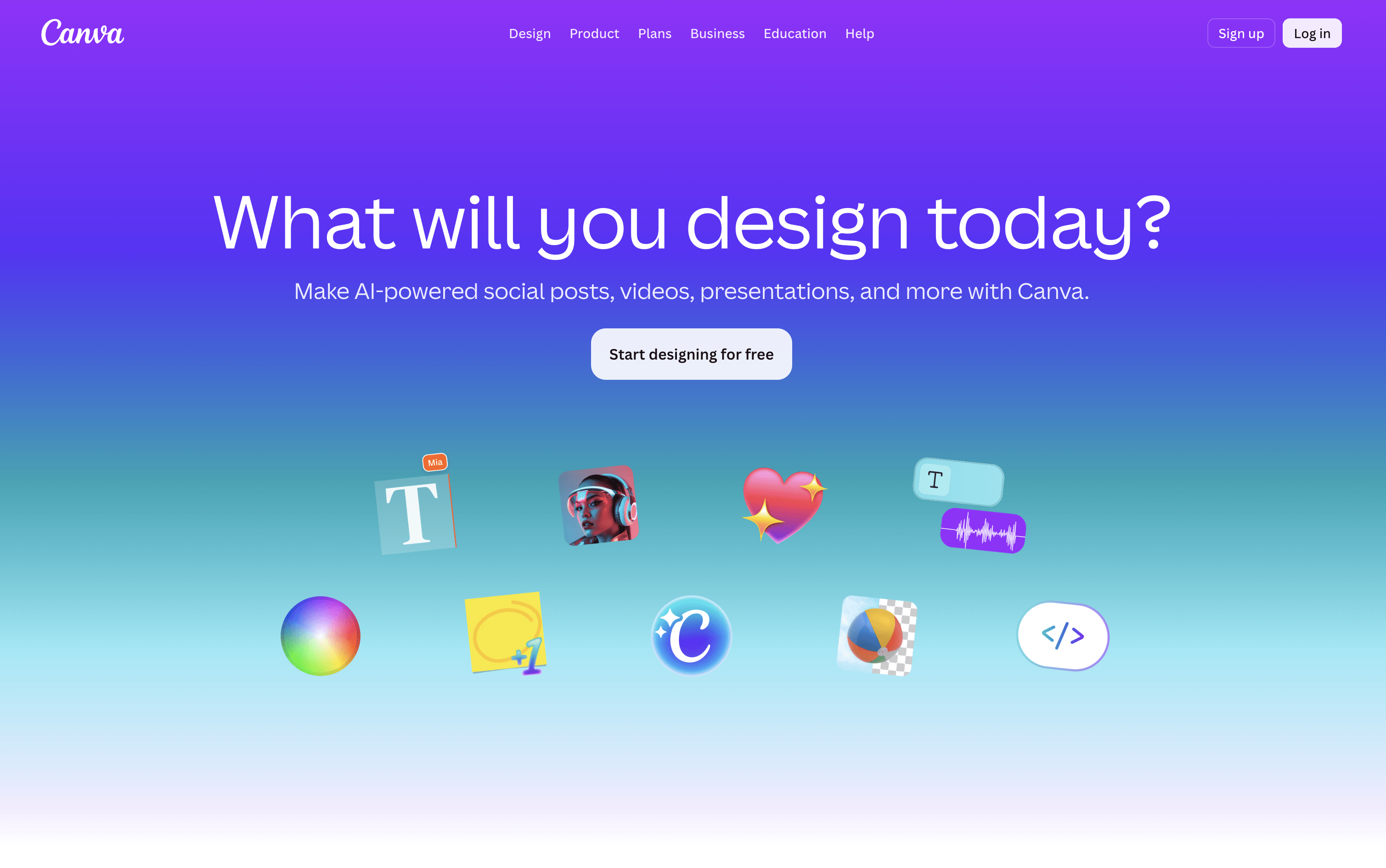
Canva screenshot
Sprout Social
PaidSubscriptionCustom

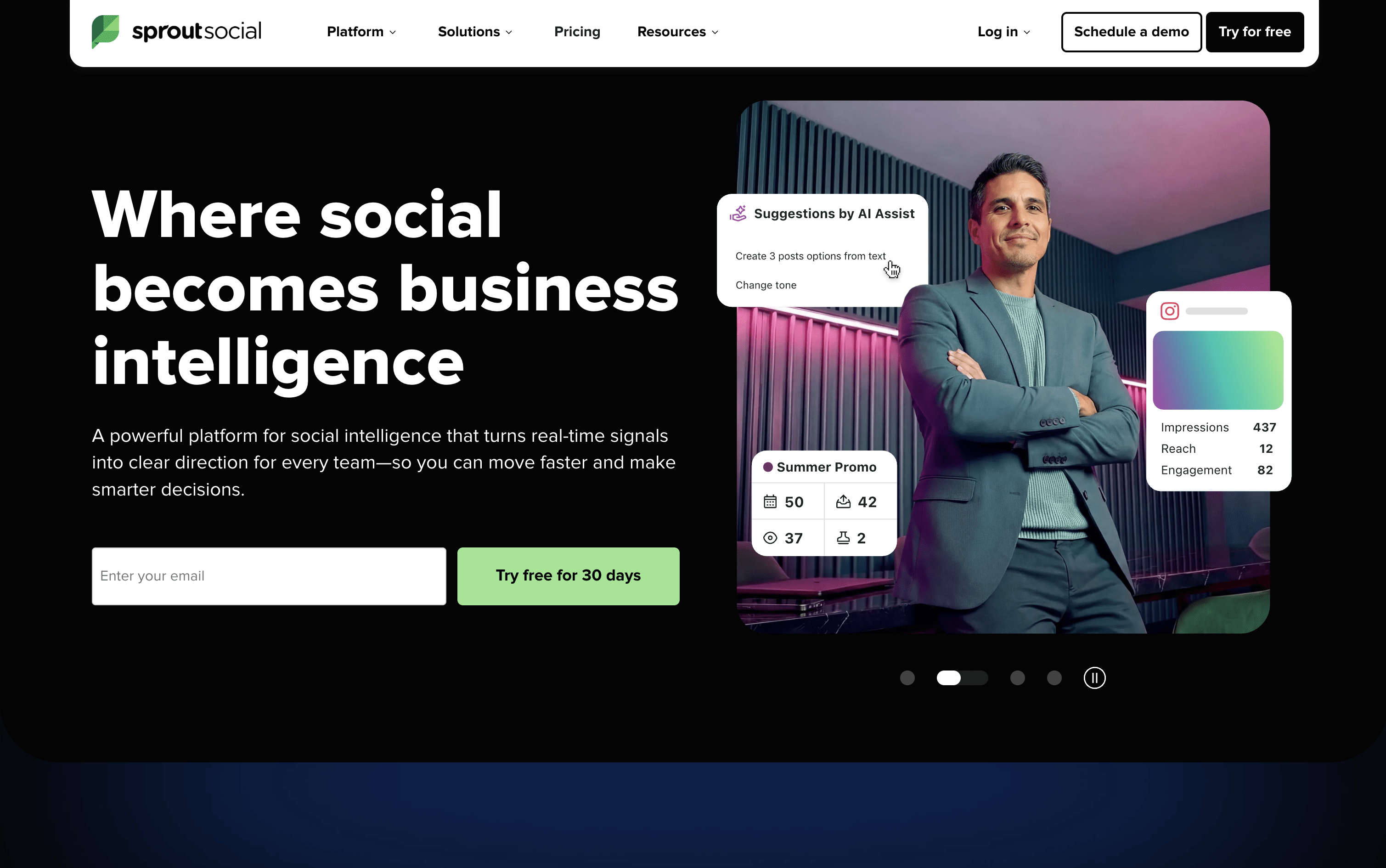
Sprout Social is an AI-powered social media management platform for scheduling, engagement, analytics, and team collaboration.

Sprout Social screenshot

What Are Canva and Sprout Social?

Canva

Canva

Canva is a web-based design tool that makes it easy to create content for social media, business presentations, marketing materials, and more. It uses a simple drag-and-drop editor, so you do not need any design experience to get started.

One of its key features is the Content Planner, available on paid plans. It lets you connect your social media accounts and schedule posts to go live at specific dates and times. You can plan your content in a calendar view and track basic performance after posts are published.

Canva also includes a full set of AI tools that help you write captions, generate images, remove backgrounds, and resize designs for different platforms automatically, all inside the same workspace without switching apps.

Sprout Social

Sprout Social

Sprout Social is a social media tool that lets you publish, engage, and analyze across all major platforms from one place. It supports Instagram, Facebook, X, LinkedIn, TikTok, Pinterest, YouTube, Threads, Bluesky, WhatsApp Business, and more.

The platform includes a Smart Inbox that pulls every message, comment, mention, and review into a single stream, so your team can respond without switching between apps. Detailed analytics show you which content is performing best and why, with reports you can share with clients or leadership.

Built-in AI tools help you write captions, suggest posting times, summarize conversations, and automate parts of your workflow. Sprout Social is designed for teams that want social media to deliver real results, not just publish and hope for the best.

How Do Canva and Sprout Social Compare on Features?

Canva

Canva

  • Drag-and-drop editor for all skill levels

  • Millions of templates, photos, videos, and icons

  • Built-in social media scheduling with Content Planner

  • AI image generation, caption writing, and background removal

  • Magic Resize for adapting designs across platforms

  • Brand Kit for consistent logos, colors, and fonts

  • Team collaboration and approval workflows

  • Basic analytics for published posts

  • Web and mobile app

Sprout Social

Sprout Social

  • Unified Smart Inbox for all messages and reviews

  • Visual content calendar with drag-and-drop scheduling

  • ViralPost AI-powered optimal send times

  • Bulk scheduling via CSV upload (up to 350 posts)

  • Social listening and brand mention monitoring

  • Competitor analytics and performance benchmarking

  • Approval workflows for teams and external clients

  • AI caption writing and hashtag suggestions

  • Salesforce, HubSpot, and Zendesk integrations

  • iOS and Android mobile apps available

Where Do Canva and Sprout Social Fit?

How Much Do Canva and Sprout Social Cost?

Canva Pricing Plans

Free

Free
  • Drag-and-drop editor
  • 1,000+ design types
  • 1.6M+ templates
  • 5GB cloud storage
  • 1 Brand Kit (3 colors)
  • Limited AI features (up to 200 Standard AI uses)
  • Canva Offline access
Most Popular

Pro

$18/mo
  • Everything in Free
  • 3.6M+ premium templates
  • 141M+ premium photos, videos, and graphics
  • 5 Brand Kits
  • 100GB cloud storage
  • Social media scheduling (Content Planner)
  • Background remover and Magic Resize
  • Full AI tools with 10Γ— more usage
  • AI Pass add-on available

Pro (Yearly)

$144/yr
  • Everything in Pro (Monthly)
  • Billed annually at $144/year (~$12/month)
  • Save approximately 33% vs monthly billing

Business

$25/user/mo
  • Everything in Pro
  • 100 Brand Kits
  • 500GB cloud storage
  • Team collaboration and admin tools
  • Approval workflows
  • Access to Leonardo AI and Flourish
  • 10% discount on print orders
  • 20Γ— more AI usage than Free

Business (Yearly)

$250/user/yr
  • Everything in Business (Monthly)
  • Billed annually at $250/year per person (~$20.83/month)
  • Save approximately 16% vs monthly billing

Enterprise

Custom
  • Everything in Business
  • 1000 Brand Kits
  • 1TB cloud storage
  • SSO and SCIM provisioning
  • Custom apps development
  • Tiered approvals and multi-team management
  • Priority support and dedicated success manager
  • 10% discount on print orders
  • Designed for 150+ contracted seats

Education – Teachers & Schools

Free
  • Free for eligible K–12 teachers and students
  • 100M+ copyright-free images, videos, and audio
  • Premium features including Magic Resize
  • 1TB secure cloud storage
  • Classroom management and grading tools
  • LMS integrations (Google Classroom, MS Teams, Canvas)
  • FERPA, COPPA, and GDPR compliant

Campus (Higher Education)

Custom
  • Premium access for all students
  • Enterprise access for staff and faculty
  • 1000 Brand Kits
  • Campus-wide SSO and centralized controls
  • AI audit logs and reporting
  • ISO 27001 and SOC 2 Type II compliant
  • Priority support and dedicated success manager

Sprout Social Pricing Plans

Essentials

$79/user/mo
  • Up to 5 social profiles
  • Collaborative content calendar
  • Advanced post scheduler
  • ViralPost send time optimization
  • Hashtag suggestions
  • Built-in image editor
  • Location tagging
  • AI-generated alt text
  • Multi-network publishing
  • Paid promotion for Facebook & Instagram

Standard

$199/user/mo
  • Everything in Essentials
  • Up to 5 social profiles
  • All-in-one Smart Inbox
  • Real-time keyword monitoring
  • Contact views and 90-day conversation history
  • Review management
  • Comment and ad comment moderation
  • Case management
  • Group and profile-level reporting
  • Google Analytics reports
Most Popular

Professional

$299/user/mo
  • Everything in Standard
  • Unlimited social profiles
  • Bulk scheduling (up to 350 posts via CSV)
  • Instagram grid planning
  • Message approval workflows
  • Campaign tagging and custom link tracking
  • Digital asset and content library
  • Competitor analysis reports
  • AI Assist post enhancement
  • Automated RSS feed publishing

Advanced

$399/user/mo
  • Everything in Professional
  • AI-powered sentiment analysis
  • Chatbot and automated workflows
  • Salesforce, HubSpot, Zendesk, and Dynamics 365 integrations
  • Shopify and WooCommerce integrations
  • External approval workflows
  • Message spike alerts
  • CSAT/NPS survey automation
  • Case routing and macros
  • IP whitelisting and advanced permissions

Enterprise

Custom
  • Everything in Advanced
  • White-glove onboarding and implementation
  • Tailored enterprise planning
  • Dedicated SSO setup
  • Priority customer support
  • Custom security and compliance controls

How Are Canva and Sprout Social Used?

Frequently Asked Questions About Canva and Sprout Social

Canva

Canva

Sprout Social

Sprout Social