SOCIAL SCHEDULERS

CoSchedule vs Buffer: Features, Pricing and Reviews in 2026

CoSchedule
FreemiumSubscriptionCustom

CoSchedule is an all-in-one marketing calendar that helps teams plan, schedule, and publish content across every channel.

CoSchedule screenshot
Buffer
FreemiumSubscription

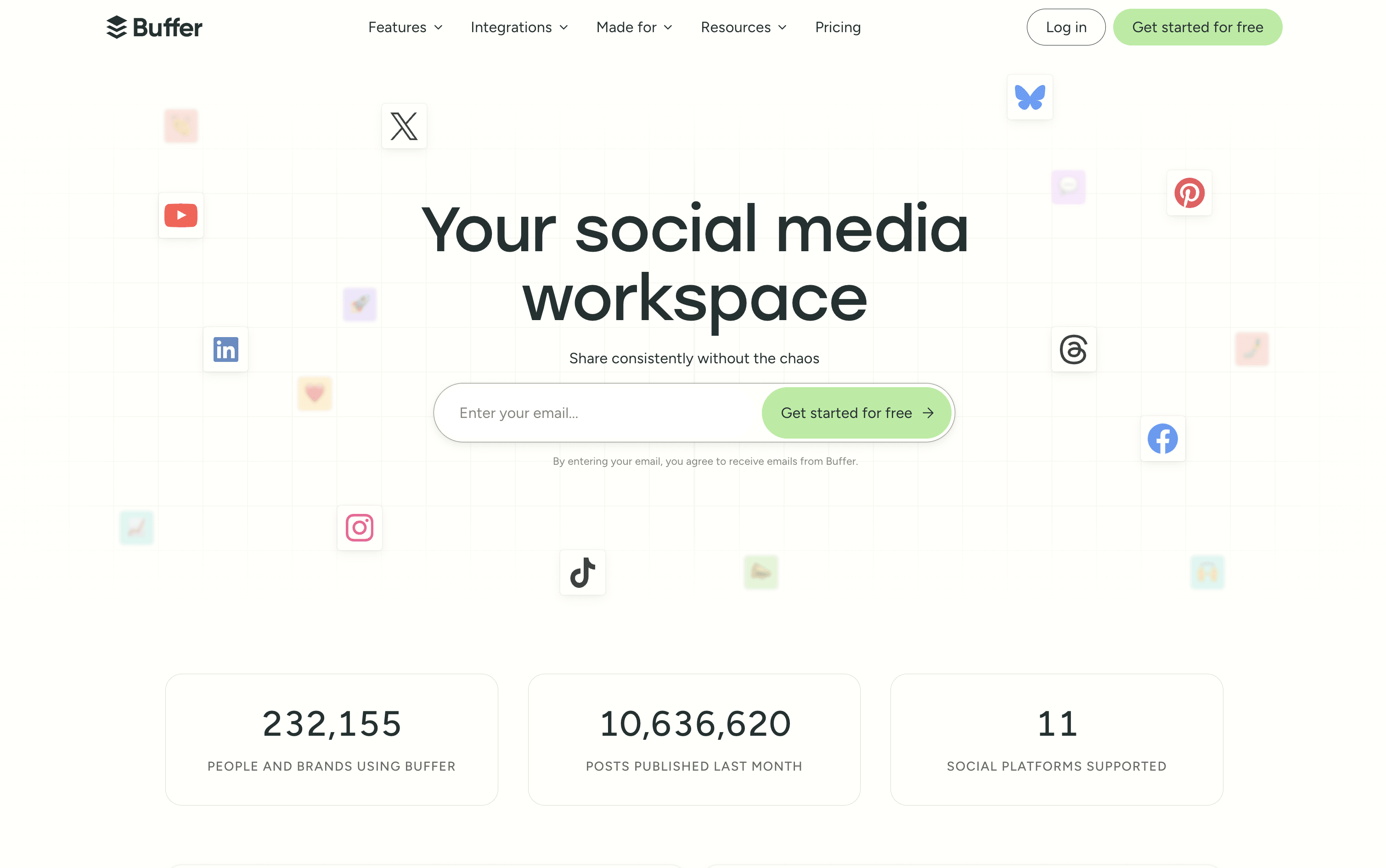
Buffer is a simple social media tool to schedule, publish, and grow your content across multiple platforms.

Buffer screenshot

What Are CoSchedule and Buffer?

CoSchedule

CoSchedule

CoSchedule is a marketing calendar tool that acts as a central hub for all marketing work. You can plan, create, schedule, and publish social media posts, blog content, email campaigns, and team projects from one unified dashboard. The drag-and-drop calendar shows everything in one clear view, past, present, and future. It supports over ten major social networks, including Instagram, Facebook, LinkedIn, TikTok, Pinterest, YouTube, and Bluesky. A feature called ReQueue automatically re-shares your best content to keep your posting schedule full without extra effort. The built-in AI assistant, Hire Mia, helps with writing captions, drafting blog posts, and building full campaigns. Approval workflows and team management tools make it easy for larger teams and agencies to stay coordinated.

Buffer

Buffer

Buffer is a social media scheduling and management tool that connects to over 11 major platforms from one simple dashboard. You can write, schedule, and publish posts without logging into each account separately. It includes tools for planning and storing content ideas, managing replies and comments through a unified inbox, and tracking post performance with clear and simple reports.

Buffer also includes a built-in AI assistant that helps you write captions, repurpose content for different platforms, and think of new ideas. A Start Page feature lets you build a simple link-in-bio landing page, so you can share one link across all your social profiles.

Buffer offers a free plan and two affordable paid tiers suitable for individuals, teams, and agencies.

How Do CoSchedule and Buffer Compare on Features?

CoSchedule

CoSchedule

  • Drag-and-drop marketing calendar

  • Social scheduling for 11+ platforms

  • ReQueue evergreen content recycling

  • AI writing assistant (Hire Mia)

  • Team collaboration and approval workflows

  • Kanban boards and task management

  • WordPress deep integration

  • Google Analytics and UTM tracking

  • Digital asset management

  • Bulk scheduling and templates

  • Social inbox management

  • White-label client calendars

  • AI image generation

Buffer

Buffer

  • Schedule posts across 11 social platforms

  • AI assistant for captions and content ideas

  • Visual content calendar and queue management

  • Unified inbox for all comments and replies

  • Analytics with custom reports and PDF export

  • Team collaboration with approval workflows

  • Start Page link-in-bio builder included

  • Hashtag manager and UTM tracking

  • Chrome browser extension and mobile app

  • Free plan available with no credit card

Where Do CoSchedule and Buffer Fit?

How Much Do CoSchedule and Buffer Cost?

CoSchedule Pricing Plans

Free Calendar

Custom
  • 1 user
  • 1 social profile
  • Up to 15 scheduled social messages
  • Drag-and-drop calendar
  • Best time social publishing
  • AI Assistant (limited)
  • 20 AI project templates
  • WordPress, HubSpot, and Canva integrations
Most Popular

Social Calendar (Annual)

$19/user/mo
  • Up to 3 users
  • 3 social profiles included ($5/month each extra)
  • Unlimited social messages
  • Full AI assistant with 1,600+ templates
  • AI image generation
  • Social inbox (Facebook & Instagram)
  • Bulk scheduling and ReQueue automation
  • Social analytics and reports
  • Approval workflows
  • First comment scheduling

Social Calendar (Monthly)

$29/user/mo
  • Everything in Social Calendar Annual
  • Billed monthly with no annual commitment

Agency Calendar (Annual)

$59/user/mo
  • Up to 3 users
  • 5 social profiles included ($5/month each extra)
  • Everything in Social Calendar
  • Unlimited client calendars
  • White-label features
  • Guest user access
  • Custom UTM parameters
  • Report scheduling
  • Social inbox for all networks
  • Reusable project and campaign templates

Agency Calendar (Monthly)

$69/user/mo
  • Everything in Agency Calendar Annual
  • Billed monthly with no annual commitment

Content Calendar

Custom
  • Up to 5 users (custom for more)
  • 5 social profiles included ($25/profile/month extra)
  • Everything in Agency Calendar
  • Kanban dashboard
  • Table view
  • Custom project types and custom fields
  • Custom sub-calendars
  • Approval workflows
  • Project intake request forms
  • Team management dashboard

Marketing Suite

Custom
  • Custom user limits
  • Everything in Content Calendar
  • Digital asset management dashboard
  • Advanced audience targeting
  • Single Sign-On (SSO)
  • Security and access logs
  • Dedicated Customer Success Manager
  • Enterprise access control and custom permissions
  • Manager visibility and reporting
  • Priority support

Buffer Pricing Plans

Free

Free
  • Up to 3 social channels
  • 10 scheduled posts per channel
  • 100 content ideas
  • AI assistant included
  • Basic analytics (30-day history)
  • Community inbox with comment and DM replies
  • Start Page (link-in-bio builder)
  • Browser extension
  • Canva, Dropbox, and Google Drive integrations
  • 1 user only
Most Popular

Essentials (Monthly)

$6/mo
  • Price is $6 per channel per month
  • Everything in Free plan
  • Unlimited scheduled posts
  • Unlimited content ideas
  • 250 tags for organization
  • First comment scheduling
  • Hashtag manager
  • Custom video covers
  • Channel groups
  • Advanced analytics with full history

Essentials (Yearly)

$60/yr
  • Price is $60 per channel per year ($5/month equivalent)
  • Save approximately 2 months vs monthly billing
  • All Essentials features included

Team (Monthly)

$12/mo
  • Price is $12 per channel per month
  • Everything in Essentials plan
  • Unlimited team members
  • Approval workflows
  • Custom access levels and permissions
  • Branded analytics reports
  • Shared content calendar
  • Internal notes on drafts
  • 5 API keys and app clients
  • Email support

Team (Yearly)

$120/yr
  • Price is $120 per channel per year ($10/month equivalent)
  • Save approximately 2 months vs monthly billing
  • All Team features included

How Are CoSchedule and Buffer Used?

Frequently Asked Questions About CoSchedule and Buffer

CoSchedule

CoSchedule

Buffer

Buffer