Adobe Express is a free all-in-one design and social media scheduling platform powered by AI tools.
Pricing
Type
What Is Adobe Express?
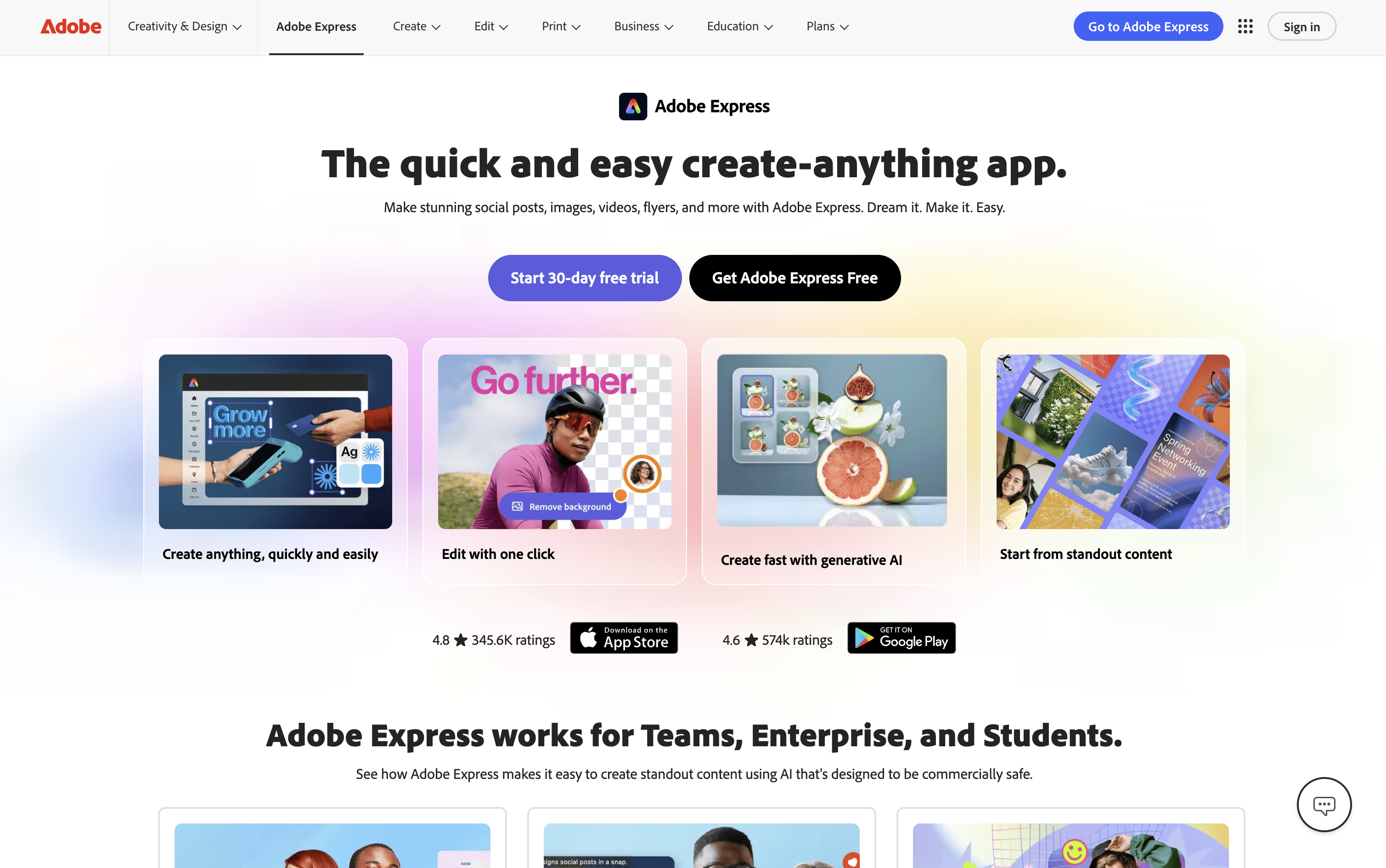
Adobe Express is an all-in-one creative platform where you can design graphics, edit photos, create videos, and manage social media publishing in one place. It includes over 100,000 ready-made templates for social posts, Stories, Reels, presentations, and more. The platform also includes AI tools powered by Adobe Firefly, which let you generate images from text, remove backgrounds, write captions, and make quick edits just by typing.
A standout feature is the built-in Content Scheduler, which lets you plan, preview, and automatically publish posts to Instagram, Facebook, TikTok, LinkedIn, X, and Pinterest. Since design and scheduling are in the same app, you can go from idea to published post without switching between tools. It works on desktop browsers, iOS, and Android apps.
How to Use Adobe Express?
Using Adobe Express is simple. Here are the steps to get started:
Create a free Adobe account and open Adobe Express in any browser, or download the mobile app for iOS or Android. No credit card is needed for the free plan.
On the homepage, choose a ready-made template from the library or start with a blank canvas. You can also type a prompt in the AI Assistant to automatically create a design.
Add or edit text, images, videos, and design elements using the drag-and-drop editor. Apply your Brand Kit to keep colors, fonts, and logos consistent across all your content.
Use Quick Actions for fast edits like removing backgrounds, resizing images, or converting video formats without opening the full editor.
Once your design is ready, go to the Schedule section, connect your social media accounts, and select the platforms you want to post to.
Pick a date and time on the calendar, preview how the post will look on each platform, and click Schedule to auto-publish.
Adobe Express Features
Here are the main features of Adobe Express:
100,000+ Templates: Ready-made designs for social posts, Stories, Reels, flyers, presentations, and more, including platform-optimized sizes for every channel.
AI Tools (Adobe Firefly): Generate images from text, remove backgrounds, fill or expand visuals, rewrite text, and create captions using AI.
Content Scheduler: Plan, preview, and automatically publish posts to Instagram, Facebook, TikTok, LinkedIn, X, and Pinterest from a simple calendar view.
Video Editing: Create and edit short videos, trim clips, add captions, remove video backgrounds, and convert videos to GIF format.
Brand Kit: Save your logo, brand colors, and fonts to apply consistent styling to any design with one click.
Quick Actions: Instantly resize, convert, crop, or remove backgrounds without opening the full editor.
Collaboration Tools: Invite teammates, leave comments, and work together in real time with shared projects and approval workflows.
Multi-Platform Access: Available on desktop browsers, iOS, and Android with automatic file syncing across all devices.
Where does Adobe Express fit?
Adobe Express Pricing Plans
How is Adobe Express used?
Frequently Asked Questions About Adobe Express
Best alternatives to Adobe Express

Buffer
Freemium · Subscription
Buffer is a simple social media tool to schedule, publish, and grow your content across multiple platforms.

Metricool
Freemium · Subscription
Metricool is an all-in-one social media management tool for scheduling, analytics, reporting, inbox, and ad management.

Postiz
Freemium · Subscription
Postiz is an open-source, AI-powered social media scheduling platform that lets you plan, create, and publish content across 30+ platforms.

Hootsuite
Paid · Subscription
Hootsuite is an all-in-one social media management platform for scheduling, publishing, monitoring, and analytics across multiple networks.

Sprout Social
Paid · Subscription
Sprout Social is an AI-powered social media management platform for scheduling, engagement, analytics, and team collaboration.

Publer
Freemium · Subscription
Publer is an all-in-one social media scheduler that helps you plan, schedule, and publish content across 13 platforms.

Later
Paid · Subscription
Later is a visual social media scheduling tool for planning, publishing, and growing your presence across platforms.

Agorapulse
Paid · Subscription
Agorapulse is an all-in-one social media management platform for scheduling, engagement, listening, and tracking social ROI.