SOCIAL SCHEDULERS

SmarterQueue vs Canva: Features, Pricing and Reviews in 2026

SmarterQueue
PaidSubscription

SmarterQueue is a smart social media scheduler that automates posting using evergreen recycling and content categories.
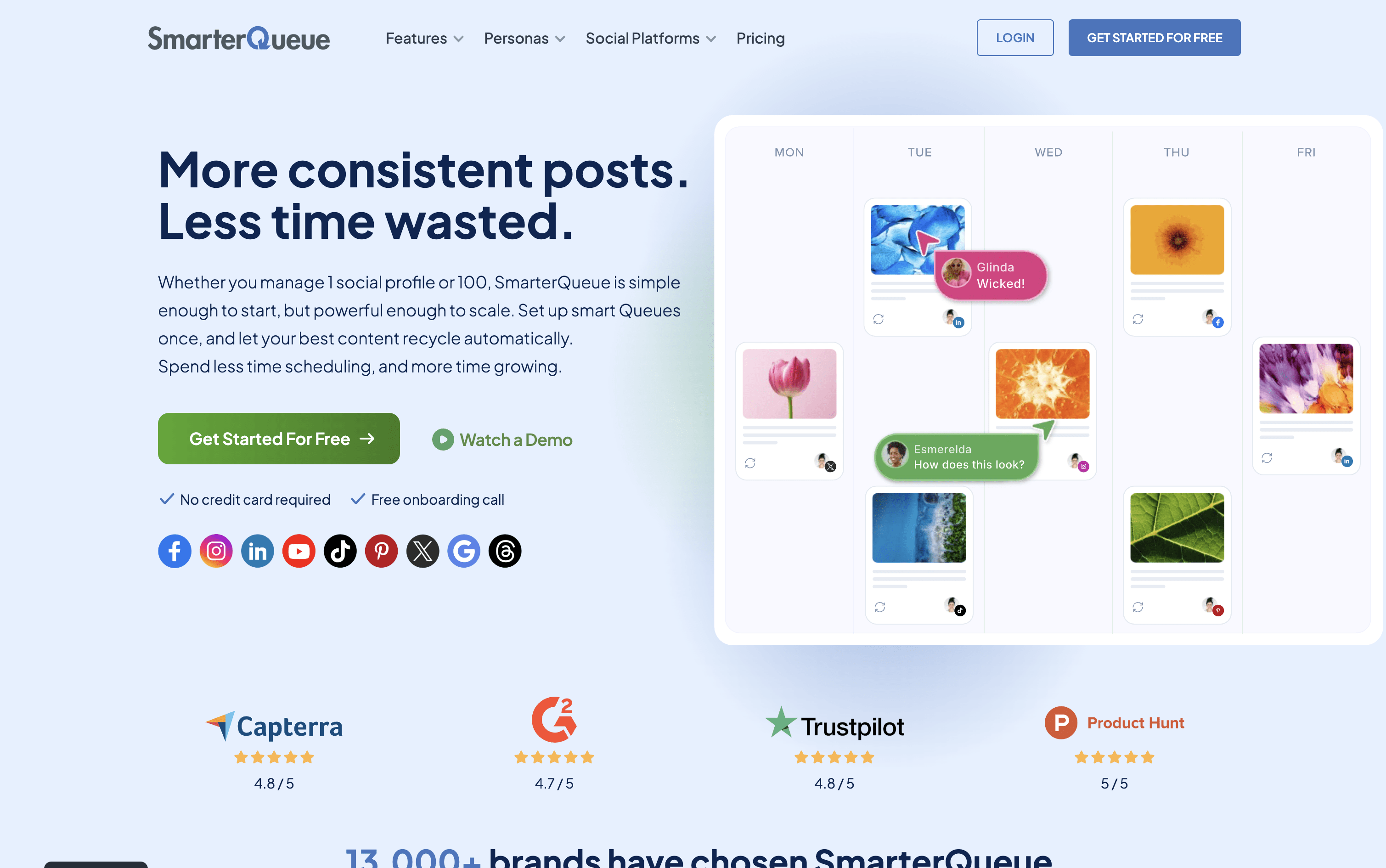
SmarterQueue screenshot
Canva
FreemiumSubscriptionCustom

Canva is a drag-and-drop design platform with built-in social media scheduling, AI tools, and millions of ready-made templates.

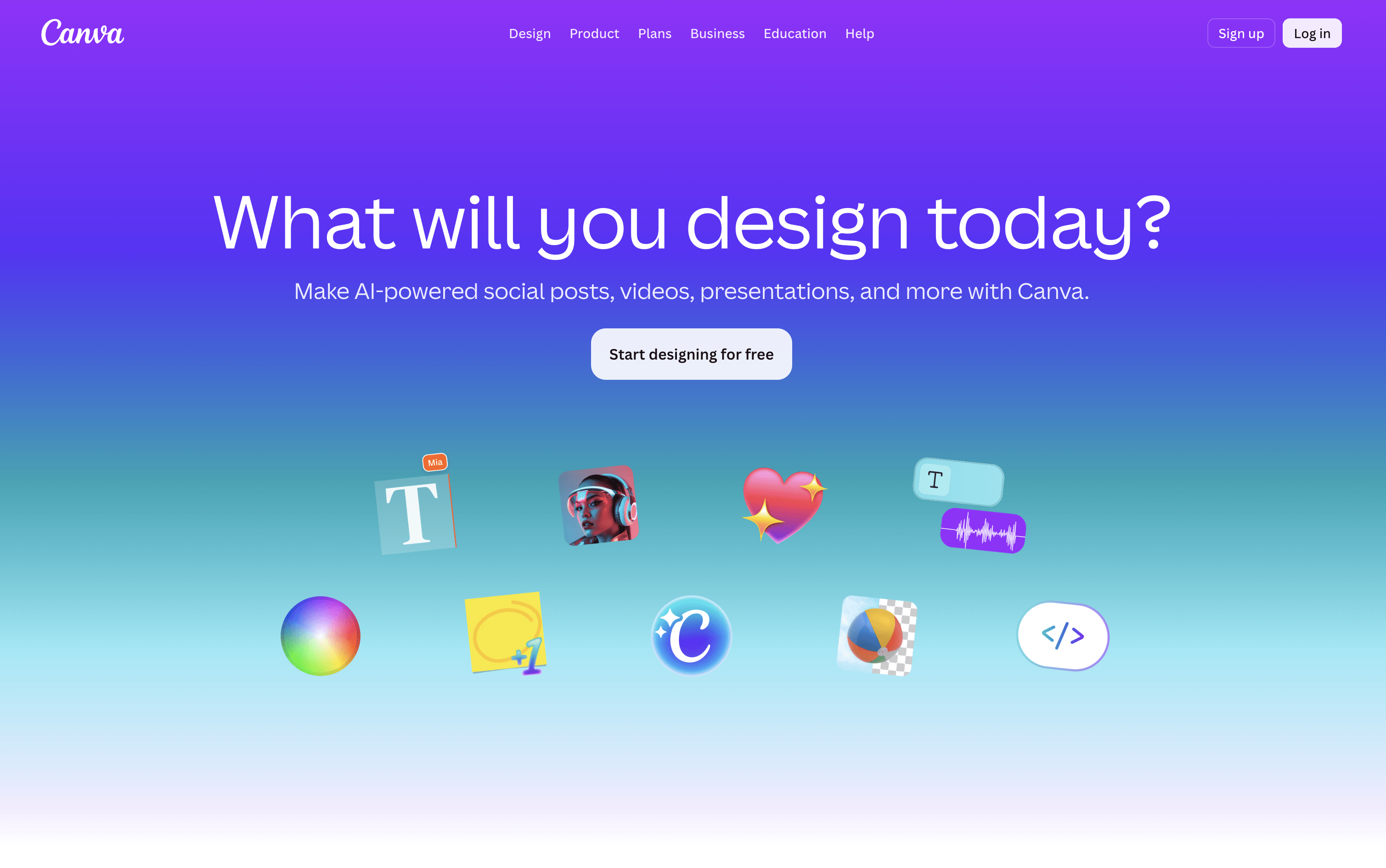
Canva screenshot

What Are SmarterQueue and Canva?

SmarterQueue

SmarterQueue

SmarterQueue is a social media scheduling platform that runs on a category-based system. You group your posts into content types such as tips, promotions, or quotes, then set a weekly posting plan. The tool automatically pulls posts from each category and publishes them at the right times.

Its key feature is evergreen recycling. When a post finishes its first publishing cycle, it returns to the queue and gets reshared again later. You can add variations to each post so the same content looks different each time it is published.

The platform connects to nine networks, Instagram, Facebook, TikTok, LinkedIn, X, Pinterest, YouTube, Threads, and Google Business Profile and is used by solo creators, businesses, and agencies.

Canva

Canva

Canva is a web-based design tool that makes it easy to create content for social media, business presentations, marketing materials, and more. It uses a simple drag-and-drop editor, so you do not need any design experience to get started.

One of its key features is the Content Planner, available on paid plans. It lets you connect your social media accounts and schedule posts to go live at specific dates and times. You can plan your content in a calendar view and track basic performance after posts are published.

Canva also includes a full set of AI tools that help you write captions, generate images, remove backgrounds, and resize designs for different platforms automatically, all inside the same workspace without switching apps.

How Do SmarterQueue and Canva Compare on Features?

SmarterQueue

SmarterQueue

  • Category-based posting plan with full automation

  • Evergreen recycling with post variations for freshness

  • Instagram grid visual planner

  • AI caption writer and variation generator

  • RSS feeds, CSV import, and Chrome extension

  • Supports 9 social platforms

  • Post analytics with best time insights

  • Team workspaces with roles and approval comments

  • Media library with Canva, Unsplash, Pixabay

  • Per-profile customization and post preview

Canva

Canva

  • Drag-and-drop editor for all skill levels

  • Millions of templates, photos, videos, and icons

  • Built-in social media scheduling with Content Planner

  • AI image generation, caption writing, and background removal

  • Magic Resize for adapting designs across platforms

  • Brand Kit for consistent logos, colors, and fonts

  • Team collaboration and approval workflows

  • Basic analytics for published posts

  • Web and mobile app

Where Do SmarterQueue and Canva Fit?

How Much Do SmarterQueue and Canva Cost?

SmarterQueue Pricing Plans

Solo

$29.99/mo
  • 4 social profiles
  • 10 content categories
  • 500 queued posts
  • 2 RSS auto-importers
  • 10 timeslots per day
  • 10,000 AI words per month
  • Basic analytics with 1-year data retention
  • Unlimited workspaces
  • Evergreen recycling and post variations
  • Instagram grid preview

Solo (Annual)

$24.99/mo
  • All Solo plan features
  • Billed annually β€” saves approximately 15%
Most Popular

Business

$49.99/mo
  • 10 social profiles
  • 20 content categories
  • 1,000 queued posts
  • 5 RSS auto-importers
  • 20 timeslots per day
  • 20,000 AI words per month
  • Intermediate analytics with 1-year data retention
  • Bulk import and CSV upload (up to 500 posts)
  • Google Analytics UTM tracking
  • Everything in Solo

Business (Annual)

$42.99/mo
  • All Business plan features
  • Billed annually β€” saves approximately 15%

Agency

$99.99/mo
  • 25 social profiles
  • 50 content categories
  • 2,500 queued posts
  • 25 RSS auto-importers
  • 40 timeslots per day
  • 50,000 AI words per month
  • Advanced analytics with unlimited data retention
  • Competitor analysis
  • PDF and CSV report exports
  • Feedly bookmarks import and advanced feed filters

Agency (Annual)

$84.99/mo
  • All Agency plan features
  • Billed annually β€” saves approximately 15%

Canva Pricing Plans

Free

Free
  • Drag-and-drop editor
  • 1,000+ design types
  • 1.6M+ templates
  • 5GB cloud storage
  • 1 Brand Kit (3 colors)
  • Limited AI features (up to 200 Standard AI uses)
  • Canva Offline access
Most Popular

Pro

$18/mo
  • Everything in Free
  • 3.6M+ premium templates
  • 141M+ premium photos, videos, and graphics
  • 5 Brand Kits
  • 100GB cloud storage
  • Social media scheduling (Content Planner)
  • Background remover and Magic Resize
  • Full AI tools with 10Γ— more usage
  • AI Pass add-on available

Pro (Yearly)

$144/yr
  • Everything in Pro (Monthly)
  • Billed annually at $144/year (~$12/month)
  • Save approximately 33% vs monthly billing

Business

$25/user/mo
  • Everything in Pro
  • 100 Brand Kits
  • 500GB cloud storage
  • Team collaboration and admin tools
  • Approval workflows
  • Access to Leonardo AI and Flourish
  • 10% discount on print orders
  • 20Γ— more AI usage than Free

Business (Yearly)

$250/user/yr
  • Everything in Business (Monthly)
  • Billed annually at $250/year per person (~$20.83/month)
  • Save approximately 16% vs monthly billing

Enterprise

Custom
  • Everything in Business
  • 1000 Brand Kits
  • 1TB cloud storage
  • SSO and SCIM provisioning
  • Custom apps development
  • Tiered approvals and multi-team management
  • Priority support and dedicated success manager
  • 10% discount on print orders
  • Designed for 150+ contracted seats

Education – Teachers & Schools

Free
  • Free for eligible K–12 teachers and students
  • 100M+ copyright-free images, videos, and audio
  • Premium features including Magic Resize
  • 1TB secure cloud storage
  • Classroom management and grading tools
  • LMS integrations (Google Classroom, MS Teams, Canvas)
  • FERPA, COPPA, and GDPR compliant

Campus (Higher Education)

Custom
  • Premium access for all students
  • Enterprise access for staff and faculty
  • 1000 Brand Kits
  • Campus-wide SSO and centralized controls
  • AI audit logs and reporting
  • ISO 27001 and SOC 2 Type II compliant
  • Priority support and dedicated success manager

How Are SmarterQueue and Canva Used?

Frequently Asked Questions About SmarterQueue and Canva

SmarterQueue

SmarterQueue

Canva

Canva