SocialBee vs Canva: Features, Pricing and Reviews in 2026
SocialBee is an AI-powered social media management tool for scheduling, publishing, and growing content across multiple platforms.
What Are SocialBee and Canva?

SocialBee
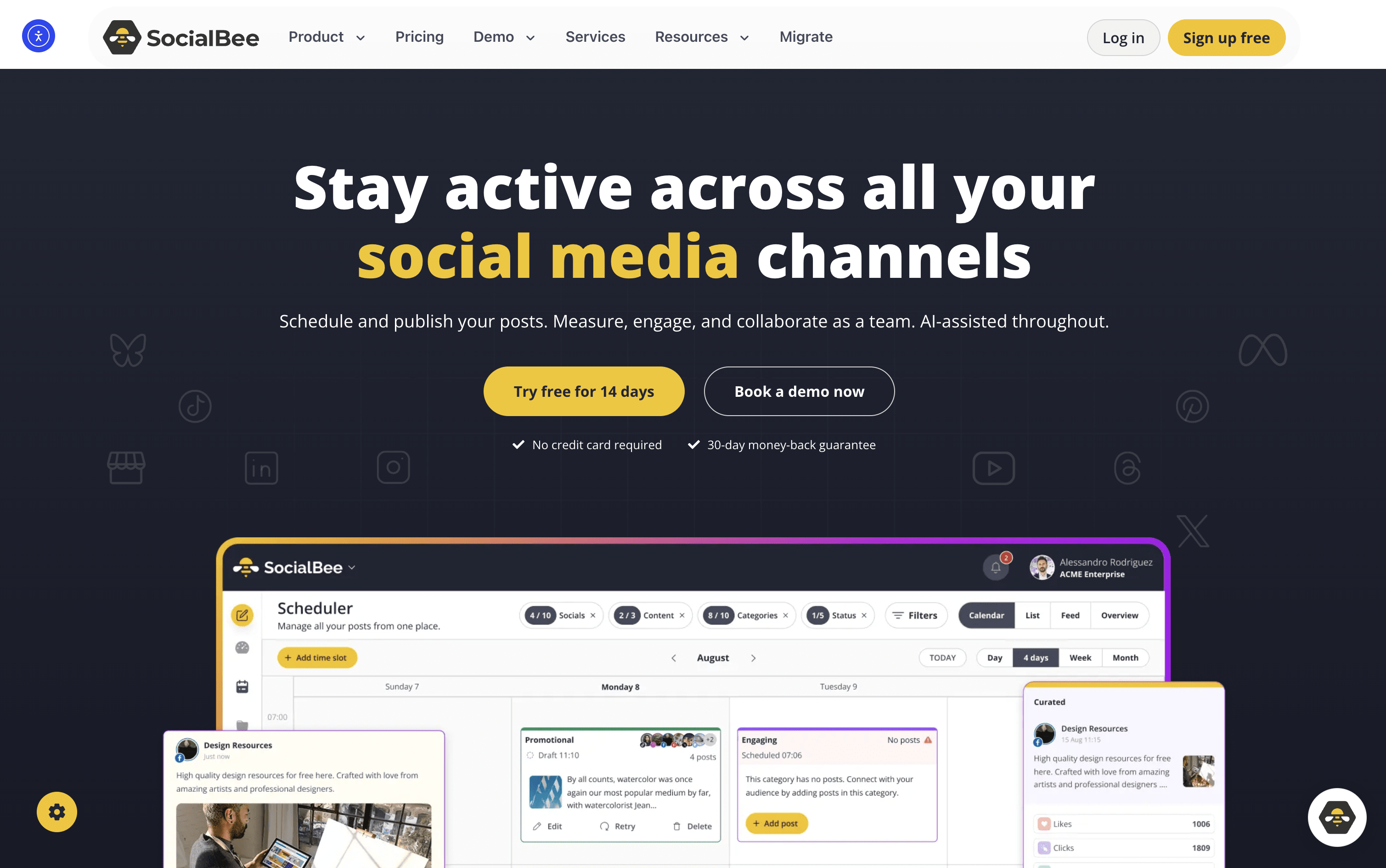
SocialBee is an all-in-one social media tool that lets you create, plan, schedule, and publish content across ten platforms, including Instagram, Facebook, LinkedIn, TikTok, YouTube, Pinterest, X, Threads, Bluesky, and Google Business Profile.
At its core is a category-based queue system. You sort posts into topic folders like Tips, Promotions, or Blog Shares, assign a recurring schedule, and SocialBee publishes them in rotation automatically. This keeps your content mix balanced without daily effort.
It also includes an AI assistant for generating captions, images, and complete content strategies. Additional tools include a visual content calendar, a shared inbox for replies, detailed analytics, team collaboration, approval workflows, and PDF report exports. It suits solo users and large agencies alike.

Canva
Canva is a web-based design tool that makes it easy to create content for social media, business presentations, marketing materials, and more. It uses a simple drag-and-drop editor, so you do not need any design experience to get started.
One of its key features is the Content Planner, available on paid plans. It lets you connect your social media accounts and schedule posts to go live at specific dates and times. You can plan your content in a calendar view and track basic performance after posts are published.
Canva also includes a full set of AI tools that help you write captions, generate images, remove backgrounds, and resize designs for different platforms automatically, all inside the same workspace without switching apps.
How Do SocialBee and Canva Compare on Features?
SocialBee
Schedule posts across 10 social platforms
Category-based content queues and auto-rotation
AI Copilot for strategy and captions
Evergreen content recycling with variations
Instagram Grid preview
Unified inbox for comments and DMs
Canva, Unsplash, and GIPHY integration
RSS auto-posting and bulk post editor
Team approval workflows and internal notes
PDF analytics reports and UTM tracking
14-day free trial available
Canva
Drag-and-drop editor for all skill levels
Millions of templates, photos, videos, and icons
Built-in social media scheduling with Content Planner
AI image generation, caption writing, and background removal
Magic Resize for adapting designs across platforms
Brand Kit for consistent logos, colors, and fonts
Team collaboration and approval workflows
Basic analytics for published posts
Web and mobile app
Where Do SocialBee and Canva Fit?
SocialBee
How Much Do SocialBee and Canva Cost?
SocialBee Pricing Plans
Canva Pricing Plans
How Are SocialBee and Canva Used?
SocialBee
Frequently Asked Questions About SocialBee and Canva
SocialBee
Canva