SocialPilot vs Canva: Features, Pricing and Reviews in 2026
SocialPilot is an all-in-one social media management platform for agencies, teams, and businesses to schedule and manage content.
What Are SocialPilot and Canva?

SocialPilot
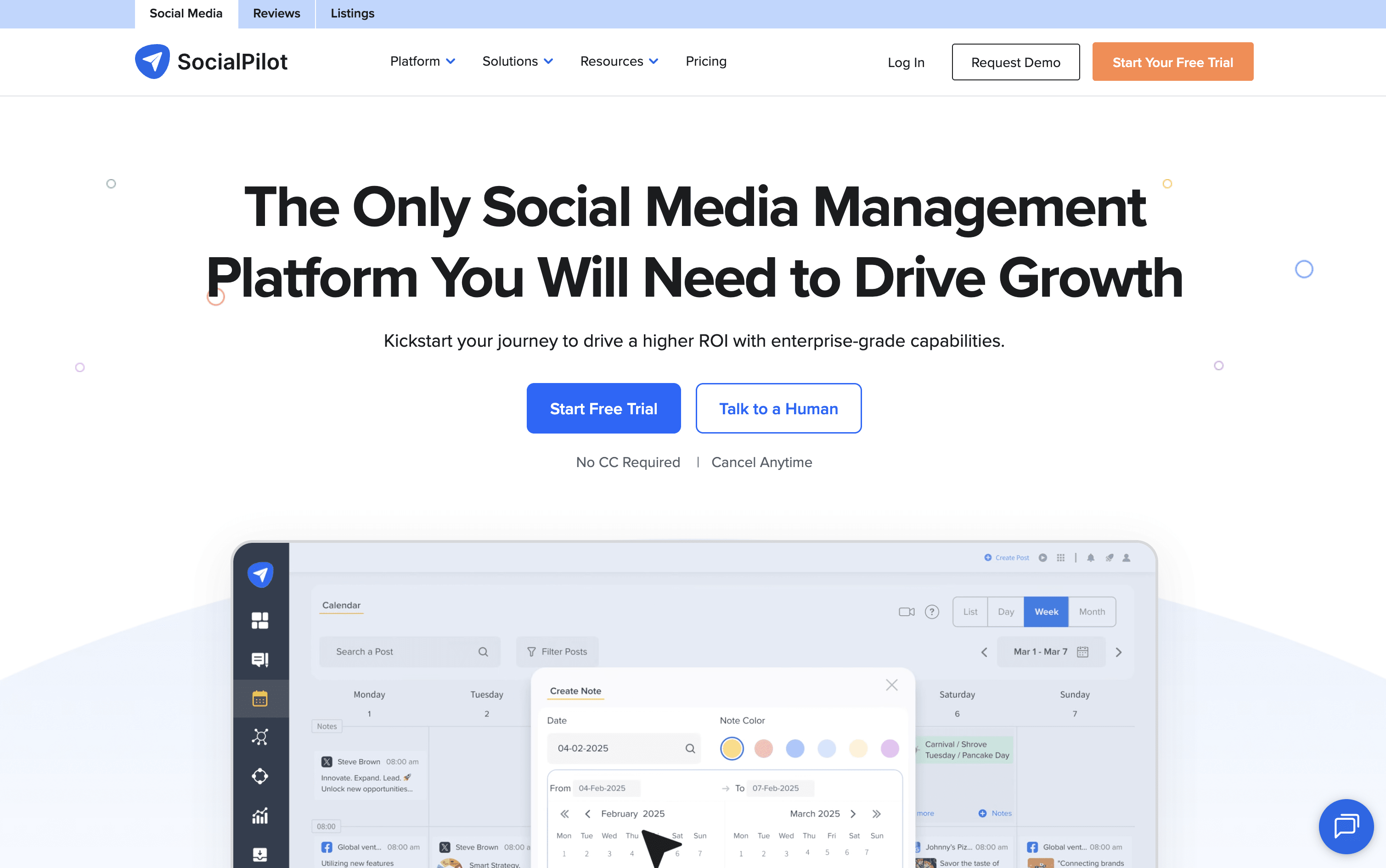
SocialPilot is a complete social media management platform that combines scheduling, content planning, team collaboration, and analytics into one easy dashboard. You can connect accounts from Instagram, Facebook, TikTok, LinkedIn, YouTube, Pinterest, Threads, Bluesky, X, and Google Business Profile all in one place.
It lets you schedule posts one at a time or in bulk using a CSV file. The AI assistant called AI Pilot helps write captions, suggest hashtags, and create content in over 10 languages. A drag-and-drop content calendar makes it easy to plan weeks of posts at once.
Agencies can use white-label reports, client approval workflows, and a review management system for Google and Facebook. The platform is easy to use with no complicated setup needed.

Canva
Canva is a web-based design tool that makes it easy to create content for social media, business presentations, marketing materials, and more. It uses a simple drag-and-drop editor, so you do not need any design experience to get started.
One of its key features is the Content Planner, available on paid plans. It lets you connect your social media accounts and schedule posts to go live at specific dates and times. You can plan your content in a calendar view and track basic performance after posts are published.
Canva also includes a full set of AI tools that help you write captions, generate images, remove backgrounds, and resize designs for different platforms automatically, all inside the same workspace without switching apps.
How Do SocialPilot and Canva Compare on Features?
SocialPilot
Schedule posts across 10+ social platforms
AI-generated captions and hashtag suggestions
Bulk schedule up to 500 posts via CSV upload
Drag-and-drop content calendar with filtering
Unified inbox for comments, DMs, and mentions
White-label branded reports for agencies
Client review and approval workflows
Advanced analytics with PDF export
Google and Facebook review management
Canva, Zapier, and Google Drive integrations
Canva
Drag-and-drop editor for all skill levels
Millions of templates, photos, videos, and icons
Built-in social media scheduling with Content Planner
AI image generation, caption writing, and background removal
Magic Resize for adapting designs across platforms
Brand Kit for consistent logos, colors, and fonts
Team collaboration and approval workflows
Basic analytics for published posts
Web and mobile app
Where Do SocialPilot and Canva Fit?
SocialPilot
How Much Do SocialPilot and Canva Cost?
SocialPilot Pricing Plans
Canva Pricing Plans
How Are SocialPilot and Canva Used?
SocialPilot
Frequently Asked Questions About SocialPilot and Canva
SocialPilot
Canva