Typefully vs Canva: Features, Pricing and Reviews in 2026
Typefully is an AI-powered writing and scheduling tool for creators on X, LinkedIn, Threads, Bluesky, and Mastodon.
What Are Typefully and Canva?

Typefully
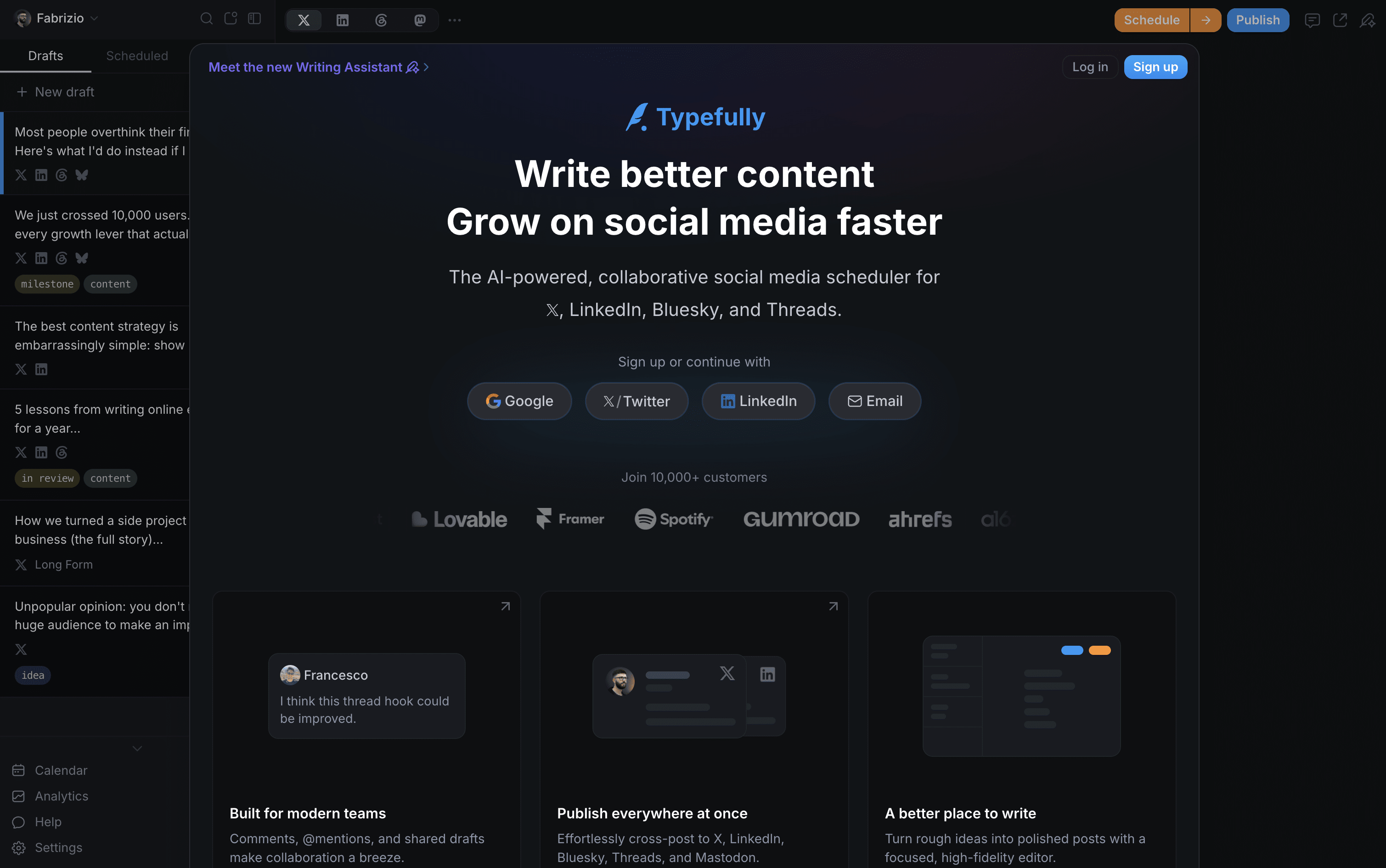
Typefully is a social media writing and scheduling tool built for people who care about content quality. It gives you a clean, focused editor to write posts, build X threads, and schedule content across platforms from one place. The built-in AI assistant helps you improve drafts, generate new ideas, and write in your own voice without sounding generic.
You get a visual calendar for planning ahead, a smart queue that suggests the best times to post, and a detailed analytics dashboard to see what performs well. Teams can share drafts, leave comments, and run approval flows together. It works natively with X, LinkedIn, Threads, Bluesky, and Mastodon.

Canva
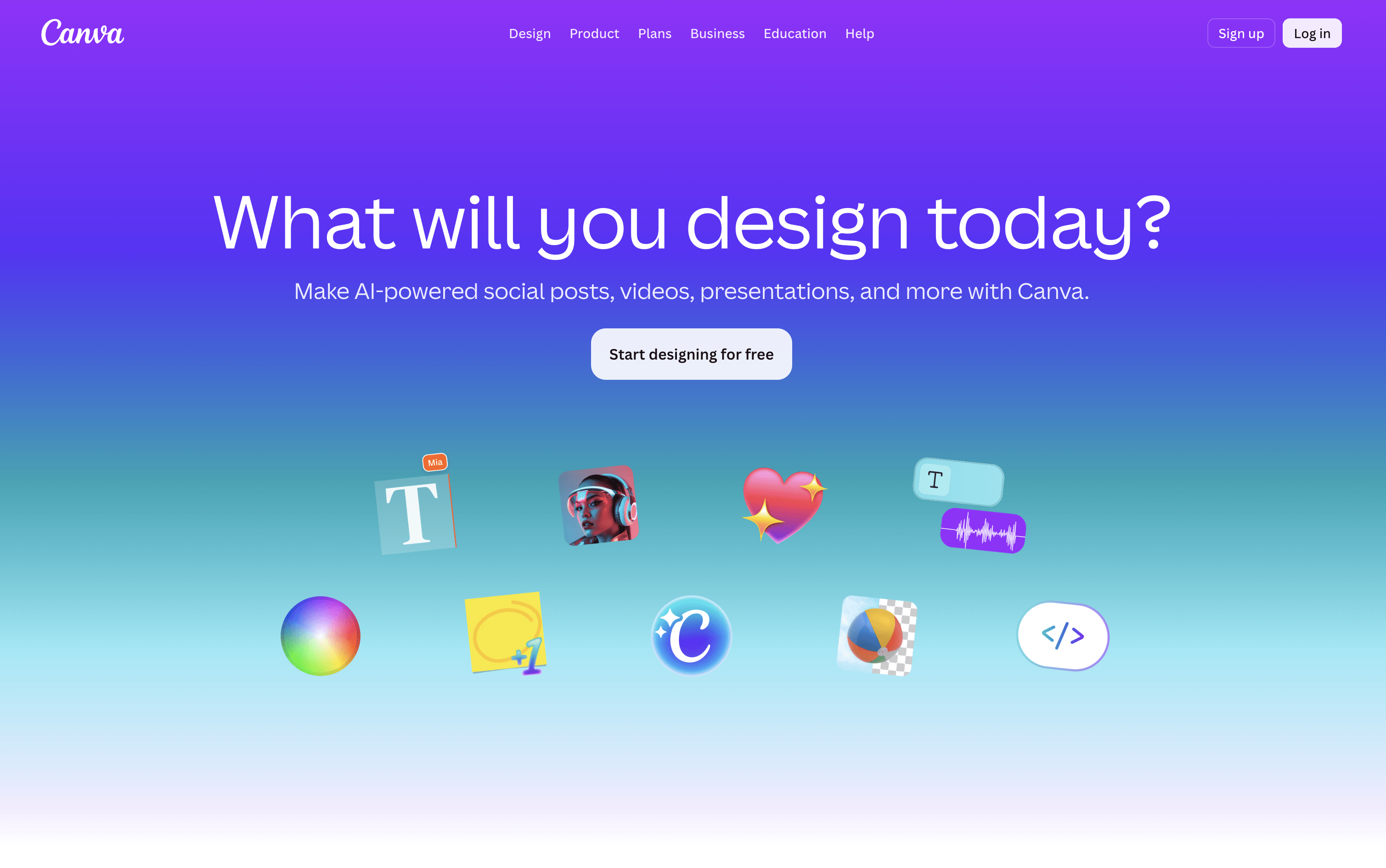
Canva is a web-based design tool that makes it easy to create content for social media, business presentations, marketing materials, and more. It uses a simple drag-and-drop editor, so you do not need any design experience to get started.
One of its key features is the Content Planner, available on paid plans. It lets you connect your social media accounts and schedule posts to go live at specific dates and times. You can plan your content in a calendar view and track basic performance after posts are published.
Canva also includes a full set of AI tools that help you write captions, generate images, remove backgrounds, and resize designs for different platforms automatically, all inside the same workspace without switching apps.
How Do Typefully and Canva Compare on Features?
Typefully
AI writing assistant that learns your voice and tone
Schedule posts on X, LinkedIn, Threads, Bluesky, Mastodon
Visual drag-and-drop content calendar
Smart queue with best-time post suggestions
Deep X analytics with streaks and conversion tracking
Thread and long-form post support
Team collaboration and approval workflows
Auto-retweet, auto-plug, and auto-DM automations
Zapier, Notion, Slack, and API integrations
Cross-platform publishing in one click
Canva
Drag-and-drop editor for all skill levels
Millions of templates, photos, videos, and icons
Built-in social media scheduling with Content Planner
AI image generation, caption writing, and background removal
Magic Resize for adapting designs across platforms
Brand Kit for consistent logos, colors, and fonts
Team collaboration and approval workflows
Basic analytics for published posts
Web and mobile app
Where Do Typefully and Canva Fit?
Typefully
How Much Do Typefully and Canva Cost?
Typefully Pricing Plans
Canva Pricing Plans
How Are Typefully and Canva Used?
Typefully
Frequently Asked Questions About Typefully and Canva
Typefully
Canva