SOCIAL SCHEDULERS

Zoho Social vs Statusbrew: Features, Pricing and Reviews in 2026

Zoho Social
FreeFreemiumSubscription

Zoho Social is an all-in-one social media management platform for scheduling, publishing, monitoring, and analyzing posts.
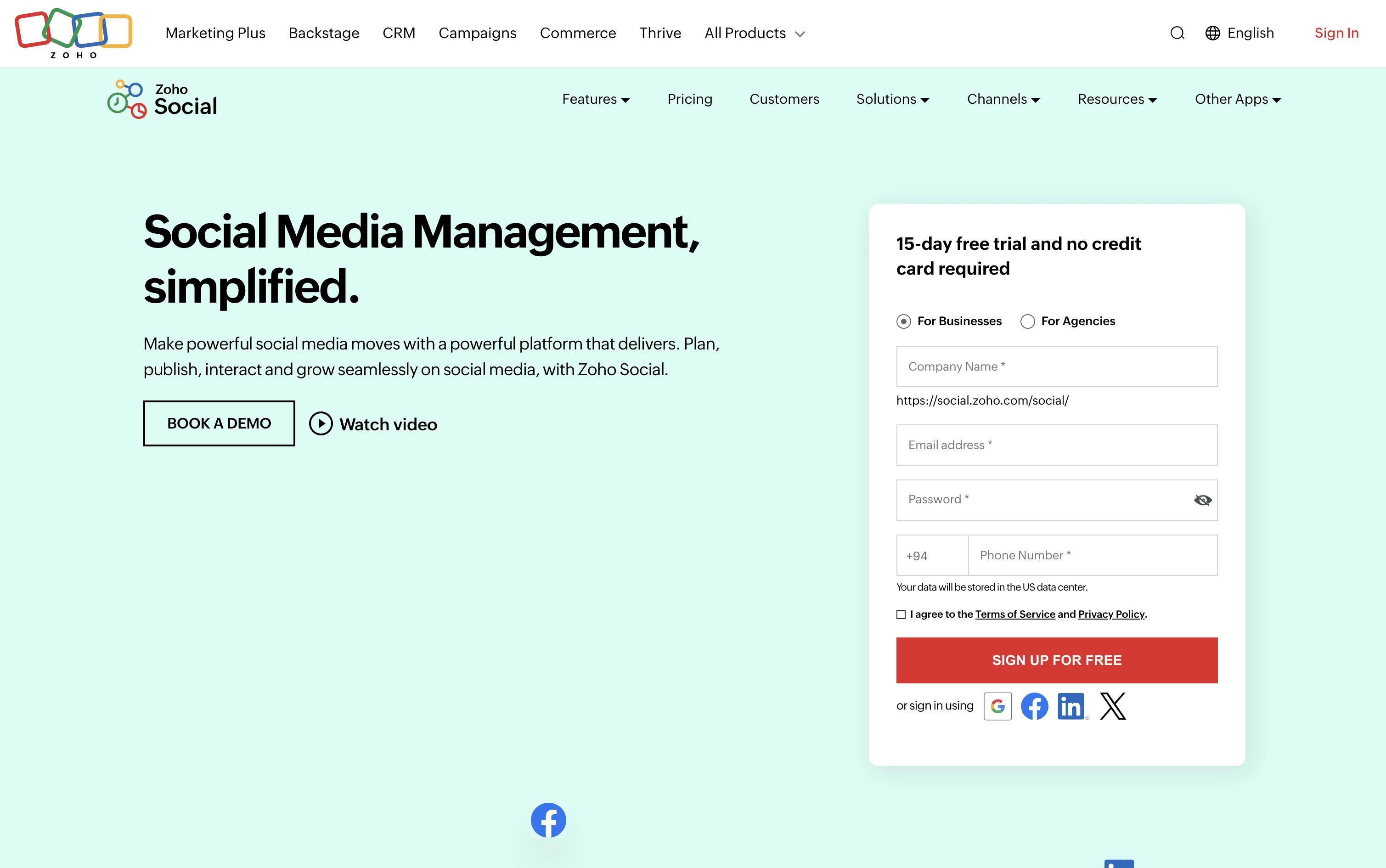
Zoho Social screenshot
Statusbrew
PaidSubscriptionCustom

Statusbrew is an all-in-one social media management platform for teams and agencies to schedule, engage, and analyze across 20+ networks.

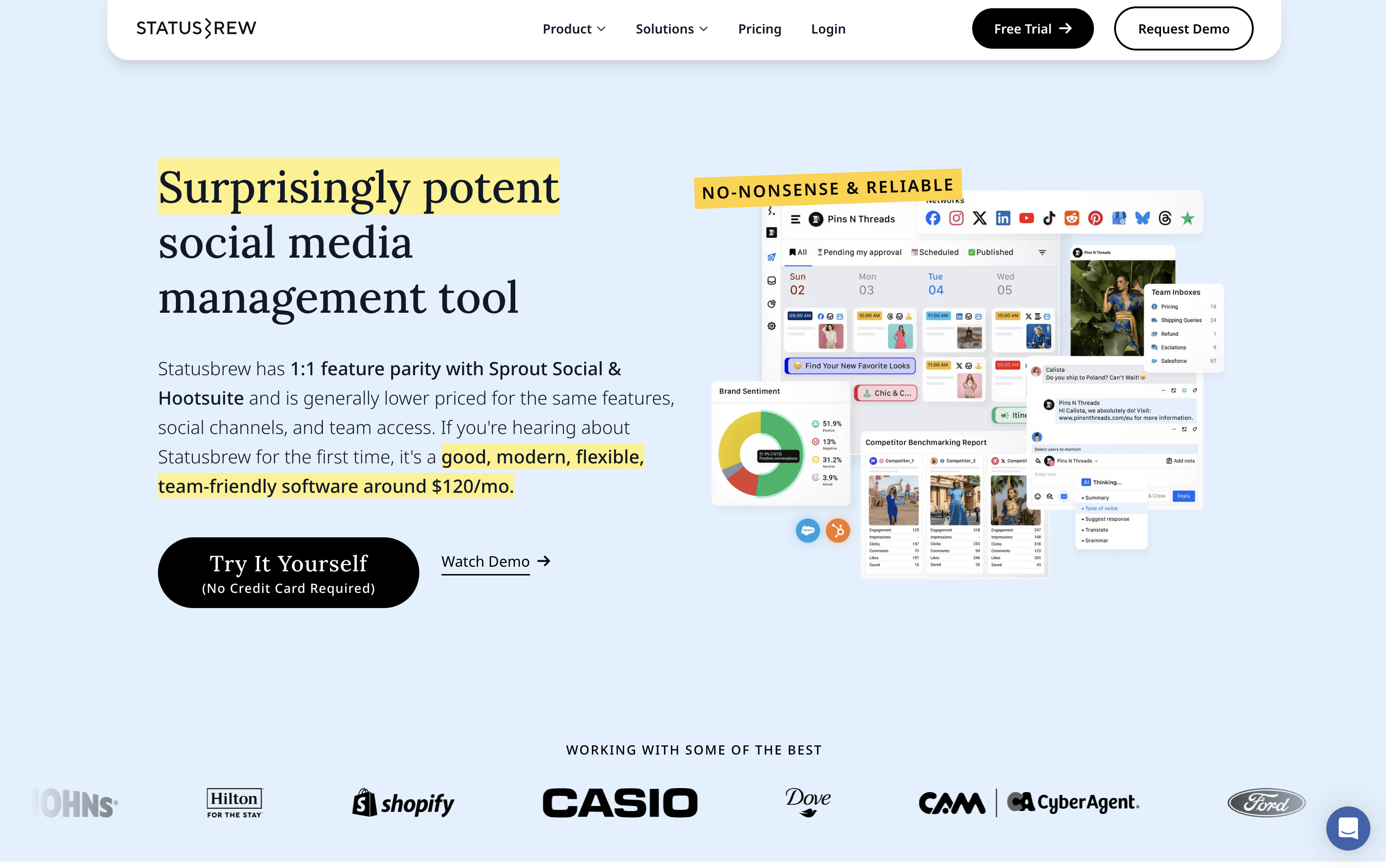
Statusbrew screenshot

What Are Zoho Social and Statusbrew?

Zoho Social

Zoho Social

Zoho Social is a social media management tool that brings all your social accounts together under one roof. You can connect platforms like Instagram, Facebook, LinkedIn, TikTok, YouTube, Pinterest, Threads, Bluesky, Mastodon, and more, and handle everything from a single dashboard.

It includes a visual publishing calendar, a unified inbox for all messages and comments, a monitoring panel to follow brand mentions and keywords, and detailed analytics for every post and channel. The built-in AI assistant, Zia, helps you write captions, suggest hashtags, and draft replies faster.

Teams can set up approval steps before publishing, assign incoming messages to specific members, and work together in a shared space. Agencies can manage multiple client brands from one account with custom reports and dedicated client portals.

Statusbrew

Statusbrew

Statusbrew is a social media management tool that covers the complete process of managing your online presence, from scheduling posts to handling replies and measuring results. It connects to more than 20 platforms, including Facebook, Instagram, X, LinkedIn, TikTok, YouTube, Pinterest, Threads, Bluesky, Google Business Profile, Reddit, and WhatsApp Business.

Teams can plan content using a visual calendar, manage approval workflows with clients or teammates, and handle all comments, messages, and reviews from a single inbox. AI tools help write captions, analyze message tone, and suggest the best times to post. A 14-day free trial is available with no credit card required.

How Do Zoho Social and Statusbrew Compare on Features?

Zoho Social

Zoho Social

  • Schedule posts across 13+ social platforms

  • SmartQ best time to post recommendations

  • Visual publishing calendar with drag-and-drop

  • Unified inbox for all messages and comments

  • Real-time brand and keyword monitoring

  • Custom analytics reports and data export

  • Zia AI for captions and hashtag ideas

  • Bulk scheduling via spreadsheet upload

  • Approval workflows and team collaboration

  • Zoho CRM and Desk integration

Statusbrew

Statusbrew

  • Schedule posts across 20+ social platforms

  • Visual calendar with drag-and-drop content planning

  • Unified inbox for comments, DMs, and reviews

  • AI caption writing and hashtag suggestions

  • Rule-based automation for comment moderation

  • Approval workflows for teams and clients

  • 230+ analytics metrics and competitor benchmarking

  • Bulk scheduling via CSV upload

  • BrewLink in bio tool for Instagram

  • Mobile app for iOS and Android

Where Do Zoho Social and Statusbrew Fit?

How Much Do Zoho Social and Statusbrew Cost?

Zoho Social Pricing Plans

Free

Free
  • 1 Brand (6 Channels)
  • 1 Team Member
  • 5 AI Credits
  • zShare Browser Extension
  • 24/5 Email Support

Standard

$15/mo
  • 1 Brand (12 Channels)
  • 1 Team Member
  • 40 AI Credits
  • Multi-channel publishing
  • Content scheduling and calendar
  • URL link shortener
  • Image editor and drafts
  • Summary reports
  • Activity log and user tagging
  • $10/month billed annually

Professional

$40/mo
  • 1 Brand (12 Channels)
  • 1 Team Member
  • 40 AI Credits
  • Bulk scheduling
  • Repeat and evergreen posting
  • RSS feeds integration
  • Media library
  • CustomQ posting queue
  • Social monitoring dashboard
  • Instagram first comment
Most Popular

Premium

$65/mo
  • 1 Brand (14 Channels)
  • 3 Team Members
  • 80 AI Credits
  • SmartQ best time to post
  • Unified Inbox
  • Content approval workflow
  • Custom analytics reports
  • UTM parameters tracking
  • Zoho CRM integration
  • Zoho Desk integration

Agency

$320/mo
  • 10 Brands (140 Channels)
  • 5 Team Members
  • 80 AI Credits
  • Client invite and portal
  • White-label branded reports
  • Custom client views
  • Free login for clients
  • Scheduled report emailing
  • All Premium features included
  • $230/month billed annually

Agency Plus

$460/mo
  • 20 Brands (280 Channels)
  • 5 Team Members
  • 80 AI Credits
  • All Agency plan features included
  • Double the brands and channels capacity
  • $330/month billed annually

Statusbrew Pricing Plans

Lite

$69/mo
  • 1 user included
  • 5 social profiles
  • Unlimited social media publishing
  • Bulk scheduling via CSV
  • Best time to post queue
  • All-in-one social inbox
  • Hide organic comments on Facebook and Instagram
  • Email support
  • $89/month if billed monthly

Standard

$129/mo
  • 3 users included
  • 10 social profiles
  • Everything in Lite
  • BrewLink in bio
  • Social media reporting with 18 months of historical data
  • Google Business Profile integration
  • Rule Engine for automated comment management
  • Email and chat support
  • $179/month if billed monthly
Most Popular

Premium

$229/mo
  • 6 users included (additional users can be added)
  • 15 social profiles (additional profiles can be added)
  • Everything in Standard
  • AI sentiment analysis
  • Assignment and approval workflows
  • Team and SLA reporting
  • Competitor benchmarking
  • Social and web listening
  • Priority email and chat support
  • $299/month if billed monthly

Enterprise

Custom
  • Unlimited users
  • Unlimited social profiles
  • Everything in Premium
  • HubSpot and Salesforce integration
  • Google Analytics integration
  • Insights API support
  • SAML Single Sign-On
  • MCP support (Claude, ChatGPT, Gemini, Copilot)
  • Dedicated account manager
  • On-demand Zoom call support

Agency

$49/mo
  • Starts from $49/month per client
  • Unlimited spaces
  • Shareable content calendars
  • Client reporting
  • Team collaboration tools
  • No credit card required to start

How Are Zoho Social and Statusbrew Used?

Frequently Asked Questions About Zoho Social and Statusbrew

Zoho Social

Zoho Social

Statusbrew

Statusbrew