
Zoho Social is an all-in-one social media management platform for scheduling, publishing, monitoring, and analyzing posts.
Pricing
Type
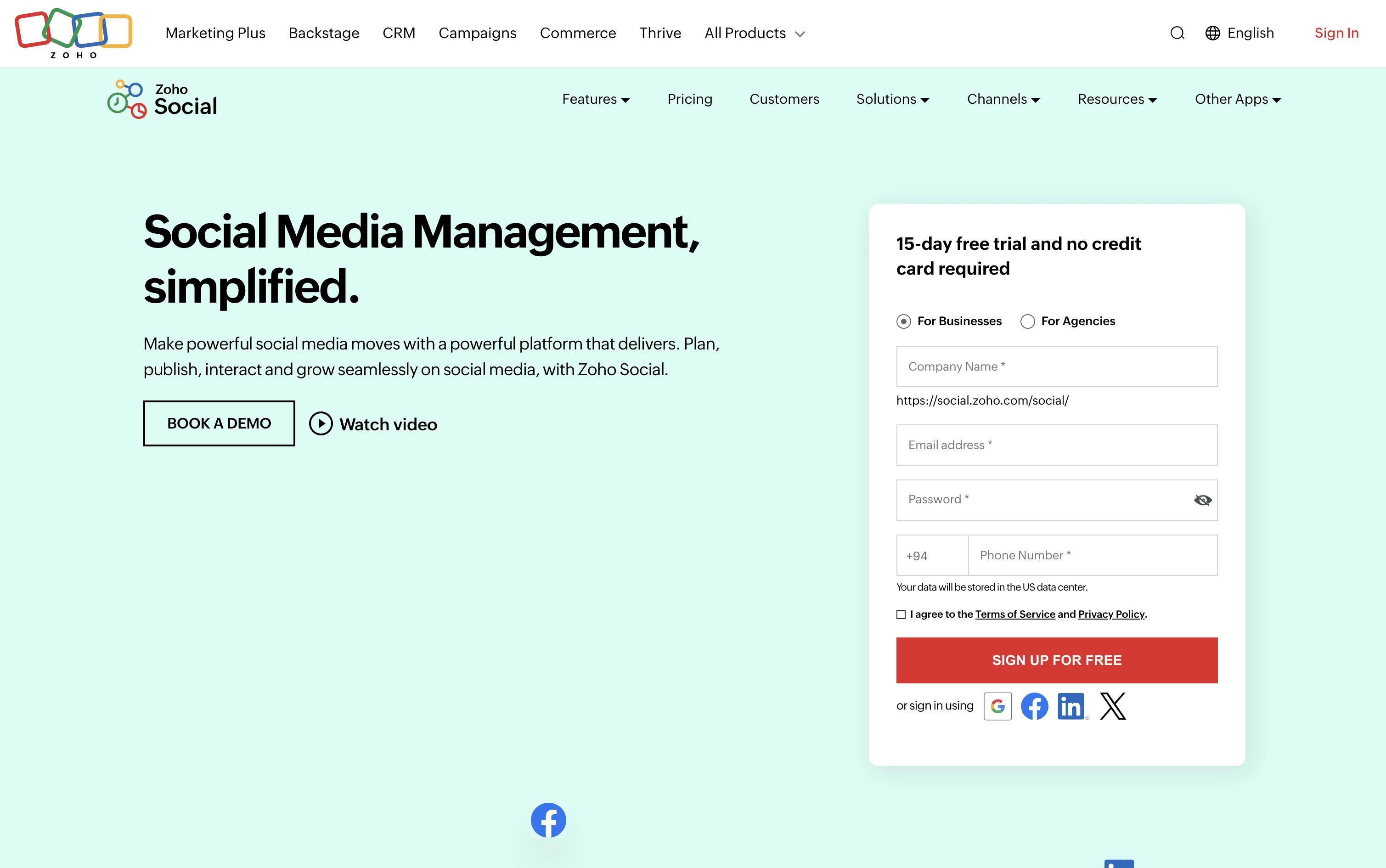
What Is Zoho Social?
Zoho Social is a social media management tool that brings all your social accounts together under one roof. You can connect platforms like Instagram, Facebook, LinkedIn, TikTok, YouTube, Pinterest, Threads, Bluesky, Mastodon, and more, and handle everything from a single dashboard.
It includes a visual publishing calendar, a unified inbox for all messages and comments, a monitoring panel to follow brand mentions and keywords, and detailed analytics for every post and channel. The built-in AI assistant, Zia, helps you write captions, suggest hashtags, and draft replies faster.
Teams can set up approval steps before publishing, assign incoming messages to specific members, and work together in a shared space. Agencies can manage multiple client brands from one account with custom reports and dedicated client portals.
How to Use Zoho Social?
Getting started with Zoho Social is simple. Here are the key steps:
Create a free account and begin your 15-day trial without any credit card.
Set up a Brand for your business and connect your social media accounts one by one.
Invite team members, assign their roles, and turn on approval workflows if needed.
Open the Publishing Calendar to plan your content ahead and view your full posting schedule in one place.
Compose a new post, add images or videos, and use the Zia AI assistant for caption ideas or hashtag suggestions.
Set a publish time manually, use SmartQ to find the best posting slot automatically, or bulk upload a spreadsheet file with up to 350 posts at once.
Check the Inbox daily to reply to all comments, messages, and reviews from every platform without switching apps.
Use the Monitor tab to track brand mentions, keywords, and competitor activity in real time.
Open the Reports section to see which content and channels perform best and adjust your strategy.
Zoho Social Features
Here are the main features of Zoho Social:
Visual Publishing Calendar: View all scheduled, draft, and published posts in a weekly or monthly layout with drag-and-drop rearranging and time zone support.
SmartQ and CustomQ: SmartQ recommends the best times to post using your past audience activity data. CustomQ lets you define fixed posting time slots for a consistent publishing rhythm.
Unified Inbox: Manage all comments, messages, and reviews from every connected platform in one central inbox and respond without switching between apps.
Social Monitoring: Track brand mentions, keywords, hashtags, and competitor content through real-time monitoring streams.
Analytics and Custom Reports: Get detailed post and channel performance stats, build custom reports, and export them for client or team review.
Zia AI Assistant: Generate captions, hashtag suggestions, content variations, and reply drafts with built-in AI support.
Bulk Scheduling: Upload up to 350 posts at once using a CSV or Excel spreadsheet file.
Team Collaboration and Approval Workflow: Set post approval steps, assign inbox messages to specific team members, and discuss content together.
Where does Zoho Social fit?
Zoho Social Pricing Plans
How is Zoho Social used?
Who is Zoho Social Best For?
Frequently Asked Questions About Zoho Social
Best alternatives to Zoho Social

Buffer
Freemium · Subscription
Buffer is a simple social media tool to schedule, publish, and grow your content across multiple platforms.

Metricool
Freemium · Subscription
Metricool is an all-in-one social media management tool for scheduling, analytics, reporting, inbox, and ad management.

Postiz
Freemium · Subscription
Postiz is an open-source, AI-powered social media scheduling platform that lets you plan, create, and publish content across 30+ platforms.

Hootsuite
Paid · Subscription
Hootsuite is an all-in-one social media management platform for scheduling, publishing, monitoring, and analytics across multiple networks.

Sprout Social
Paid · Subscription
Sprout Social is an AI-powered social media management platform for scheduling, engagement, analytics, and team collaboration.

Publer
Freemium · Subscription
Publer is an all-in-one social media scheduler that helps you plan, schedule, and publish content across 13 platforms.

Later
Paid · Subscription
Later is a visual social media scheduling tool for planning, publishing, and growing your presence across platforms.

Agorapulse
Paid · Subscription
Agorapulse is an all-in-one social media management platform for scheduling, engagement, listening, and tracking social ROI.