SOCIAL SCHEDULERS

Zoho Social vs Typefully: Features, Pricing and Reviews in 2026

Zoho Social
FreeFreemiumSubscription

Zoho Social is an all-in-one social media management platform for scheduling, publishing, monitoring, and analyzing posts.
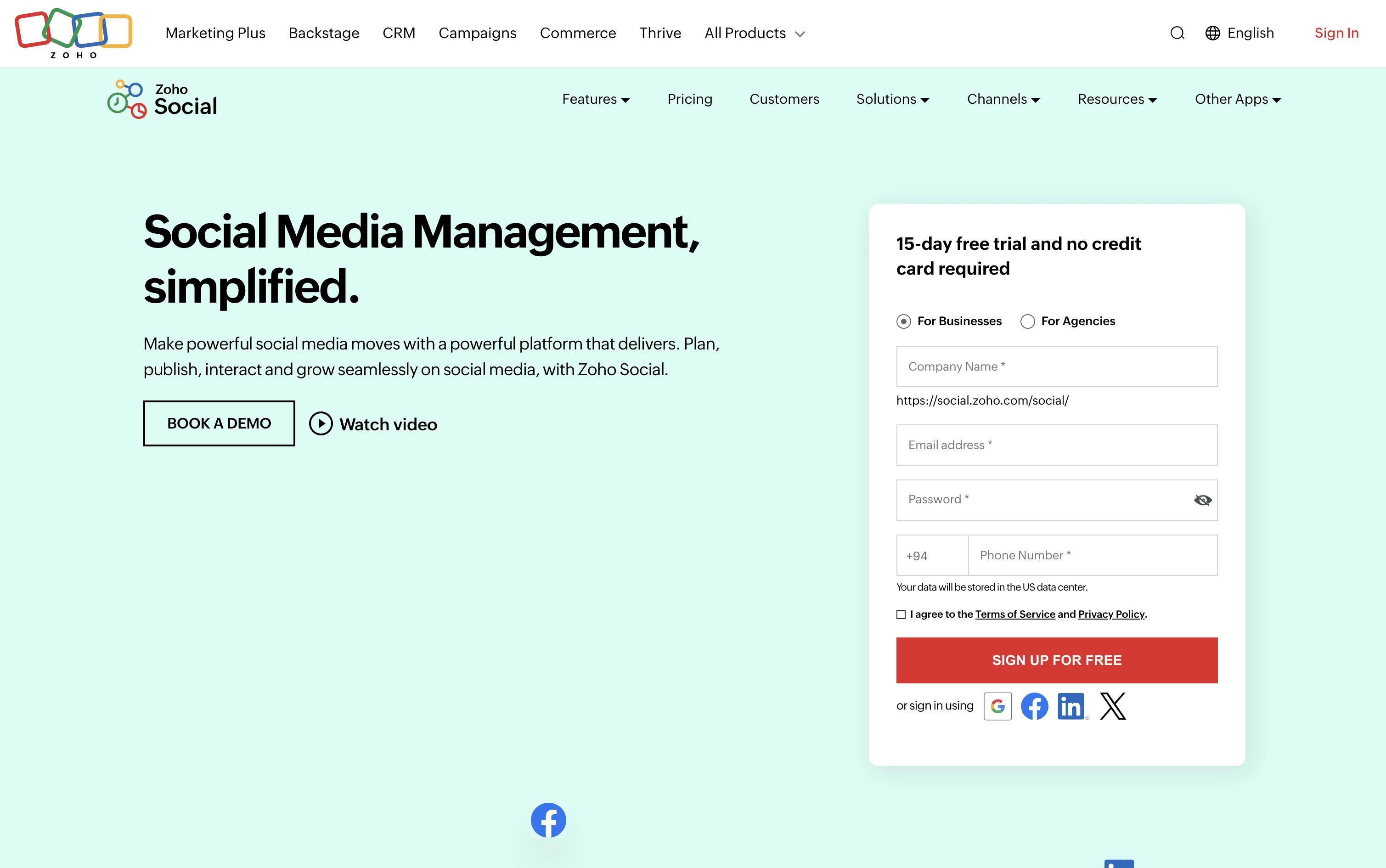
Zoho Social screenshot
Typefully
FreemiumSubscriptionCustom

Typefully is an AI-powered writing and scheduling tool for creators on X, LinkedIn, Threads, Bluesky, and Mastodon.

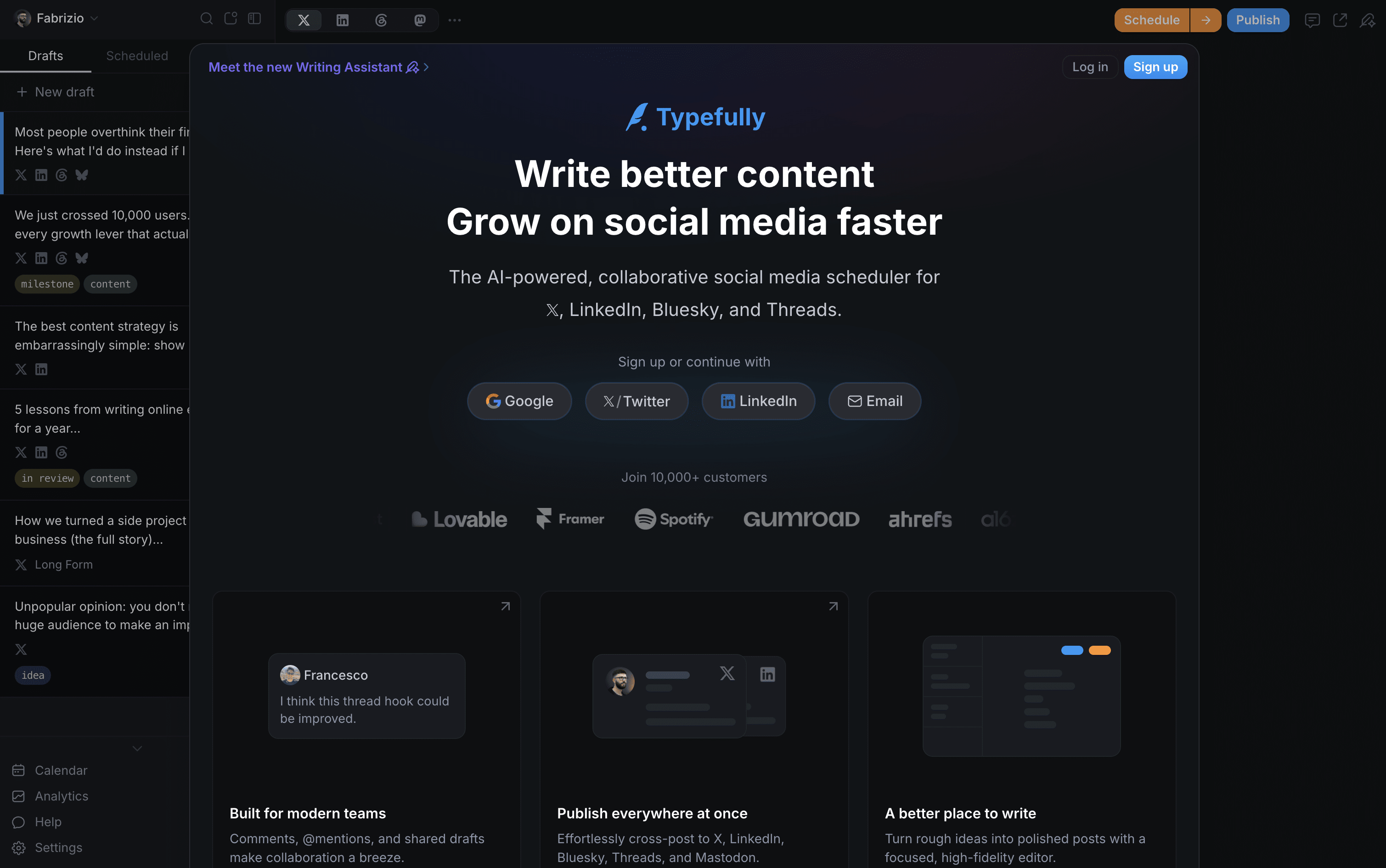
Typefully screenshot

What Are Zoho Social and Typefully?

Zoho Social

Zoho Social

Zoho Social is a social media management tool that brings all your social accounts together under one roof. You can connect platforms like Instagram, Facebook, LinkedIn, TikTok, YouTube, Pinterest, Threads, Bluesky, Mastodon, and more, and handle everything from a single dashboard.

It includes a visual publishing calendar, a unified inbox for all messages and comments, a monitoring panel to follow brand mentions and keywords, and detailed analytics for every post and channel. The built-in AI assistant, Zia, helps you write captions, suggest hashtags, and draft replies faster.

Teams can set up approval steps before publishing, assign incoming messages to specific members, and work together in a shared space. Agencies can manage multiple client brands from one account with custom reports and dedicated client portals.

Typefully

Typefully

Typefully is a social media writing and scheduling tool built for people who care about content quality. It gives you a clean, focused editor to write posts, build X threads, and schedule content across platforms from one place. The built-in AI assistant helps you improve drafts, generate new ideas, and write in your own voice without sounding generic.

You get a visual calendar for planning ahead, a smart queue that suggests the best times to post, and a detailed analytics dashboard to see what performs well. Teams can share drafts, leave comments, and run approval flows together. It works natively with X, LinkedIn, Threads, Bluesky, and Mastodon.

How Do Zoho Social and Typefully Compare on Features?

Zoho Social

Zoho Social

  • Schedule posts across 13+ social platforms

  • SmartQ best time to post recommendations

  • Visual publishing calendar with drag-and-drop

  • Unified inbox for all messages and comments

  • Real-time brand and keyword monitoring

  • Custom analytics reports and data export

  • Zia AI for captions and hashtag ideas

  • Bulk scheduling via spreadsheet upload

  • Approval workflows and team collaboration

  • Zoho CRM and Desk integration

Typefully

Typefully

  • AI writing assistant that learns your voice and tone

  • Schedule posts on X, LinkedIn, Threads, Bluesky, Mastodon

  • Visual drag-and-drop content calendar

  • Smart queue with best-time post suggestions

  • Deep X analytics with streaks and conversion tracking

  • Thread and long-form post support

  • Team collaboration and approval workflows

  • Auto-retweet, auto-plug, and auto-DM automations

  • Zapier, Notion, Slack, and API integrations

  • Cross-platform publishing in one click

Where Do Zoho Social and Typefully Fit?

How Much Do Zoho Social and Typefully Cost?

Zoho Social Pricing Plans

Free

Free
  • 1 Brand (6 Channels)
  • 1 Team Member
  • 5 AI Credits
  • zShare Browser Extension
  • 24/5 Email Support

Standard

$15/mo
  • 1 Brand (12 Channels)
  • 1 Team Member
  • 40 AI Credits
  • Multi-channel publishing
  • Content scheduling and calendar
  • URL link shortener
  • Image editor and drafts
  • Summary reports
  • Activity log and user tagging
  • $10/month billed annually

Professional

$40/mo
  • 1 Brand (12 Channels)
  • 1 Team Member
  • 40 AI Credits
  • Bulk scheduling
  • Repeat and evergreen posting
  • RSS feeds integration
  • Media library
  • CustomQ posting queue
  • Social monitoring dashboard
  • Instagram first comment
Most Popular

Premium

$65/mo
  • 1 Brand (14 Channels)
  • 3 Team Members
  • 80 AI Credits
  • SmartQ best time to post
  • Unified Inbox
  • Content approval workflow
  • Custom analytics reports
  • UTM parameters tracking
  • Zoho CRM integration
  • Zoho Desk integration

Agency

$320/mo
  • 10 Brands (140 Channels)
  • 5 Team Members
  • 80 AI Credits
  • Client invite and portal
  • White-label branded reports
  • Custom client views
  • Free login for clients
  • Scheduled report emailing
  • All Premium features included
  • $230/month billed annually

Agency Plus

$460/mo
  • 20 Brands (280 Channels)
  • 5 Team Members
  • 80 AI Credits
  • All Agency plan features included
  • Double the brands and channels capacity
  • $330/month billed annually

Typefully Pricing Plans

Free

Free
  • 15 posts per month
  • 1 social set
  • 1 user
  • Publish to X, LinkedIn, Threads, Bluesky, Mastodon
  • Advanced scheduling
  • Share and comment on drafts
  • API, MCP, and Agents support
  • Limited media uploads
Most Popular

Pro

$10/mo
  • 1,000 posts per month
  • Up to 10 social sets
  • 1 user
  • AI Writing Assistant (rewrite, improve, generate)
  • Detailed X analytics with streaks and CSV export
  • Profile conversion rate tracking
  • LinkedIn PDF carousels and first comment
  • Auto-DMs, auto-plug, and schedule retweets
  • Unlimited media and video uploads
  • Zapier, Notion, Slack DM, Raycast integrations

Business

$20/mo
  • 1,500 posts per month
  • Up to 50 social sets
  • Unlimited users
  • Everything in Pro
  • Team collaboration with roles and permissions
  • Collaborative writing and shared drafts
  • Team review and approval workflows
  • Slack channel notifications on publish
  • Higher AI usage limits
  • Higher API rate limits

Enterprise

Custom
  • Custom social set limits
  • Enterprise-grade priority support
  • Security reviews and custom arrangements
  • Everything in Business
  • Trial available on request

How Are Zoho Social and Typefully Used?

Frequently Asked Questions About Zoho Social and Typefully

Zoho Social

Zoho Social

Typefully

Typefully