SOCIAL SCHEDULERS

Best 14+ Evergreen Content Recycling Tools for Social Media in 2026

Not all social media content has an expiry date. Evergreen Content Recycling lets you take your best-performing timeless posts and automatically re-share them on a set schedule so they keep driving engagement long after their original publish date without you lifting a finger.

Tools that support evergreen recycling let you build a content library of reusable posts organized by category, then set rules for how often each category gets posted. This keeps your social feeds consistently active even during quiet periods when you have not created new content, making it a must-have for solo creators and small teams with limited production time.

When it comes to Evergreen Content Recycling, MetricoolMetricool, PostizPostiz, and PublerPubler stand out as the best options.

Here is the complete list of tools for Evergreen Content Recycling.

#1Metricool
Metricool
FreemiumSubscriptionCustom
Metricool screenshot

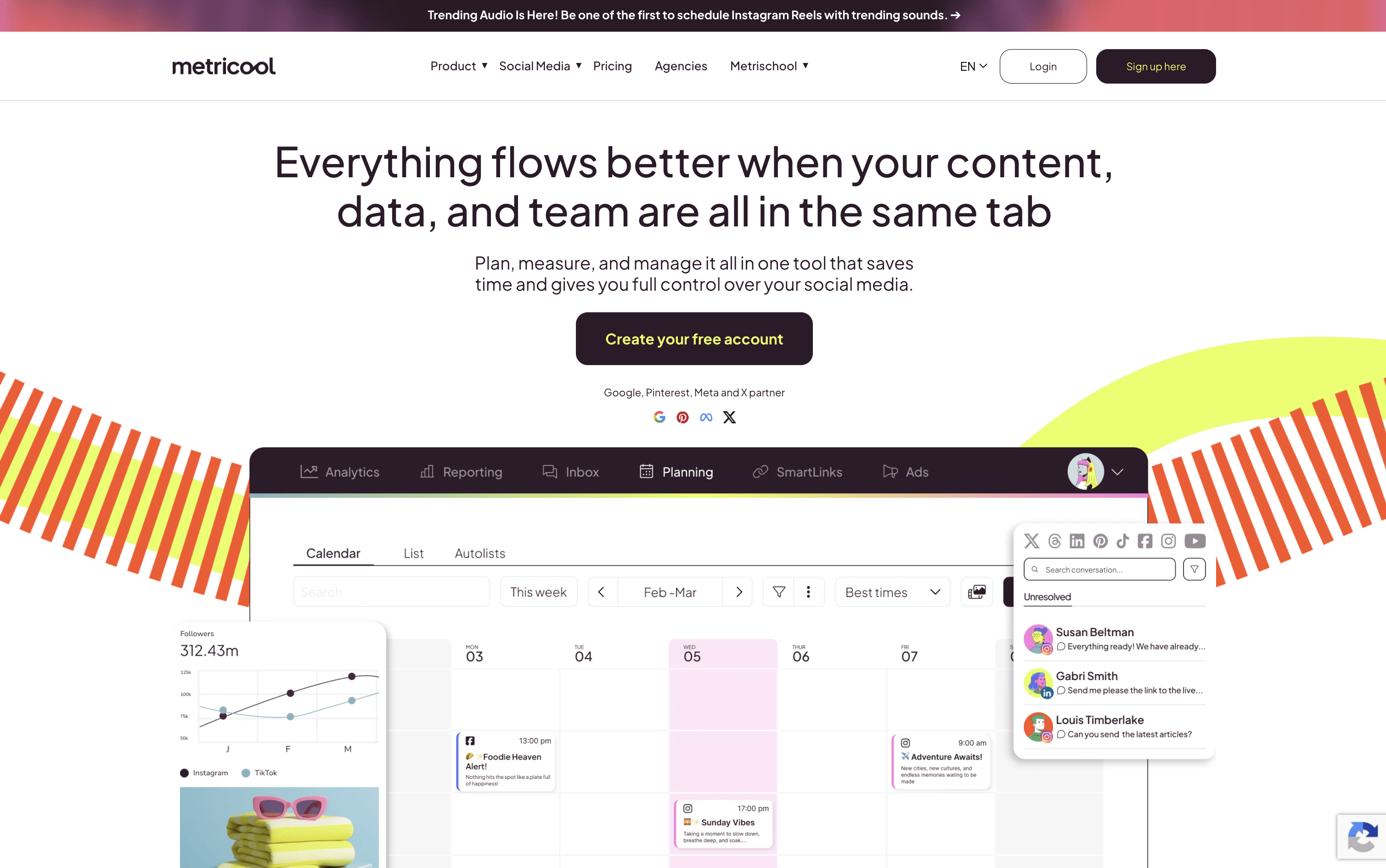
Metricool is a web-based platform that lets you handle every part of your social media presence from one central dashboard. You can connect accounts from Instagram, Facebook, TikTok, LinkedIn, Twitter/X, YouTube, Pinterest, Threads, Bluesky, Google Business Profile, and Twitch. It includes a drag-and-drop content calendar for easy post planning, built-in AI tools for writing captions, competitor tracking, and a SmartLinks feature for building link-in-bio pages.

Beyond scheduling, it offers a unified inbox for managing messages and comments, detailed analytics for tracking your results, ad campaign management for Google, Meta, and TikTok ads, and automated reporting tools for teams and clients. Free and paid plans are available to suit different needs and team sizes.

Metricool Features

  • Schedule posts across 10+ social platforms

  • Visual drag-and-drop content calendar with best times

  • AI caption writing and hashtag generation

  • Competitor tracking and analysis tools

  • Unified inbox for all messages and comments

  • Automated PDF and PPT report downloads

  • Google, Meta, and TikTok ads management

  • SmartLinks link-in-bio builder with click analytics

  • Team roles, approvals, and workflow management

  • RSS auto-posting and evergreen content recycling

Metricool Pricing Plans
Free

Custom
  • Manage 1 brand
  • Schedule up to 20 posts per month
  • Analyze up to 5 competitor profiles
  • 30 days of analytics history
  • AI social media assistant (5 credits/brand/month)
  • Basic social inbox
Most Popular

Starter

$25/mo
  • Manage up to 5 brands (up to 10 brands at $45/month)
  • Unlimited post scheduling
  • Analyze up to 100 competitor profiles
  • Unlimited analytics history
  • Automated PDF and PPT report downloads
  • SmartLinks with unlimited links and analytics

Advanced

$67/mo
  • Manage up to 15 brands (up to 50 brands at $210/month)
  • Everything in Starter plan
  • Unlimited team members with role-based access
  • Post approval workflows
  • Customizable report templates and Looker Studio connector
  • Zapier and Make.com integrations

Custom

Custom
  • Custom number of brands
  • White-label features
  • Dedicated account manager
  • Custom AI assistant credits
  • Full Metricool integration tailored to your business
  • All Advanced plan features included

Twitter/X Add-on

$5/mo
  • Required per connected Twitter/X account
  • Full Twitter/X posting and scheduling
  • Complete Twitter/X analytics
  • Twitter/X inbox support
Read more
#2Postiz
Postiz
FreemiumSubscription
Postiz screenshot

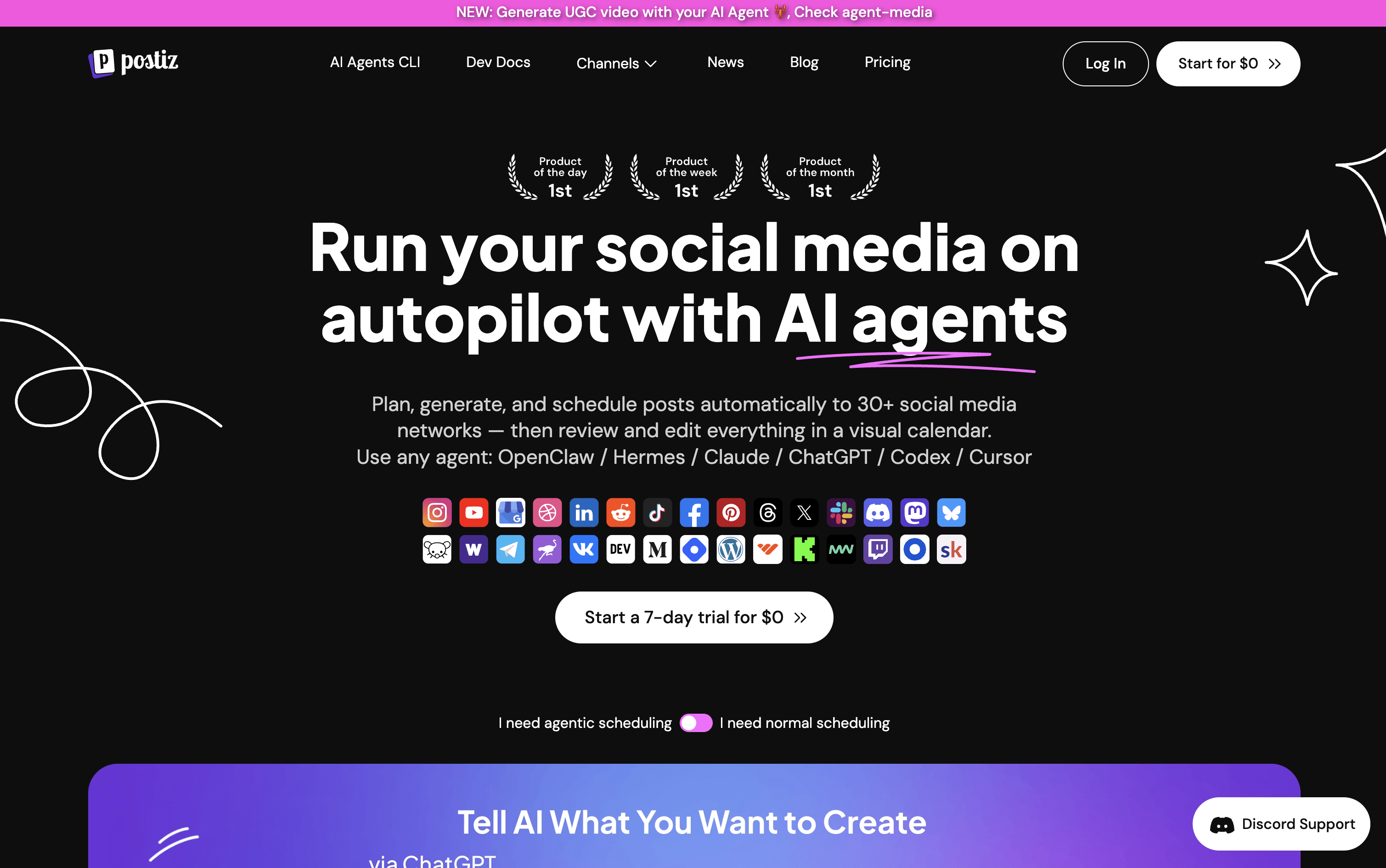
Postiz is a social media scheduling platform that combines AI content creation, visual planning, and multi-platform publishing in one place. You can write a post once and send it to multiple platforms at the same time, with each channel getting its own preview so you can adjust the text or media per platform.

The built-in AI assistant helps you write captions, generate images, and even create short videos. It also supports team collaboration, approval workflows, and detailed analytics pulled from each platform.

Postiz is open source under the AGPL-3.0 license, so developers and privacy-focused users can self-host it for complete data ownership at no ongoing cost.

Postiz Features

  • Schedule posts across 30+ social platforms

  • AI-generated captions, images, and videos

  • Visual drag-and-drop content calendar

  • Cross-posting with per-channel previews

  • Team collaboration and approval workflows

  • Analytics for all connected channels

  • Evergreen content recycling and RSS auto-posting

  • Public API, webhooks, n8n, Make, and Zapier support

  • Open source and self-hostable for free

  • CLI and AI agent integration support

Postiz Pricing Plans
Standard

$29/mo
  • 5 channels
  • 400 posts per month
  • 3 AI videos per month
  • AI Copilot
  • Advanced picture editor
  • Cross-posting

Standard (Yearly)

$23/mo
  • 5 channels
  • 400 posts per month
  • 3 AI videos per month
  • AI Copilot
  • Advanced picture editor
  • Cross-posting

Team

$39/mo
  • 10 channels
  • Unlimited posts
  • Unlimited team members
  • 100 AI images per month
  • 10 AI videos per month
  • AI Copilot

Team (Yearly)

$31/mo
  • 10 channels
  • Unlimited posts
  • Unlimited team members
  • 100 AI images per month
  • 10 AI videos per month
  • AI Copilot
Most Popular

Pro

$49/mo
  • 30 channels
  • Unlimited posts
  • Unlimited team members
  • 300 AI images per month
  • 30 AI videos per month
  • AI Copilot

Pro (Yearly)

$39/mo
  • 30 channels
  • Unlimited posts
  • Unlimited team members
  • 300 AI images per month
  • 30 AI videos per month
  • AI Copilot

Ultimate

$99/mo
  • 100 channels
  • Unlimited posts
  • Unlimited team members
  • 500 AI images per month
  • 60 AI videos per month
  • AI Copilot

Ultimate (Yearly)

$79/mo
  • 100 channels
  • Unlimited posts
  • Unlimited team members
  • 500 AI images per month
  • 60 AI videos per month
  • AI Copilot

Self-Hosted (Open Source)

Free
  • Unlimited channels
  • Unlimited posts
  • Full data ownership
  • All core scheduling features
  • API and webhooks
  • Docker deployment
Read more
#3Publer
Publer
FreemiumSubscription
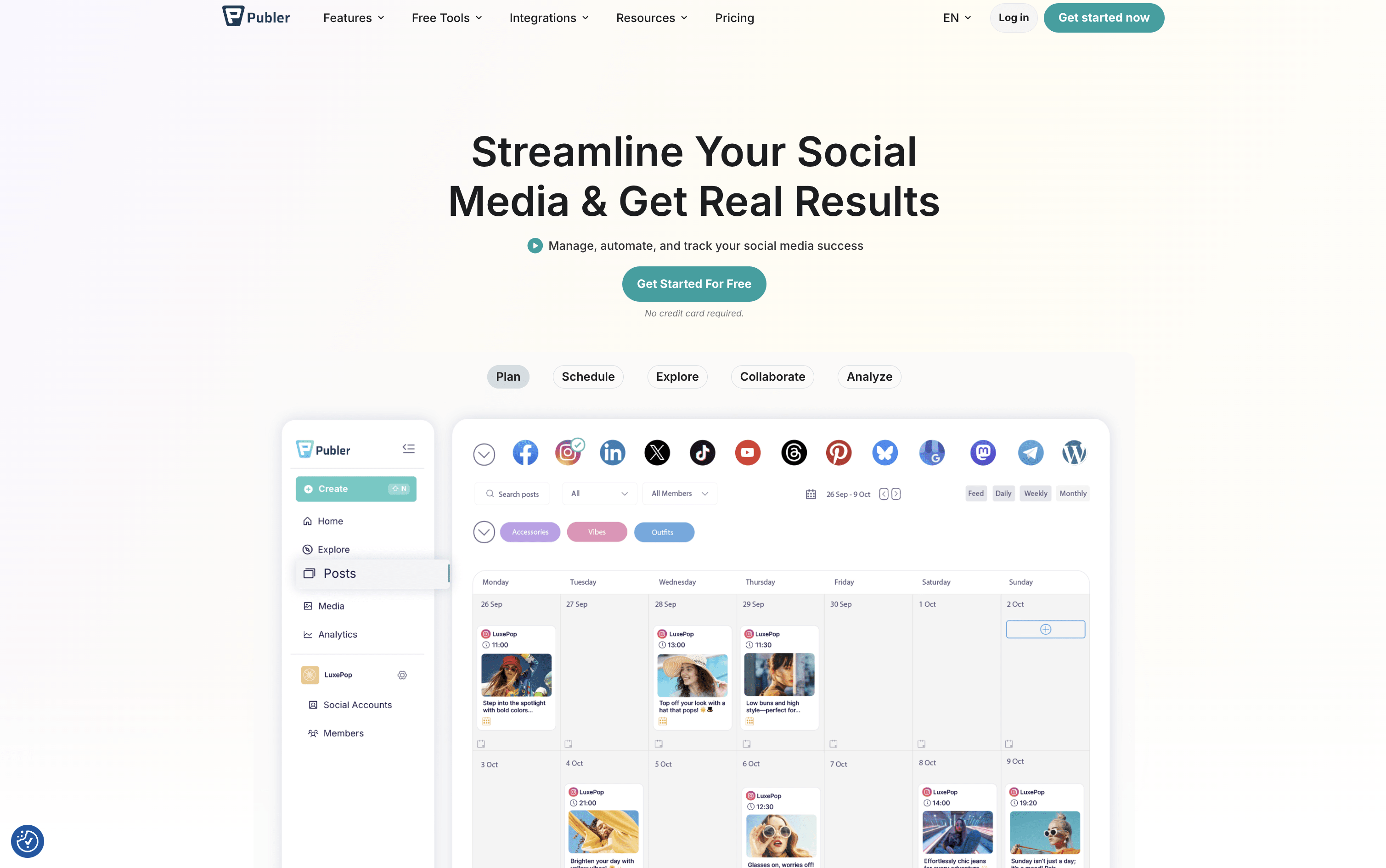
Publer screenshot

Publer is a complete social media scheduling and management tool that brings all your social accounts together in one place. You can create posts, add images or videos, write captions, and set them to go live at the right time across 13 supported platforms, including Instagram, Facebook, TikTok, LinkedIn, YouTube, Pinterest, Twitter/X, Threads, Bluesky, Mastodon, Telegram, Google Business Profile, and WordPress.

Beyond scheduling, Publer includes a built-in AI assistant that helps you write better captions, suggest hashtags, and even create images. It offers a visual calendar, bulk scheduling for up to 500 posts at once, content recycling to automatically reuse top posts, and a full analytics dashboard. Teams and agencies can collaborate using shared workspaces, role-based access, and approval workflows.

Publer Features

  • Schedule posts across 13 social media platforms

  • AI-powered caption and hashtag generation

  • Visual content calendar with drag-and-drop

  • Bulk scheduling up to 500 posts at once

  • Content recycling and evergreen automation

  • Team collaboration with approval workflows

  • Analytics, competitor tracking, and PDF reports

  • Canva, Google Drive, and Dropbox integration

  • Link in Bio tool for Instagram

  • Free plan with core scheduling features

Publer Pricing Plans

Free

Custom
  • 1 user and 1 workspace
  • 3 social accounts (excluding Twitter/X)
  • Up to 10 scheduled posts per account
  • 24-hour post history
  • 25 saved drafts
  • Link in Bio for Instagram

Professional

$5/mo
  • Everything in Free
  • Unlimited scheduled posts and drafts
  • Twitter/X integration
  • Bulk scheduling
  • Unlimited workspaces and media storage
  • Unlimited RSS feed automations

Professional (Yearly)

$4/mo
  • All Professional plan features
  • Billed annually β€” save 2 months
Most Popular

Business

$10/mo
  • Everything in Professional
  • Unlimited AI prompts
  • Full analytics and reporting
  • Best time to post recommendations
  • Competitor analysis
  • Hashtag suggestions and analytics

Business (Yearly)

$8/mo
  • All Business plan features
  • Billed annually β€” save 2 months

Enterprise

Custom
  • Everything in Business
  • Volume-based discounts
  • Unlimited daily posting
  • Priority and expedited support
  • Early access to new features
  • Dedicated enterprise onboarding
Read more
#4Agorapulse
Agorapulse
PaidSubscription
Agorapulse screenshot

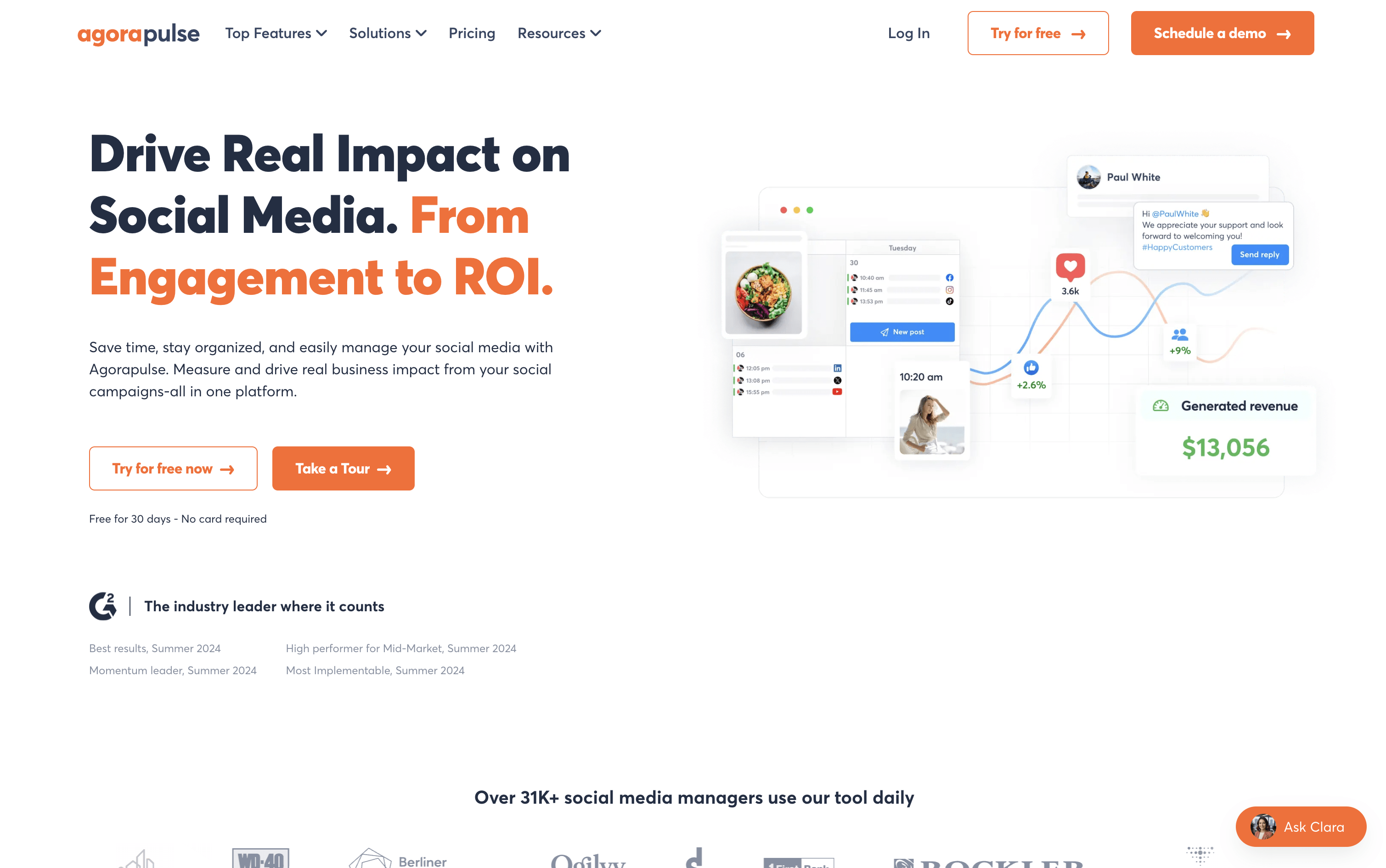
Agorapulse is a tool that lets individuals and teams manage all their social media from one dashboard. You can schedule posts, reply to comments and messages, listen to what people say about your brand, and see how well your content performs across platforms including Instagram, Facebook, LinkedIn, X, TikTok, YouTube, Pinterest, Threads, Bluesky, and Google Business Profile.

A key feature that sets Agorapulse apart is its Social ROI tracking. It connects with Google Analytics to show how social media posts bring visitors, leads, and sales to your website. Beyond that, it includes team tools like approval workflows, shared calendars, and task assignments, making it a strong choice for agencies and growing marketing teams.

Agorapulse Features

  • Schedule posts across 10+ social platforms

  • Unified inbox for all comments, DMs, and reviews

  • Social ROI tracking via Google Analytics

  • Brand and competitor listening with 24-month history

  • AI writing assistant and reply suggestions

  • Bulk scheduling via CSV upload

  • Approval workflows and shared content calendars

  • White-label and custom PDF/PowerPoint reports

  • Employee advocacy campaign management

  • Mobile app for iOS and Android

Agorapulse Pricing Plans

Standard

$99/user/mo
  • 10 social profiles
  • Unlimited post scheduling
  • Multi-network publishing
  • Unified social inbox
  • Ad comments moderation
  • AI writing assistant

Professional

$149/user/mo
  • Everything in Standard
  • 10 social profiles
  • 12 months data retention
  • Simple approval workflows
  • Saved replies
  • PulseLink in bio
Most Popular

Advanced

$199/user/mo
  • Everything in Professional
  • 10 social profiles
  • 24 months data retention
  • Bulk scheduling via CSV upload
  • Bulk approve posts
  • Shared content calendars

Custom

Custom
  • Everything in Advanced
  • Unlimited social profiles
  • AI-powered reply suggestions
  • Multi-step approval workflows
  • Custom roles and permissions
  • Single Sign-On (SSO)
Read more
#5Sendible
Sendible
PaidSubscription
Sendible screenshot

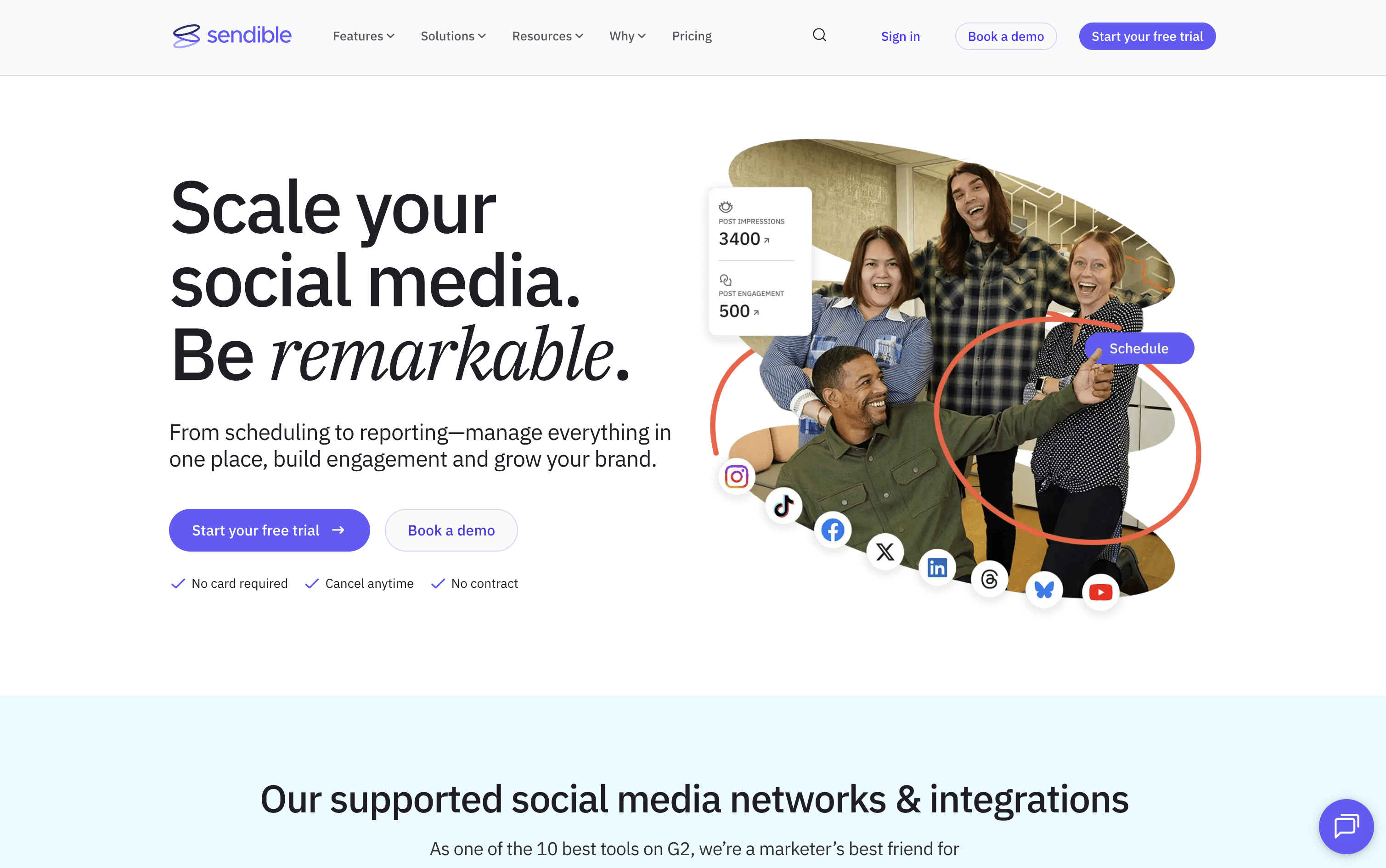
Sendible is a web-based platform that helps you manage all your social media from one dashboard. You can write posts, schedule them in bulk, and publish directly to Instagram, Facebook, X, LinkedIn, TikTok, YouTube, Google Business Profiles, Threads, and Bluesky, all from a single Compose Box.

It goes beyond basic scheduling with Smart Queues for recycling evergreen content automatically, a shared Content Library for teams, built-in AI to write and improve captions, and automated reports to show clients their results. Approval workflows, secure client onboarding without password sharing, and a white-label option make it a strong all-in-one choice for agencies managing many clients at once.

Sendible Features

  • Schedule posts across 9+ social networks

  • Bulk upload with CSV importer

  • Smart Queues for evergreen content recycling

  • AI caption generation and content improvement

  • Approval workflows for teams and clients

  • Priority Inbox for unified comment and message management

  • Custom, automated PDF reports with Google Analytics

  • Shared content and hashtag library

  • Canva, Google Drive, and Dropbox integration

  • White label option for agencies

Sendible Pricing Plans

Creator

$29/mo
  • 1 user / 1 calendar
  • 6 social profiles
  • 100 posts per day
  • 10 Smart Queues
  • Unlimited scheduling
  • Unlimited AI credits

Creator (Yearly)

$300/yr
  • 1 user / 1 calendar
  • 6 social profiles
  • 100 posts per day
  • 10 Smart Queues
  • Unlimited scheduling
  • Unlimited AI credits

Traction

$89/mo
  • 4 users / 4 calendars
  • 24 social profiles
  • 200 posts per day
  • 30 Smart Queues
  • Everything in Creator
  • Team collaboration

Traction (Yearly)

$912/yr
  • 4 users / 4 calendars
  • 24 social profiles
  • 200 posts per day
  • 30 Smart Queues
  • Everything in Creator
  • Team collaboration
Most Popular

Scale

$199/mo
  • 7 users / 7 calendars
  • 49 social profiles
  • 300 posts per day
  • 70 Smart Queues
  • Everything in Traction
  • Custom and automated reports

Scale (Yearly)

$2040/yr
  • 7 users / 7 calendars
  • 49 social profiles
  • 300 posts per day
  • 70 Smart Queues
  • Everything in Traction
  • Custom and automated reports

Advanced

$299/mo
  • 20 users
  • 100 social profiles
  • 500 posts per day
  • Unlimited Smart Queues
  • Everything in Scale
  • Bulk posting with custom tags

Advanced (Yearly)

$3060/yr
  • 20 users
  • 100 social profiles
  • 500 posts per day
  • Unlimited Smart Queues
  • Everything in Scale
  • Bulk posting with custom tags

Enterprise

$750/mo
  • 80 users
  • 400 social profiles
  • 500 posts per day
  • Unlimited Smart Queues
  • All features included
  • Optional SSO

Enterprise (Yearly)

$7656/yr
  • 80 users
  • 400 social profiles
  • 500 posts per day
  • Unlimited Smart Queues
  • All features included
  • Optional SSO
Read more
#6Zoho Social
Zoho Social
FreeFreemiumSubscription
Zoho Social screenshot

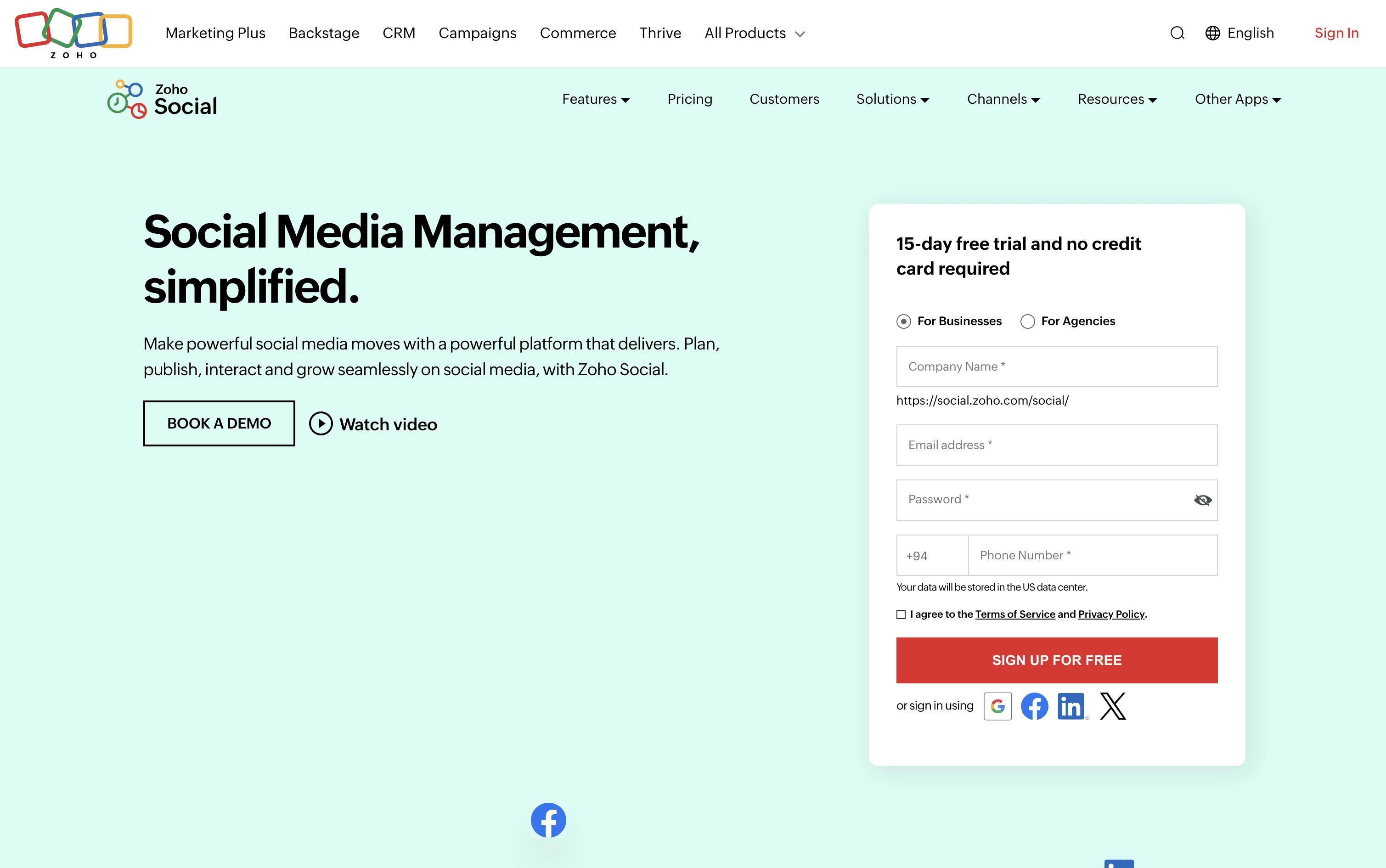
Zoho Social is a social media management tool that brings all your social accounts together under one roof. You can connect platforms like Instagram, Facebook, LinkedIn, TikTok, YouTube, Pinterest, Threads, Bluesky, Mastodon, and more, and handle everything from a single dashboard.

It includes a visual publishing calendar, a unified inbox for all messages and comments, a monitoring panel to follow brand mentions and keywords, and detailed analytics for every post and channel. The built-in AI assistant, Zia, helps you write captions, suggest hashtags, and draft replies faster.

Teams can set up approval steps before publishing, assign incoming messages to specific members, and work together in a shared space. Agencies can manage multiple client brands from one account with custom reports and dedicated client portals.

Zoho Social Features

  • Schedule posts across 13+ social platforms

  • SmartQ best time to post recommendations

  • Visual publishing calendar with drag-and-drop

  • Unified inbox for all messages and comments

  • Real-time brand and keyword monitoring

  • Custom analytics reports and data export

  • Zia AI for captions and hashtag ideas

  • Bulk scheduling via spreadsheet upload

  • Approval workflows and team collaboration

  • Zoho CRM and Desk integration

Zoho Social Pricing Plans

Free

Free
  • 1 Brand (6 Channels)
  • 1 Team Member
  • 5 AI Credits
  • zShare Browser Extension
  • 24/5 Email Support

Standard

$15/mo
  • 1 Brand (12 Channels)
  • 1 Team Member
  • 40 AI Credits
  • Multi-channel publishing
  • Content scheduling and calendar
  • URL link shortener

Professional

$40/mo
  • 1 Brand (12 Channels)
  • 1 Team Member
  • 40 AI Credits
  • Bulk scheduling
  • Repeat and evergreen posting
  • RSS feeds integration
Most Popular

Premium

$65/mo
  • 1 Brand (14 Channels)
  • 3 Team Members
  • 80 AI Credits
  • SmartQ best time to post
  • Unified Inbox
  • Content approval workflow

Agency

$320/mo
  • 10 Brands (140 Channels)
  • 5 Team Members
  • 80 AI Credits
  • Client invite and portal
  • White-label branded reports
  • Custom client views

Agency Plus

$460/mo
  • 20 Brands (280 Channels)
  • 5 Team Members
  • 80 AI Credits
  • All Agency plan features included
  • Double the brands and channels capacity
  • $330/month billed annually
Read more
#7Planable
Planable
FreemiumSubscriptionCustom
Planable screenshot

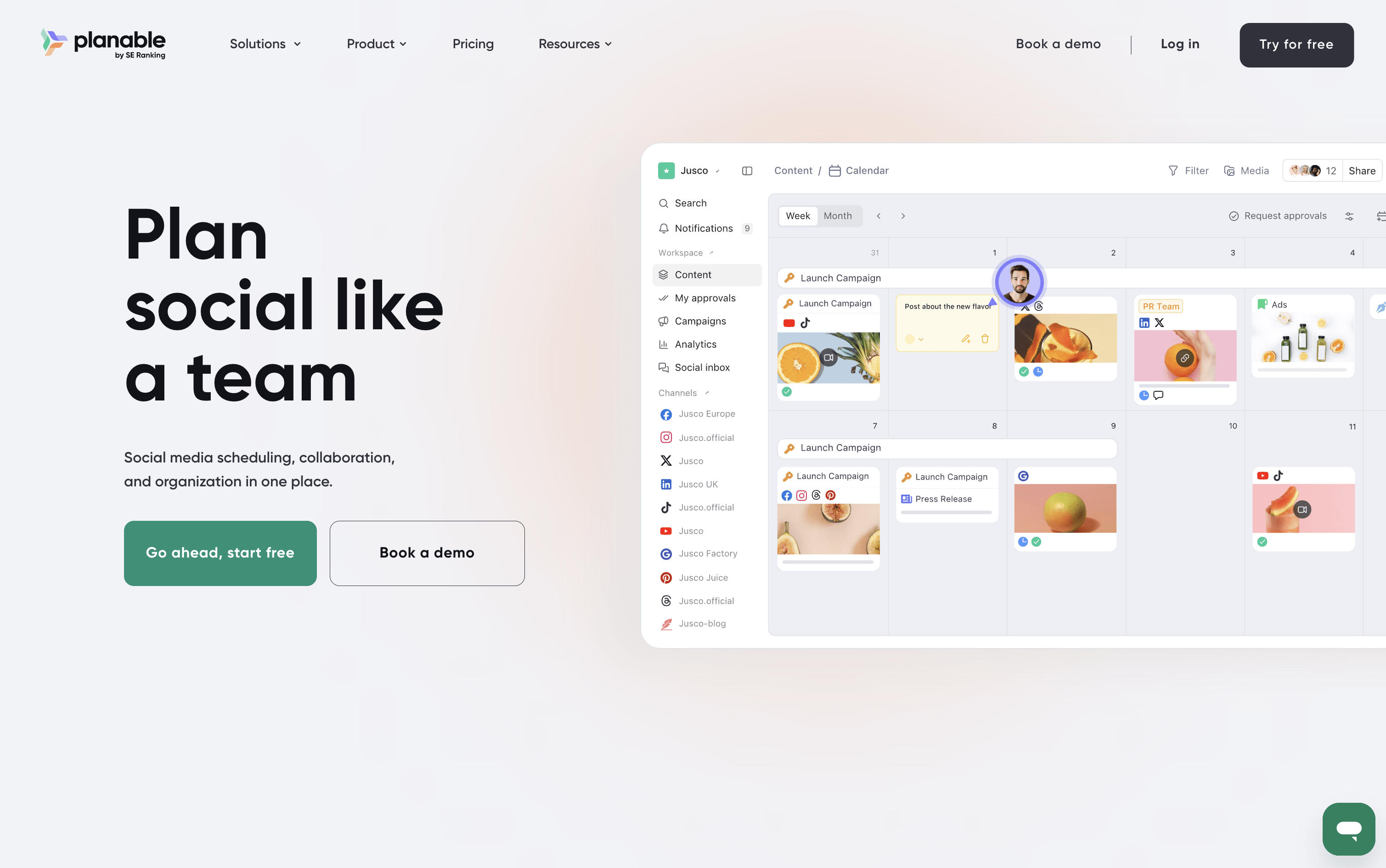
Planable is a social media management tool that handles the full content workflow in one place. You can create posts, plan them visually on a calendar, collect feedback from teammates and clients, send posts through approval steps, and publish to nine platforms: Instagram, Facebook, X, LinkedIn, TikTok, Pinterest, YouTube, Threads, and Google Business Profile.

It also includes a unified inbox for managing comments and messages, an analytics section to track how posts perform, and custom reports for sharing results with clients. A Universal Content feature lets you manage other materials like blogs and newsletters using the same review process.

Planable is best suited for teams and agencies where approvals and collaboration are central to the work.

Planable Features

  • Visual calendar with drag-and-drop planning

  • Step-by-step approval workflows for teams and clients

  • AI caption, hashtag, and reply generation

  • Unified inbox for comments and messages

  • Custom analytics reports in PDF or CSV

  • Instagram Grid view planner

  • Multi-workspace management for brands and clients

  • Canva and Zapier integration

  • Mobile app for approvals and scheduling

  • Supports 9 social platforms

Planable Pricing Plans

Free Trial

Free
  • First 50 posts free
  • No credit card required
  • Access to core planning and scheduling features
  • Test with your team before committing

Basic

$39/mo
  • 60 posts per workspace per month
  • 4 social pages per workspace
  • Unlimited users
  • 2 approval types
  • Feed and Calendar views
  • 3 campaigns per workspace
Most Popular

Pro

$59/mo
  • 150 posts per workspace per month
  • 10 social pages per workspace
  • Unlimited users
  • 3 approval types including required approvals
  • Feed, Calendar, and Grid views
  • 10 campaigns per workspace

Enterprise

Custom
  • Unlimited posts per workspace
  • 50 social pages per workspace
  • All 4 views: Feed, Calendar, Grid, and List
  • Multi-level approval workflows
  • Unlimited campaigns and labels
  • Custom media storage

Analytics Add-on

$14/mo
  • Available on all plans
  • Cross-channel performance stats
  • Page-level and post-level insights
  • Custom branded client reports
  • Audience demographics and geographic insights
  • Personalized best posting time recommendations

Social Inbox Add-on

$9/mo
  • Available on all plans
  • Unified inbox for comments and direct messages
  • Reply, react, and delete comments
  • Organize conversations by status
  • AI-generated reply drafts
  • Sentiment-based sorting to prioritize urgent messages
Read more
#8CoSchedule
CoSchedule
FreemiumSubscriptionCustom
CoSchedule screenshot

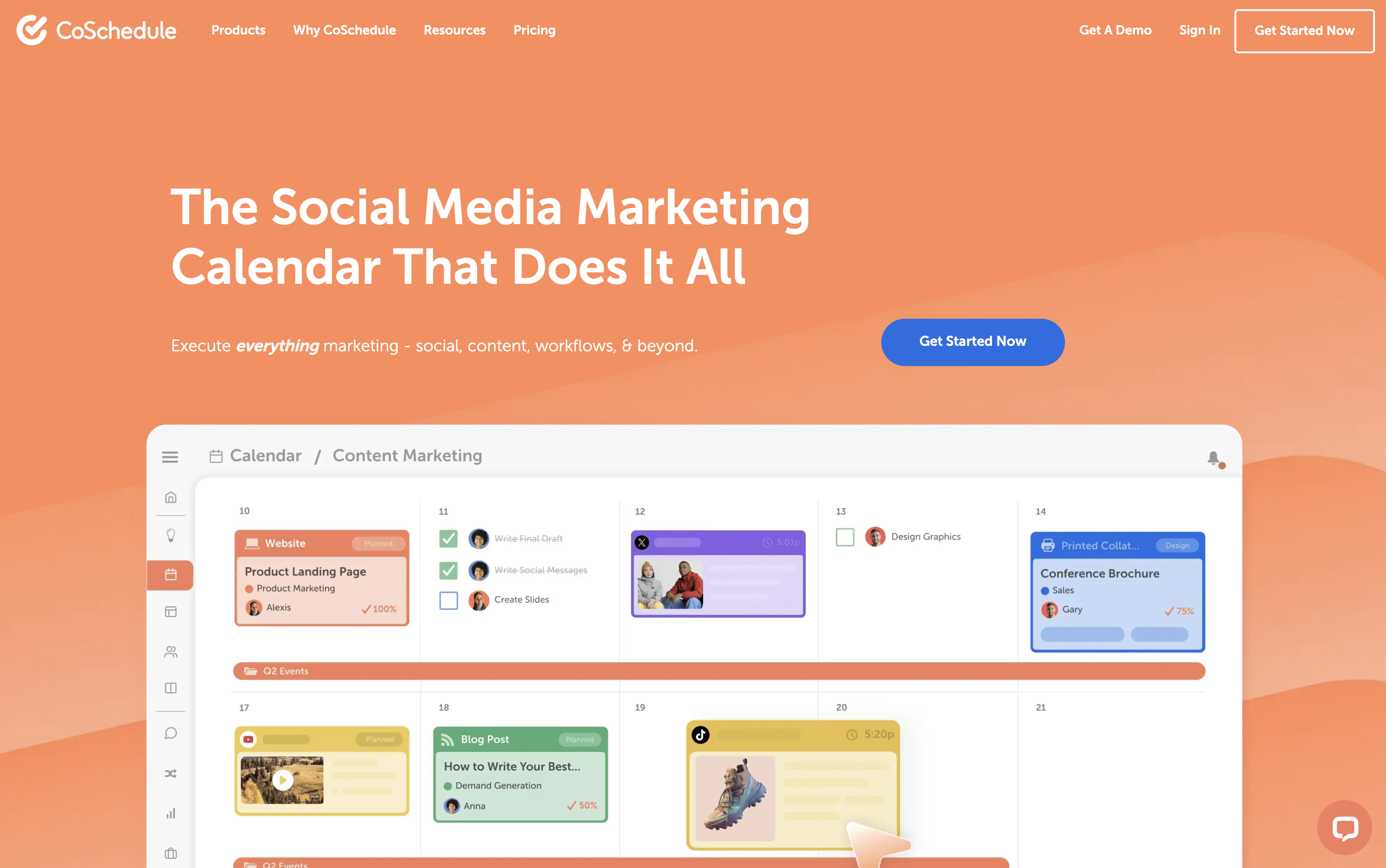
CoSchedule is a marketing calendar tool that acts as a central hub for all marketing work. You can plan, create, schedule, and publish social media posts, blog content, email campaigns, and team projects from one unified dashboard. The drag-and-drop calendar shows everything in one clear view, past, present, and future. It supports over ten major social networks, including Instagram, Facebook, LinkedIn, TikTok, Pinterest, YouTube, and Bluesky. A feature called ReQueue automatically re-shares your best content to keep your posting schedule full without extra effort. The built-in AI assistant, Hire Mia, helps with writing captions, drafting blog posts, and building full campaigns. Approval workflows and team management tools make it easy for larger teams and agencies to stay coordinated.

CoSchedule Features

  • Drag-and-drop marketing calendar

  • Social scheduling for 11+ platforms

  • ReQueue evergreen content recycling

  • AI writing assistant (Hire Mia)

  • Team collaboration and approval workflows

  • Kanban boards and task management

  • WordPress deep integration

  • Google Analytics and UTM tracking

  • Digital asset management

  • Bulk scheduling and templates

  • Social inbox management

  • White-label client calendars

  • AI image generation

CoSchedule Pricing Plans

Free Calendar

Custom
  • 1 user
  • 1 social profile
  • Up to 15 scheduled social messages
  • Drag-and-drop calendar
  • Best time social publishing
  • AI Assistant (limited)
Most Popular

Social Calendar (Annual)

$19/user/mo
  • Up to 3 users
  • 3 social profiles included ($5/month each extra)
  • Unlimited social messages
  • Full AI assistant with 1,600+ templates
  • AI image generation
  • Social inbox (Facebook & Instagram)

Social Calendar (Monthly)

$29/user/mo
  • Everything in Social Calendar Annual
  • Billed monthly with no annual commitment

Agency Calendar (Annual)

$59/user/mo
  • Up to 3 users
  • 5 social profiles included ($5/month each extra)
  • Everything in Social Calendar
  • Unlimited client calendars
  • White-label features
  • Guest user access

Agency Calendar (Monthly)

$69/user/mo
  • Everything in Agency Calendar Annual
  • Billed monthly with no annual commitment

Content Calendar

Custom
  • Up to 5 users (custom for more)
  • 5 social profiles included ($25/profile/month extra)
  • Everything in Agency Calendar
  • Kanban dashboard
  • Table view
  • Custom project types and custom fields

Marketing Suite

Custom
  • Custom user limits
  • Everything in Content Calendar
  • Digital asset management dashboard
  • Advanced audience targeting
  • Single Sign-On (SSO)
  • Security and access logs
Read more
#9SocialBee
SocialBee
PaidSubscription
SocialBee screenshot

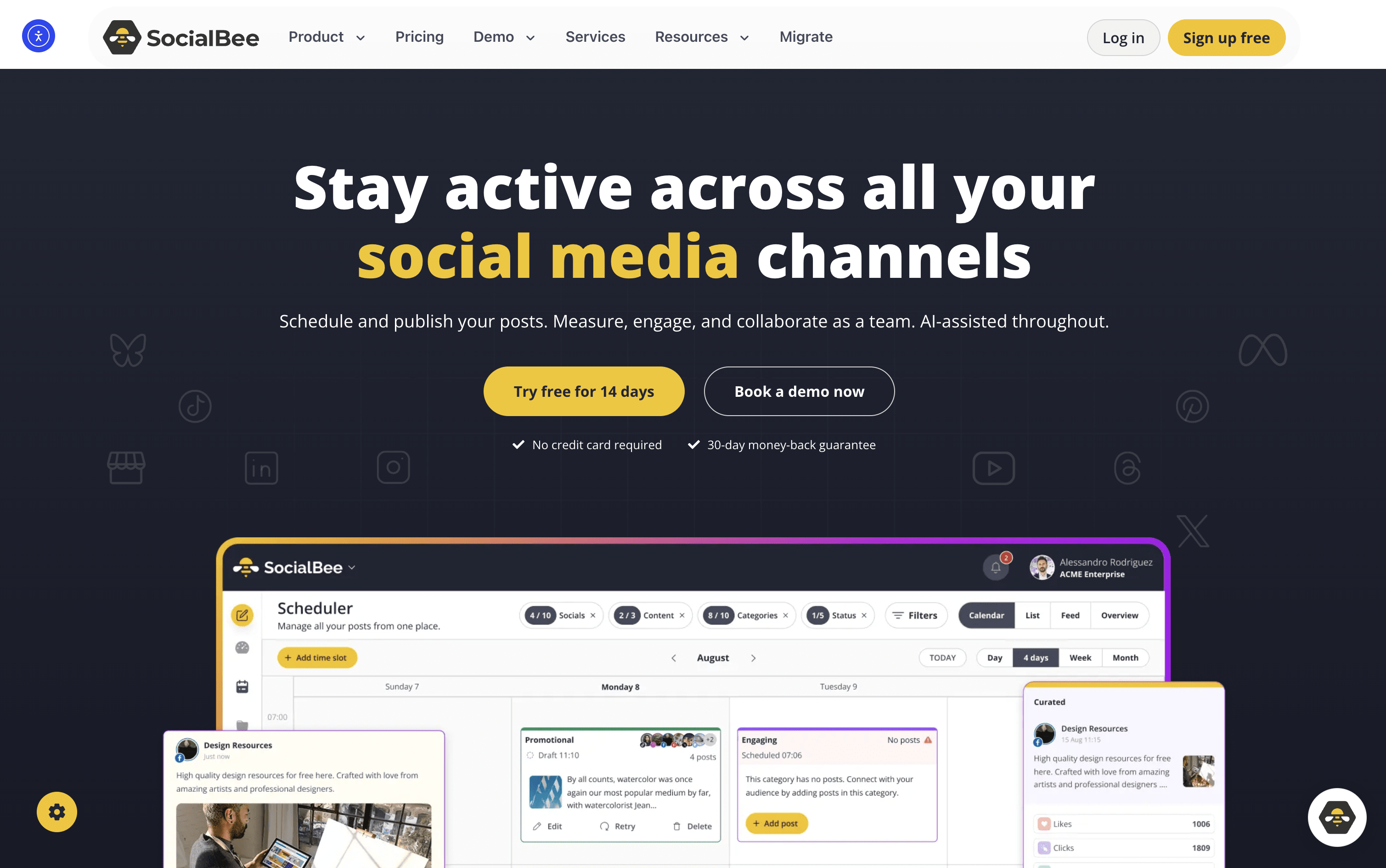
SocialBee is an all-in-one social media tool that lets you create, plan, schedule, and publish content across ten platforms, including Instagram, Facebook, LinkedIn, TikTok, YouTube, Pinterest, X, Threads, Bluesky, and Google Business Profile.

At its core is a category-based queue system. You sort posts into topic folders like Tips, Promotions, or Blog Shares, assign a recurring schedule, and SocialBee publishes them in rotation automatically. This keeps your content mix balanced without daily effort.

It also includes an AI assistant for generating captions, images, and complete content strategies. Additional tools include a visual content calendar, a shared inbox for replies, detailed analytics, team collaboration, approval workflows, and PDF report exports. It suits solo users and large agencies alike.

SocialBee Features

  • Schedule posts across 10 social platforms

  • Category-based content queues and auto-rotation

  • AI Copilot for strategy and captions

  • Evergreen content recycling with variations

  • Instagram Grid preview

  • Unified inbox for comments and DMs

  • Canva, Unsplash, and GIPHY integration

  • RSS auto-posting and bulk post editor

  • Team approval workflows and internal notes

  • PDF analytics reports and UTM tracking

  • 14-day free trial available

SocialBee Pricing Plans

Bootstrap

$29/mo
  • 5 social profiles
  • 1 workspace, 1 user
  • 10 content categories
  • Unlimited AI content generation
  • AI Copilot
  • Basic analytics (3 months history)

Bootstrap (Annual)

$174/yr
  • 5 social profiles
  • 1 workspace, 1 user
  • 10 content categories
  • Unlimited AI content generation
  • AI Copilot
  • Basic analytics (3 months history)
Most Popular

Accelerate

$49/mo
  • 10 social profiles
  • 1 workspace, 1 user
  • 50 content categories
  • Unlimited AI content generation
  • Advanced analytics (2 years history)
  • Hashtag organizer

Accelerate (Annual)

$294/yr
  • 10 social profiles
  • 1 workspace, 1 user
  • 50 content categories
  • Unlimited AI content generation
  • Advanced analytics (2 years history)
  • Hashtag organizer

Pro

$99/mo
  • 25 social profiles
  • 5 workspaces, 3 users per workspace
  • Unlimited content categories
  • Unlimited AI content generation
  • Export branded PDF reports
  • Internal notes and feedback

Pro (Annual)

$594/yr
  • 25 social profiles
  • 5 workspaces, 3 users per workspace
  • Unlimited content categories
  • Unlimited AI content generation
  • Export branded PDF reports
  • Internal notes and feedback

Pro50

$179/mo
  • 50 social profiles
  • 10 workspaces, 5 users per workspace
  • Unlimited content categories
  • Unlimited AI content generation
  • Advanced analytics (2 years history)
  • Export branded PDF reports

Pro50 (Annual)

$1074/yr
  • 50 social profiles
  • 10 workspaces, 5 users per workspace
  • Unlimited content categories
  • Unlimited AI content generation
  • Advanced analytics (2 years history)
  • Export branded PDF reports

Pro100

$329/mo
  • 100 social profiles
  • 20 workspaces
  • All Pro50 features included

Pro100 (Annual)

$1974/yr
  • 100 social profiles
  • 20 workspaces
  • All Pro50 features included

Pro150

$449/mo
  • 150 social profiles
  • 30 workspaces
  • All Pro100 features included

Pro150 (Annual)

$2694/yr
  • 150 social profiles
  • 30 workspaces
  • All Pro100 features included
Read more
#10Loomly
Loomly
PaidSubscription
Loomly screenshot

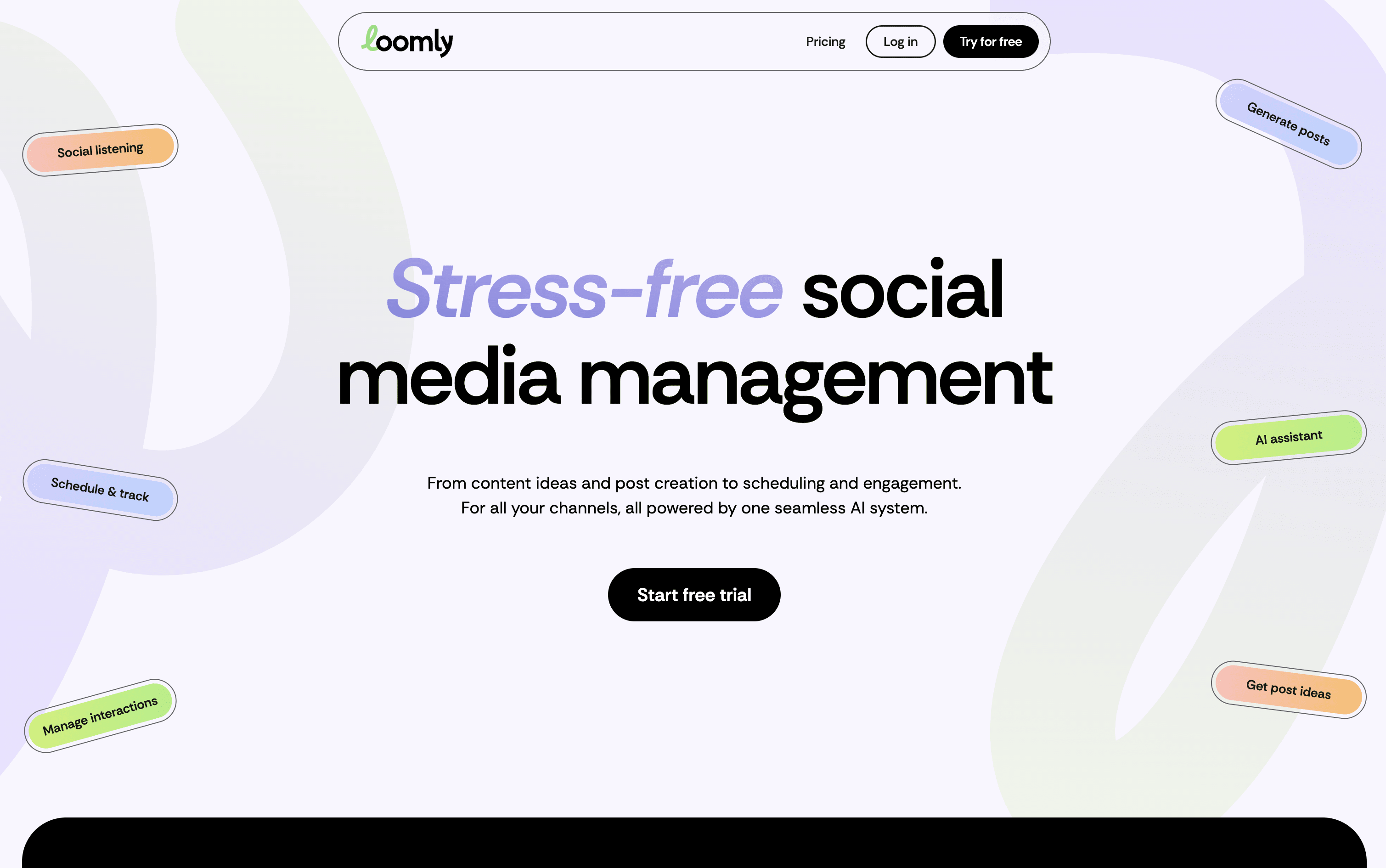
Loomly is a platform that brings all your social media work into one organized space. At its core is a visual calendar showing every post you have planned or already published, making it easy to spot content gaps and plan ahead. You write posts once and customize them for each platform, with realistic previews showing exactly how they will look before going live.

Built-in AI tools help you write captions, generate content ideas, suggest the best posting times, and highlight what is working in your analytics. Loomly also includes team collaboration features with approval stages, a central media library, and a shared inbox for managing comments and messages from all platforms in one place.

Loomly Features

  • Visual drag-and-drop content calendar with labels

  • Multi-platform scheduling and auto-publishing

  • AI caption and post idea generation

  • Per-platform post preview before publishing

  • Team approval workflows and role-based access

  • Centralized engagement inbox for all platforms

  • Advanced analytics and exportable client reports

  • Media library with built-in image editor

  • Hashtag manager with AI-powered suggestions

  • Canva, Google Drive, and Zapier integrations

Loomly Pricing Plans

Starter (Monthly)

$65/mo
  • 12 social accounts
  • 3 users included
  • Unlimited calendars
  • Unlimited scheduling and direct publishing
  • AI Assistant, AI captions, and AI analytics
  • Approval workflows and custom roles

Starter (Yearly)

$49/mo
  • All Starter features
  • Billed annually – save 25%
  • 12 social accounts
  • 3 users included
  • Unlimited calendars
Most Popular

Beyond (Monthly)

$332/mo
  • 60 social accounts
  • Unlimited users
  • Unlimited calendars
  • Everything in Starter
  • Extended monthly AI usage
  • Social listening – 4 per month

Beyond (Yearly)

$249/mo
  • All Beyond features
  • Billed annually – save 25%
  • 60 social accounts
  • Unlimited users
  • Unlimited calendars

Enterprise

Custom
  • 61+ social accounts
  • Unlimited users
  • Unlimited calendars
  • Everything in Beyond
  • Priority support
  • Tailored onboarding
Read more
#11SocialPilot
SocialPilot
PaidSubscriptionCustom
SocialPilot screenshot

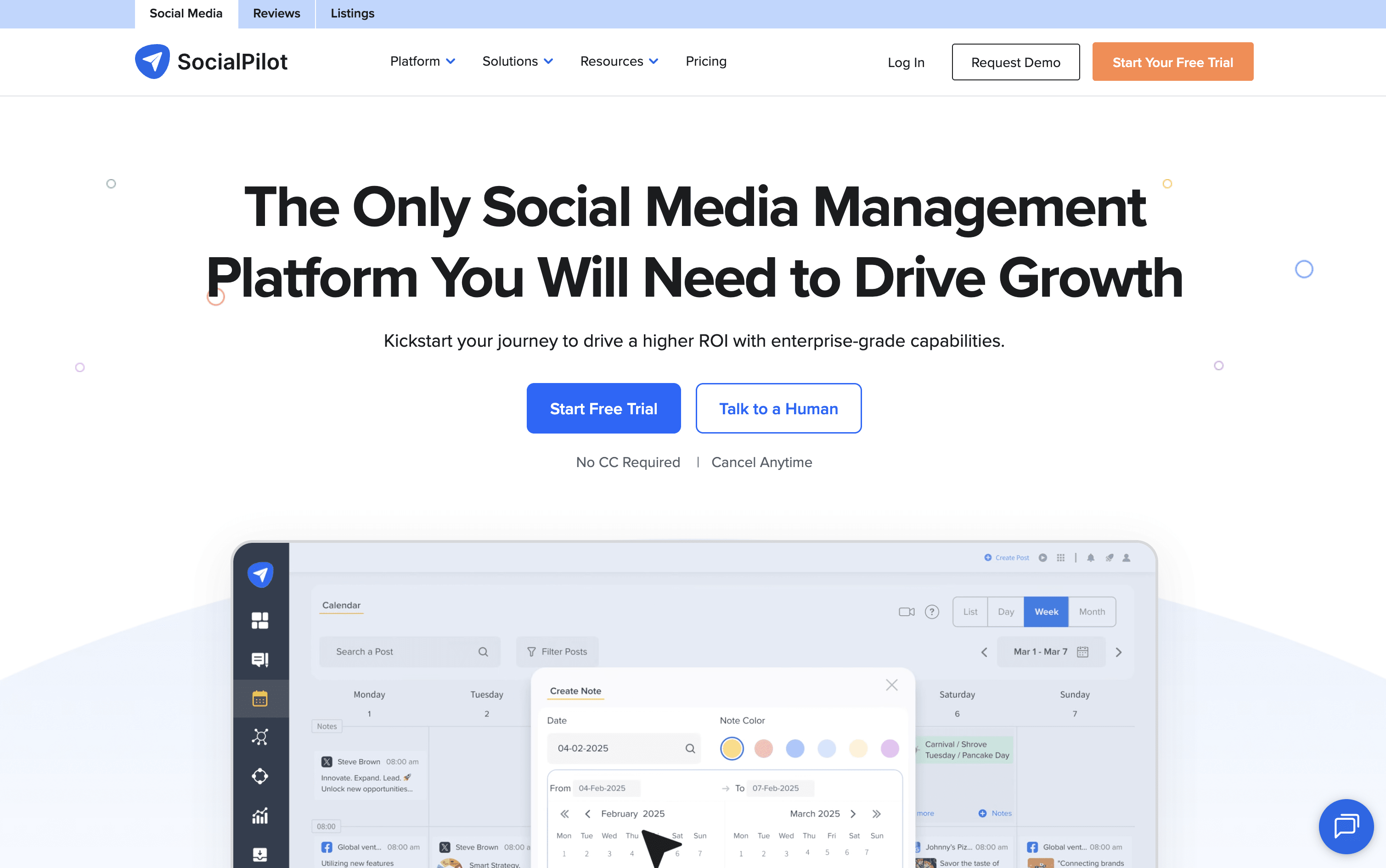
SocialPilot is a complete social media management platform that combines scheduling, content planning, team collaboration, and analytics into one easy dashboard. You can connect accounts from Instagram, Facebook, TikTok, LinkedIn, YouTube, Pinterest, Threads, Bluesky, X, and Google Business Profile all in one place.

It lets you schedule posts one at a time or in bulk using a CSV file. The AI assistant called AI Pilot helps write captions, suggest hashtags, and create content in over 10 languages. A drag-and-drop content calendar makes it easy to plan weeks of posts at once.

Agencies can use white-label reports, client approval workflows, and a review management system for Google and Facebook. The platform is easy to use with no complicated setup needed.

SocialPilot Features

  • Schedule posts across 10+ social platforms

  • AI-generated captions and hashtag suggestions

  • Bulk schedule up to 500 posts via CSV upload

  • Drag-and-drop content calendar with filtering

  • Unified inbox for comments, DMs, and mentions

  • White-label branded reports for agencies

  • Client review and approval workflows

  • Advanced analytics with PDF export

  • Google and Facebook review management

  • Canva, Zapier, and Google Drive integrations

SocialPilot Pricing Plans

Essentials

$30/mo
  • 7 Social Media Accounts
  • 1 User
  • 500 AI Credits
  • Post Scheduling & Content Calendar
  • Smart Queues & Repeat Posts
  • Content Library & Tags

Standard

$50/mo
  • 15 Social Media Accounts
  • 3 Users
  • 1,000 AI Credits
  • Everything in Essentials
  • Social Media Inbox
  • Analytics & Post Performance
Most Popular

Premium

$100/mo
  • 25 Social Media Accounts
  • 6 Users
  • 5,000 AI Credits
  • Everything in Standard
  • Bulk Scheduling (CSV Upload)
  • Advanced Analytics

Ultimate

$200/mo
  • 50 Social Media Accounts
  • Unlimited Users
  • Unlimited AI Credits
  • Everything in Premium
  • Advanced White Label
  • Dedicated Account Manager

Enterprise

Custom
  • Custom Social Media Accounts
  • Unlimited Users
  • Unlimited AI Credits
  • Unlimited Clients
  • Dedicated Account Manager
  • Migration & Onboarding
Read more
#12Statusbrew
Statusbrew
PaidSubscriptionCustom
Statusbrew screenshot

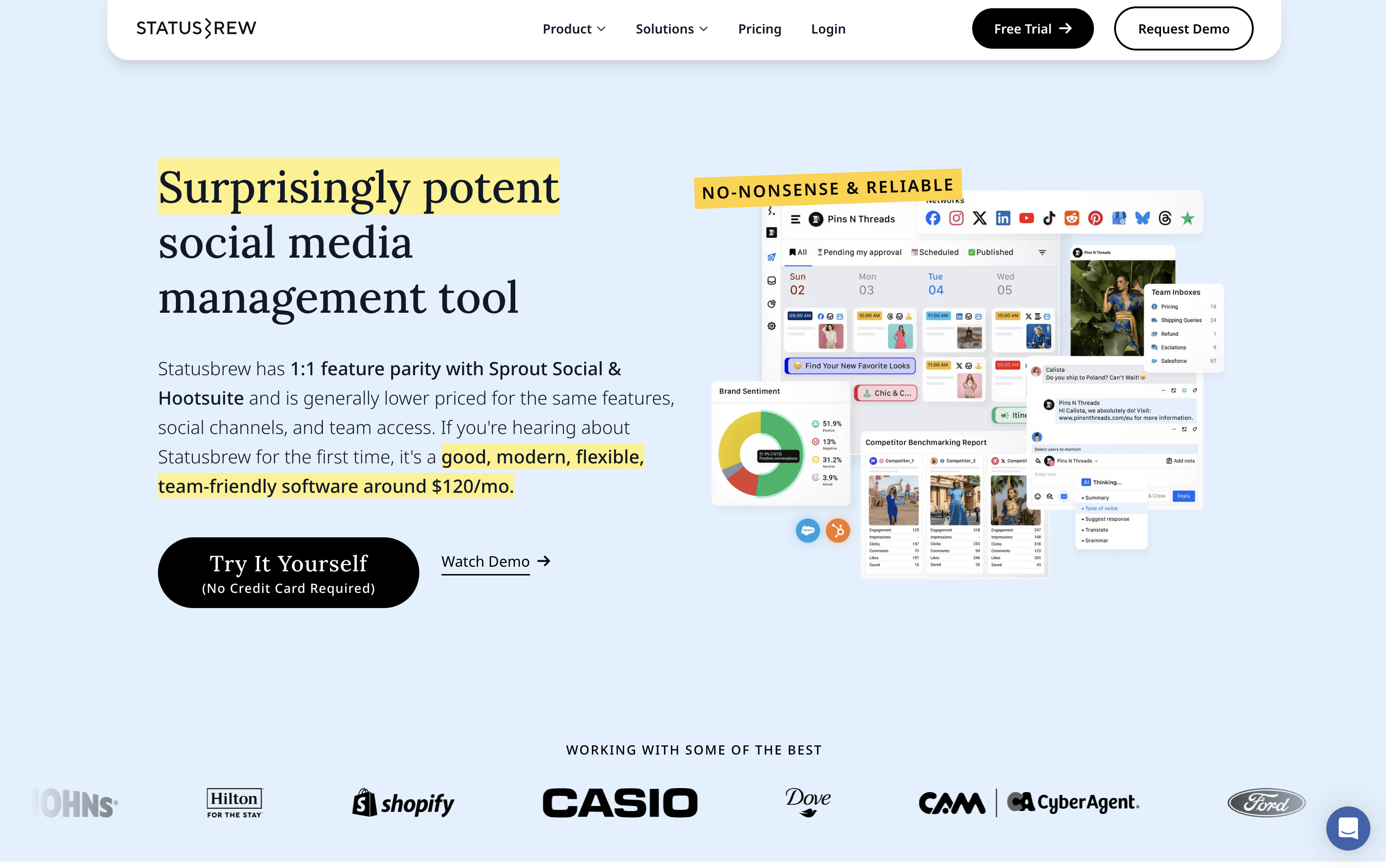
Statusbrew is a social media management tool that covers the complete process of managing your online presence, from scheduling posts to handling replies and measuring results. It connects to more than 20 platforms, including Facebook, Instagram, X, LinkedIn, TikTok, YouTube, Pinterest, Threads, Bluesky, Google Business Profile, Reddit, and WhatsApp Business.

Teams can plan content using a visual calendar, manage approval workflows with clients or teammates, and handle all comments, messages, and reviews from a single inbox. AI tools help write captions, analyze message tone, and suggest the best times to post. A 14-day free trial is available with no credit card required.

Statusbrew Features

  • Schedule posts across 20+ social platforms

  • Visual calendar with drag-and-drop content planning

  • Unified inbox for comments, DMs, and reviews

  • AI caption writing and hashtag suggestions

  • Rule-based automation for comment moderation

  • Approval workflows for teams and clients

  • 230+ analytics metrics and competitor benchmarking

  • Bulk scheduling via CSV upload

  • BrewLink in bio tool for Instagram

  • Mobile app for iOS and Android

Statusbrew Pricing Plans

Lite

$69/mo
  • 1 user included
  • 5 social profiles
  • Unlimited social media publishing
  • Bulk scheduling via CSV
  • Best time to post queue
  • All-in-one social inbox

Standard

$129/mo
  • 3 users included
  • 10 social profiles
  • Everything in Lite
  • BrewLink in bio
  • Social media reporting with 18 months of historical data
  • Google Business Profile integration
Most Popular

Premium

$229/mo
  • 6 users included (additional users can be added)
  • 15 social profiles (additional profiles can be added)
  • Everything in Standard
  • AI sentiment analysis
  • Assignment and approval workflows
  • Team and SLA reporting

Enterprise

Custom
  • Unlimited users
  • Unlimited social profiles
  • Everything in Premium
  • HubSpot and Salesforce integration
  • Google Analytics integration
  • Insights API support

Agency

$49/mo
  • Starts from $49/month per client
  • Unlimited spaces
  • Shareable content calendars
  • Client reporting
  • Team collaboration tools
  • No credit card required to start
Read more
#13SmarterQueue
SmarterQueue
PaidSubscription
SmarterQueue screenshot

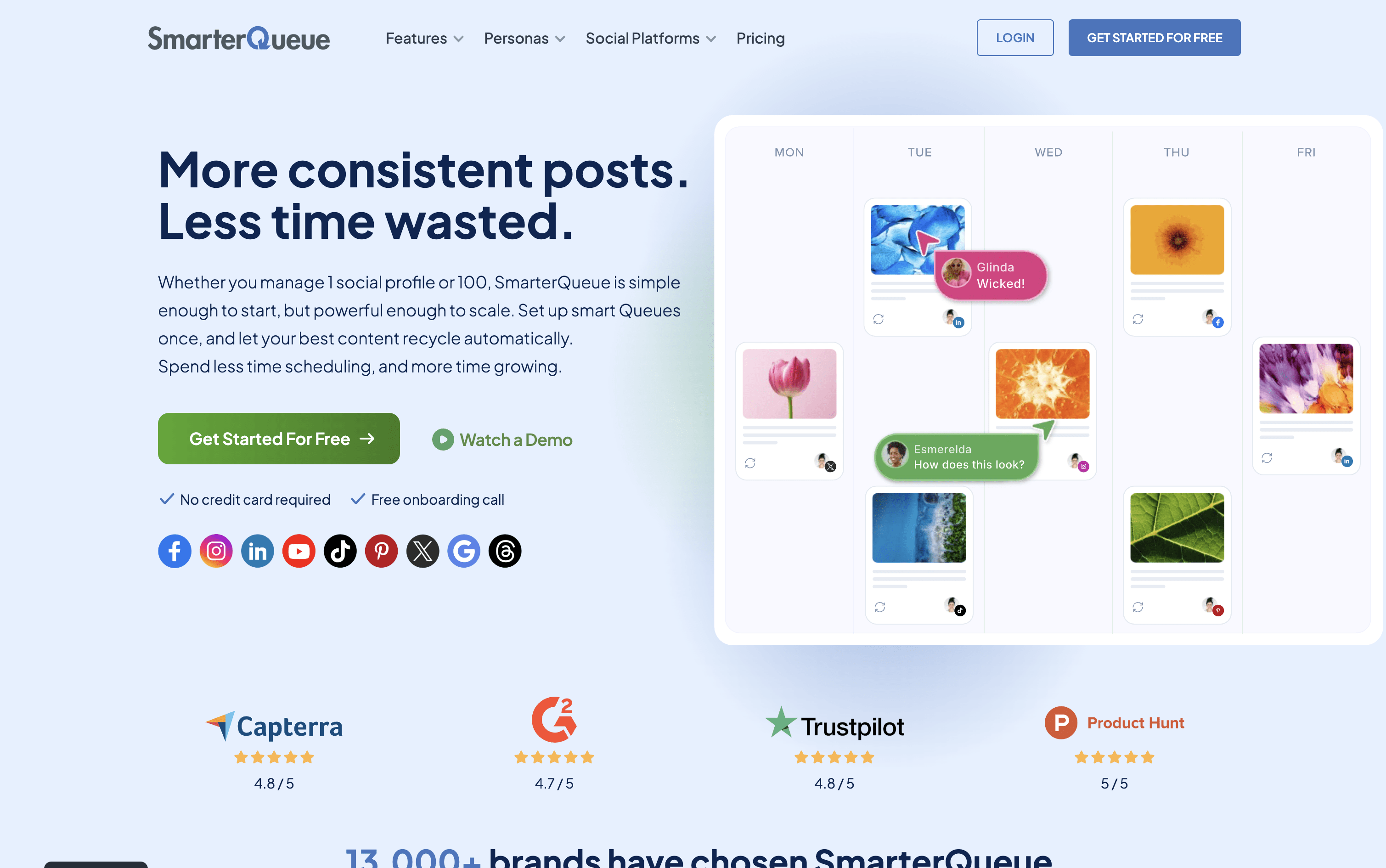
SmarterQueue is a social media scheduling platform that runs on a category-based system. You group your posts into content types such as tips, promotions, or quotes, then set a weekly posting plan. The tool automatically pulls posts from each category and publishes them at the right times.

Its key feature is evergreen recycling. When a post finishes its first publishing cycle, it returns to the queue and gets reshared again later. You can add variations to each post so the same content looks different each time it is published.

The platform connects to nine networks, Instagram, Facebook, TikTok, LinkedIn, X, Pinterest, YouTube, Threads, and Google Business Profile and is used by solo creators, businesses, and agencies.

SmarterQueue Features

  • Category-based posting plan with full automation

  • Evergreen recycling with post variations for freshness

  • Instagram grid visual planner

  • AI caption writer and variation generator

  • RSS feeds, CSV import, and Chrome extension

  • Supports 9 social platforms

  • Post analytics with best time insights

  • Team workspaces with roles and approval comments

  • Media library with Canva, Unsplash, Pixabay

  • Per-profile customization and post preview

SmarterQueue Pricing Plans

Solo

$29.99/mo
  • 4 social profiles
  • 10 content categories
  • 500 queued posts
  • 2 RSS auto-importers
  • 10 timeslots per day
  • 10,000 AI words per month

Solo (Annual)

$24.99/mo
  • All Solo plan features
  • Billed annually β€” saves approximately 15%
Most Popular

Business

$49.99/mo
  • 10 social profiles
  • 20 content categories
  • 1,000 queued posts
  • 5 RSS auto-importers
  • 20 timeslots per day
  • 20,000 AI words per month

Business (Annual)

$42.99/mo
  • All Business plan features
  • Billed annually β€” saves approximately 15%

Agency

$99.99/mo
  • 25 social profiles
  • 50 content categories
  • 2,500 queued posts
  • 25 RSS auto-importers
  • 40 timeslots per day
  • 50,000 AI words per month

Agency (Annual)

$84.99/mo
  • All Agency plan features
  • Billed annually β€” saves approximately 15%
Read more
#14MeetEdgar
MeetEdgar
PaidSubscription
MeetEdgar screenshot

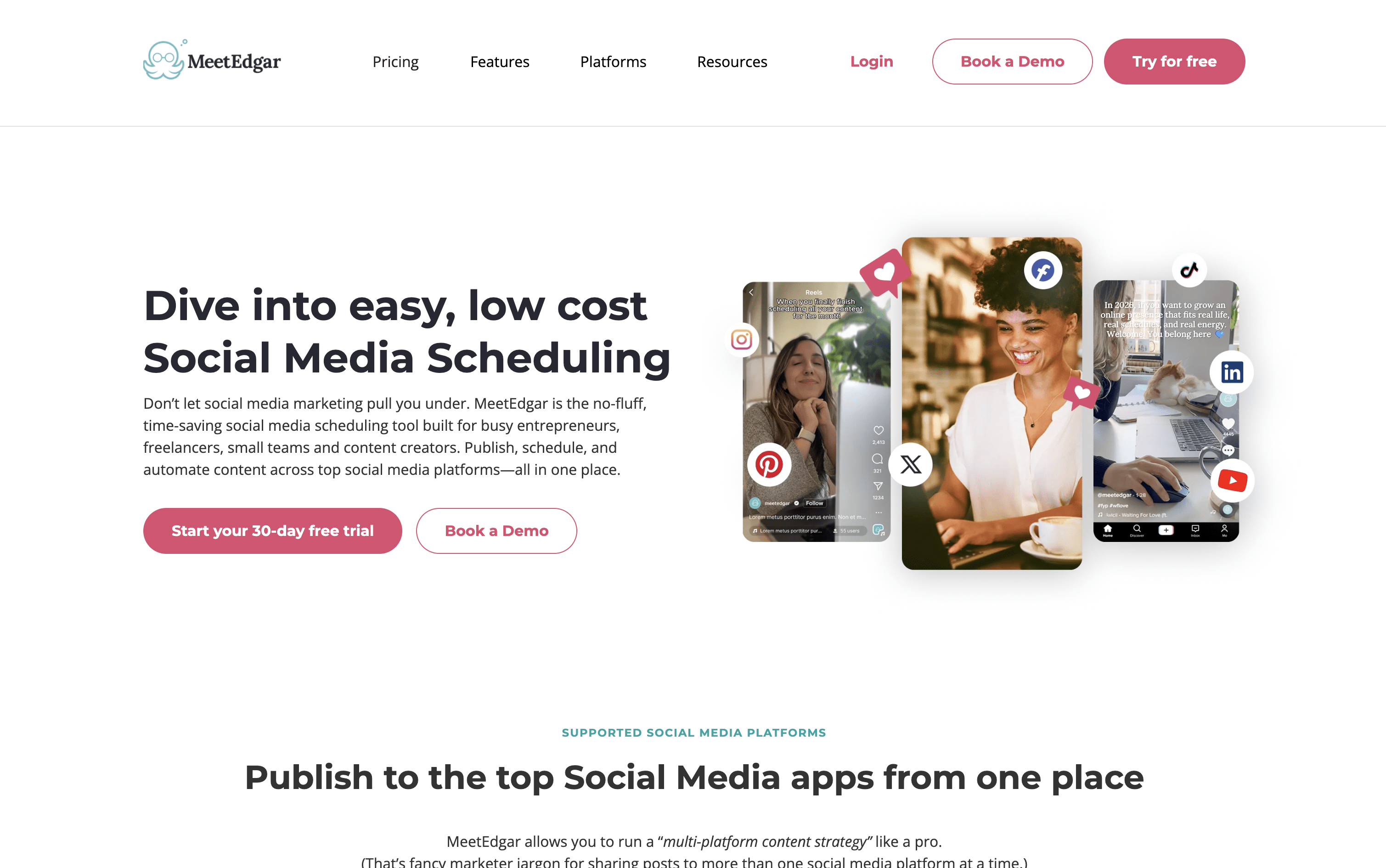
MeetEdgar is a scheduling tool that goes beyond just posting at set times. It organizes your content into themed categories, such as tips, quotes, or promotions, and uses those categories to automatically fill your publishing schedule. When a post goes live, it returns to the library and can be shared again later, so your best content keeps working long after it was first created.

It also includes an AI tool called Inky that helps you write captions, generate post ideas, and create multiple versions of one post. You can import posts in bulk using a spreadsheet, connect your blog via RSS to automatically add new articles, and manage all your accounts from one simple dashboard.

MeetEdgar Features

  • Limitless content library with evergreen recycling

  • AI captions and post variations via Inky

  • Bulk CSV import for mass content uploads

  • RSS feed auto-import from blogs

  • Recurring automated posting schedules

  • Multi-platform publishing across 10 platforms

  • Content categories for balanced scheduling

  • Real-time analytics and engagement tracking

  • Canva and Zapier integrations

  • iOS app for mobile monitoring

MeetEdgar Pricing Plans

Eddie (Monthly)

$29.99/mo
  • 5 social accounts
  • Unlimited scheduled posts
  • 10 weekly automations
  • 4 content categories
  • Up to 20 team members
  • 15 Inky AI credits per month
Most Popular

Edgar (Monthly)

$49.99/mo
  • 25 social accounts
  • Unlimited scheduled posts
  • 1,000 weekly automations
  • Unlimited content categories
  • Up to 20 team members
  • 50 Inky AI credits per month

Eddie (Annual)

$299/yr
  • 5 social accounts
  • Unlimited scheduled posts
  • 10 weekly automations
  • 4 content categories
  • Up to 20 team members
  • 15 Inky AI credits per month

Edgar (Annual)

$499/yr
  • 25 social accounts
  • Unlimited scheduled posts
  • 1,000 weekly automations
  • Unlimited content categories
  • Up to 20 team members
  • 50 Inky AI credits per month
Read more
#15SocialBu
SocialBu
FreemiumSubscription
SocialBu screenshot

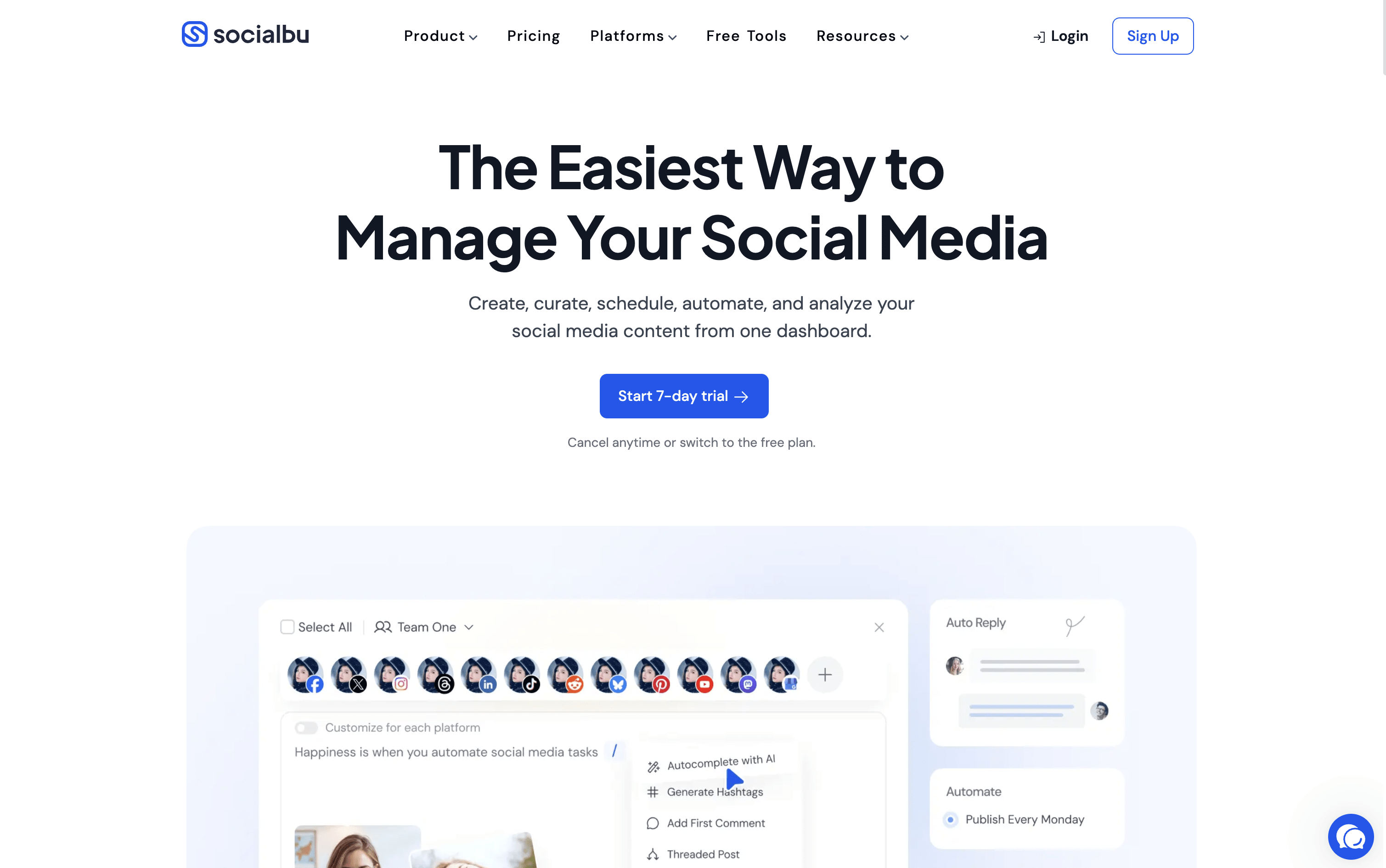
SocialBu is a social media management tool that lets you schedule, publish, and automate posts across 12 platforms, including Instagram, Facebook, X, LinkedIn, TikTok, YouTube, Pinterest, Reddit, Threads, Bluesky, Mastodon, and Google Business Profile.

You can create posts using built-in AI assistance, manage a visual content calendar, set up recurring posts, and respond to all messages from a single unified inbox. It also includes detailed analytics to track content performance and team features for approvals and collaboration.

SocialBu is designed to reduce the daily effort needed to maintain an active social media presence, while giving you the tools to grow your audience and improve your strategy over time.

SocialBu Features

  • Schedule posts across 12 social media platforms

  • AI-powered caption and content generation built in

  • Visual drag-and-drop content calendar with monthly view

  • Smart queues and bulk CSV scheduling

  • Unified inbox for messages, comments, and mentions

  • RSS auto-posting and evergreen content recycling

  • Team collaboration with approval workflows

  • Detailed analytics with exportable PDF reports

  • Automation rules, triggers, and webhooks

  • iOS and Android mobile apps available

SocialBu Pricing Plans

Free

Free
  • 3 social accounts
  • 10 lifetime posts
  • Publish images and videos
  • Post recycling and drafts
  • Social calendar and post preview
  • Bulk import

Standard

$19/mo
  • 12 social accounts
  • 800 posts per month
  • Everything in Free
  • Social inbox
  • 5 feeds
  • 360 AI writer credits

Standard (Annual)

$190/yr
  • 12 social accounts
  • 800 posts per month
  • Everything in Free
  • Social inbox
  • 5 feeds
  • 360 AI writer credits
Most Popular

Super

$59/mo
  • 30 social accounts
  • Unlimited monthly posts
  • Everything in Standard
  • 15 feeds
  • 900 AI writer credits
  • 60 automations

Super (Annual)

$590/yr
  • 30 social accounts
  • Unlimited monthly posts
  • Everything in Standard
  • 15 feeds
  • 900 AI writer credits
  • 60 automations

Supreme

$199/mo
  • 150 social accounts
  • Unlimited monthly posts
  • Everything in Super
  • 50 feeds
  • 4,500 AI writer credits
  • 400 automations

Supreme (Annual)

$1990/yr
  • 150 social accounts
  • Unlimited monthly posts
  • Everything in Super
  • 50 feeds
  • 4,500 AI writer credits
  • 400 automations

Enterprise

Custom
  • Custom social account limits
  • Custom team and member limits
  • Dedicated account support
  • Custom onboarding assistance
  • Contact sales for pricing
Read more
#16Sked Social
Sked Social
PaidSubscription
Sked Social screenshot

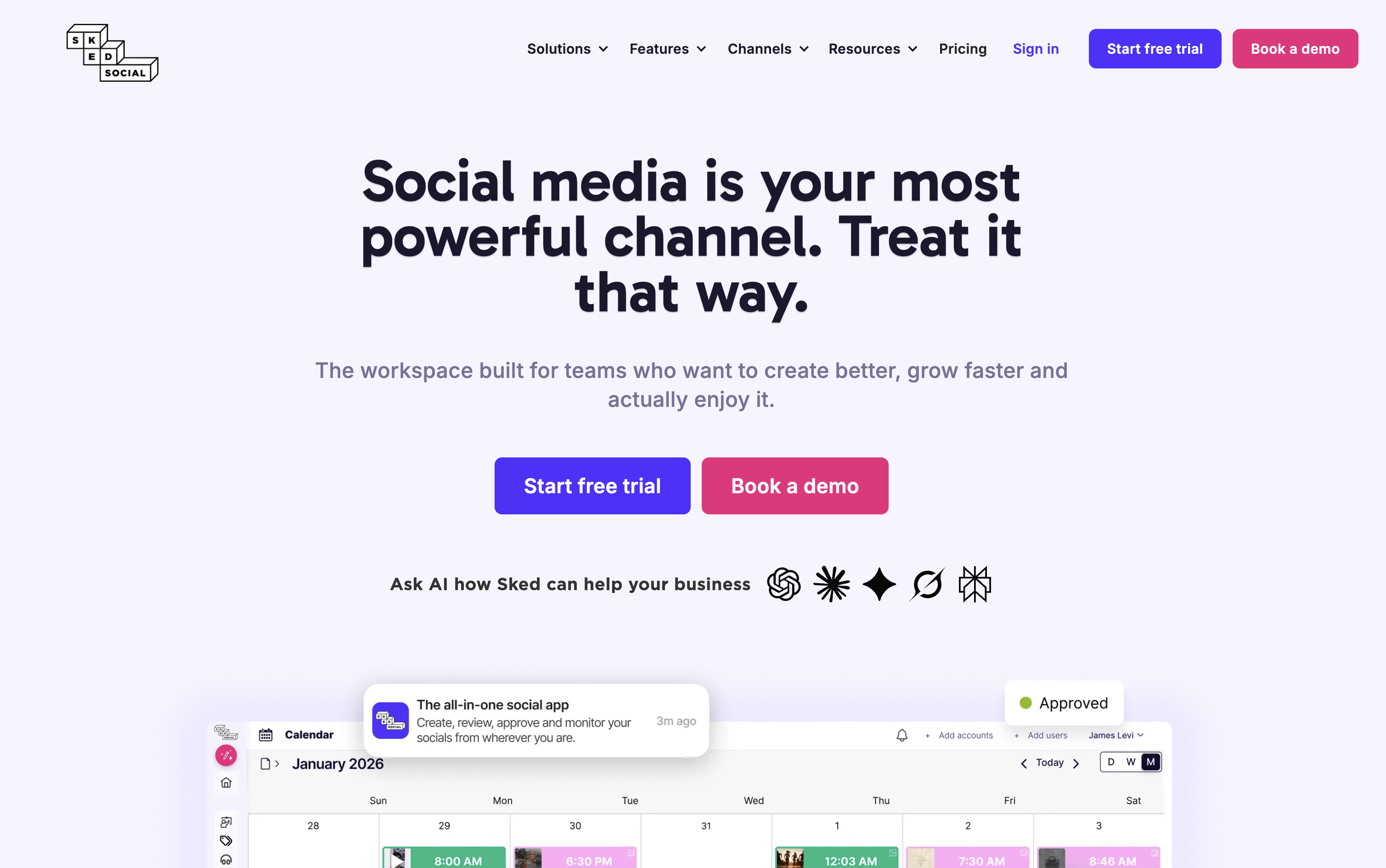
Sked Social is a social media scheduling and management tool that handles your entire content workflow. You can capture ideas, plan strategy, create and edit posts, get team approvals, auto-publish across platforms, manage messages, and track analytics β€” all from one dashboard.

It supports Instagram, Facebook, TikTok, LinkedIn, Pinterest, YouTube, X, and Threads. A standout feature is the Ideas board, where you organize content into topic areas called Content Pillars. This helps teams plan balanced, strategic content instead of posting randomly.

Built-in AI tools generate captions that match your brand voice. It also includes a media library, video editor, and client-friendly approval tools, making it suitable for both solo users and growing agencies.

Sked Social Features

  • Schedule posts to 8+ social media platforms

  • Ideas board with Content Pillar organization

  • Drag-and-drop visual content calendar with grid preview

  • Brand-trained AI caption generator

  • Built-in image and video editor

  • Unified inbox for all platforms

  • Team collaboration and approval workflows

  • Competitor tracking and performance analytics

  • PDF and Excel report exports

  • Free link-in-bio tool (Sked Link)

  • iOS and Android mobile apps

Sked Social Pricing Plans

Basic

$29/mo
  • 1 user
  • 1 social profile
  • Unlimited scheduling
  • Ideas board with Content Pillars
  • AI captions and brand voice kit
  • Advanced auto-publishing

Grow

$69/mo
  • 3 users
  • 6 social profiles
  • Extra profiles at $8/month each
  • Profile-level permissions
  • Competitor tracking for up to 5 accounts
  • PDF report exports
Most Popular

Accelerate

$199/mo
  • 6 users
  • 10 social profiles
  • Extra users at $15/month each
  • Extra profiles at $10/month each
  • Internal and external approvals included
  • No-login review portal included

Custom

$299/mo
  • Custom number of users
  • Custom number of social profiles
  • White-label link-in-bio
  • Frontify integration
  • Unlimited competitor tracking
  • Historic data imports
Read more
#17eClincher
eClincher
PaidSubscriptionCustom
eClincher screenshot

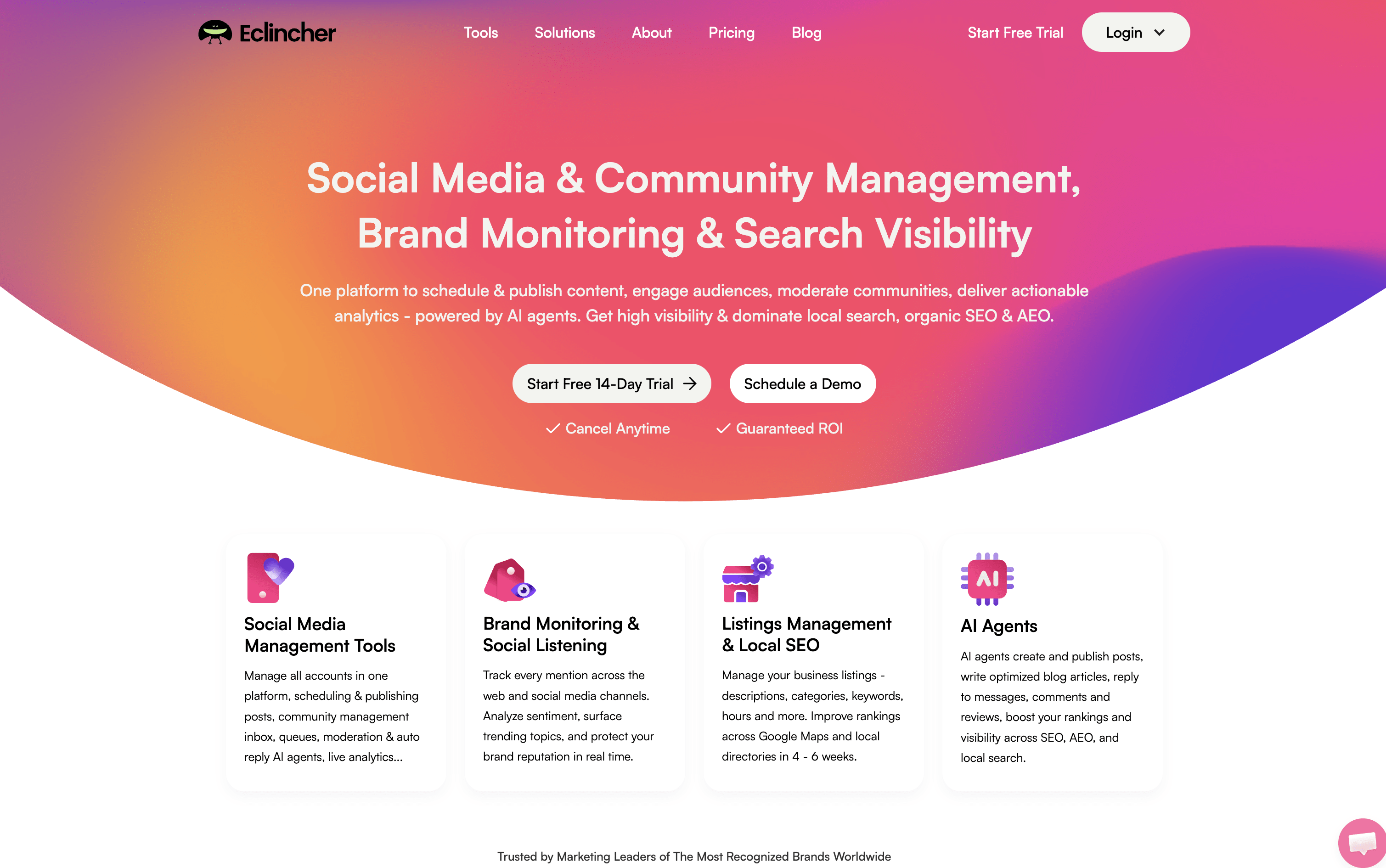
eClincher is a web-based platform that lets you manage all your social media accounts from a single dashboard. You can schedule and publish posts on Instagram, Facebook, LinkedIn, TikTok, YouTube, Pinterest, Threads, X, Bluesky, and Google Business Profile.

It includes a unified inbox where you handle messages, comments, and reviews from every platform in one place. Beyond social media, it also manages local business listings, monitors brand mentions across the web, and provides detailed performance reports.

Built-in AI agents can create posts, reply to messages, write full blog articles, and give improvement suggestions for your strategy. It is designed for teams and agencies that manage multiple brands and accounts at the same time.

eClincher Features

  • Schedule posts across 10+ social platforms

  • Smart queues for consistent automatic posting

  • AI-generated captions and content

  • Unified inbox for messages, comments, and reviews

  • AI auto-reply for community management

  • Brand monitoring and social listening

  • Local SEO and business listings sync

  • Visual drag-and-drop content calendar

  • White-label reports for clients

  • Team collaboration with approval workflows

eClincher Pricing Plans

Standard (Monthly)

$149/mo
  • 1 Brand (up to 2 users, up to 20 profiles)
  • Unlimited post scheduling
  • Visual content calendar
  • Unified inbox with moderation
  • Review management (Google, Trustpilot, Tripadvisor, App Stores)
  • Advanced analytics and built-in reports

Standard (Annual)

$1609/yr
  • 1 Brand (up to 2 users, up to 20 profiles)
  • Unlimited post scheduling
  • Visual content calendar
  • Unified inbox with moderation
  • Review management (Google, Trustpilot, Tripadvisor, App Stores)
  • Advanced analytics and built-in reports
Most Popular

Professional (Monthly)

$349/mo
  • Unlimited brands (up to 10 users, up to 40 profiles)
  • Everything in Standard
  • Smart queues and RSS auto-posting
  • AI publishing agent per profile
  • AI inbox auto-reply with automation rules
  • Approval workflows with client dashboards

Professional (Annual)

$3769/yr
  • Unlimited brands (up to 10 users, up to 40 profiles)
  • Everything in Standard
  • Smart queues and RSS auto-posting
  • AI publishing agent per profile
  • AI inbox auto-reply with automation rules
  • Approval workflows with client dashboards

Enterprise

Custom
  • Unlimited brands, custom users and profiles
  • Everything in Professional
  • API access
  • Single sign-on (SSO)
  • Real-time inbox collision detection
  • Inbox auto-reply AI agent with private knowledge base
Read more