Best 8 Social Media Schedulers for Nonprofits in 2026
Nonprofits run lean. Staff are stretched thin, budgets are tight, and social media often falls on whoever has a spare moment. A social media scheduler helps nonprofit teams stay consistently visible online without it becoming a full-time job, keeping their mission and impact in front of supporters, donors, and volunteers even with very limited resources.
Many scheduling tools offer discounted or free plans specifically for nonprofits, making professional social media management accessible regardless of budget. Features like content recycling, bulk scheduling, and team collaboration mean even a small volunteer-run organization can maintain a polished, active social media presence that builds community and drives donations year-round.
For Nonprofitss,  Buffer,
  Sprout Social, and
  Agorapulse are the top tools worth considering.
Here is the complete list of tools for Nonprofitss.
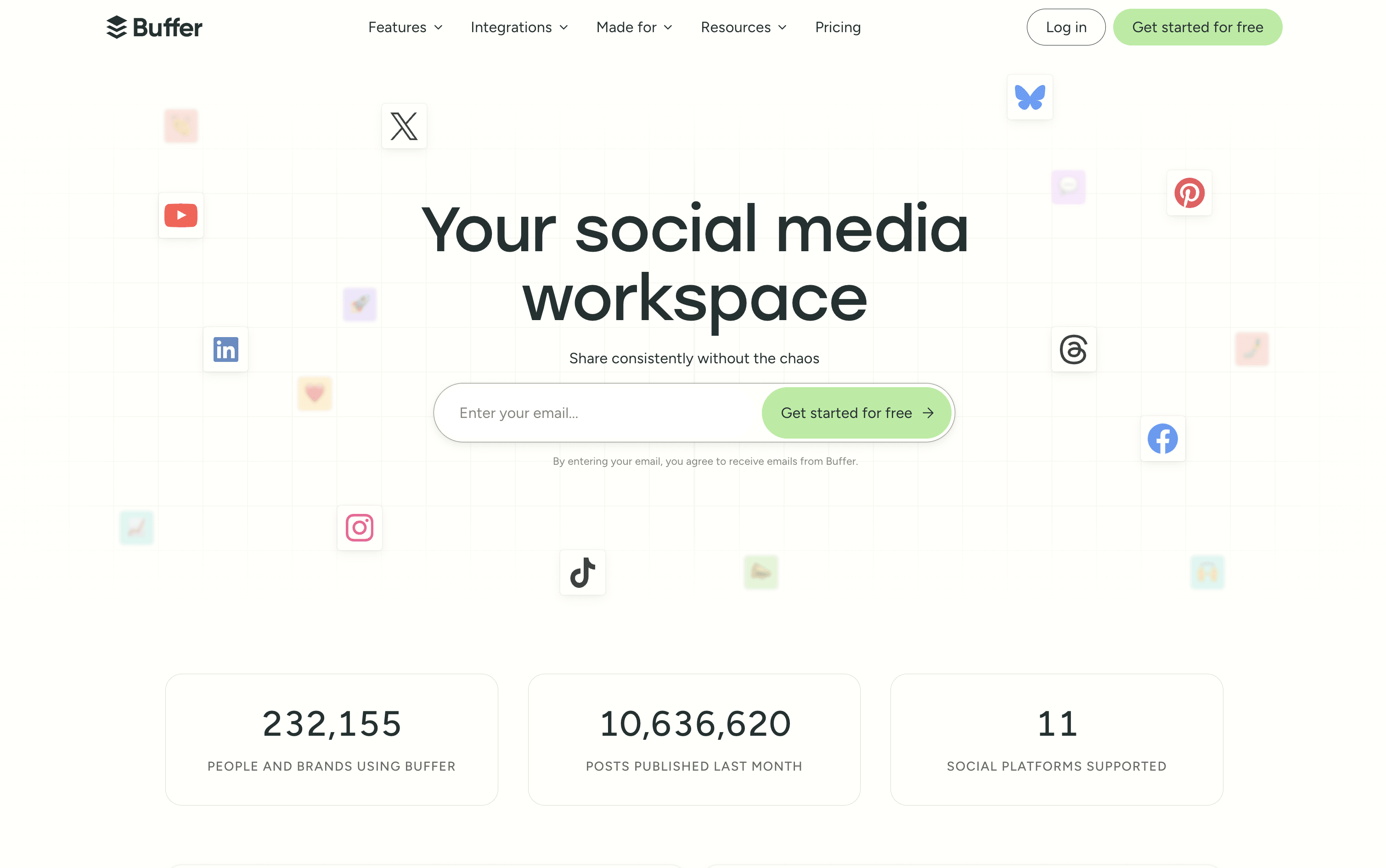
Buffer is a social media scheduling and management tool that connects to over 11 major platforms from one simple dashboard. You can write, schedule, and publish posts without logging into each account separately. It includes tools for planning and storing content ideas, managing replies and comments through a unified inbox, and tracking post performance with clear and simple reports.
Buffer also includes a built-in AI assistant that helps you write captions, repurpose content for different platforms, and think of new ideas. A Start Page feature lets you build a simple link-in-bio landing page, so you can share one link across all your social profiles.
Buffer offers a free plan and two affordable paid tiers suitable for individuals, teams, and agencies.
Schedule posts across 11 social platforms
AI assistant for captions and content ideas
Visual content calendar and queue management
Unified inbox for all comments and replies
Analytics with custom reports and PDF export
Team collaboration with approval workflows
Start Page link-in-bio builder included
Hashtag manager and UTM tracking
Chrome browser extension and mobile app
Free plan available with no credit card
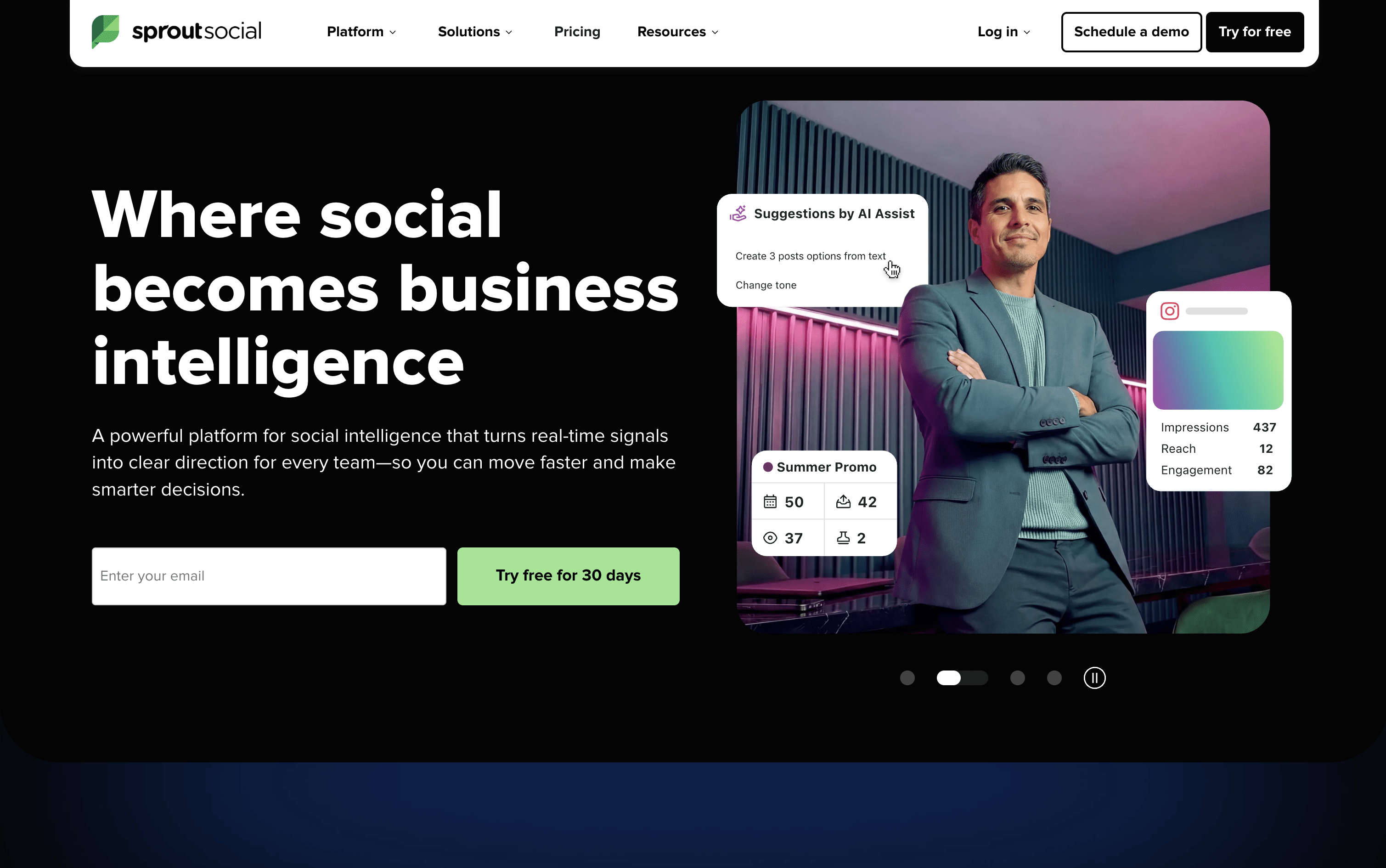
Sprout Social is a social media tool that lets you publish, engage, and analyze across all major platforms from one place. It supports Instagram, Facebook, X, LinkedIn, TikTok, Pinterest, YouTube, Threads, Bluesky, WhatsApp Business, and more.
The platform includes a Smart Inbox that pulls every message, comment, mention, and review into a single stream, so your team can respond without switching between apps. Detailed analytics show you which content is performing best and why, with reports you can share with clients or leadership.
Built-in AI tools help you write captions, suggest posting times, summarize conversations, and automate parts of your workflow. Sprout Social is designed for teams that want social media to deliver real results, not just publish and hope for the best.
Unified Smart Inbox for all messages and reviews
Visual content calendar with drag-and-drop scheduling
ViralPost AI-powered optimal send times
Bulk scheduling via CSV upload (up to 350 posts)
Social listening and brand mention monitoring
Competitor analytics and performance benchmarking
Approval workflows for teams and external clients
AI caption writing and hashtag suggestions
Salesforce, HubSpot, and Zendesk integrations
iOS and Android mobile apps available
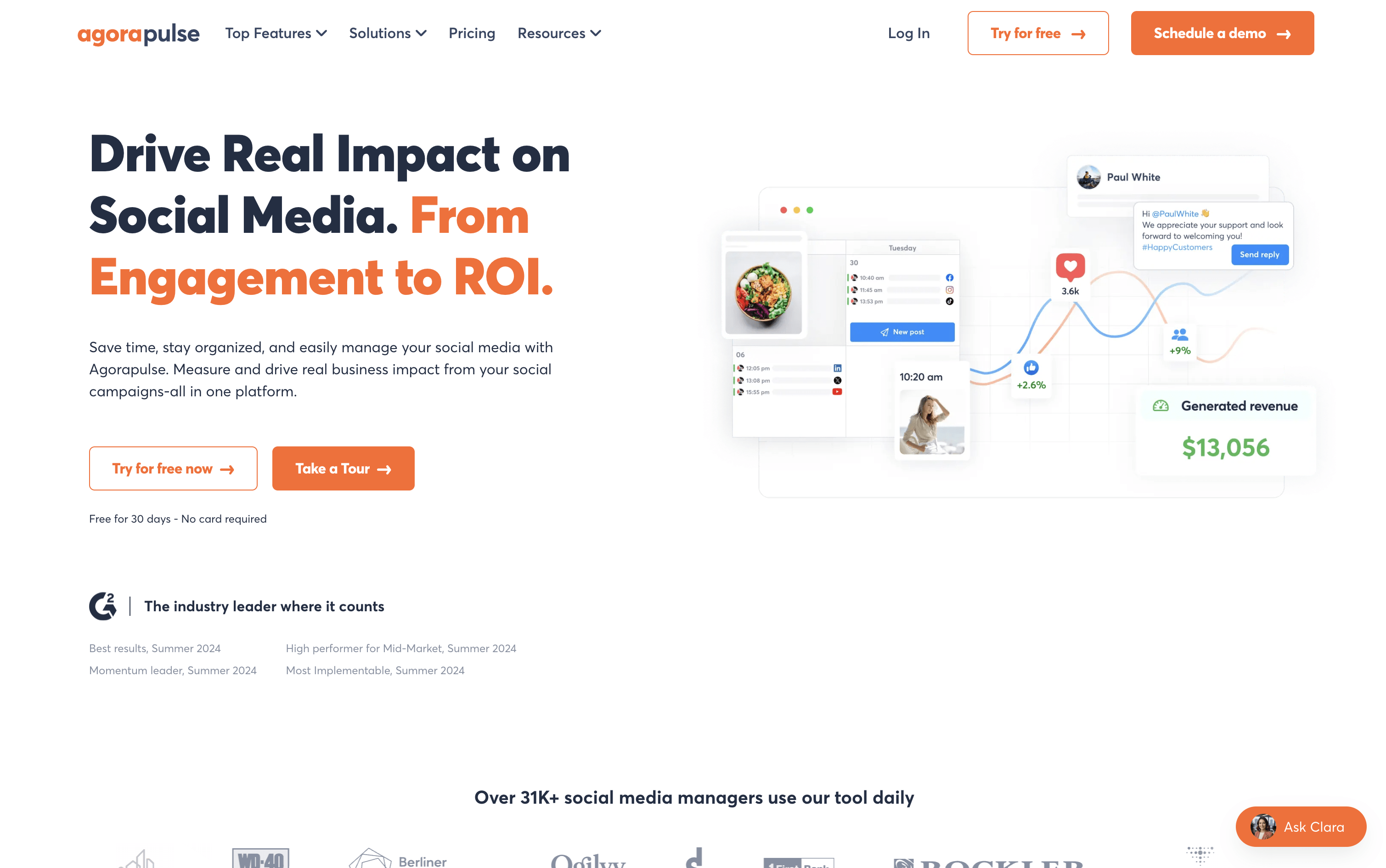
Agorapulse is a tool that lets individuals and teams manage all their social media from one dashboard. You can schedule posts, reply to comments and messages, listen to what people say about your brand, and see how well your content performs across platforms including Instagram, Facebook, LinkedIn, X, TikTok, YouTube, Pinterest, Threads, Bluesky, and Google Business Profile.
A key feature that sets Agorapulse apart is its Social ROI tracking. It connects with Google Analytics to show how social media posts bring visitors, leads, and sales to your website. Beyond that, it includes team tools like approval workflows, shared calendars, and task assignments, making it a strong choice for agencies and growing marketing teams.
Schedule posts across 10+ social platforms
Unified inbox for all comments, DMs, and reviews
Social ROI tracking via Google Analytics
Brand and competitor listening with 24-month history
AI writing assistant and reply suggestions
Bulk scheduling via CSV upload
Approval workflows and shared content calendars
White-label and custom PDF/PowerPoint reports
Employee advocacy campaign management
Mobile app for iOS and Android

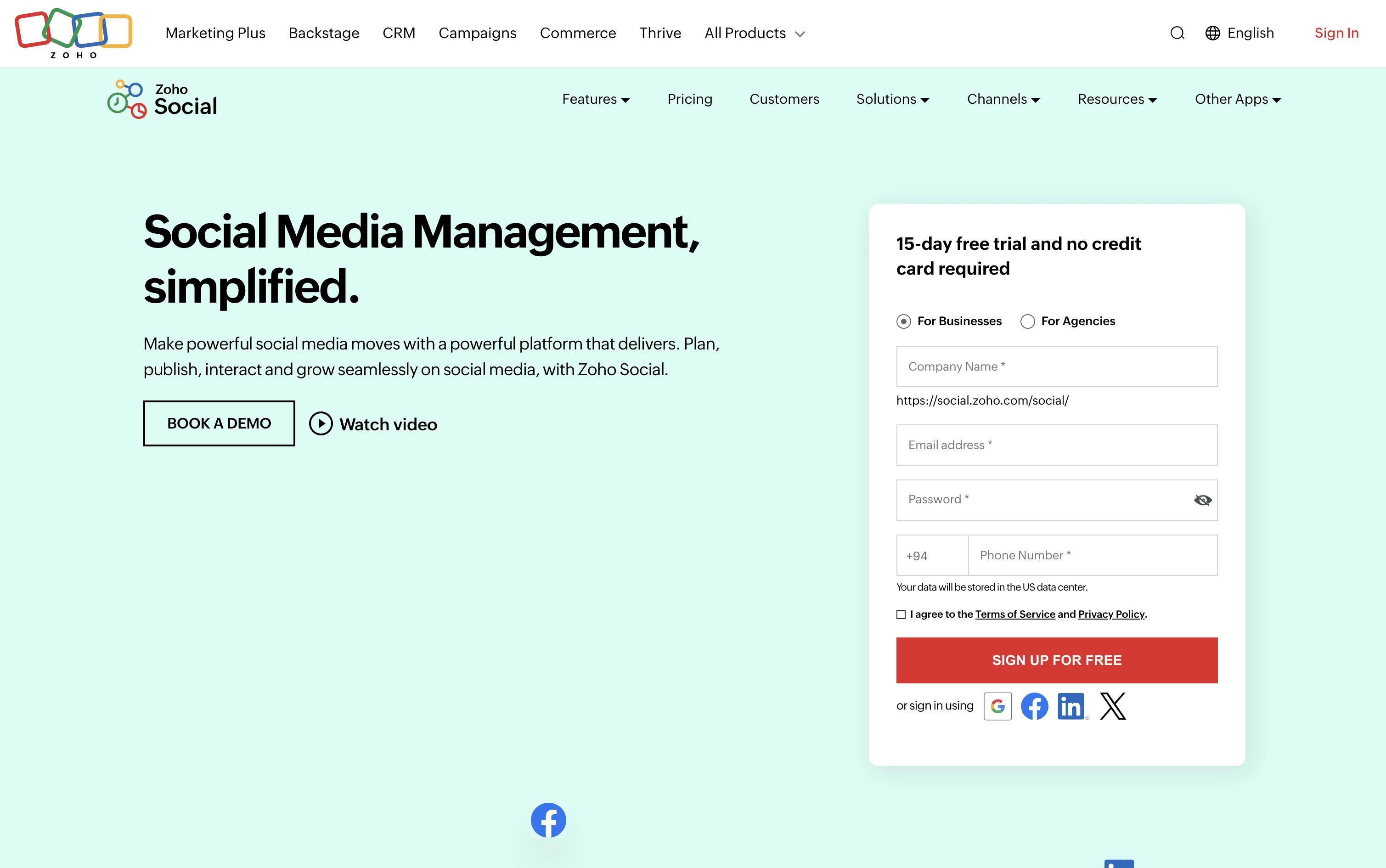
Zoho Social is a social media management tool that brings all your social accounts together under one roof. You can connect platforms like Instagram, Facebook, LinkedIn, TikTok, YouTube, Pinterest, Threads, Bluesky, Mastodon, and more, and handle everything from a single dashboard.
It includes a visual publishing calendar, a unified inbox for all messages and comments, a monitoring panel to follow brand mentions and keywords, and detailed analytics for every post and channel. The built-in AI assistant, Zia, helps you write captions, suggest hashtags, and draft replies faster.
Teams can set up approval steps before publishing, assign incoming messages to specific members, and work together in a shared space. Agencies can manage multiple client brands from one account with custom reports and dedicated client portals.
Schedule posts across 13+ social platforms
SmartQ best time to post recommendations
Visual publishing calendar with drag-and-drop
Unified inbox for all messages and comments
Real-time brand and keyword monitoring
Custom analytics reports and data export
Zia AI for captions and hashtag ideas
Bulk scheduling via spreadsheet upload
Approval workflows and team collaboration
Zoho CRM and Desk integration

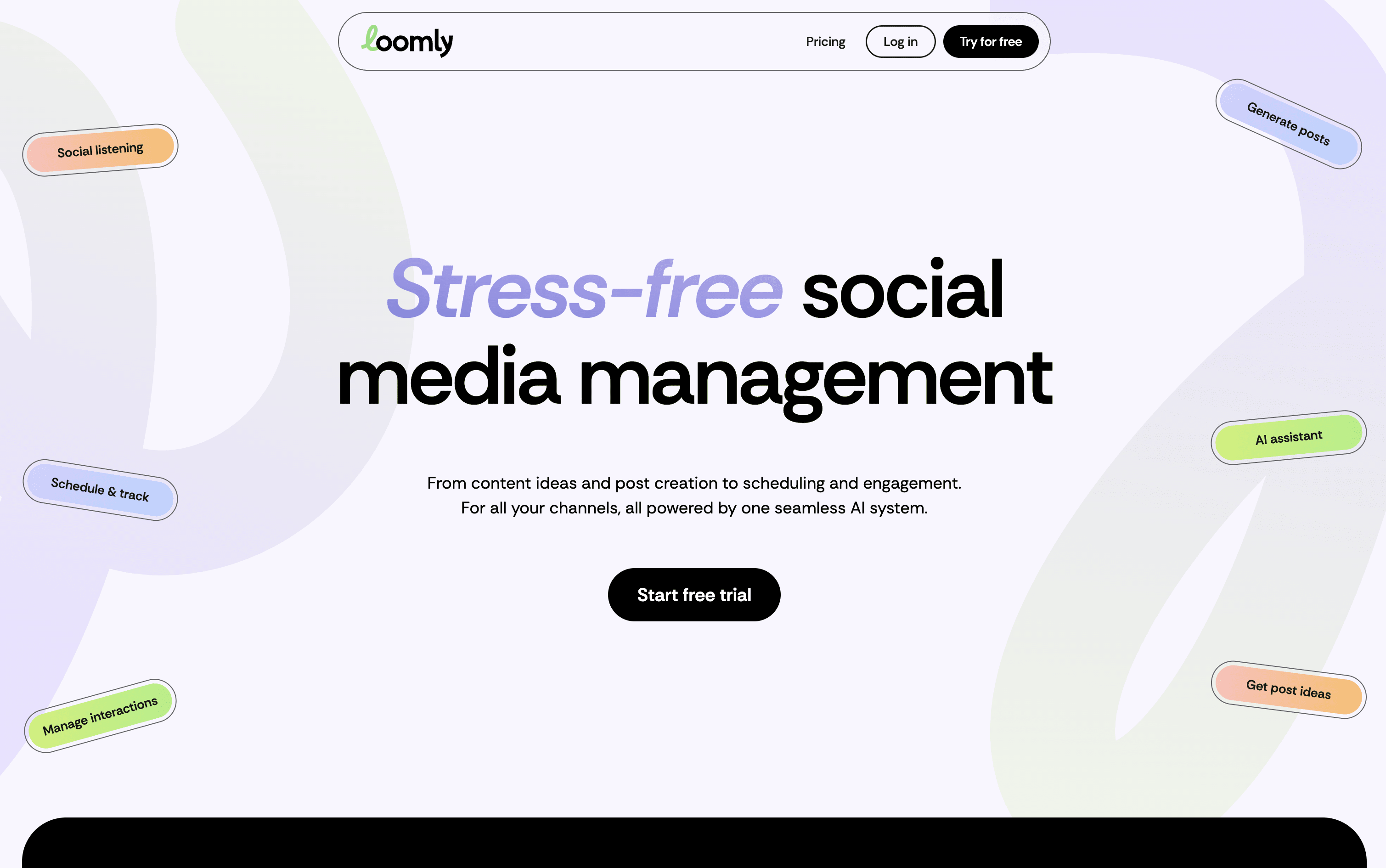
Loomly is a platform that brings all your social media work into one organized space. At its core is a visual calendar showing every post you have planned or already published, making it easy to spot content gaps and plan ahead. You write posts once and customize them for each platform, with realistic previews showing exactly how they will look before going live.
Built-in AI tools help you write captions, generate content ideas, suggest the best posting times, and highlight what is working in your analytics. Loomly also includes team collaboration features with approval stages, a central media library, and a shared inbox for managing comments and messages from all platforms in one place.
Visual drag-and-drop content calendar with labels
Multi-platform scheduling and auto-publishing
AI caption and post idea generation
Per-platform post preview before publishing
Team approval workflows and role-based access
Centralized engagement inbox for all platforms
Advanced analytics and exportable client reports
Media library with built-in image editor
Hashtag manager with AI-powered suggestions
Canva, Google Drive, and Zapier integrations

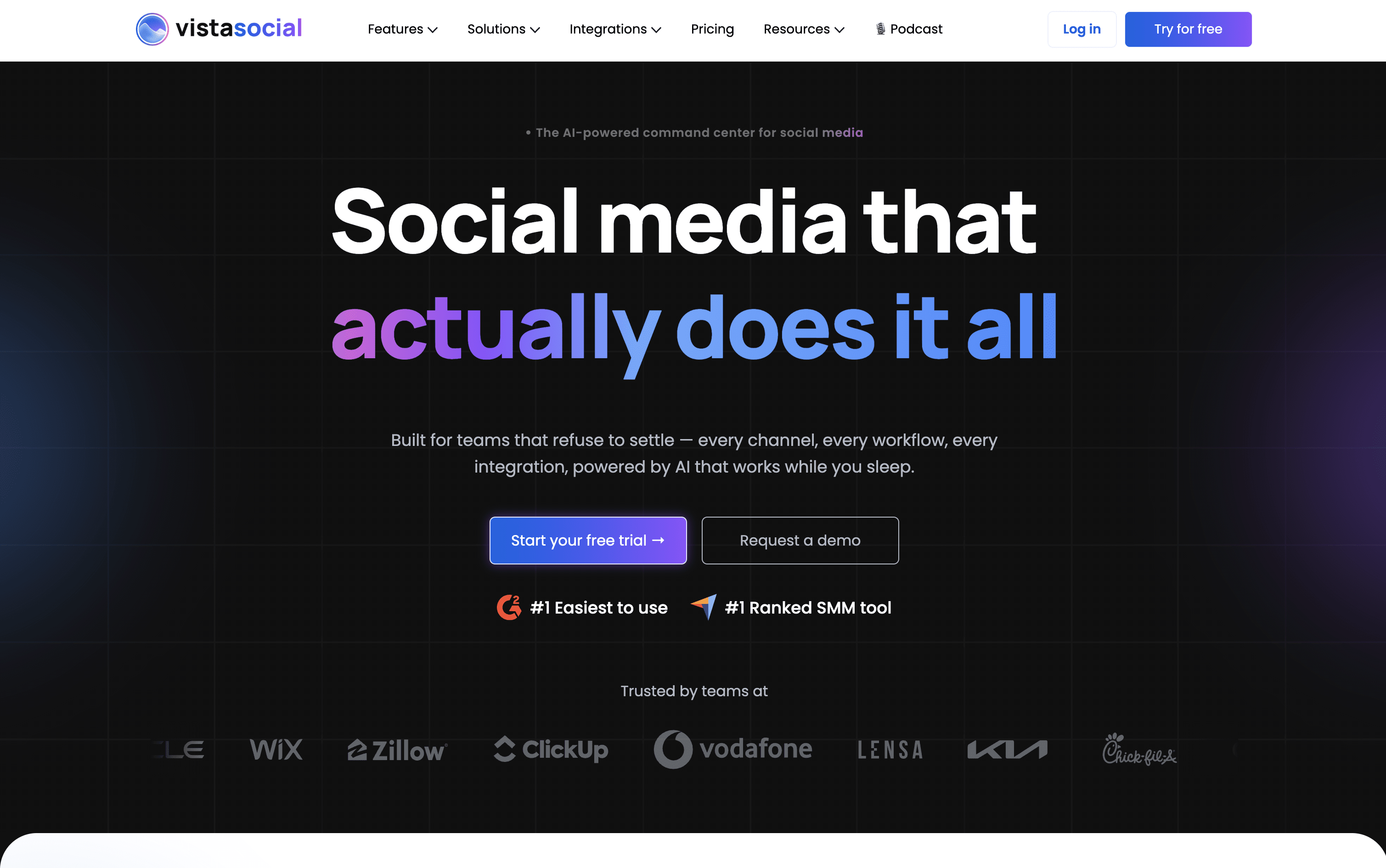
Vista Social is a social media management platform that lets you handle all your social accounts from one single dashboard. You can plan and schedule posts, reply to comments and messages, monitor reviews, track performance, and create content using built-in AI, without switching between different apps.
It works with over 13 platforms including Facebook, Instagram, TikTok, LinkedIn, YouTube, Pinterest, Threads, Bluesky, Snapchat, Reddit, and Google Business Profile. The platform includes AI tools to generate captions, images, and short videos. Teams benefit from shared calendars, approval workflows, and role-based permissions, while agencies can use white-label reports and manage multiple client accounts easily.
Vista Social is built to keep all your social media work in one organized, simple place.
Schedule posts on 13+ social networks
AI caption, image, and video creation
Unified inbox for all messages and comments
Review monitoring and management
White-label PDF reports for agencies
Multi-step approval workflows and permissions
Social listening and brand monitoring
Employee advocacy tools
Vista Page link-in-bio builder
Bulk scheduling and RSS feed posting

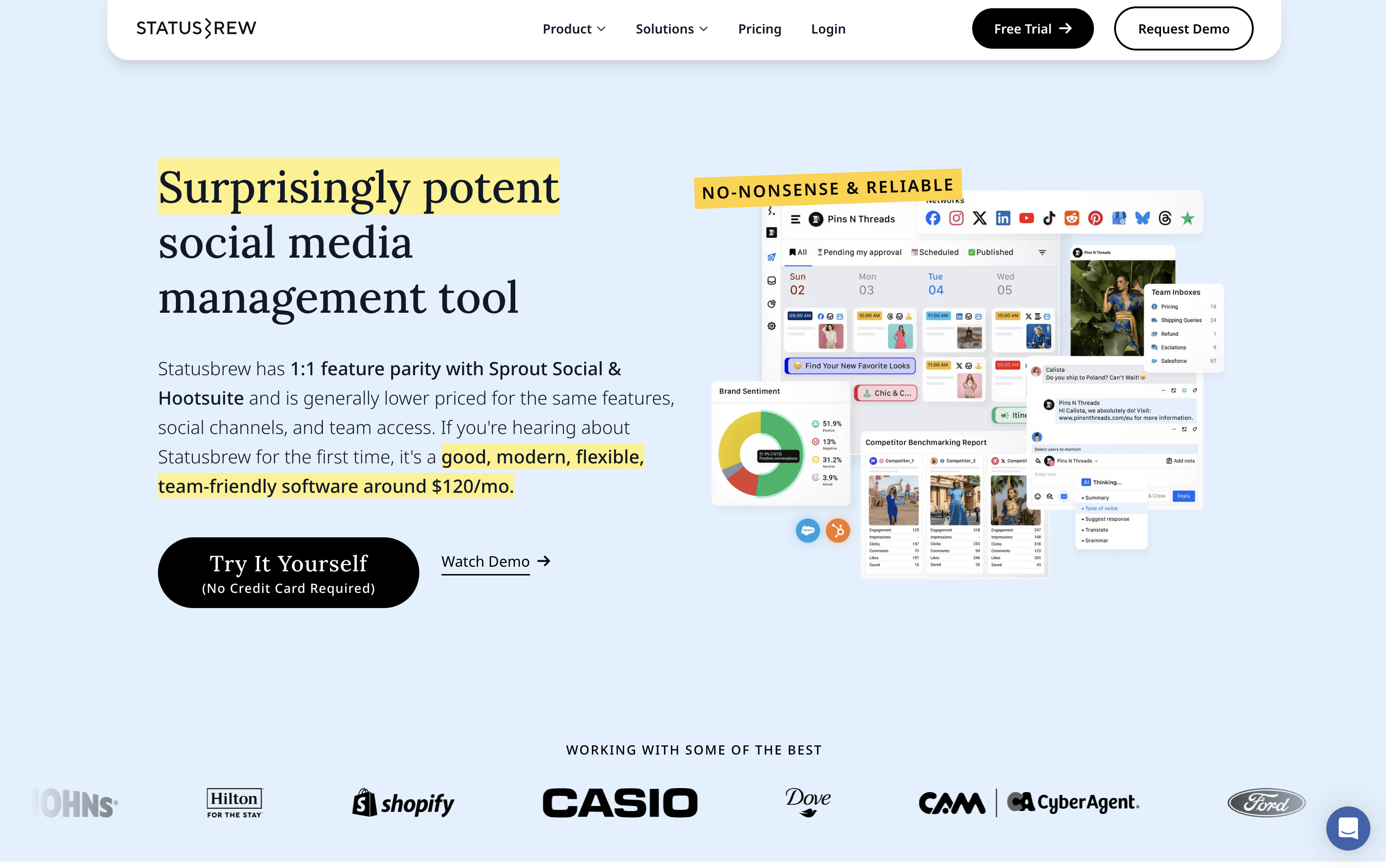
Statusbrew is a social media management tool that covers the complete process of managing your online presence, from scheduling posts to handling replies and measuring results. It connects to more than 20 platforms, including Facebook, Instagram, X, LinkedIn, TikTok, YouTube, Pinterest, Threads, Bluesky, Google Business Profile, Reddit, and WhatsApp Business.
Teams can plan content using a visual calendar, manage approval workflows with clients or teammates, and handle all comments, messages, and reviews from a single inbox. AI tools help write captions, analyze message tone, and suggest the best times to post. A 14-day free trial is available with no credit card required.
Schedule posts across 20+ social platforms
Visual calendar with drag-and-drop content planning
Unified inbox for comments, DMs, and reviews
AI caption writing and hashtag suggestions
Rule-based automation for comment moderation
Approval workflows for teams and clients
230+ analytics metrics and competitor benchmarking
Bulk scheduling via CSV upload
BrewLink in bio tool for Instagram
Mobile app for iOS and Android

Canva is a web-based design tool that makes it easy to create content for social media, business presentations, marketing materials, and more. It uses a simple drag-and-drop editor, so you do not need any design experience to get started.
One of its key features is the Content Planner, available on paid plans. It lets you connect your social media accounts and schedule posts to go live at specific dates and times. You can plan your content in a calendar view and track basic performance after posts are published.
Canva also includes a full set of AI tools that help you write captions, generate images, remove backgrounds, and resize designs for different platforms automatically, all inside the same workspace without switching apps.
Drag-and-drop editor for all skill levels
Millions of templates, photos, videos, and icons
Built-in social media scheduling with Content Planner
AI image generation, caption writing, and background removal
Magic Resize for adapting designs across platforms
Brand Kit for consistent logos, colors, and fonts
Team collaboration and approval workflows
Basic analytics for published posts
Web and mobile app