Loomly vs CoSchedule: Features, Pricing and Reviews in 2026
Loomly is a visual social media management platform for planning, scheduling, and publishing content across multiple channels.
What Are Loomly and CoSchedule?

Loomly
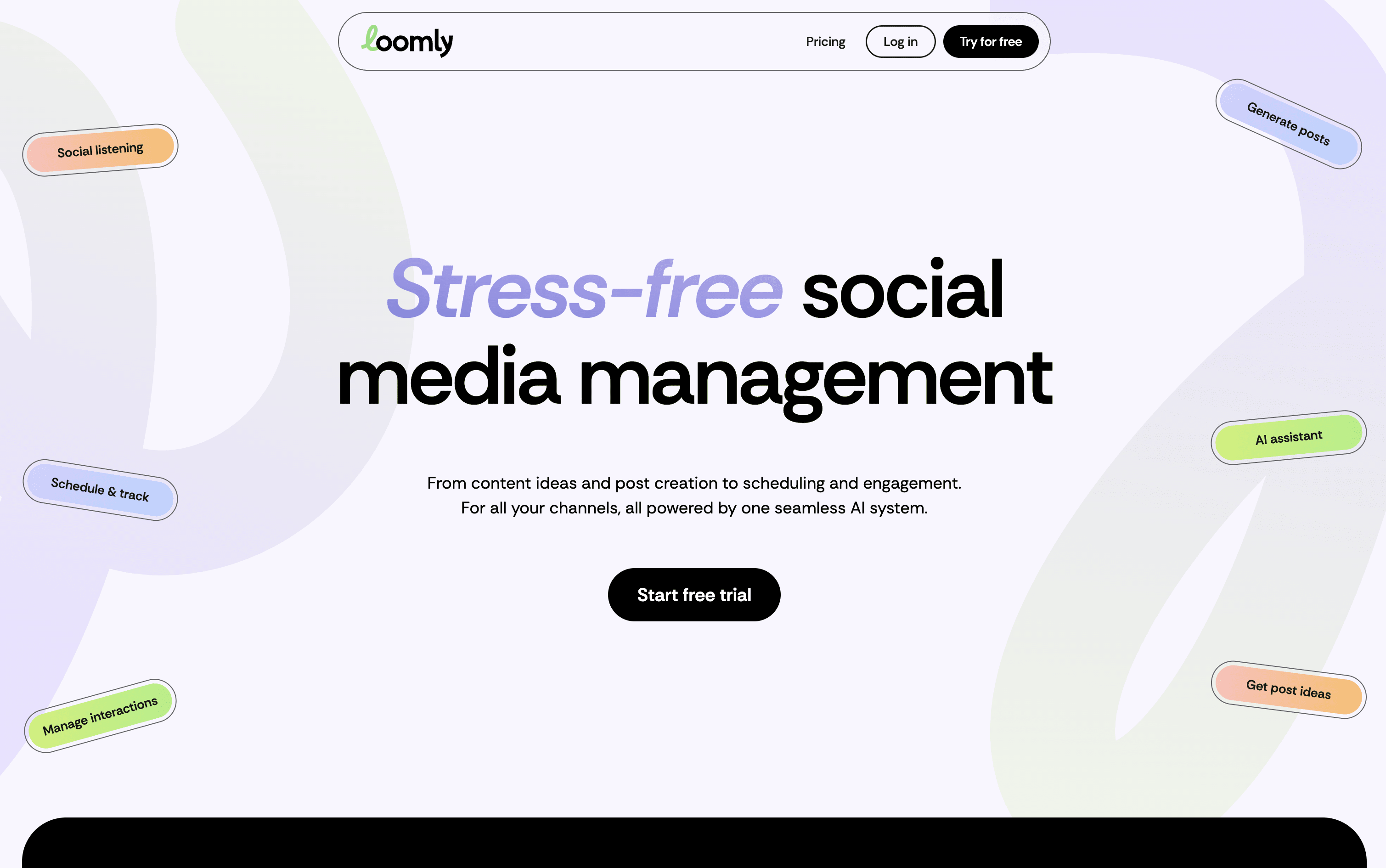
Loomly is a platform that brings all your social media work into one organized space. At its core is a visual calendar showing every post you have planned or already published, making it easy to spot content gaps and plan ahead. You write posts once and customize them for each platform, with realistic previews showing exactly how they will look before going live.
Built-in AI tools help you write captions, generate content ideas, suggest the best posting times, and highlight what is working in your analytics. Loomly also includes team collaboration features with approval stages, a central media library, and a shared inbox for managing comments and messages from all platforms in one place.

CoSchedule
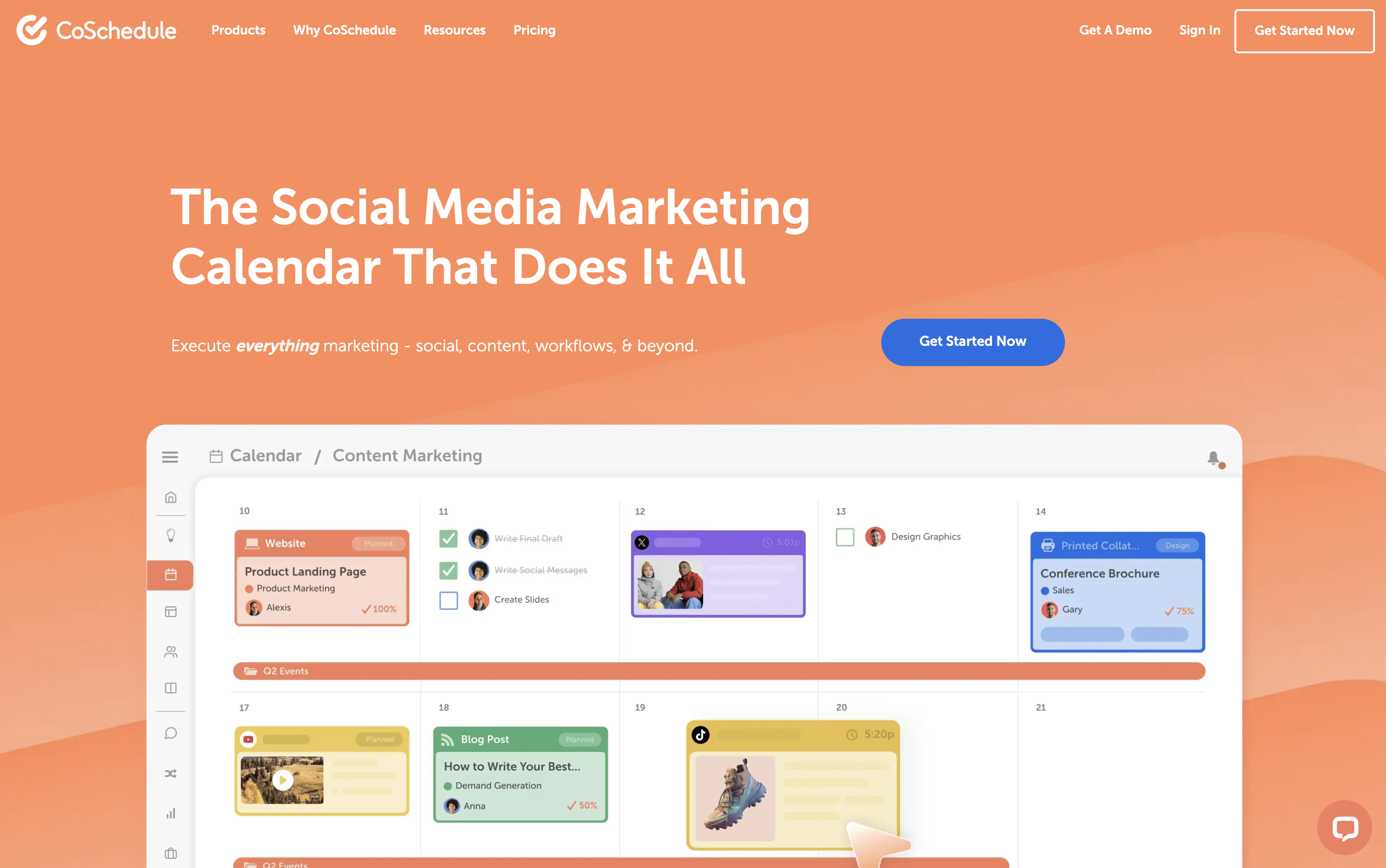
CoSchedule is a marketing calendar tool that acts as a central hub for all marketing work. You can plan, create, schedule, and publish social media posts, blog content, email campaigns, and team projects from one unified dashboard. The drag-and-drop calendar shows everything in one clear view, past, present, and future. It supports over ten major social networks, including Instagram, Facebook, LinkedIn, TikTok, Pinterest, YouTube, and Bluesky. A feature called ReQueue automatically re-shares your best content to keep your posting schedule full without extra effort. The built-in AI assistant, Hire Mia, helps with writing captions, drafting blog posts, and building full campaigns. Approval workflows and team management tools make it easy for larger teams and agencies to stay coordinated.
How Do Loomly and CoSchedule Compare on Features?
Loomly
Visual drag-and-drop content calendar with labels
Multi-platform scheduling and auto-publishing
AI caption and post idea generation
Per-platform post preview before publishing
Team approval workflows and role-based access
Centralized engagement inbox for all platforms
Advanced analytics and exportable client reports
Media library with built-in image editor
Hashtag manager with AI-powered suggestions
Canva, Google Drive, and Zapier integrations
CoSchedule
Drag-and-drop marketing calendar
Social scheduling for 11+ platforms
ReQueue evergreen content recycling
AI writing assistant (Hire Mia)
Team collaboration and approval workflows
Kanban boards and task management
WordPress deep integration
Google Analytics and UTM tracking
Digital asset management
Bulk scheduling and templates
Social inbox management
White-label client calendars
AI image generation
Where Do Loomly and CoSchedule Fit?
Loomly
CoSchedule
How Much Do Loomly and CoSchedule Cost?
Loomly Pricing Plans
CoSchedule Pricing Plans
How Are Loomly and CoSchedule Used?
Loomly
Frequently Asked Questions About Loomly and CoSchedule
Loomly
CoSchedule