
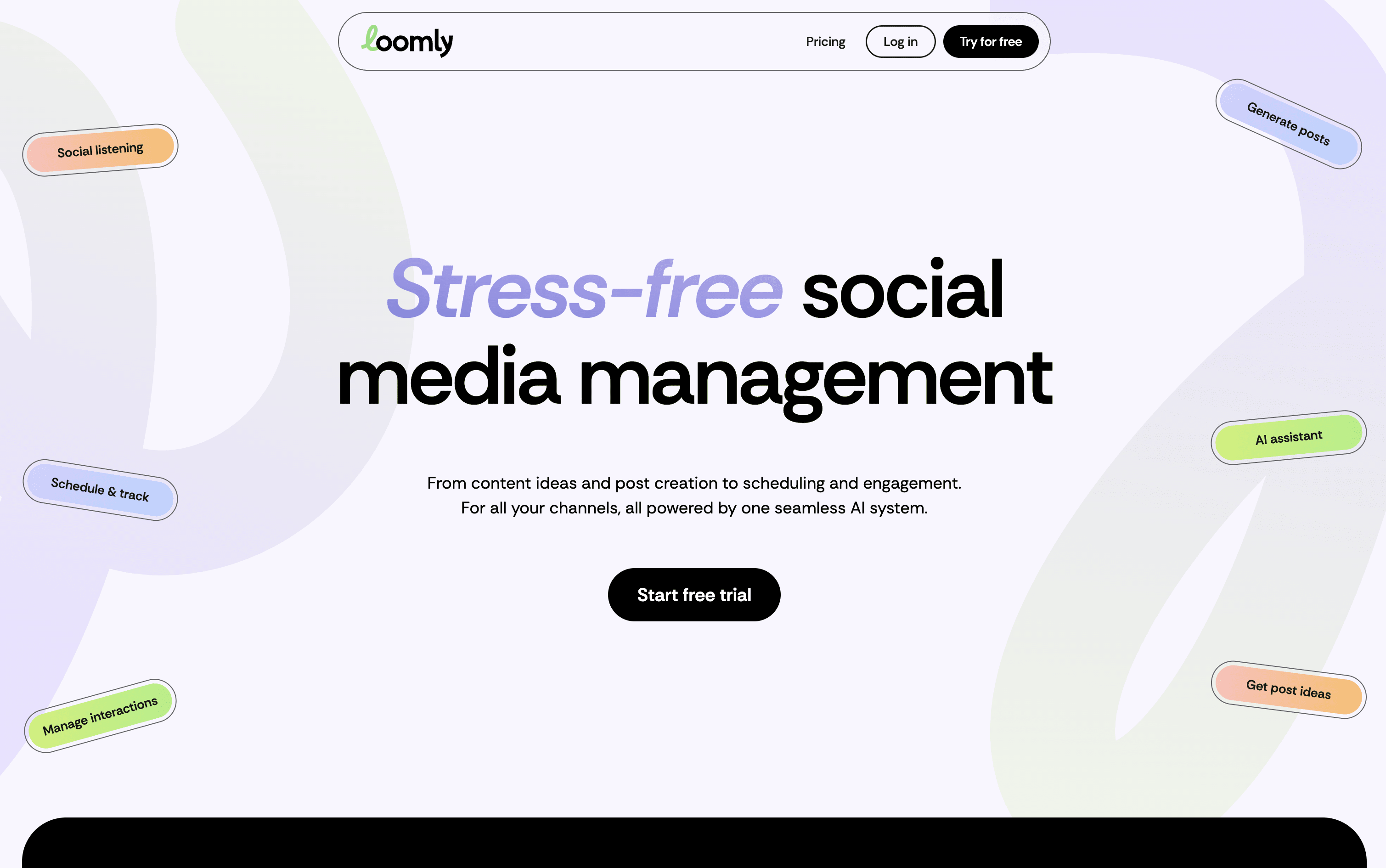
Loomly is a visual social media management platform for planning, scheduling, and publishing content across multiple channels.
Pricing
Type
What Is Loomly?
Loomly is a platform that brings all your social media work into one organized space. At its core is a visual calendar showing every post you have planned or already published, making it easy to spot content gaps and plan ahead. You write posts once and customize them for each platform, with realistic previews showing exactly how they will look before going live.
Built-in AI tools help you write captions, generate content ideas, suggest the best posting times, and highlight what is working in your analytics. Loomly also includes team collaboration features with approval stages, a central media library, and a shared inbox for managing comments and messages from all platforms in one place.
How to Use Loomly?
Getting started with Loomly is straightforward. Here are the key steps:
Sign up and complete the guided setup, then create a calendar for each brand or client you manage.
Connect your social media accounts and choose the platforms you want to publish to.
Open the content calendar and click "Add Post." Write your caption or use the AI Assistant to generate one. Upload media from your library, Canva, or Google Drive, or edit it with the built-in media editor.
Preview how your post will look on each platform and make any adjustments before scheduling.
Add hashtags using the hashtag manager, then set a publish time or let Loomly suggest the best time to post.
If working with a team, send the post through the approval workflow for review and sign-off before it goes live.
After publishing, check the analytics dashboard to track performance and use AI insights to improve your next content plan.
Loomly Features
Here are the main features of Loomly:
Visual Content Calendar: Manage posts in a drag-and-drop calendar with color-coded labels and real-time status tracking for every scheduled post.
Multi-Platform Publishing: Schedule and auto-publish to Instagram, Facebook, LinkedIn, TikTok, YouTube, Pinterest, Threads, X, Google Business Profile, and Snapchat.
AI Content Tools: Generate captions, post ideas, and hashtag suggestions. Repurpose existing content into new formats for different platforms automatically.
Post Preview: See an accurate mockup of how your post will appear on each platform before publishing.
Team Collaboration and Approvals: Assign posts, leave comments, and route content through multi-step approval stages with role-based access.
Engagement Inbox: View and reply to comments, messages, and mentions from all connected platforms in one centralized place.
Analytics and Reporting: Track performance with detailed dashboards, export reports, and get AI-powered insights to sharpen your strategy.
Media Library: Store photos, videos, and templates centrally for easy reuse across multiple campaigns.
Where does Loomly fit?
Loomly Pricing Plans
How is Loomly used?
Frequently Asked Questions About Loomly
Best alternatives to Loomly

Buffer
Freemium · Subscription
Buffer is a simple social media tool to schedule, publish, and grow your content across multiple platforms.

Metricool
Freemium · Subscription
Metricool is an all-in-one social media management tool for scheduling, analytics, reporting, inbox, and ad management.

Postiz
Freemium · Subscription
Postiz is an open-source, AI-powered social media scheduling platform that lets you plan, create, and publish content across 30+ platforms.

Hootsuite
Paid · Subscription
Hootsuite is an all-in-one social media management platform for scheduling, publishing, monitoring, and analytics across multiple networks.

Sprout Social
Paid · Subscription
Sprout Social is an AI-powered social media management platform for scheduling, engagement, analytics, and team collaboration.

Publer
Freemium · Subscription
Publer is an all-in-one social media scheduler that helps you plan, schedule, and publish content across 13 platforms.

Later
Paid · Subscription
Later is a visual social media scheduling tool for planning, publishing, and growing your presence across platforms.

Agorapulse
Paid · Subscription
Agorapulse is an all-in-one social media management platform for scheduling, engagement, listening, and tracking social ROI.