Loomly vs Planable: Features, Pricing and Reviews in 2026
What Are Loomly and Planable?

Loomly
Loomly is a platform that brings all your social media work into one organized space. At its core is a visual calendar showing every post you have planned or already published, making it easy to spot content gaps and plan ahead. You write posts once and customize them for each platform, with realistic previews showing exactly how they will look before going live.
Built-in AI tools help you write captions, generate content ideas, suggest the best posting times, and highlight what is working in your analytics. Loomly also includes team collaboration features with approval stages, a central media library, and a shared inbox for managing comments and messages from all platforms in one place.

Planable
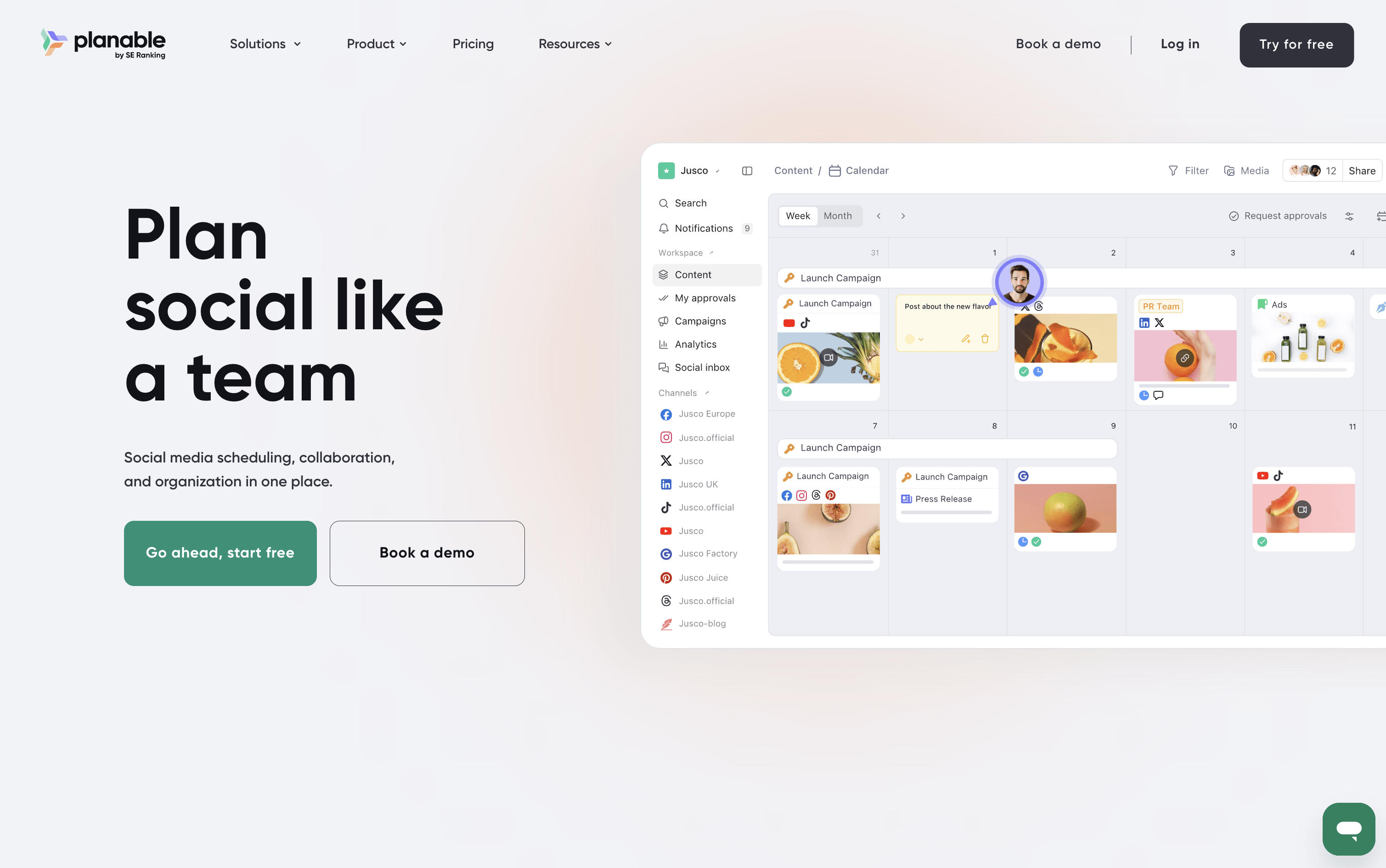
Planable is a social media management tool that handles the full content workflow in one place. You can create posts, plan them visually on a calendar, collect feedback from teammates and clients, send posts through approval steps, and publish to nine platforms: Instagram, Facebook, X, LinkedIn, TikTok, Pinterest, YouTube, Threads, and Google Business Profile.
It also includes a unified inbox for managing comments and messages, an analytics section to track how posts perform, and custom reports for sharing results with clients. A Universal Content feature lets you manage other materials like blogs and newsletters using the same review process.
Planable is best suited for teams and agencies where approvals and collaboration are central to the work.
How Do Loomly and Planable Compare on Features?
Loomly
Visual drag-and-drop content calendar with labels
Multi-platform scheduling and auto-publishing
AI caption and post idea generation
Per-platform post preview before publishing
Team approval workflows and role-based access
Centralized engagement inbox for all platforms
Advanced analytics and exportable client reports
Media library with built-in image editor
Hashtag manager with AI-powered suggestions
Canva, Google Drive, and Zapier integrations
Planable
Visual calendar with drag-and-drop planning
Step-by-step approval workflows for teams and clients
AI caption, hashtag, and reply generation
Unified inbox for comments and messages
Custom analytics reports in PDF or CSV
Instagram Grid view planner
Multi-workspace management for brands and clients
Canva and Zapier integration
Mobile app for approvals and scheduling
Supports 9 social platforms
Where Do Loomly and Planable Fit?
Loomly
How Much Do Loomly and Planable Cost?
Loomly Pricing Plans
Planable Pricing Plans
How Are Loomly and Planable Used?
Loomly
Frequently Asked Questions About Loomly and Planable
Loomly
Planable