SOCIAL SCHEDULERS

Best 15+ MeetEdgar Alternatives in 2026

MeetEdgar
PaidSubscription

MeetEdgar is a scheduling tool that goes beyond just posting at set times. It organizes your content into themed categories, such as tips, quotes, or promotions, and uses those categories to automatically fill your publishing schedule. When a post goes live, it returns to the library and can be shared again later, so your best content keeps working long after it was first created.

The best alternatives to MeetEdgar are BufferBuffer, MetricoolMetricool, and PostizPostiz. MeetEdgar stands out among Instagram Schedulers and Facebook Schedulers, offering Post Scheduling, Bulk Scheduling, and Auto-publishing, making it a go-to choice for Solo Creators and Freelancers.

Here are the 29 best MeetEdgar alternatives you can try.
#1
Buffer
FreemiumSubscription
Buffer screenshot

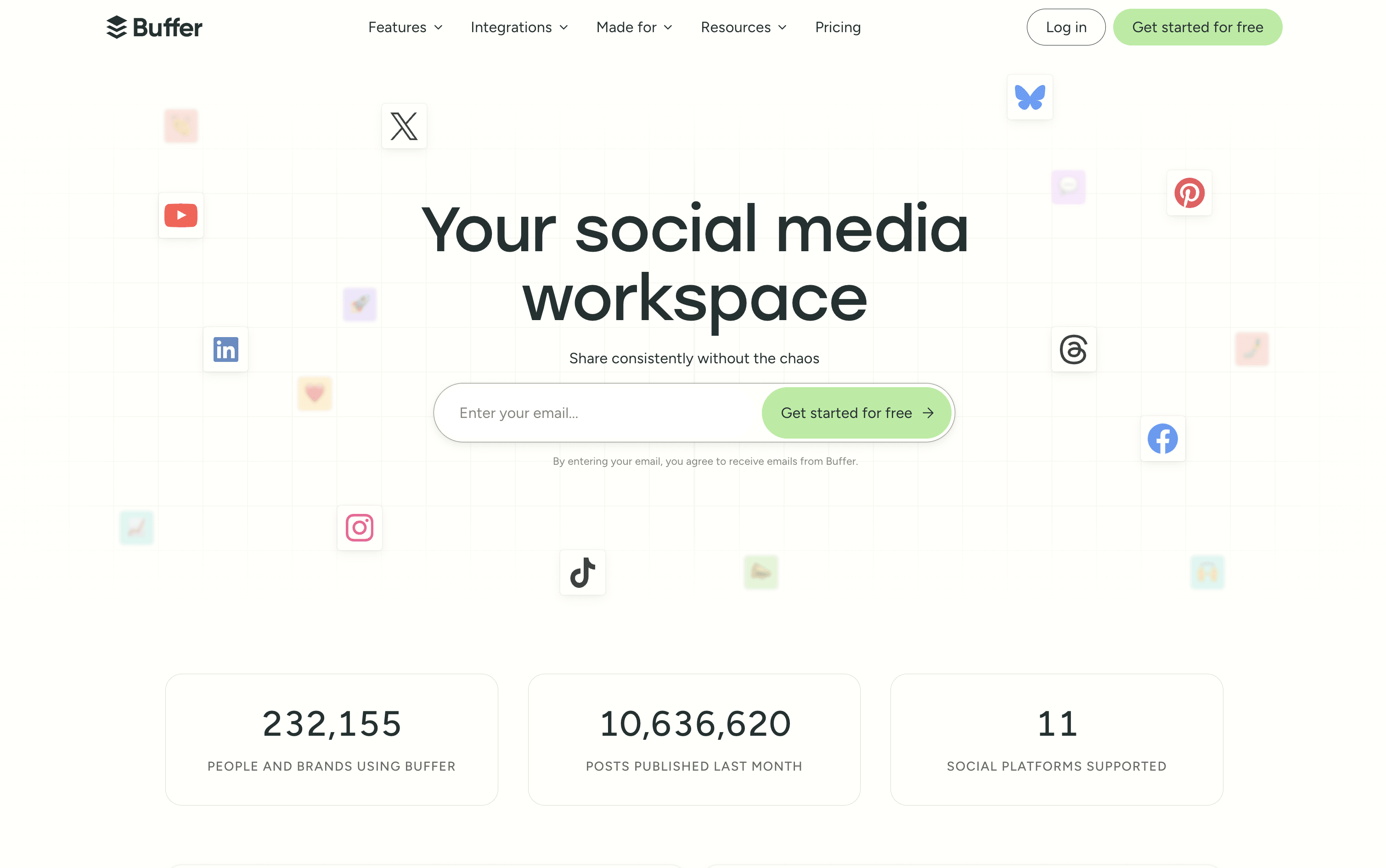
Buffer is a social media scheduling and management tool that connects to over 11 major platforms from one simple dashboard. You can write, schedule, and publish posts without logging into each account separately. It includes tools for planning and storing content ideas, managing replies and comments through a unified inbox, and tracking post performance with clear and simple reports.

Buffer also includes a built-in AI assistant that helps you write captions, repurpose content for different platforms, and think of new ideas. A Start Page feature lets you build a simple link-in-bio landing page, so you can share one link across all your social profiles.

Buffer offers a free plan and two affordable paid tiers suitable for individuals, teams, and agencies.

Buffer Features

  • Schedule posts across 11 social platforms

  • AI assistant for captions and content ideas

  • Visual content calendar and queue management

  • Unified inbox for all comments and replies

  • Analytics with custom reports and PDF export

  • Team collaboration with approval workflows

  • Start Page link-in-bio builder included

  • Hashtag manager and UTM tracking

  • Chrome browser extension and mobile app

  • Free plan available with no credit card

Buffer Pricing Plans
Free

Free
  • Up to 3 social channels
  • 10 scheduled posts per channel
  • 100 content ideas
  • AI assistant included
  • Basic analytics (30-day history)
  • Community inbox with comment and DM replies
  • Start Page (link-in-bio builder)
  • Browser extension
  • Canva, Dropbox, and Google Drive integrations
  • 1 user only
Most Popular

Essentials (Monthly)

$6/mo
  • Price is $6 per channel per month
  • Everything in Free plan
  • Unlimited scheduled posts
  • Unlimited content ideas
  • 250 tags for organization
  • First comment scheduling
  • Hashtag manager
  • Custom video covers
  • Channel groups
  • Advanced analytics with full history

Essentials (Yearly)

$60/yr
  • Price is $60 per channel per year ($5/month equivalent)
  • Save approximately 2 months vs monthly billing
  • All Essentials features included

Team (Monthly)

$12/mo
  • Price is $12 per channel per month
  • Everything in Essentials plan
  • Unlimited team members
  • Approval workflows
  • Custom access levels and permissions
  • Branded analytics reports
  • Shared content calendar
  • Internal notes on drafts
  • 5 API keys and app clients
  • Email support

Team (Yearly)

$120/yr
  • Price is $120 per channel per year ($10/month equivalent)
  • Save approximately 2 months vs monthly billing
  • All Team features included
Read more β†’
#2
Metricool
FreemiumSubscriptionCustom
Metricool screenshot

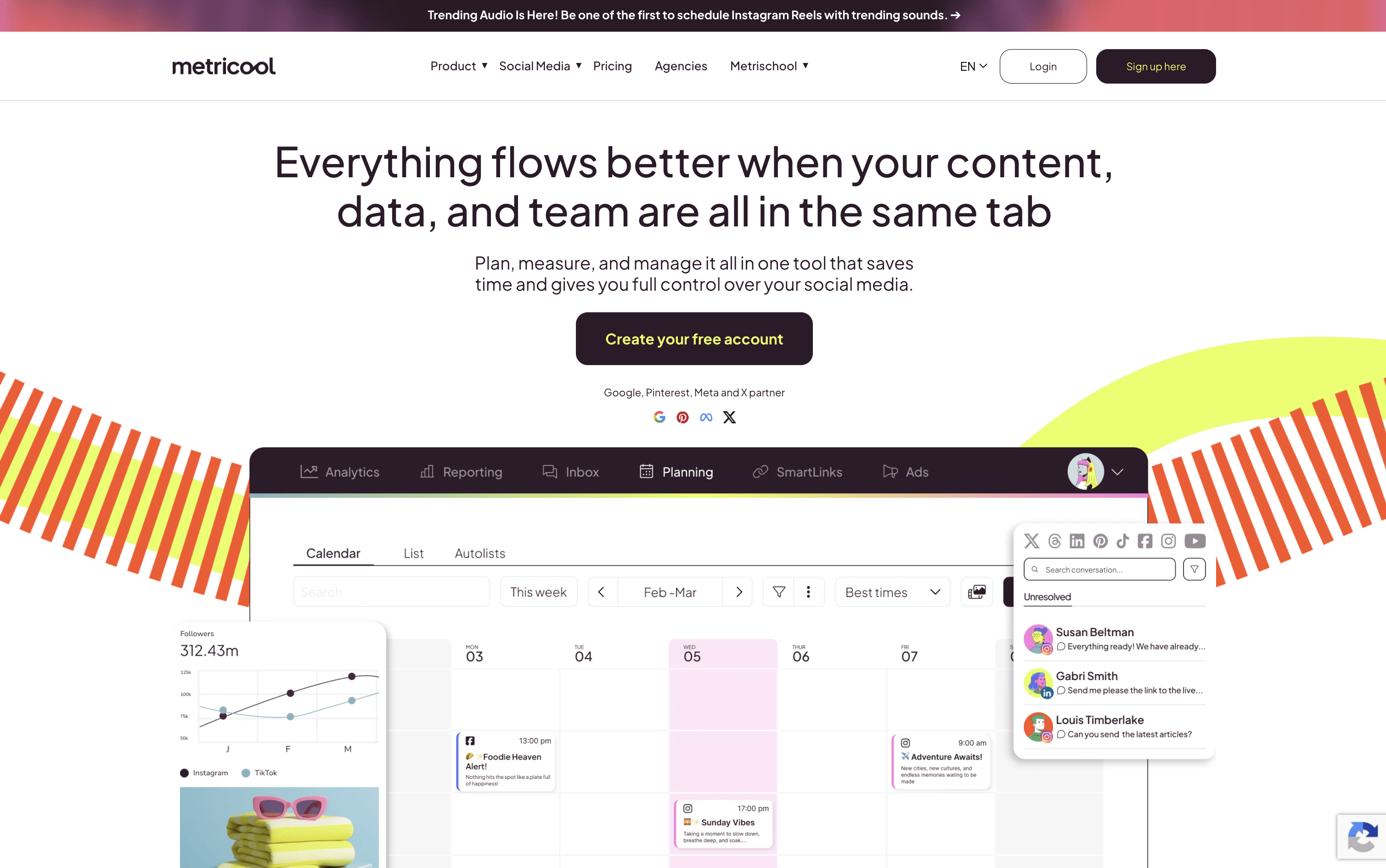
Metricool is a web-based platform that lets you handle every part of your social media presence from one central dashboard. You can connect accounts from Instagram, Facebook, TikTok, LinkedIn, Twitter/X, YouTube, Pinterest, Threads, Bluesky, Google Business Profile, and Twitch. It includes a drag-and-drop content calendar for easy post planning, built-in AI tools for writing captions, competitor tracking, and a SmartLinks feature for building link-in-bio pages.

Beyond scheduling, it offers a unified inbox for managing messages and comments, detailed analytics for tracking your results, ad campaign management for Google, Meta, and TikTok ads, and automated reporting tools for teams and clients. Free and paid plans are available to suit different needs and team sizes.

Metricool Features

  • Schedule posts across 10+ social platforms

  • Visual drag-and-drop content calendar with best times

  • AI caption writing and hashtag generation

  • Competitor tracking and analysis tools

  • Unified inbox for all messages and comments

  • Automated PDF and PPT report downloads

  • Google, Meta, and TikTok ads management

  • SmartLinks link-in-bio builder with click analytics

  • Team roles, approvals, and workflow management

  • RSS auto-posting and evergreen content recycling

Metricool Pricing Plans
Free

Custom
  • Manage 1 brand
  • Schedule up to 20 posts per month
  • Analyze up to 5 competitor profiles
  • 30 days of analytics history
  • AI social media assistant (5 credits/brand/month)
  • Basic social inbox
  • RSS feed access
  • Adobe Express integration
Most Popular

Starter

$25/mo
  • Manage up to 5 brands (up to 10 brands at $45/month)
  • Unlimited post scheduling
  • Analyze up to 100 competitor profiles
  • Unlimited analytics history
  • Automated PDF and PPT report downloads
  • SmartLinks with unlimited links and analytics
  • Google Drive and Canva integrations
  • 20 AI assistant credits per brand per month
  • Post library and content repurposing tools
  • Annual billing available at $20/month (save 24%)

Advanced

$67/mo
  • Manage up to 15 brands (up to 50 brands at $210/month)
  • Everything in Starter plan
  • Unlimited team members with role-based access
  • Post approval workflows
  • Customizable report templates and Looker Studio connector
  • Zapier and Make.com integrations
  • Full Metricool API access
  • 35 AI assistant credits per brand per month
  • Recurring scheduling and advanced Reels analytics
  • Annual billing available at $53/month (save 24%)

Custom

Custom
  • Custom number of brands
  • White-label features
  • Dedicated account manager
  • Custom AI assistant credits
  • Full Metricool integration tailored to your business
  • All Advanced plan features included

Twitter/X Add-on

$5/mo
  • Required per connected Twitter/X account
  • Full Twitter/X posting and scheduling
  • Complete Twitter/X analytics
  • Twitter/X inbox support
Read more β†’
#3
Postiz
FreemiumSubscription
Postiz screenshot

Postiz is a social media scheduling platform that combines AI content creation, visual planning, and multi-platform publishing in one place. You can write a post once and send it to multiple platforms at the same time, with each channel getting its own preview so you can adjust the text or media per platform.

The built-in AI assistant helps you write captions, generate images, and even create short videos. It also supports team collaboration, approval workflows, and detailed analytics pulled from each platform.

Postiz is open source under the AGPL-3.0 license, so developers and privacy-focused users can self-host it for complete data ownership at no ongoing cost.

Postiz Features

  • Schedule posts across 30+ social platforms

  • AI-generated captions, images, and videos

  • Visual drag-and-drop content calendar

  • Cross-posting with per-channel previews

  • Team collaboration and approval workflows

  • Analytics for all connected channels

  • Evergreen content recycling and RSS auto-posting

  • Public API, webhooks, n8n, Make, and Zapier support

  • Open source and self-hostable for free

  • CLI and AI agent integration support

Postiz Pricing Plans

Standard

$29/mo
  • 5 channels
  • 400 posts per month
  • 3 AI videos per month
  • AI Copilot
  • Advanced picture editor
  • Cross-posting
  • Analytics
  • Evergreen recycling
  • RSS auto-posting
  • API and webhooks

Standard (Yearly)

$23/mo
  • 5 channels
  • 400 posts per month
  • 3 AI videos per month
  • AI Copilot
  • Advanced picture editor
  • Cross-posting
  • Analytics
  • Evergreen recycling
  • RSS auto-posting
  • API and webhooks

Team

$39/mo
  • 10 channels
  • Unlimited posts
  • Unlimited team members
  • 100 AI images per month
  • 10 AI videos per month
  • AI Copilot
  • Cross-posting
  • Analytics
  • Customer groups
  • API and webhooks

Team (Yearly)

$31/mo
  • 10 channels
  • Unlimited posts
  • Unlimited team members
  • 100 AI images per month
  • 10 AI videos per month
  • AI Copilot
  • Cross-posting
  • Analytics
  • Customer groups
  • ~21% savings vs monthly
Most Popular

Pro

$49/mo
  • 30 channels
  • Unlimited posts
  • Unlimited team members
  • 300 AI images per month
  • 30 AI videos per month
  • AI Copilot
  • Cross-posting
  • Analytics
  • Customer groups
  • API and webhooks

Pro (Yearly)

$39/mo
  • 30 channels
  • Unlimited posts
  • Unlimited team members
  • 300 AI images per month
  • 30 AI videos per month
  • AI Copilot
  • Cross-posting
  • Analytics
  • Customer groups
  • ~20% savings vs monthly

Ultimate

$99/mo
  • 100 channels
  • Unlimited posts
  • Unlimited team members
  • 500 AI images per month
  • 60 AI videos per month
  • AI Copilot
  • Cross-posting
  • Analytics
  • Customer groups
  • API and webhooks

Ultimate (Yearly)

$79/mo
  • 100 channels
  • Unlimited posts
  • Unlimited team members
  • 500 AI images per month
  • 60 AI videos per month
  • AI Copilot
  • Cross-posting
  • Analytics
  • Customer groups
  • ~20% savings vs monthly

Self-Hosted (Open Source)

Free
  • Unlimited channels
  • Unlimited posts
  • Full data ownership
  • All core scheduling features
  • API and webhooks
  • Docker deployment
  • AGPL-3.0 open source license
Read more β†’
#4
Hootsuite
PaidSubscriptionCustom
Hootsuite screenshot

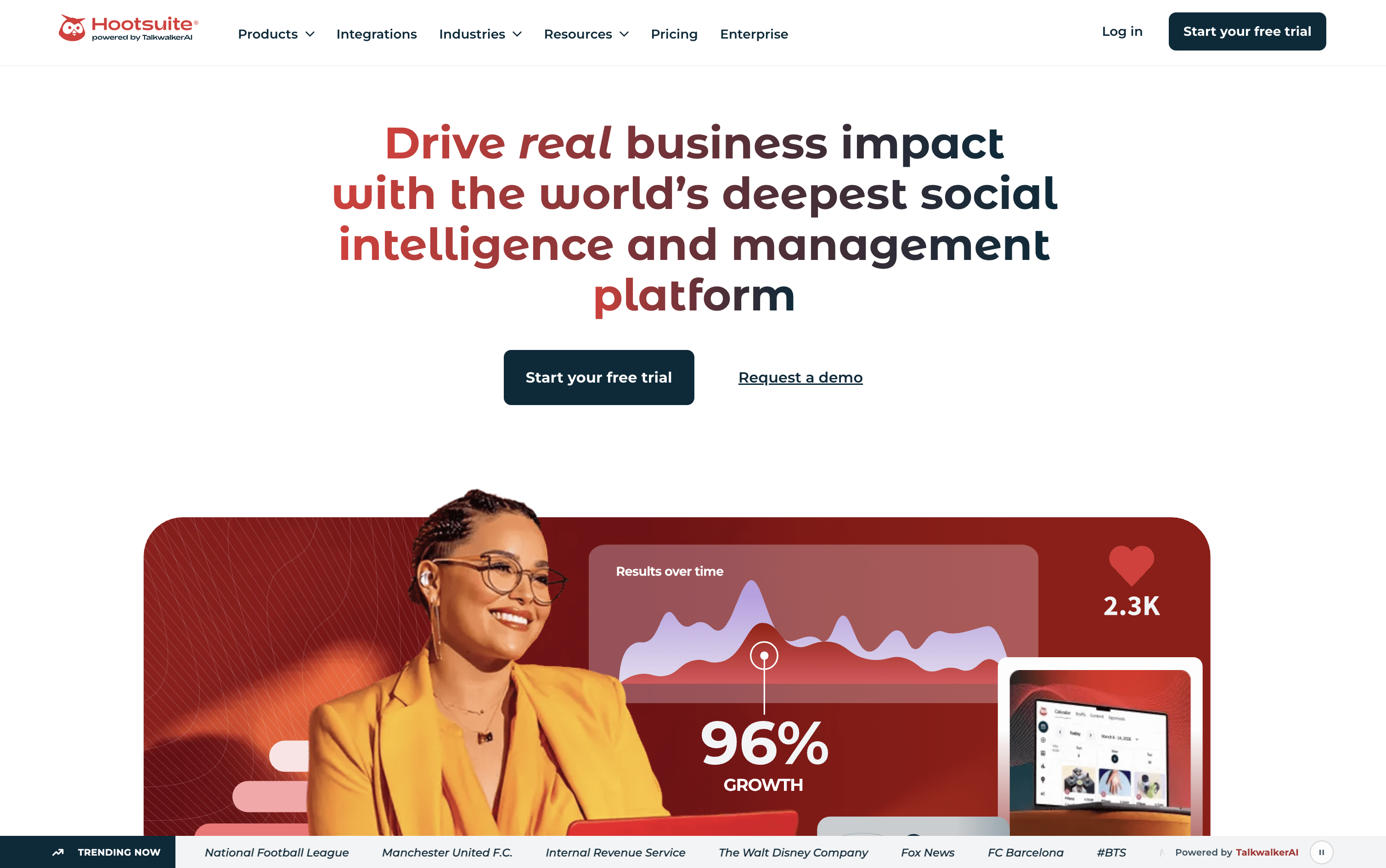
Hootsuite is a platform that lets you manage all your social media accounts from one place. You can create and schedule posts for different platforms at the same time, without having to switch between apps or log in and out of each account.

Beyond publishing, Hootsuite includes a shared inbox where your team can read and reply to comments and messages. It also has social listening tools that alert you when people mention your brand or important keywords online. Built-in analytics show you which posts are working and which are not, so you can make smarter decisions.

Teams can work together through shared calendars, approval steps, and assigned tasks, making it useful for groups of any size.

Hootsuite Features

  • Schedule posts across 10+ social platforms

  • AI caption and content generation (OwlyGPT)

  • Unified inbox for all messages and comments

  • Social listening across 30+ networks

  • Analytics with competitor benchmarking

  • Bulk scheduling up to 350 posts

  • Canva and Adobe Express integration

  • Team approval workflows and role permissions

  • Best time to post recommendations

  • Employee advocacy tools (Amplify)

  • Mobile app for iOS and Android

Hootsuite Pricing Plans

Standard

$99/user/mo
  • Up to 10 social accounts
  • 1+ user seat
  • Unlimited post scheduling
  • Social content calendar
  • AI assistant (OwlyGPT) and AI content tools
  • Canva & Adobe Express templates
  • Best time to publish recommendations
  • Unified inbox with DM automations
  • Post performance and multi-network reporting
  • Competitive benchmarking (5 competitors)
Most Popular

Advanced

$249/user/mo
  • Everything in Standard
  • Unlimited social accounts
  • Bulk scheduling (up to 350 posts)
  • Link in bio tool (Hootbio)
  • Custom branded URLs and automated link tracking
  • Approval workflows
  • Customizable reports and templates
  • Competitive benchmarking (20 competitors)
  • Saved replies and automated message responses
  • Skill-based routing and customer service tools

Enterprise

Custom
  • Everything in Advanced
  • Unlimited users
  • ROI reporting and advanced attribution analytics
  • AI-powered chatbot and smart replies
  • Salesforce integration and social selling tools
  • Employee advocacy platform (Amplify)
  • Single Sign-On (SSO)
  • Compliance integrations (Proofpoint)
  • Talkwalker-powered social listening with 13-month history
  • Review management
Read more β†’
#5
Sprout Social
PaidSubscriptionCustom
Sprout Social screenshot

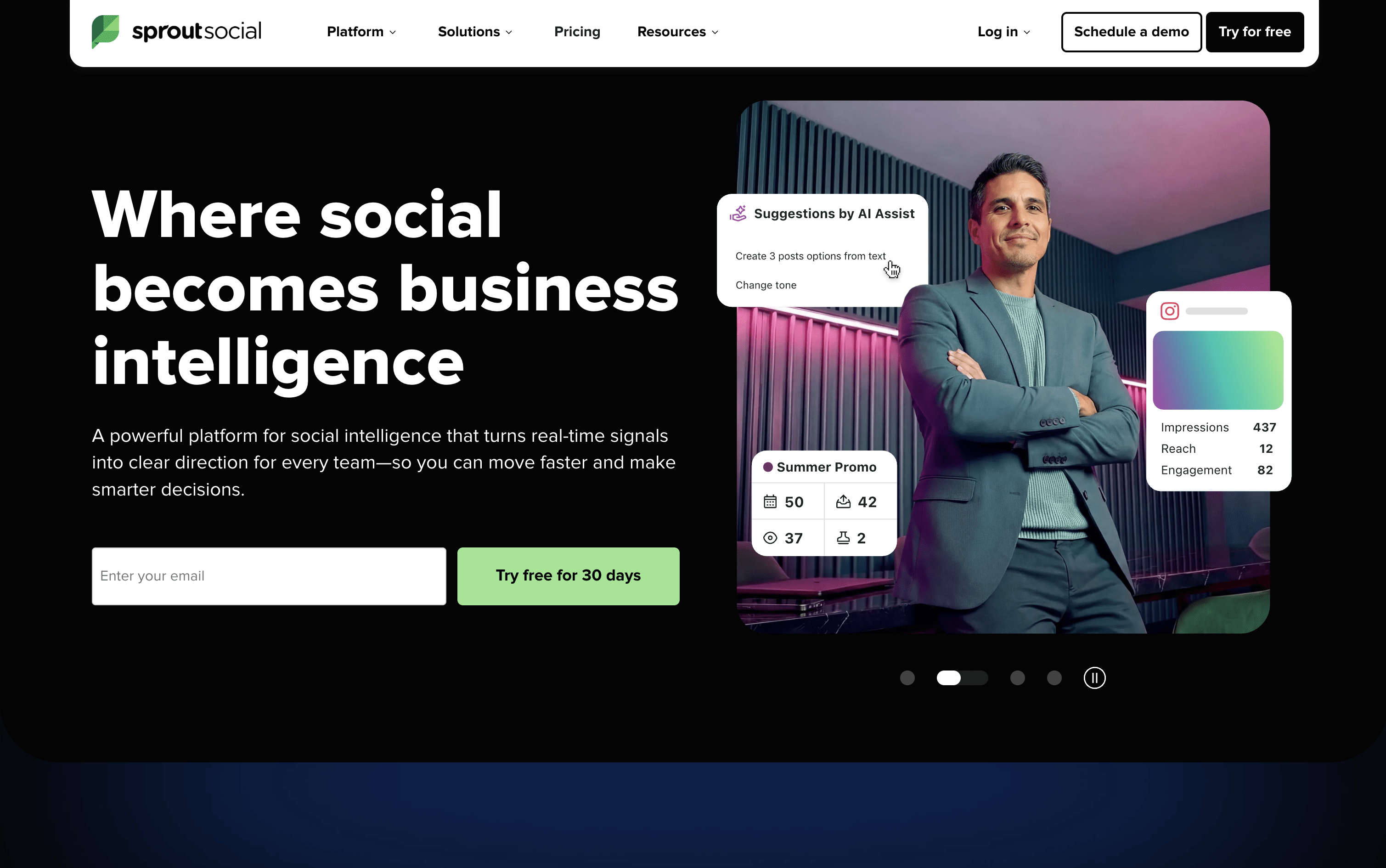
Sprout Social is a social media tool that lets you publish, engage, and analyze across all major platforms from one place. It supports Instagram, Facebook, X, LinkedIn, TikTok, Pinterest, YouTube, Threads, Bluesky, WhatsApp Business, and more.

The platform includes a Smart Inbox that pulls every message, comment, mention, and review into a single stream, so your team can respond without switching between apps. Detailed analytics show you which content is performing best and why, with reports you can share with clients or leadership.

Built-in AI tools help you write captions, suggest posting times, summarize conversations, and automate parts of your workflow. Sprout Social is designed for teams that want social media to deliver real results, not just publish and hope for the best.

Sprout Social Features

  • Unified Smart Inbox for all messages and reviews

  • Visual content calendar with drag-and-drop scheduling

  • ViralPost AI-powered optimal send times

  • Bulk scheduling via CSV upload (up to 350 posts)

  • Social listening and brand mention monitoring

  • Competitor analytics and performance benchmarking

  • Approval workflows for teams and external clients

  • AI caption writing and hashtag suggestions

  • Salesforce, HubSpot, and Zendesk integrations

  • iOS and Android mobile apps available

Sprout Social Pricing Plans

Essentials

$79/user/mo
  • Up to 5 social profiles
  • Collaborative content calendar
  • Advanced post scheduler
  • ViralPost send time optimization
  • Hashtag suggestions
  • Built-in image editor
  • Location tagging
  • AI-generated alt text
  • Multi-network publishing
  • Paid promotion for Facebook & Instagram

Standard

$199/user/mo
  • Everything in Essentials
  • Up to 5 social profiles
  • All-in-one Smart Inbox
  • Real-time keyword monitoring
  • Contact views and 90-day conversation history
  • Review management
  • Comment and ad comment moderation
  • Case management
  • Group and profile-level reporting
  • Google Analytics reports
Most Popular

Professional

$299/user/mo
  • Everything in Standard
  • Unlimited social profiles
  • Bulk scheduling (up to 350 posts via CSV)
  • Instagram grid planning
  • Message approval workflows
  • Campaign tagging and custom link tracking
  • Digital asset and content library
  • Competitor analysis reports
  • AI Assist post enhancement
  • Automated RSS feed publishing

Advanced

$399/user/mo
  • Everything in Professional
  • AI-powered sentiment analysis
  • Chatbot and automated workflows
  • Salesforce, HubSpot, Zendesk, and Dynamics 365 integrations
  • Shopify and WooCommerce integrations
  • External approval workflows
  • Message spike alerts
  • CSAT/NPS survey automation
  • Case routing and macros
  • IP whitelisting and advanced permissions

Enterprise

Custom
  • Everything in Advanced
  • White-glove onboarding and implementation
  • Tailored enterprise planning
  • Dedicated SSO setup
  • Priority customer support
  • Custom security and compliance controls
Read more β†’
#6
Publer
FreemiumSubscription
Publer screenshot

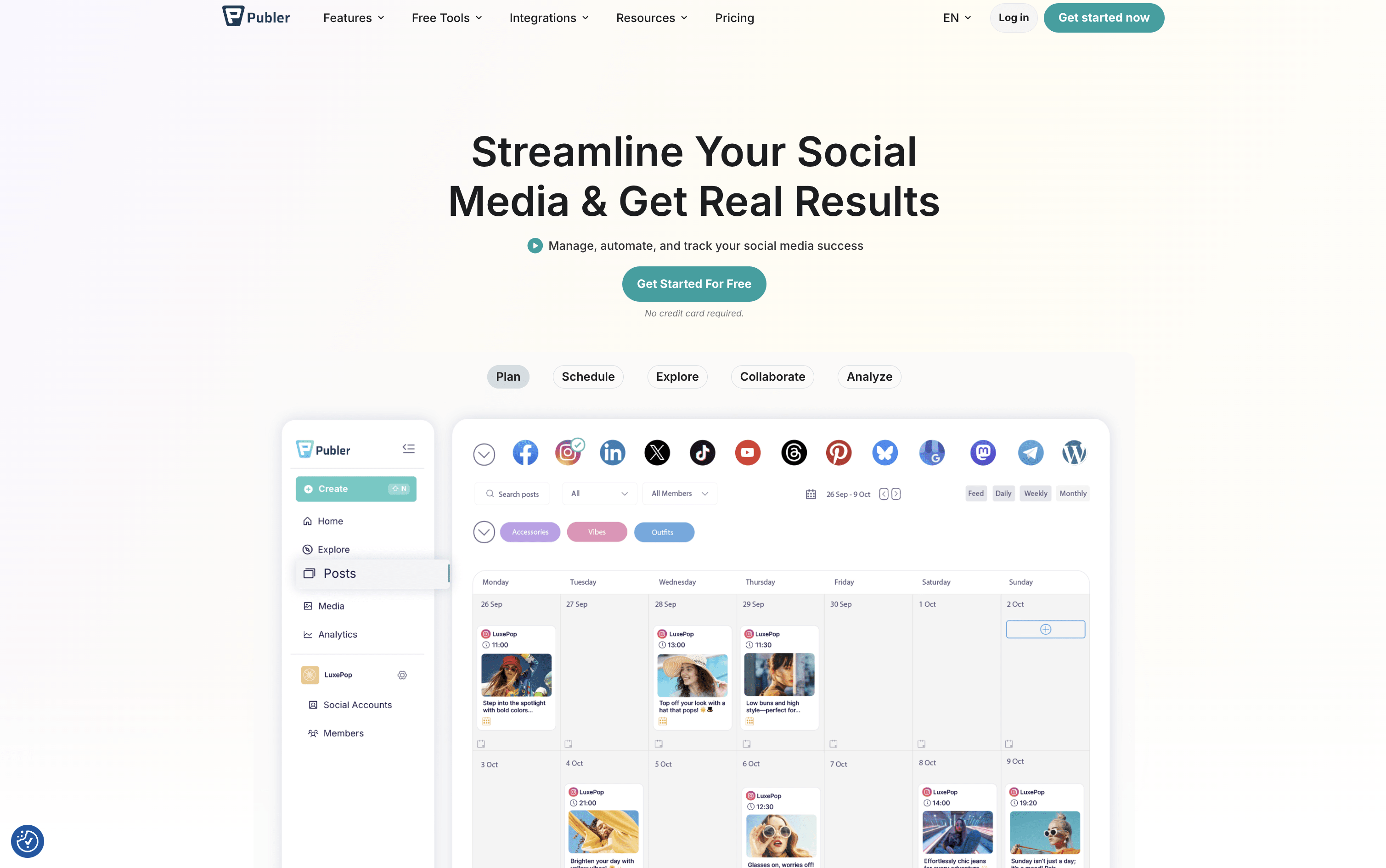
Publer is a complete social media scheduling and management tool that brings all your social accounts together in one place. You can create posts, add images or videos, write captions, and set them to go live at the right time across 13 supported platforms, including Instagram, Facebook, TikTok, LinkedIn, YouTube, Pinterest, Twitter/X, Threads, Bluesky, Mastodon, Telegram, Google Business Profile, and WordPress.

Beyond scheduling, Publer includes a built-in AI assistant that helps you write better captions, suggest hashtags, and even create images. It offers a visual calendar, bulk scheduling for up to 500 posts at once, content recycling to automatically reuse top posts, and a full analytics dashboard. Teams and agencies can collaborate using shared workspaces, role-based access, and approval workflows.

Publer Features

  • Schedule posts across 13 social media platforms

  • AI-powered caption and hashtag generation

  • Visual content calendar with drag-and-drop

  • Bulk scheduling up to 500 posts at once

  • Content recycling and evergreen automation

  • Team collaboration with approval workflows

  • Analytics, competitor tracking, and PDF reports

  • Canva, Google Drive, and Dropbox integration

  • Link in Bio tool for Instagram

  • Free plan with core scheduling features

Publer Pricing Plans

Free

Custom
  • 1 user and 1 workspace
  • 3 social accounts (excluding Twitter/X)
  • Up to 10 scheduled posts per account
  • 24-hour post history
  • 25 saved drafts
  • Link in Bio for Instagram
  • Post scheduling and calendar view
  • Basic AI integration
  • Mobile app and browser extension
  • Canva integration and built-in photo editor

Professional

$5/mo
  • Everything in Free
  • Unlimited scheduled posts and drafts
  • Twitter/X integration
  • Bulk scheduling
  • Unlimited workspaces and media storage
  • Unlimited RSS feed automations
  • Approval workflows
  • Unbranded Link in Bio
  • Schedule first comments and threads
  • Media library with watermark support

Professional (Yearly)

$4/mo
  • All Professional plan features
  • Billed annually β€” save 2 months
Most Popular

Business

$10/mo
  • Everything in Professional
  • Unlimited AI prompts
  • Full analytics and reporting
  • Best time to post recommendations
  • Competitor analysis
  • Hashtag suggestions and analytics
  • Post recycling and recurring posts
  • Publer API access
  • 1:1 onboarding support

Business (Yearly)

$8/mo
  • All Business plan features
  • Billed annually β€” save 2 months

Enterprise

Custom
  • Everything in Business
  • Volume-based discounts
  • Unlimited daily posting
  • Priority and expedited support
  • Early access to new features
  • Dedicated enterprise onboarding
  • Bank and wire transfer payment options
Read more β†’
#7
Later
PaidSubscription
Later screenshot

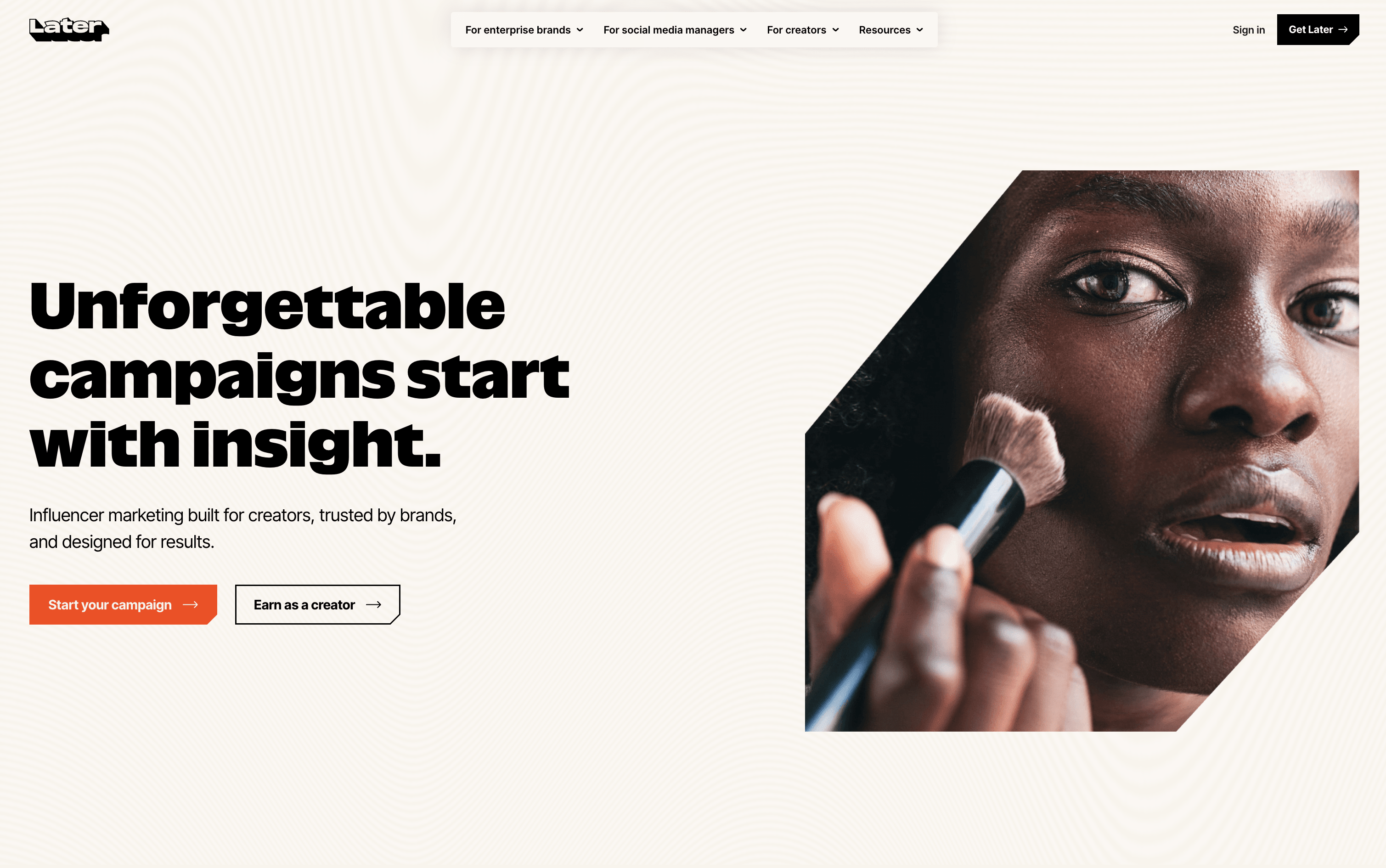
Later is an online social media scheduling tool that lets you plan, create, and publish content in advance. You can view all your upcoming posts in a visual calendar and see exactly how your Instagram grid will look before anything goes live. It supports scheduling to multiple platforms at once, keeping your content consistent and saving time.

Later also offers Auto Publish, which posts content automatically at the scheduled time without any extra steps. A built-in Link in Bio page turns your social profile into a clickable, shoppable landing page to drive traffic.

The platform includes post performance analytics, AI caption writing, hashtag suggestions, and team approval tools. Plans suit solo users, growing teams, and agencies of all sizes.

Later Features

  • Visual drag-and-drop content calendar

  • Instagram grid preview before publishing

  • Auto Publish across 8 social platforms

  • AI caption writer and ideas generator

  • Link in Bio page with click analytics

  • Best Time to Post for all platforms

  • Unlimited media storage for images and videos

  • Hashtag suggestions and saved caption templates

  • Team approval workflows and collaboration

  • Canva integration for fast scheduling workflow

Later Pricing Plans

Starter

$25/mo
  • 1 Social Set (8 profiles total)
  • 1 User
  • 30 posts per profile/month
  • 5 AI credits/month
  • 3 months analytics history
  • Auto Publish
  • Visual planner & Instagram grid preview
  • Best Time to Post (Instagram, TikTok, Facebook)
  • AI Caption Writer & Ideas Generator
  • Hashtag suggestions

Starter (Yearly)

$225/yr
  • Everything in Starter
  • $18.75/month equivalent β€” 25% off
  • 3 months free included
  • 1 Social Set (8 profiles total)
  • 1 User
  • 30 posts per profile/month
  • 5 AI credits/month
Most Popular

Growth

$50/mo
  • 2 Social Sets (16 profiles total)
  • 2 Users
  • 180 posts per profile/month
  • 50 AI credits/month
  • 1 year analytics history
  • Multi-profile Best Time to Post
  • Smart scheduling with future trends
  • Internal & external approval workflows
  • Social Inbox (Instagram, Facebook, TikTok)
  • UGC collection (by tags & mentions)

Growth (Yearly)

$450/yr
  • Everything in Growth
  • $37.50/month equivalent β€” 25% off
  • 3 months free included
  • 2 Social Sets (16 profiles total)
  • 2 Users
  • 180 posts per profile/month
  • 50 AI credits/month

Scale

$110/mo
  • 6 Social Sets (48 profiles total)
  • 4 Users
  • Unlimited posts
  • 100 AI credits/month
  • 2 years analytics history
  • Custom analytics & shareable reports
  • Competitive benchmarking
  • Future industry insights
  • Brand health & brand mentions
  • Social listening & brand tracking

Scale (Yearly)

$990/yr
  • Everything in Scale
  • $82.50/month equivalent β€” 25% off
  • 3 months free included
  • 6 Social Sets (48 profiles total)
  • 4 Users
  • Unlimited posts
  • 100 AI credits/month
Read more β†’
#8
Agorapulse
PaidSubscription
Agorapulse screenshot

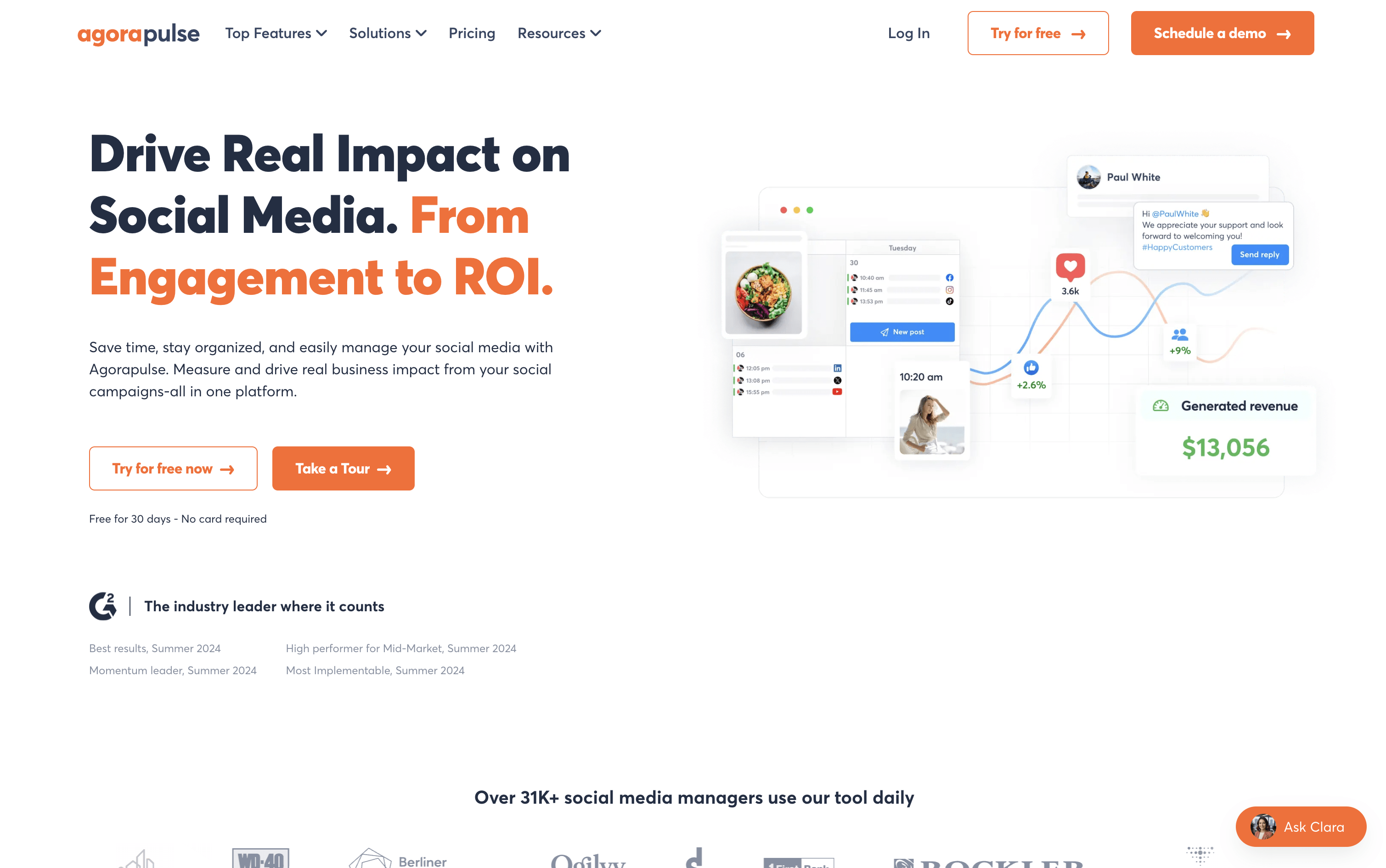
Agorapulse is a tool that lets individuals and teams manage all their social media from one dashboard. You can schedule posts, reply to comments and messages, listen to what people say about your brand, and see how well your content performs across platforms including Instagram, Facebook, LinkedIn, X, TikTok, YouTube, Pinterest, Threads, Bluesky, and Google Business Profile.

A key feature that sets Agorapulse apart is its Social ROI tracking. It connects with Google Analytics to show how social media posts bring visitors, leads, and sales to your website. Beyond that, it includes team tools like approval workflows, shared calendars, and task assignments, making it a strong choice for agencies and growing marketing teams.

Agorapulse Features

  • Schedule posts across 10+ social platforms

  • Unified inbox for all comments, DMs, and reviews

  • Social ROI tracking via Google Analytics

  • Brand and competitor listening with 24-month history

  • AI writing assistant and reply suggestions

  • Bulk scheduling via CSV upload

  • Approval workflows and shared content calendars

  • White-label and custom PDF/PowerPoint reports

  • Employee advocacy campaign management

  • Mobile app for iOS and Android

Agorapulse Pricing Plans

Standard

$99/user/mo
  • 10 social profiles
  • Unlimited post scheduling
  • Multi-network publishing
  • Unified social inbox
  • Ad comments moderation
  • AI writing assistant
  • Basic social media ROI reporting
  • White-label reporting
  • Google Analytics, Canva, Google Drive, Bitly integration
  • ChatGPT and Claude integration

Professional

$149/user/mo
  • Everything in Standard
  • 10 social profiles
  • 12 months data retention
  • Simple approval workflows
  • Saved replies
  • PulseLink in bio
  • Instagram grid preview
  • Instagram product tagging
  • Publishing queues
  • First comment and thread scheduling
Most Popular

Advanced

$199/user/mo
  • Everything in Professional
  • 10 social profiles
  • 24 months data retention
  • Bulk scheduling via CSV upload
  • Bulk approve posts
  • Shared content calendars
  • Post and inbox labels
  • Sentiment detection
  • Advanced spam management
  • Filter presets

Custom

Custom
  • Everything in Advanced
  • Unlimited social profiles
  • AI-powered reply suggestions
  • Multi-step approval workflows
  • Custom roles and permissions
  • Single Sign-On (SSO)
  • Reports Open API
  • HubSpot and Salesforce integration
  • Microsoft Teams and Slack integration
  • Historical data imports
Read more β†’
#9
Sendible
PaidSubscription
Sendible screenshot

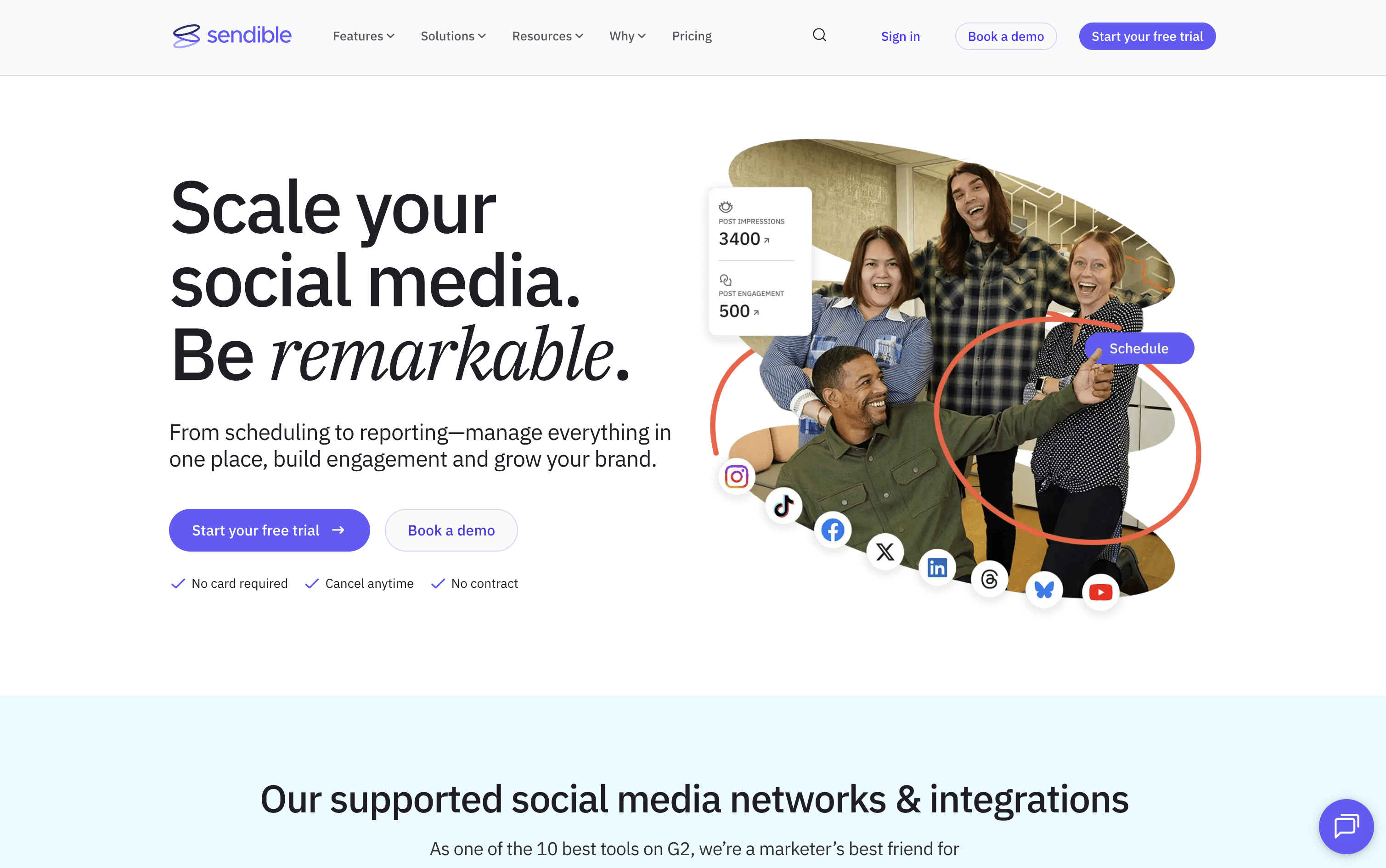
Sendible is a web-based platform that helps you manage all your social media from one dashboard. You can write posts, schedule them in bulk, and publish directly to Instagram, Facebook, X, LinkedIn, TikTok, YouTube, Google Business Profiles, Threads, and Bluesky, all from a single Compose Box.

It goes beyond basic scheduling with Smart Queues for recycling evergreen content automatically, a shared Content Library for teams, built-in AI to write and improve captions, and automated reports to show clients their results. Approval workflows, secure client onboarding without password sharing, and a white-label option make it a strong all-in-one choice for agencies managing many clients at once.

Sendible Features

  • Schedule posts across 9+ social networks

  • Bulk upload with CSV importer

  • Smart Queues for evergreen content recycling

  • AI caption generation and content improvement

  • Approval workflows for teams and clients

  • Priority Inbox for unified comment and message management

  • Custom, automated PDF reports with Google Analytics

  • Shared content and hashtag library

  • Canva, Google Drive, and Dropbox integration

  • White label option for agencies

Sendible Pricing Plans

Creator

$29/mo
  • 1 user / 1 calendar
  • 6 social profiles
  • 100 posts per day
  • 10 Smart Queues
  • Unlimited scheduling
  • Unlimited AI credits
  • Image and video editor
  • Zapier integration
  • Monitoring and replying
  • Reporting

Creator (Yearly)

$300/yr
  • 1 user / 1 calendar
  • 6 social profiles
  • 100 posts per day
  • 10 Smart Queues
  • Unlimited scheduling
  • Unlimited AI credits
  • Image and video editor
  • Zapier integration
  • Monitoring and replying
  • Reporting

Traction

$89/mo
  • 4 users / 4 calendars
  • 24 social profiles
  • 200 posts per day
  • 30 Smart Queues
  • Everything in Creator
  • Team collaboration
  • Assignment and approval workflows
  • Client dashboards
  • User management

Traction (Yearly)

$912/yr
  • 4 users / 4 calendars
  • 24 social profiles
  • 200 posts per day
  • 30 Smart Queues
  • Everything in Creator
  • Team collaboration
  • Assignment and approval workflows
  • Client dashboards
  • User management
  • Save $156/year vs monthly billing
Most Popular

Scale

$199/mo
  • 7 users / 7 calendars
  • 49 social profiles
  • 300 posts per day
  • 70 Smart Queues
  • Everything in Traction
  • Custom and automated reports
  • Content and hashtag library
  • Campaigns
  • Customer success onboarding
  • Dedicated account manager

Scale (Yearly)

$2040/yr
  • 7 users / 7 calendars
  • 49 social profiles
  • 300 posts per day
  • 70 Smart Queues
  • Everything in Traction
  • Custom and automated reports
  • Content and hashtag library
  • Campaigns
  • Customer success onboarding
  • Dedicated account manager

Advanced

$299/mo
  • 20 users
  • 100 social profiles
  • 500 posts per day
  • Unlimited Smart Queues
  • Everything in Scale
  • Bulk posting with custom tags
  • Advanced user permissions
  • Live report sharing
  • White label available as paid add-on

Advanced (Yearly)

$3060/yr
  • 20 users
  • 100 social profiles
  • 500 posts per day
  • Unlimited Smart Queues
  • Everything in Scale
  • Bulk posting with custom tags
  • Advanced user permissions
  • Live report sharing
  • White label available as paid add-on
  • Save $528/year vs monthly billing

Enterprise

$750/mo
  • 80 users
  • 400 social profiles
  • 500 posts per day
  • Unlimited Smart Queues
  • All features included
  • Optional SSO
  • Scalable users and profiles
  • Dedicated customer success manager
  • White label available as paid add-on

Enterprise (Yearly)

$7656/yr
  • 80 users
  • 400 social profiles
  • 500 posts per day
  • Unlimited Smart Queues
  • All features included
  • Optional SSO
  • Scalable users and profiles
  • Dedicated customer success manager
  • White label available as paid add-on
  • Save $1,344/year vs monthly billing
Read more β†’
#10
Zoho Social
FreeFreemiumSubscription
Zoho Social screenshot

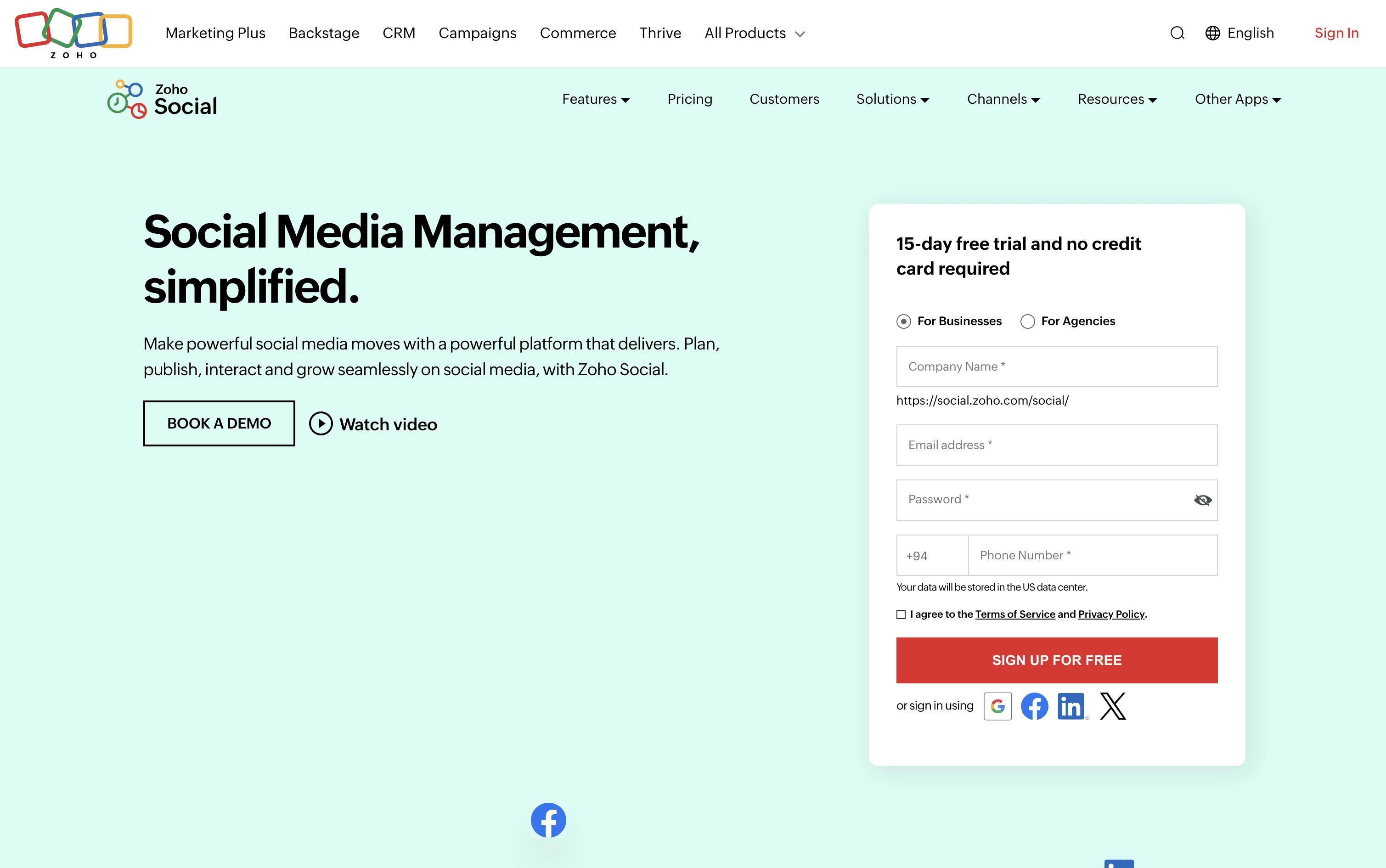
Zoho Social is a social media management tool that brings all your social accounts together under one roof. You can connect platforms like Instagram, Facebook, LinkedIn, TikTok, YouTube, Pinterest, Threads, Bluesky, Mastodon, and more, and handle everything from a single dashboard.

It includes a visual publishing calendar, a unified inbox for all messages and comments, a monitoring panel to follow brand mentions and keywords, and detailed analytics for every post and channel. The built-in AI assistant, Zia, helps you write captions, suggest hashtags, and draft replies faster.

Teams can set up approval steps before publishing, assign incoming messages to specific members, and work together in a shared space. Agencies can manage multiple client brands from one account with custom reports and dedicated client portals.

Zoho Social Features

  • Schedule posts across 13+ social platforms

  • SmartQ best time to post recommendations

  • Visual publishing calendar with drag-and-drop

  • Unified inbox for all messages and comments

  • Real-time brand and keyword monitoring

  • Custom analytics reports and data export

  • Zia AI for captions and hashtag ideas

  • Bulk scheduling via spreadsheet upload

  • Approval workflows and team collaboration

  • Zoho CRM and Desk integration

Zoho Social Pricing Plans

Free

Free
  • 1 Brand (6 Channels)
  • 1 Team Member
  • 5 AI Credits
  • zShare Browser Extension
  • 24/5 Email Support

Standard

$15/mo
  • 1 Brand (12 Channels)
  • 1 Team Member
  • 40 AI Credits
  • Multi-channel publishing
  • Content scheduling and calendar
  • URL link shortener
  • Image editor and drafts
  • Summary reports
  • Activity log and user tagging
  • $10/month billed annually

Professional

$40/mo
  • 1 Brand (12 Channels)
  • 1 Team Member
  • 40 AI Credits
  • Bulk scheduling
  • Repeat and evergreen posting
  • RSS feeds integration
  • Media library
  • CustomQ posting queue
  • Social monitoring dashboard
  • Instagram first comment
Most Popular

Premium

$65/mo
  • 1 Brand (14 Channels)
  • 3 Team Members
  • 80 AI Credits
  • SmartQ best time to post
  • Unified Inbox
  • Content approval workflow
  • Custom analytics reports
  • UTM parameters tracking
  • Zoho CRM integration
  • Zoho Desk integration

Agency

$320/mo
  • 10 Brands (140 Channels)
  • 5 Team Members
  • 80 AI Credits
  • Client invite and portal
  • White-label branded reports
  • Custom client views
  • Free login for clients
  • Scheduled report emailing
  • All Premium features included
  • $230/month billed annually

Agency Plus

$460/mo
  • 20 Brands (280 Channels)
  • 5 Team Members
  • 80 AI Credits
  • All Agency plan features included
  • Double the brands and channels capacity
  • $330/month billed annually
Read more β†’
#11
Planable
FreemiumSubscriptionCustom
Planable screenshot

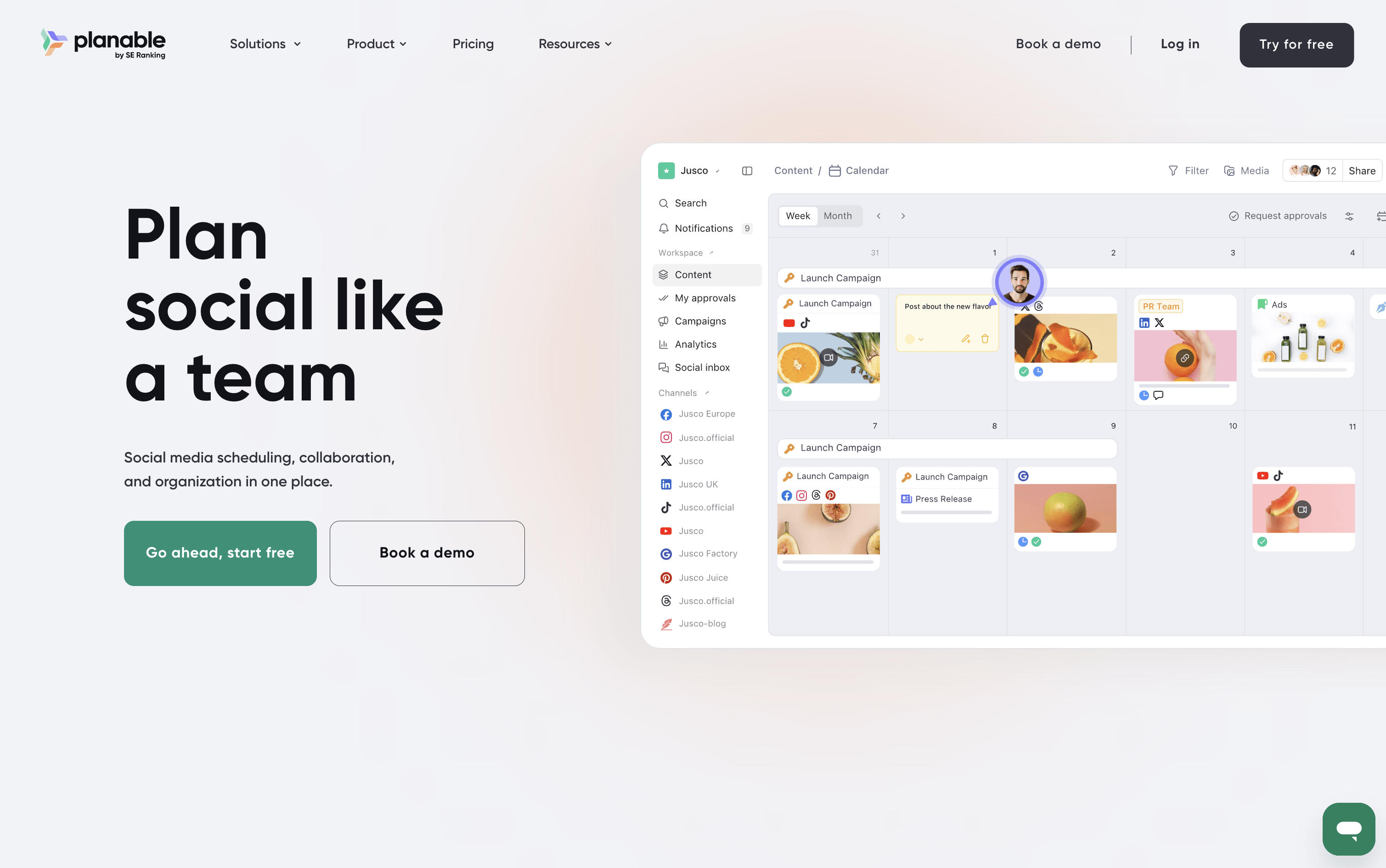
Planable is a social media management tool that handles the full content workflow in one place. You can create posts, plan them visually on a calendar, collect feedback from teammates and clients, send posts through approval steps, and publish to nine platforms: Instagram, Facebook, X, LinkedIn, TikTok, Pinterest, YouTube, Threads, and Google Business Profile.

It also includes a unified inbox for managing comments and messages, an analytics section to track how posts perform, and custom reports for sharing results with clients. A Universal Content feature lets you manage other materials like blogs and newsletters using the same review process.

Planable is best suited for teams and agencies where approvals and collaboration are central to the work.

Planable Features

  • Visual calendar with drag-and-drop planning

  • Step-by-step approval workflows for teams and clients

  • AI caption, hashtag, and reply generation

  • Unified inbox for comments and messages

  • Custom analytics reports in PDF or CSV

  • Instagram Grid view planner

  • Multi-workspace management for brands and clients

  • Canva and Zapier integration

  • Mobile app for approvals and scheduling

  • Supports 9 social platforms

Planable Pricing Plans

Free Trial

Free
  • First 50 posts free
  • No credit card required
  • Access to core planning and scheduling features
  • Test with your team before committing

Basic

$39/mo
  • 60 posts per workspace per month
  • 4 social pages per workspace
  • Unlimited users
  • 2 approval types
  • Feed and Calendar views
  • 3 campaigns per workspace
  • 5 labels
  • 10GB media storage
  • 13 months published post storage
  • Canva, Zapier, and Slack integrations
Most Popular

Pro

$59/mo
  • 150 posts per workspace per month
  • 10 social pages per workspace
  • Unlimited users
  • 3 approval types including required approvals
  • Feed, Calendar, and Grid views
  • 10 campaigns per workspace
  • 10 labels
  • 50GB media storage
  • Team-only draft posts and internal notes
  • Bulk request for approval

Enterprise

Custom
  • Unlimited posts per workspace
  • 50 social pages per workspace
  • All 4 views: Feed, Calendar, Grid, and List
  • Multi-level approval workflows
  • Unlimited campaigns and labels
  • Custom media storage
  • 24 months published post storage
  • SSO integration
  • Dedicated account manager
  • Personalized onboarding

Analytics Add-on

$14/mo
  • Available on all plans
  • Cross-channel performance stats
  • Page-level and post-level insights
  • Custom branded client reports
  • Audience demographics and geographic insights
  • Personalized best posting time recommendations
  • $12/workspace/month billed yearly

Social Inbox Add-on

$9/mo
  • Available on all plans
  • Unified inbox for comments and direct messages
  • Reply, react, and delete comments
  • Organize conversations by status
  • AI-generated reply drafts
  • Sentiment-based sorting to prioritize urgent messages
  • $7.50/workspace/month billed yearly
Read more β†’
#12
CoSchedule
FreemiumSubscriptionCustom
CoSchedule screenshot

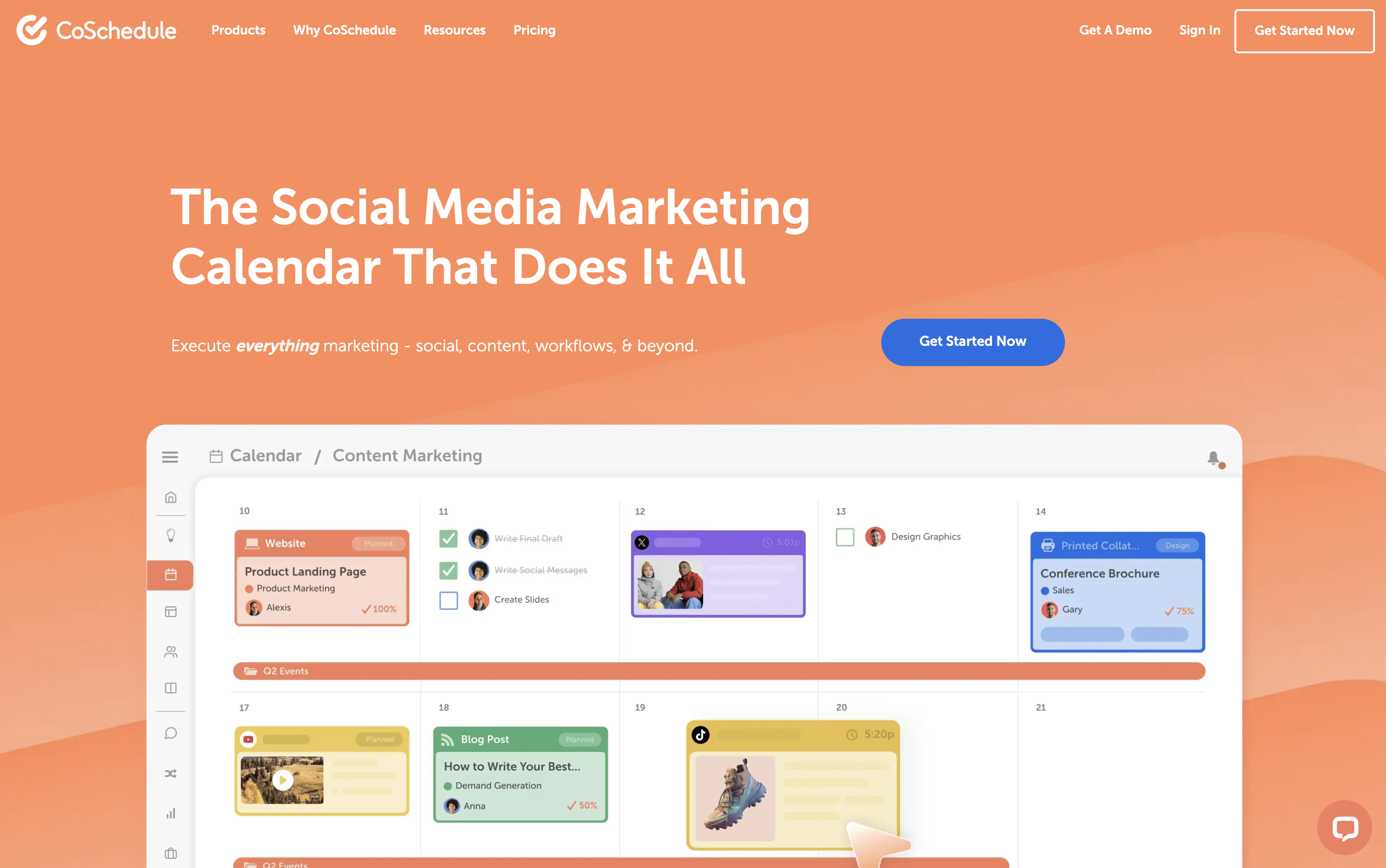
CoSchedule is a marketing calendar tool that acts as a central hub for all marketing work. You can plan, create, schedule, and publish social media posts, blog content, email campaigns, and team projects from one unified dashboard. The drag-and-drop calendar shows everything in one clear view, past, present, and future. It supports over ten major social networks, including Instagram, Facebook, LinkedIn, TikTok, Pinterest, YouTube, and Bluesky. A feature called ReQueue automatically re-shares your best content to keep your posting schedule full without extra effort. The built-in AI assistant, Hire Mia, helps with writing captions, drafting blog posts, and building full campaigns. Approval workflows and team management tools make it easy for larger teams and agencies to stay coordinated.

CoSchedule Features

  • Drag-and-drop marketing calendar

  • Social scheduling for 11+ platforms

  • ReQueue evergreen content recycling

  • AI writing assistant (Hire Mia)

  • Team collaboration and approval workflows

  • Kanban boards and task management

  • WordPress deep integration

  • Google Analytics and UTM tracking

  • Digital asset management

  • Bulk scheduling and templates

  • Social inbox management

  • White-label client calendars

  • AI image generation

CoSchedule Pricing Plans

Free Calendar

Custom
  • 1 user
  • 1 social profile
  • Up to 15 scheduled social messages
  • Drag-and-drop calendar
  • Best time social publishing
  • AI Assistant (limited)
  • 20 AI project templates
  • WordPress, HubSpot, and Canva integrations
Most Popular

Social Calendar (Annual)

$19/user/mo
  • Up to 3 users
  • 3 social profiles included ($5/month each extra)
  • Unlimited social messages
  • Full AI assistant with 1,600+ templates
  • AI image generation
  • Social inbox (Facebook & Instagram)
  • Bulk scheduling and ReQueue automation
  • Social analytics and reports
  • Approval workflows
  • First comment scheduling

Social Calendar (Monthly)

$29/user/mo
  • Everything in Social Calendar Annual
  • Billed monthly with no annual commitment

Agency Calendar (Annual)

$59/user/mo
  • Up to 3 users
  • 5 social profiles included ($5/month each extra)
  • Everything in Social Calendar
  • Unlimited client calendars
  • White-label features
  • Guest user access
  • Custom UTM parameters
  • Report scheduling
  • Social inbox for all networks
  • Reusable project and campaign templates

Agency Calendar (Monthly)

$69/user/mo
  • Everything in Agency Calendar Annual
  • Billed monthly with no annual commitment

Content Calendar

Custom
  • Up to 5 users (custom for more)
  • 5 social profiles included ($25/profile/month extra)
  • Everything in Agency Calendar
  • Kanban dashboard
  • Table view
  • Custom project types and custom fields
  • Custom sub-calendars
  • Approval workflows
  • Project intake request forms
  • Team management dashboard

Marketing Suite

Custom
  • Custom user limits
  • Everything in Content Calendar
  • Digital asset management dashboard
  • Advanced audience targeting
  • Single Sign-On (SSO)
  • Security and access logs
  • Dedicated Customer Success Manager
  • Enterprise access control and custom permissions
  • Manager visibility and reporting
  • Priority support
Read more β†’
#13
SocialBee
PaidSubscription
SocialBee screenshot

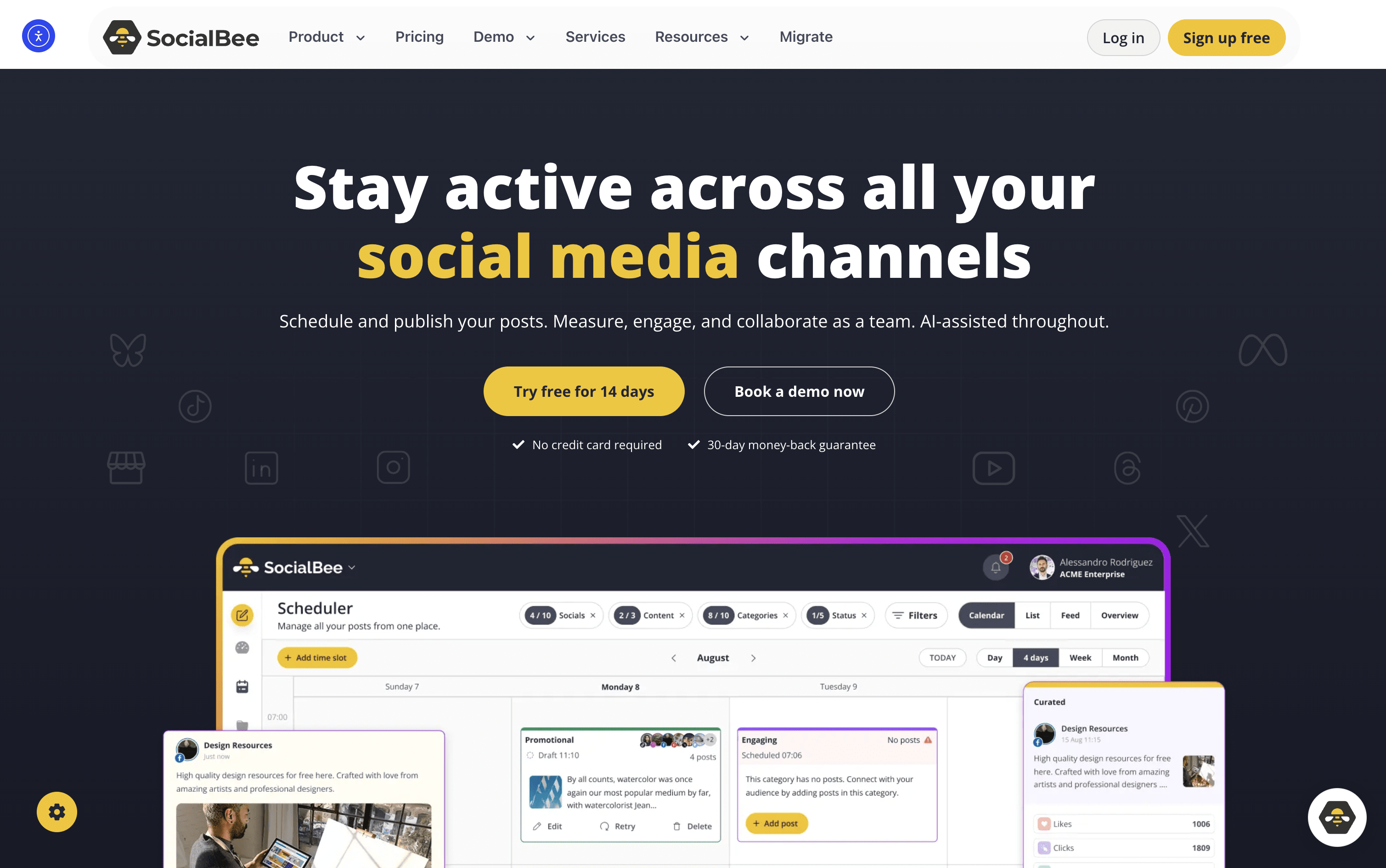
SocialBee is an all-in-one social media tool that lets you create, plan, schedule, and publish content across ten platforms, including Instagram, Facebook, LinkedIn, TikTok, YouTube, Pinterest, X, Threads, Bluesky, and Google Business Profile.

At its core is a category-based queue system. You sort posts into topic folders like Tips, Promotions, or Blog Shares, assign a recurring schedule, and SocialBee publishes them in rotation automatically. This keeps your content mix balanced without daily effort.

It also includes an AI assistant for generating captions, images, and complete content strategies. Additional tools include a visual content calendar, a shared inbox for replies, detailed analytics, team collaboration, approval workflows, and PDF report exports. It suits solo users and large agencies alike.

SocialBee Features

  • Schedule posts across 10 social platforms

  • Category-based content queues and auto-rotation

  • AI Copilot for strategy and captions

  • Evergreen content recycling with variations

  • Instagram Grid preview

  • Unified inbox for comments and DMs

  • Canva, Unsplash, and GIPHY integration

  • RSS auto-posting and bulk post editor

  • Team approval workflows and internal notes

  • PDF analytics reports and UTM tracking

  • 14-day free trial available

SocialBee Pricing Plans

Bootstrap

$29/mo
  • 5 social profiles
  • 1 workspace, 1 user
  • 10 content categories
  • Unlimited AI content generation
  • AI Copilot
  • Basic analytics (3 months history)
  • Canva, Unsplash, and GIPHY integration
  • 10 RSS feed imports
  • Flexible posting schedule
  • Evergreen content recycling

Bootstrap (Annual)

$174/yr
  • 5 social profiles
  • 1 workspace, 1 user
  • 10 content categories
  • Unlimited AI content generation
  • AI Copilot
  • Basic analytics (3 months history)
  • Canva, Unsplash, and GIPHY integration
  • 10 RSS feed imports
  • Flexible posting schedule
  • Evergreen content recycling
Most Popular

Accelerate

$49/mo
  • 10 social profiles
  • 1 workspace, 1 user
  • 50 content categories
  • Unlimited AI content generation
  • Advanced analytics (2 years history)
  • Hashtag organizer
  • Bulk post editor
  • CSV uploads
  • Post approval system
  • 30 RSS feed imports

Accelerate (Annual)

$294/yr
  • 10 social profiles
  • 1 workspace, 1 user
  • 50 content categories
  • Unlimited AI content generation
  • Advanced analytics (2 years history)
  • Hashtag organizer
  • Bulk post editor
  • CSV uploads
  • Post approval system
  • 30 RSS feed imports

Pro

$99/mo
  • 25 social profiles
  • 5 workspaces, 3 users per workspace
  • Unlimited content categories
  • Unlimited AI content generation
  • Export branded PDF reports
  • Internal notes and feedback
  • Full approval workflows
  • Advanced analytics (2 years history)
  • All Accelerate features included

Pro (Annual)

$594/yr
  • 25 social profiles
  • 5 workspaces, 3 users per workspace
  • Unlimited content categories
  • Unlimited AI content generation
  • Export branded PDF reports
  • Internal notes and feedback
  • Full approval workflows
  • Advanced analytics (2 years history)
  • All Accelerate features included

Pro50

$179/mo
  • 50 social profiles
  • 10 workspaces, 5 users per workspace
  • Unlimited content categories
  • Unlimited AI content generation
  • Advanced analytics (2 years history)
  • Export branded PDF reports
  • Internal notes and feedback
  • Full approval workflows
  • Hashtag organizer and bulk post editor
  • CSV uploads

Pro50 (Annual)

$1074/yr
  • 50 social profiles
  • 10 workspaces, 5 users per workspace
  • Unlimited content categories
  • Unlimited AI content generation
  • Advanced analytics (2 years history)
  • Export branded PDF reports
  • Internal notes and feedback
  • Full approval workflows
  • Hashtag organizer and bulk post editor
  • CSV uploads

Pro100

$329/mo
  • 100 social profiles
  • 20 workspaces
  • All Pro50 features included

Pro100 (Annual)

$1974/yr
  • 100 social profiles
  • 20 workspaces
  • All Pro50 features included

Pro150

$449/mo
  • 150 social profiles
  • 30 workspaces
  • All Pro100 features included

Pro150 (Annual)

$2694/yr
  • 150 social profiles
  • 30 workspaces
  • All Pro100 features included
Read more β†’
#14
Loomly
PaidSubscription
Loomly screenshot

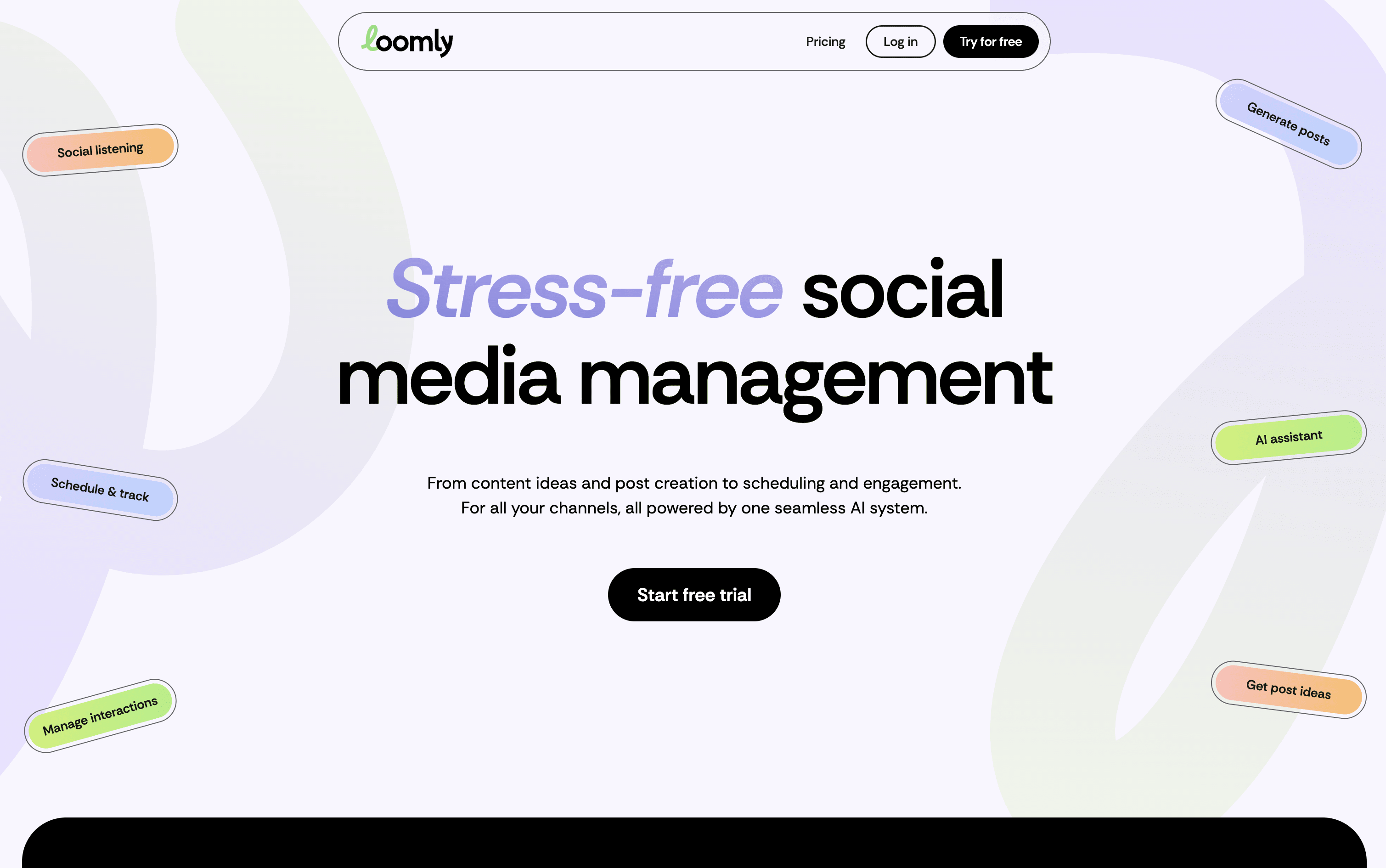
Loomly is a platform that brings all your social media work into one organized space. At its core is a visual calendar showing every post you have planned or already published, making it easy to spot content gaps and plan ahead. You write posts once and customize them for each platform, with realistic previews showing exactly how they will look before going live.

Built-in AI tools help you write captions, generate content ideas, suggest the best posting times, and highlight what is working in your analytics. Loomly also includes team collaboration features with approval stages, a central media library, and a shared inbox for managing comments and messages from all platforms in one place.

Loomly Features

  • Visual drag-and-drop content calendar with labels

  • Multi-platform scheduling and auto-publishing

  • AI caption and post idea generation

  • Per-platform post preview before publishing

  • Team approval workflows and role-based access

  • Centralized engagement inbox for all platforms

  • Advanced analytics and exportable client reports

  • Media library with built-in image editor

  • Hashtag manager with AI-powered suggestions

  • Canva, Google Drive, and Zapier integrations

Loomly Pricing Plans

Starter (Monthly)

$65/mo
  • 12 social accounts
  • 3 users included
  • Unlimited calendars
  • Unlimited scheduling and direct publishing
  • AI Assistant, AI captions, and AI analytics
  • Approval workflows and custom roles
  • Engagement inbox with saved replies
  • Post analytics dashboard and export reports
  • Media editor and slideshow creator
  • Canva, Google Drive, Unsplash, and Giphy integrations

Starter (Yearly)

$49/mo
  • All Starter features
  • Billed annually – save 25%
  • 12 social accounts
  • 3 users included
  • Unlimited calendars
Most Popular

Beyond (Monthly)

$332/mo
  • 60 social accounts
  • Unlimited users
  • Unlimited calendars
  • Everything in Starter
  • Extended monthly AI usage
  • Social listening – 4 per month
  • Custom branding, branded subdomain, custom favicon and logo
  • Advanced custom roles and workflows
  • Scheduled reports
  • Calendar two-factor authentication enforcement

Beyond (Yearly)

$249/mo
  • All Beyond features
  • Billed annually – save 25%
  • 60 social accounts
  • Unlimited users
  • Unlimited calendars

Enterprise

Custom
  • 61+ social accounts
  • Unlimited users
  • Unlimited calendars
  • Everything in Beyond
  • Priority support
  • Tailored onboarding
  • Scalable infrastructure
  • Custom enterprise agreements
  • Friendly pricing at scale
Read more β†’
#15
SocialPilot
PaidSubscriptionCustom
SocialPilot screenshot

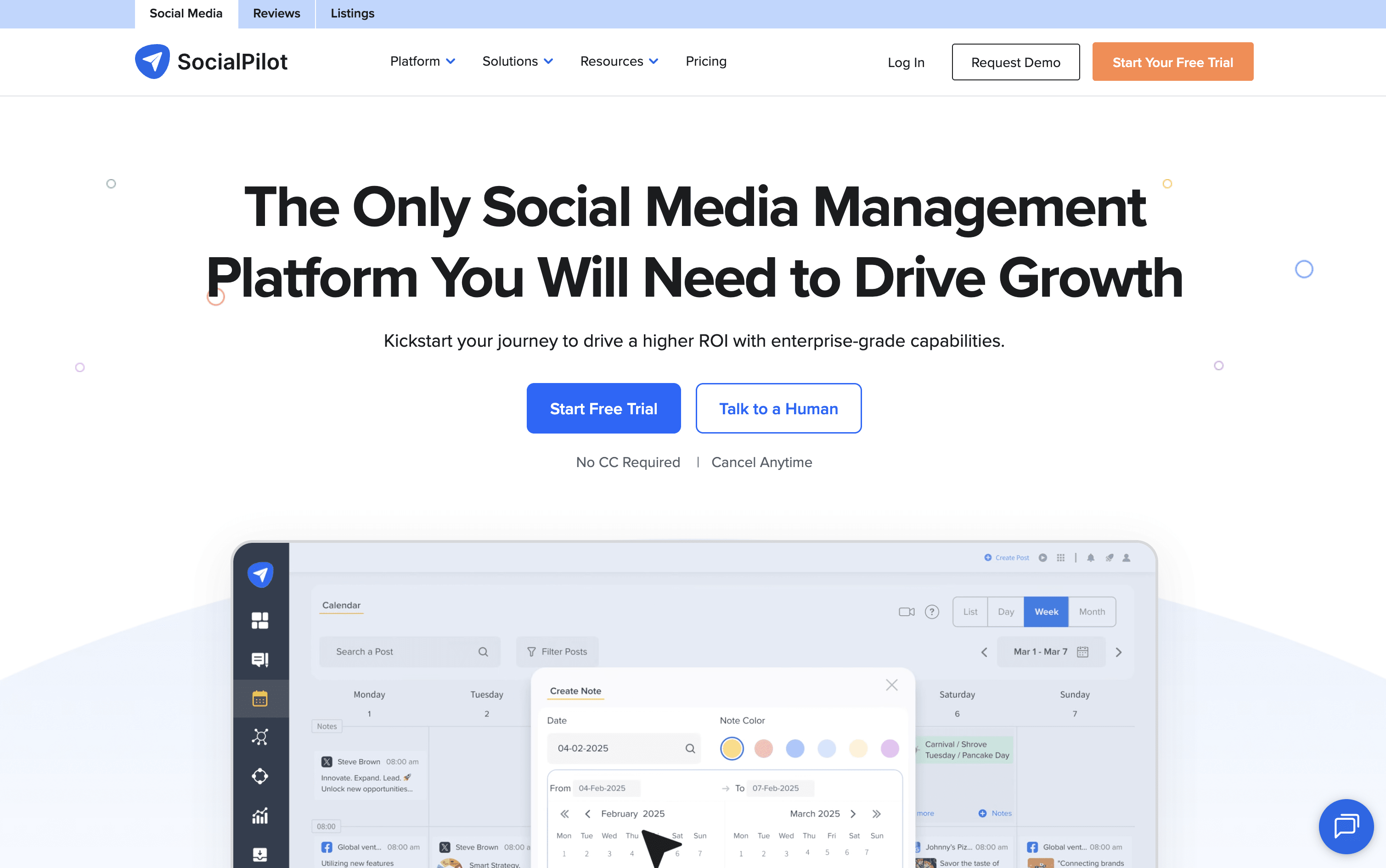
SocialPilot is a complete social media management platform that combines scheduling, content planning, team collaboration, and analytics into one easy dashboard. You can connect accounts from Instagram, Facebook, TikTok, LinkedIn, YouTube, Pinterest, Threads, Bluesky, X, and Google Business Profile all in one place.

It lets you schedule posts one at a time or in bulk using a CSV file. The AI assistant called AI Pilot helps write captions, suggest hashtags, and create content in over 10 languages. A drag-and-drop content calendar makes it easy to plan weeks of posts at once.

Agencies can use white-label reports, client approval workflows, and a review management system for Google and Facebook. The platform is easy to use with no complicated setup needed.

SocialPilot Features

  • Schedule posts across 10+ social platforms

  • AI-generated captions and hashtag suggestions

  • Bulk schedule up to 500 posts via CSV upload

  • Drag-and-drop content calendar with filtering

  • Unified inbox for comments, DMs, and mentions

  • White-label branded reports for agencies

  • Client review and approval workflows

  • Advanced analytics with PDF export

  • Google and Facebook review management

  • Canva, Zapier, and Google Drive integrations

SocialPilot Pricing Plans

Essentials

$30/mo
  • 7 Social Media Accounts
  • 1 User
  • 500 AI Credits
  • Post Scheduling & Content Calendar
  • Smart Queues & Repeat Posts
  • Content Library & Tags
  • First Comment Support
  • UTM Parameters
  • GIF, Video & Carousel Posts
  • Canva, Google Drive, Zapier Integrations

Standard

$50/mo
  • 15 Social Media Accounts
  • 3 Users
  • 1,000 AI Credits
  • Everything in Essentials
  • Social Media Inbox
  • Analytics & Post Performance
  • PDF & Email PDF Reports
  • Team Collaboration
  • Manager Approval Workflow
  • Reply to Comments, Messages & Stories
Most Popular

Premium

$100/mo
  • 25 Social Media Accounts
  • 6 Users
  • 5,000 AI Credits
  • Everything in Standard
  • Bulk Scheduling (CSV Upload)
  • Advanced Analytics
  • White Label & Custom Reports
  • Competitor Reports
  • Scheduled Report Delivery
  • Client Management & Approval Workflows

Ultimate

$200/mo
  • 50 Social Media Accounts
  • Unlimited Users
  • Unlimited AI Credits
  • Everything in Premium
  • Advanced White Label
  • Dedicated Account Manager
  • Migration & Onboarding Assistance
  • Enforced Two-Factor Authentication
  • Unlimited Client Seats
  • Advanced Security Controls

Enterprise

Custom
  • Custom Social Media Accounts
  • Unlimited Users
  • Unlimited AI Credits
  • Unlimited Clients
  • Dedicated Account Manager
  • Migration & Onboarding
  • Single Sign-On (SSO)
  • API Access
  • Enterprise Security Controls
  • Custom Workflows
Read more β†’
#16
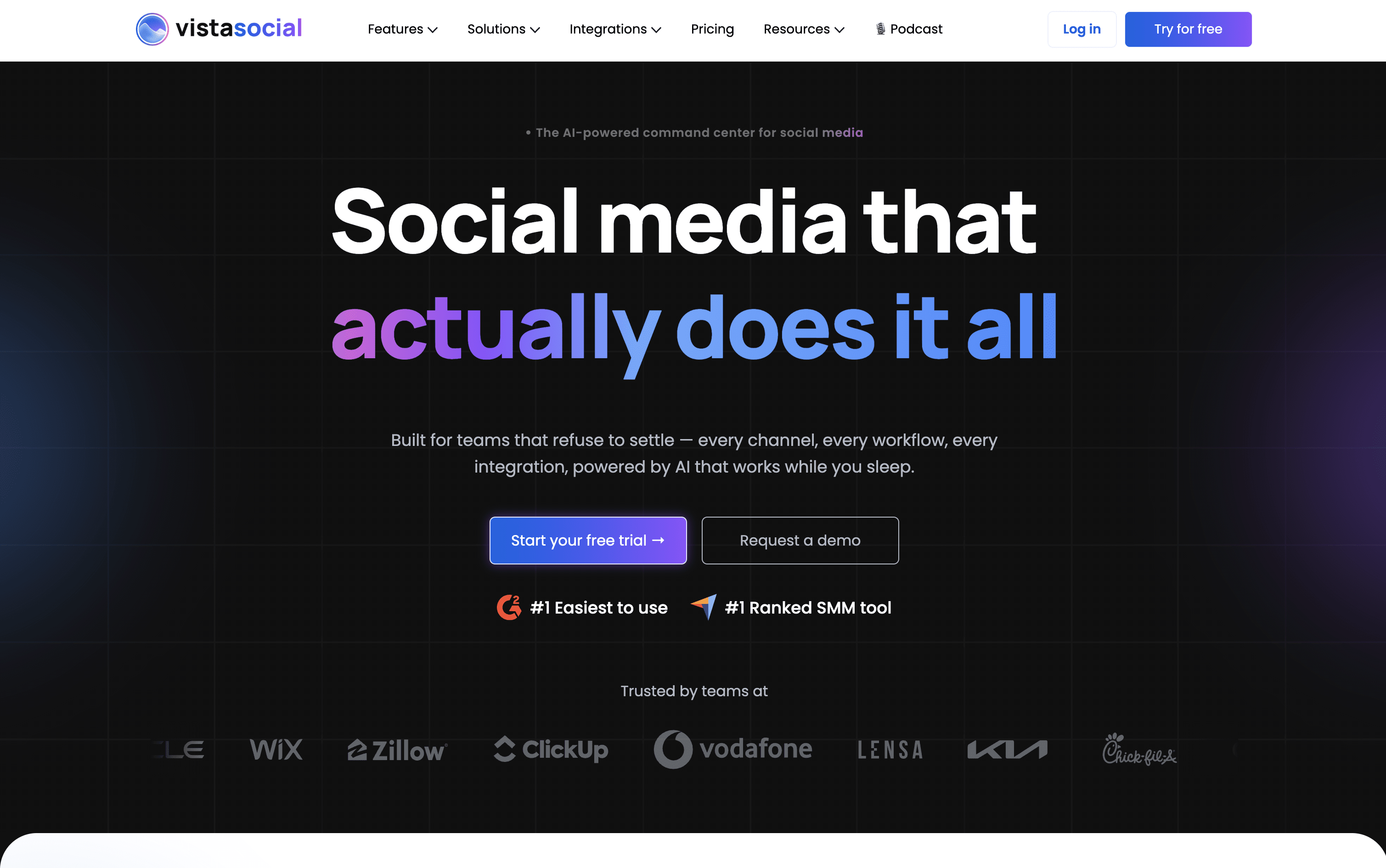
Vista Social
PaidSubscription
Vista Social screenshot

Vista Social is a social media management platform that lets you handle all your social accounts from one single dashboard. You can plan and schedule posts, reply to comments and messages, monitor reviews, track performance, and create content using built-in AI, without switching between different apps.

It works with over 13 platforms including Facebook, Instagram, TikTok, LinkedIn, YouTube, Pinterest, Threads, Bluesky, Snapchat, Reddit, and Google Business Profile. The platform includes AI tools to generate captions, images, and short videos. Teams benefit from shared calendars, approval workflows, and role-based permissions, while agencies can use white-label reports and manage multiple client accounts easily.

Vista Social is built to keep all your social media work in one organized, simple place.

Vista Social Features

  • Schedule posts on 13+ social networks

  • AI caption, image, and video creation

  • Unified inbox for all messages and comments

  • Review monitoring and management

  • White-label PDF reports for agencies

  • Multi-step approval workflows and permissions

  • Social listening and brand monitoring

  • Employee advocacy tools

  • Vista Page link-in-bio builder

  • Bulk scheduling and RSS feed posting

Vista Social Pricing Plans

Professional

$79/mo
  • 15 social profiles
  • 3 users included
  • 2,500 AI Assistant credits/month
  • 500 AI image & video credits/month
  • 1,000 Ideas
  • Unlimited post scheduling
  • Bulk scheduling & smart scheduling
  • Social inbox & DM automations
  • Review monitoring & responses
  • Media library
Most Popular

Advanced

$149/mo
  • 30 social profiles
  • 6 users included
  • 10,000 AI Assistant credits/month
  • 1,000 AI image & video credits/month
  • 2,000 Ideas
  • 10 shared calendars
  • 25,000 DM contacts
  • Multi-step approval workflows
  • Advanced workflows & custom reports
  • AI training & knowledge repository

Scale

$379/mo
  • 70 social profiles
  • 10 users included
  • Unlimited AI Assistant credits
  • 2,500 AI image & video credits/month
  • 10,000 Ideas
  • 25 shared calendars
  • 100,000 DM contacts
  • White-label setup & client portal
  • Client profile connect
  • Premium AI training & knowledge

Enterprise

Custom
  • Unlimited social profiles
  • Unlimited users
  • Unlimited AI Assistant credits
  • 100+ shared calendars (customizable)
  • Customizable DM contacts
  • Sentiment detection & premium analytics
  • Brand safety & compliance tools
  • Single Sign-On (SSO)
  • Custom integrations & data migration
  • Dedicated account manager
Read more β†’
#17
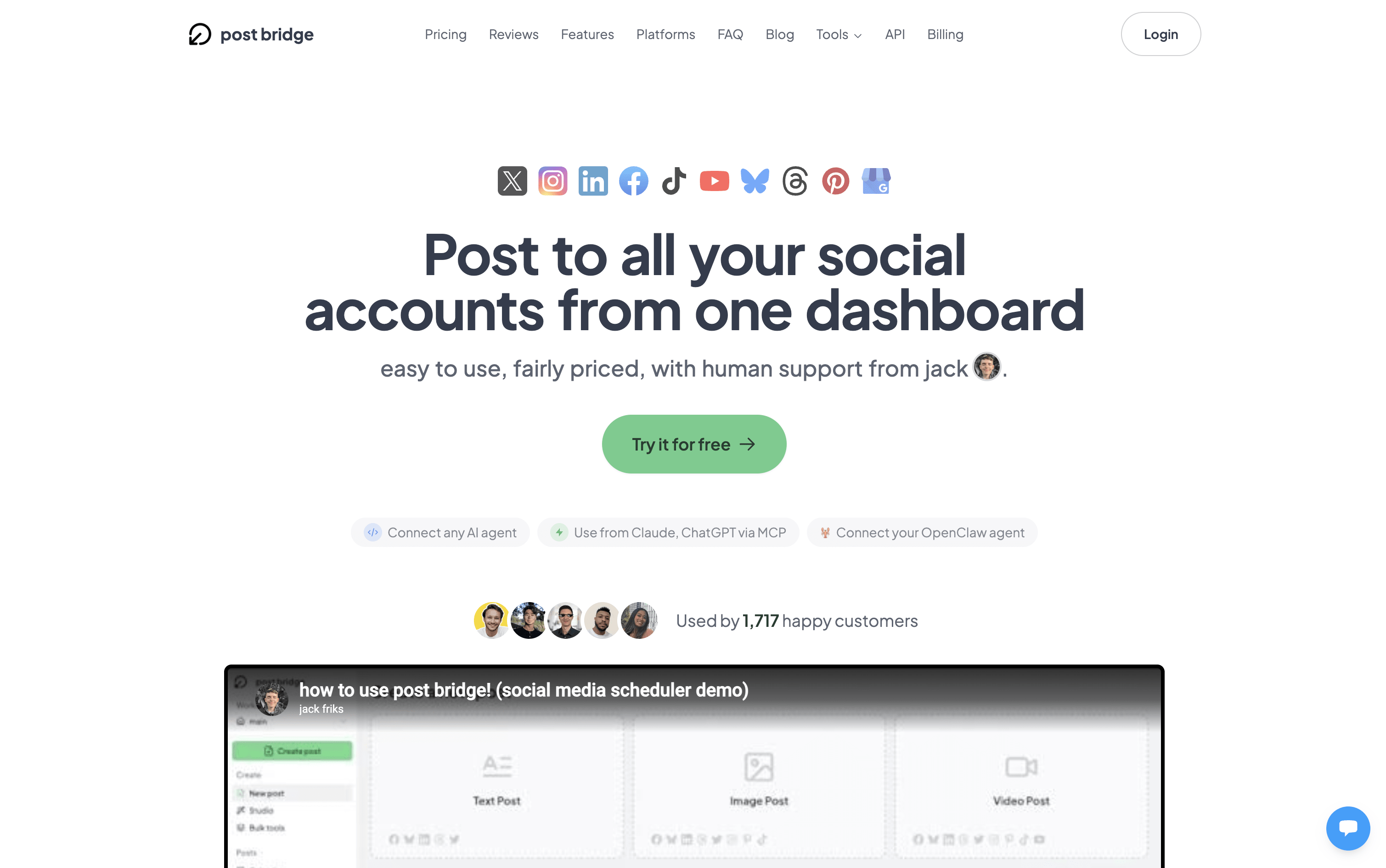
Post Bridge
Subscription
Post Bridge screenshot

Post Bridge is a social media scheduling and cross-posting tool that lets you upload content once and send it to multiple platforms at the same time. You can write different captions, use different hashtags, and even attach different media for each platform, all from a single clean dashboard.

It supports ten major platforms including Instagram, TikTok, YouTube, LinkedIn, Facebook, Bluesky, Threads, Pinterest, X, and Google Business Profile. It handles text posts, images, videos, carousels, Reels, Shorts, and Stories depending on the platform.

It also includes a Content Studio for video creation and editing, basic post analytics to track performance, and a developer API with AI assistant support for automated posting workflows.

Post Bridge Features

  • Cross-post to 10+ platforms in one click

  • Per-platform caption and media customization

  • Bulk video scheduling with CSV upload

  • Content Studio with viral video templates

  • Carousel, Reels, Shorts, and Stories support

  • Basic post analytics per platform

  • Developer API and AI assistant integration

  • Free tools: grid maker, caption generator, tag generator

  • Multiple accounts per platform supported

  • Team member access on Pro plan

Post Bridge Pricing Plans

Most Popular

Creator

$29/mo
  • 15 connected social accounts
  • Multiple accounts per platform
  • Unlimited posts
  • Schedule posts
  • Carousel posts
  • Bulk video scheduling
  • Content Studio access
  • Analytics (beta)
  • API add-on available
  • Human support

Creator (Annual)

$319/yr
  • 15 connected social accounts
  • Multiple accounts per platform
  • Unlimited posts
  • Schedule posts
  • Carousel posts
  • Bulk video scheduling
  • Content Studio access
  • Analytics (beta)
  • API add-on available
  • Human support

Pro

$49/mo
  • Unlimited connected accounts
  • Multiple accounts per platform
  • Unlimited posts
  • Schedule posts
  • Carousel posts
  • Bulk video scheduling
  • Content Studio access
  • Analytics (beta)
  • API add-on available
  • Invite team members

Pro (Annual)

$539/yr
  • Unlimited connected accounts
  • Multiple accounts per platform
  • Unlimited posts
  • Schedule posts
  • Carousel posts
  • Bulk video scheduling
  • Content Studio access
  • Analytics (beta)
  • API add-on available
  • Invite team members

Developer API Add-on

$5/mo
  • Requires an active Creator or Pro plan
  • Full API documentation access
  • API key generation
  • MCP support for AI assistants (Claude, ChatGPT)
  • Build multi-platform posting into apps and workflows

Developer API Add-on (Annual)

$50/yr
  • Requires an active Creator or Pro plan
  • Full API documentation access
  • API key generation
  • MCP support for AI assistants (Claude, ChatGPT)
  • Build multi-platform posting into apps and workflows
Read more β†’
#18
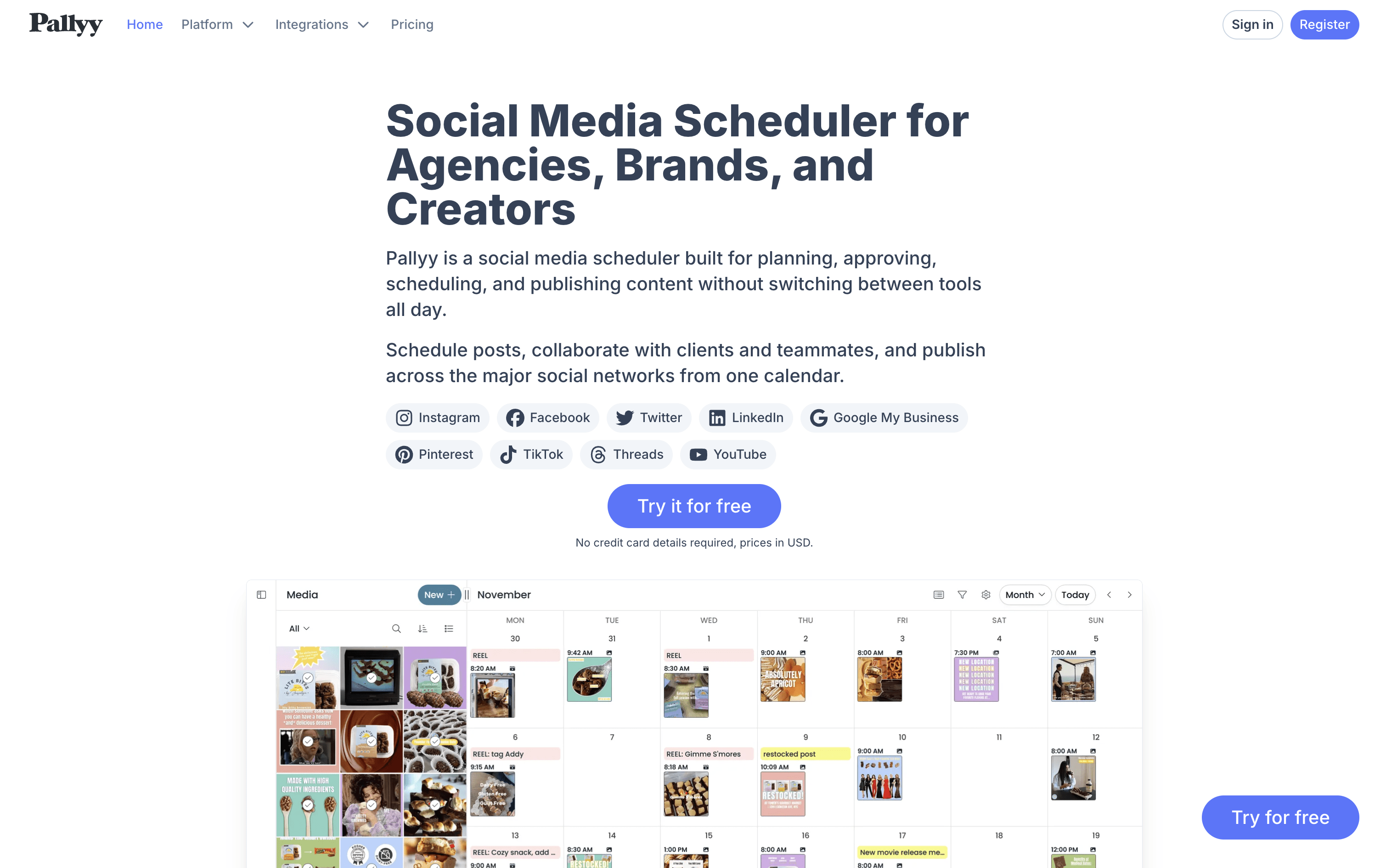
Pallyy
PaidSubscription
Pallyy screenshot

Pallyy is a social media scheduling and management tool that covers the full workflow, from creating and planning posts to getting approvals and checking results. It works across major platforms including Instagram, Facebook, TikTok, LinkedIn, Pinterest, YouTube, Threads, and Google Business.

The core of Pallyy is its Social Sets, separate workspaces for each brand, client, or location. Each set connects your accounts, stores media, and handles scheduling independently. You get a visual content calendar with drag-and-drop, an Instagram grid planner to preview your feed, a unified inbox for all messages and comments, built-in analytics, and a link in bio tool. Clients can review and approve content for free without needing a paid seat.

Pallyy Features

  • Schedule posts across Instagram, TikTok, LinkedIn, Facebook, Pinterest, YouTube, and more

  • Visual Instagram grid planner for feed preview

  • Drag-and-drop visual content calendar

  • AI caption and alt text generator

  • Unified social inbox for messages and comments

  • Free client approvals via shared calendar

  • Advanced analytics with PDF export reports

  • Link in bio tool for multiple links

  • Auto-publishing with queue management

  • Up to 50GB media storage

Pallyy Pricing Plans

Starter

$15/mo
  • 1 Social Set (up to 2 social accounts)
  • 20 posts per month
  • 1 user
  • Link in Bio
  • Basic Analytics
  • 2GB media storage
  • 350MB file upload limit

Starter (Annual)

$140/yr
  • 1 Social Set (up to 2 social accounts)
  • 20 posts per month
  • 1 user
  • Link in Bio
  • Basic Analytics
  • 2GB media storage
  • Save $40 vs monthly billing
Most Popular

Pro

$25/mo
  • 1 Social Set (up to 10 social accounts)
  • Unlimited posts
  • 1 user
  • Social Inbox
  • Link in Bio
  • Approvals and shared calendar
  • Advanced Analytics
  • 10GB media storage
  • 350MB file upload limit

Pro (Annual)

$240/yr
  • 1 Social Set (up to 10 social accounts)
  • Unlimited posts
  • 1 user
  • Social Inbox
  • Link in Bio
  • Approvals and shared calendar
  • Advanced Analytics
  • 10GB media storage
  • Save $60 vs monthly billing

Agency

$99/mo
  • 10 Social Sets (up to 10 accounts each)
  • Unlimited posts
  • 3 users
  • Social Inbox
  • Link in Bio
  • Custom Reports
  • Approvals and shared calendar
  • Advanced Analytics
  • 20GB media storage
  • Extra Social Sets: $10/month each

Agency (Annual)

$950/yr
  • 10 Social Sets (up to 10 accounts each)
  • Unlimited posts
  • 3 users
  • Custom Reports
  • Approvals and shared calendar
  • Advanced Analytics
  • 20GB media storage
  • Extra Social Sets: $120/year each
  • Save $238 vs monthly billing

Scale

$199/mo
  • 30 Social Sets (up to 10 accounts each)
  • Unlimited posts
  • 10 users
  • Social Inbox
  • Link in Bio
  • Custom Reports
  • Approvals and shared calendar
  • Advanced Analytics
  • 50GB media storage

Scale (Annual)

$1980/yr
  • 30 Social Sets (up to 10 accounts each)
  • Unlimited posts
  • 10 users
  • Custom Reports
  • Approvals and shared calendar
  • Advanced Analytics
  • 50GB media storage
  • Save $408 vs monthly billing

Custom / Enterprise

Custom
  • Custom number of Social Sets
  • Custom number of users
  • Tailored pricing for large organizations
  • All Scale plan features included
  • Contact Pallyy team for pricing
Read more β†’
#19
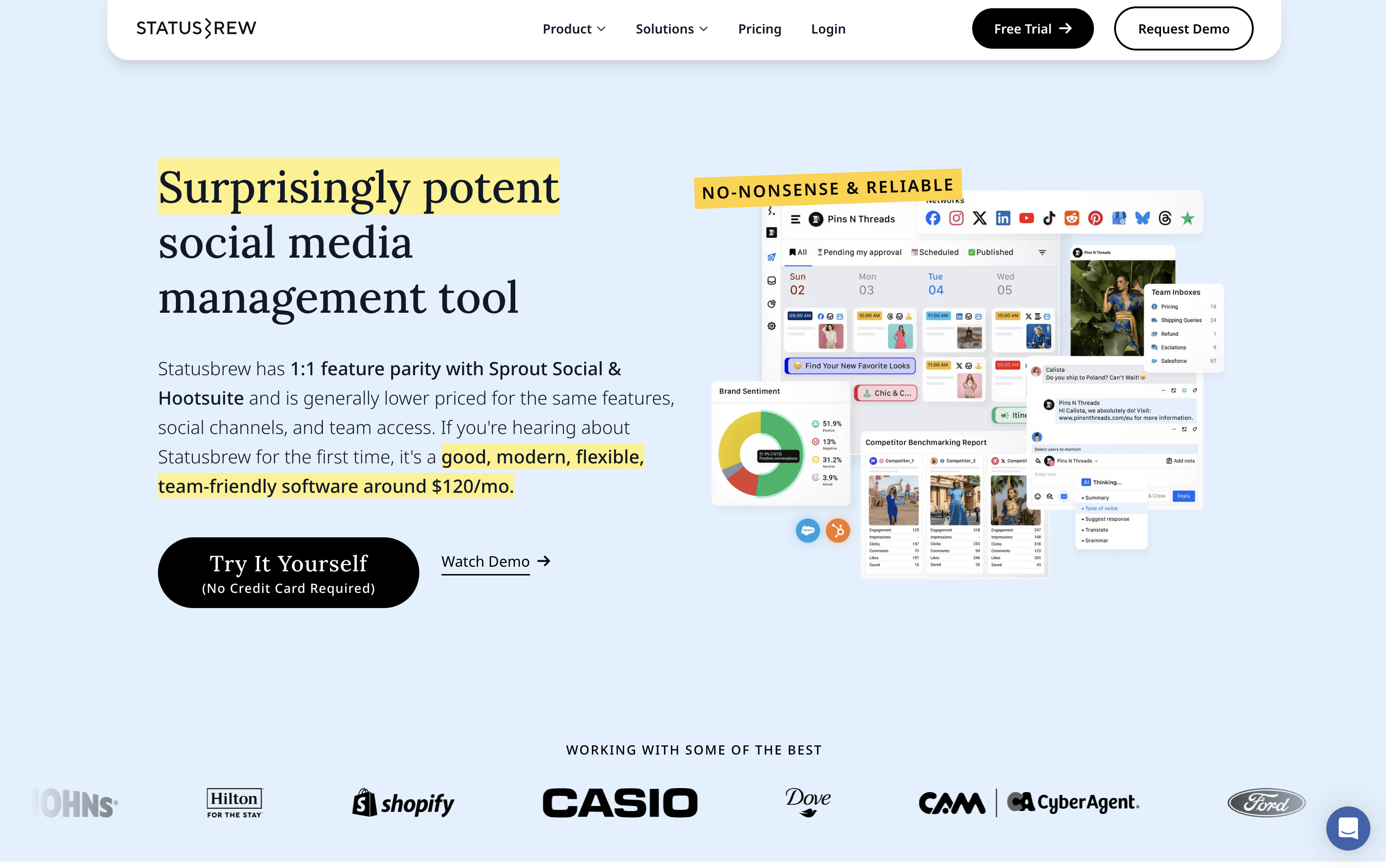
Statusbrew
PaidSubscriptionCustom
Statusbrew screenshot

Statusbrew is a social media management tool that covers the complete process of managing your online presence, from scheduling posts to handling replies and measuring results. It connects to more than 20 platforms, including Facebook, Instagram, X, LinkedIn, TikTok, YouTube, Pinterest, Threads, Bluesky, Google Business Profile, Reddit, and WhatsApp Business.

Teams can plan content using a visual calendar, manage approval workflows with clients or teammates, and handle all comments, messages, and reviews from a single inbox. AI tools help write captions, analyze message tone, and suggest the best times to post. A 14-day free trial is available with no credit card required.

Statusbrew Features

  • Schedule posts across 20+ social platforms

  • Visual calendar with drag-and-drop content planning

  • Unified inbox for comments, DMs, and reviews

  • AI caption writing and hashtag suggestions

  • Rule-based automation for comment moderation

  • Approval workflows for teams and clients

  • 230+ analytics metrics and competitor benchmarking

  • Bulk scheduling via CSV upload

  • BrewLink in bio tool for Instagram

  • Mobile app for iOS and Android

Statusbrew Pricing Plans

Lite

$69/mo
  • 1 user included
  • 5 social profiles
  • Unlimited social media publishing
  • Bulk scheduling via CSV
  • Best time to post queue
  • All-in-one social inbox
  • Hide organic comments on Facebook and Instagram
  • Email support
  • $89/month if billed monthly

Standard

$129/mo
  • 3 users included
  • 10 social profiles
  • Everything in Lite
  • BrewLink in bio
  • Social media reporting with 18 months of historical data
  • Google Business Profile integration
  • Rule Engine for automated comment management
  • Email and chat support
  • $179/month if billed monthly
Most Popular

Premium

$229/mo
  • 6 users included (additional users can be added)
  • 15 social profiles (additional profiles can be added)
  • Everything in Standard
  • AI sentiment analysis
  • Assignment and approval workflows
  • Team and SLA reporting
  • Competitor benchmarking
  • Social and web listening
  • Priority email and chat support
  • $299/month if billed monthly

Enterprise

Custom
  • Unlimited users
  • Unlimited social profiles
  • Everything in Premium
  • HubSpot and Salesforce integration
  • Google Analytics integration
  • Insights API support
  • SAML Single Sign-On
  • MCP support (Claude, ChatGPT, Gemini, Copilot)
  • Dedicated account manager
  • On-demand Zoom call support

Agency

$49/mo
  • Starts from $49/month per client
  • Unlimited spaces
  • Shareable content calendars
  • Client reporting
  • Team collaboration tools
  • No credit card required to start
Read more β†’
#20
Iconosquare
FreemiumSubscription
Iconosquare screenshot

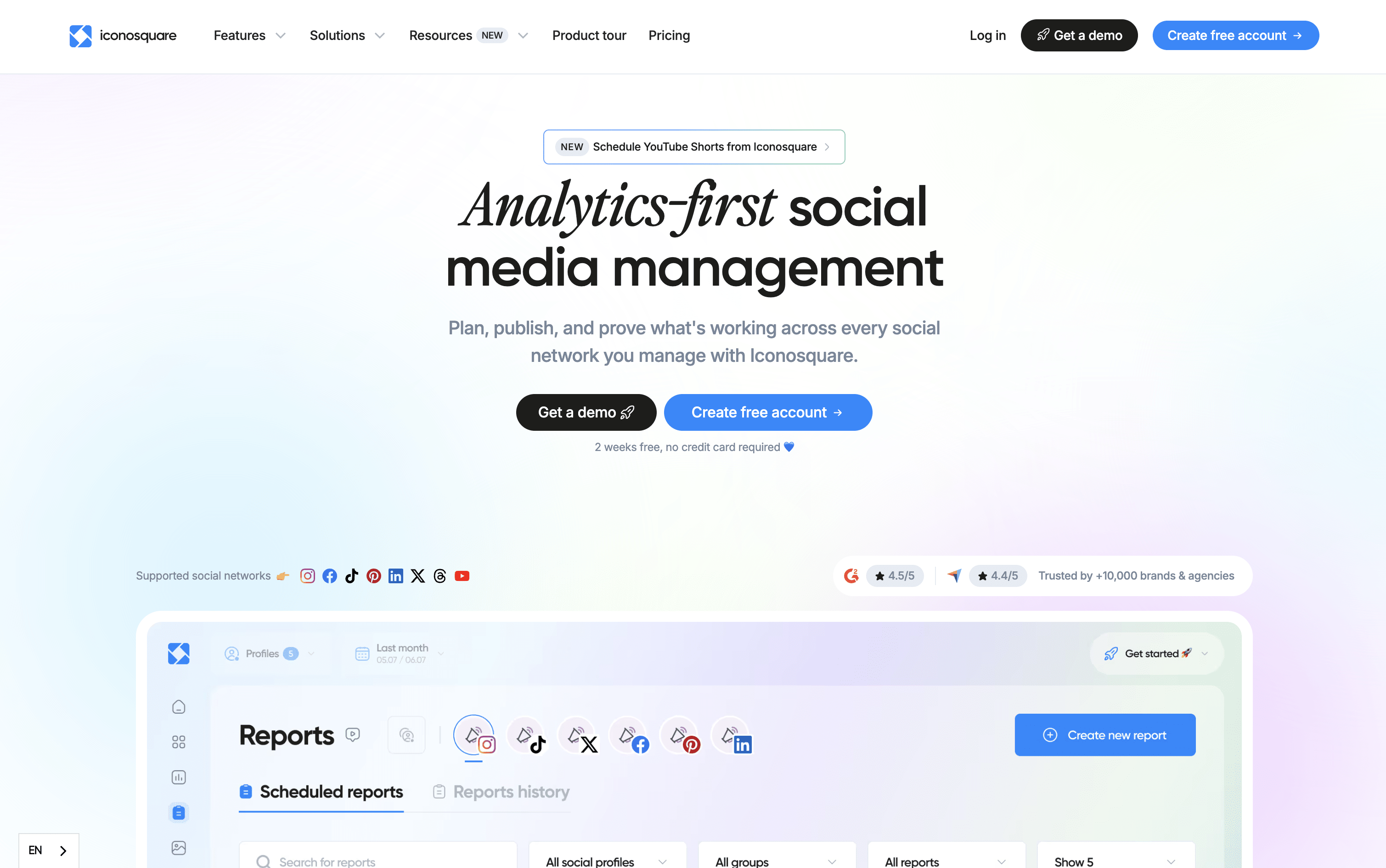
Iconosquare is an all-in-one social media management platform built around powerful analytics. It lets you schedule and publish content across eight platforms, track over 100 performance metrics, monitor competitors, and manage team workflows from one dashboard.

Unlike tools that focus only on posting, Iconosquare goes deeper with custom dashboards, automated reports, hashtag tracking, and a unified inbox for comments and messages. It also includes AI tools to help generate captions, suggest hashtags, and plan content ideas.

It suits small businesses, marketing agencies, multi-location brands, and enterprise teams. Plans start with a free option, and all paid plans come with a full 14-day free trial before you commit.

Iconosquare Features

  • Schedule posts across 8 social platforms

  • 100+ real-time analytics metrics and custom dashboards

  • AI caption, hashtag, and content idea generation

  • Competitor tracking and performance benchmarking

  • Unified inbox for comments, DMs, and mentions

  • Hashtag and brand monitoring

  • Automated PDF and white-label reporting

  • Team collaboration with approval workflows

  • Visual content calendar with best-time suggestions

  • Mobile app for iOS and Android

Iconosquare Pricing Plans

Free

Free
  • 2 social profiles
  • 1 user
  • 10 posts per profile per month
  • Basic analytics
  • Limited reporting
  • Mobile app access

Launch

$39/mo
  • 5 social profiles
  • 1 user
  • 100 posts per month
  • Social profile and Reels analytics
  • Custom dashboards with 1-year data retention
  • AI caption writing and content inspiration
  • Competitor tracking (1 competitor per social profile)
  • Industry benchmarks
  • Cross-posting across platforms
  • Media library and saved caption templates
Most Popular

Scale

$83/mo
  • 5 social profiles
  • 3 users
  • Unlimited posts
  • 1 group
  • Everything in Launch, plus:
  • Group analytics and promoted posts analytics
  • Tags and mentions analytics
  • 2 years data retention
  • Hashtag reports and campaign tracking
  • First comment scheduling

Excel

$139/mo
  • 5 social profiles
  • 6 users
  • Unlimited posts and groups
  • Everything in Scale, plus:
  • Unlimited data retention
  • White-label reporting
  • Professional customized reporting
  • Unlimited competitor tracking
  • API access
  • Dedicated onboarding

Custom

Custom
  • 20+ social profiles (fully scalable)
  • 1 to unlimited users
  • Unlimited posts and groups
  • Everything in Excel, plus:
  • Tailored implementation and onboarding
  • Dedicated Customer Success Manager
  • Priority training
  • Flexible profile allocations
  • Custom API scalability
  • Enterprise-level support
Read more β†’
#21
Tailwind
FreemiumSubscription
Tailwind screenshot

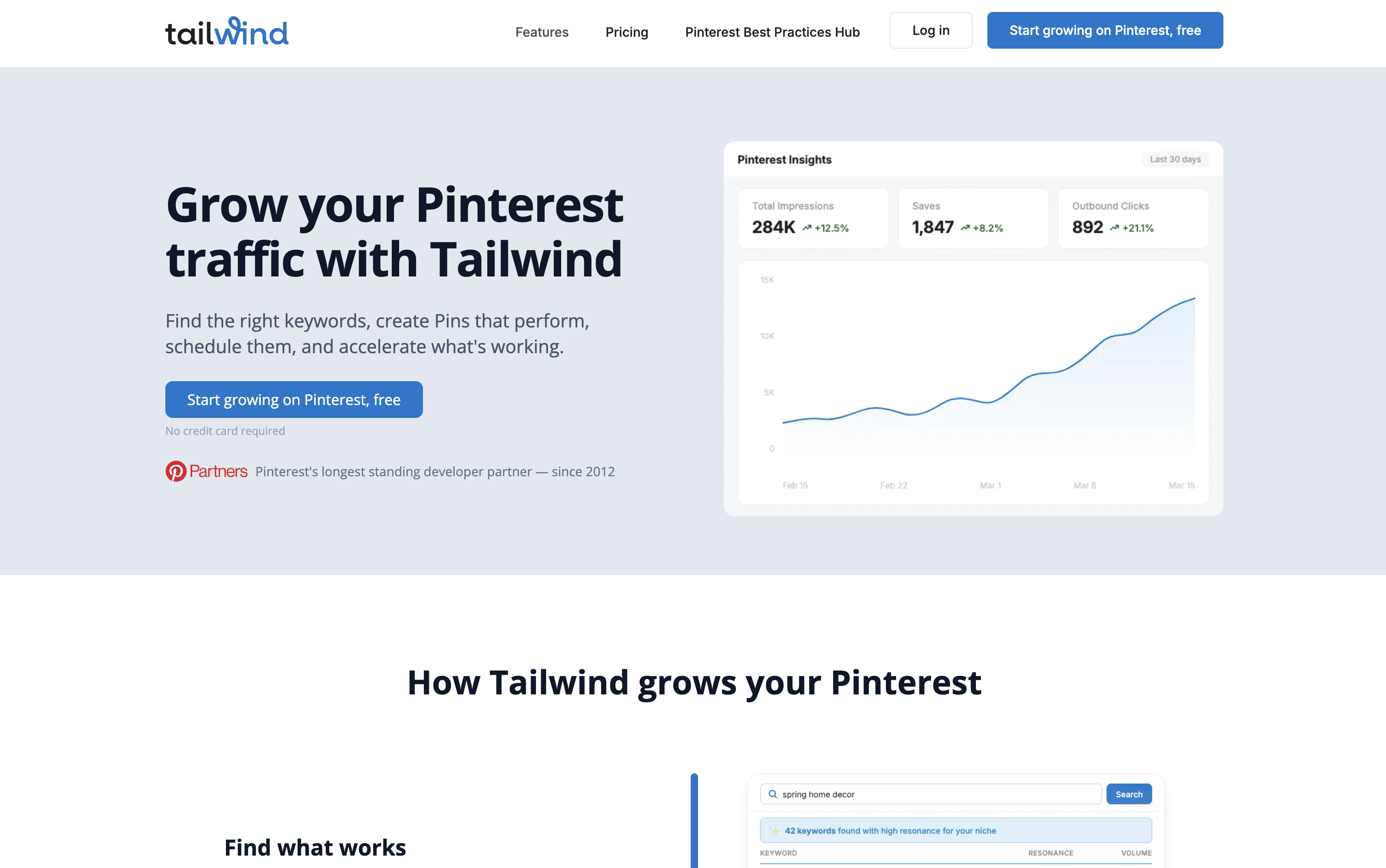
Tailwind is a scheduling and content creation platform focused on visual marketing through Pinterest, Instagram, and Facebook. It helps you design, write, and schedule posts in bulk so your accounts stay active without taking hours out of your week.

The platform includes SmartSchedule, which automatically picks the best posting times based on your audience, and Tailwind Create, which lets you generate multiple Pin designs from a single photo in minutes. AI writing tools are also built in to create captions, titles, and descriptions for your posts.

For Pinterest especially, there is a keyword research tool, niche community groups, and analytics to help grow website traffic and online store sales consistently over time.

Tailwind Features

  • Pinterest, Instagram, and Facebook scheduling

  • AI-powered Pin and post design with Tailwind Create

  • SmartSchedule for automatic best-time posting

  • AI captions and descriptions with Ghostwriter

  • Pinterest keyword research with Resonance Score

  • Drag-and-drop visual content calendar

  • Tailwind Communities for organic reach growth

  • Bulk uploads and scheduling

  • Canva, Shopify, and WordPress integrations

  • Advanced analytics and traffic tracking

  • Smart.bio link in bio tool

Tailwind Pricing Plans

Free Forever

Free
  • 5 posts per month (Pinterest, Instagram, Facebook)
  • 5 Tailwind Credits per month
  • 1 Pinterest, 1 Instagram, 1 Facebook account
  • 5 post designs per month
  • Smart.bio Custom Link
  • Basic analytics
  • SmartSchedule included
  • SmartPin included
  • Canva, Shopify, WordPress integration
  • 1 user seat
Most Popular

Pro

$29.99/mo
  • 150 posts per month
  • 150 Tailwind Credits per month
  • 1 Pinterest, 1 Instagram, 1 Facebook account
  • 200 post designs per month
  • Smart.bio Custom Link
  • Advanced analytics
  • SmartSchedule and SmartPin included
  • Canva, Shopify, WordPress integration
  • 1 user seat
  • Save 40% with annual billing ($17.99/month)

Advanced

$54.99/mo
  • 300 posts per month
  • 300 Tailwind Credits per month
  • 2 Pinterest, 2 Instagram, 2 Facebook accounts
  • Unlimited post designs
  • Smart.bio Custom Link
  • Advanced analytics
  • SmartSchedule and SmartPin included
  • Canva, Shopify, WordPress integration
  • 2 user seats
  • Save 45% with annual billing ($29.99/month)

Max

$99.99/mo
  • Unlimited posts per month
  • 1,000 Tailwind Credits per month
  • 3 Pinterest, 3 Instagram, 3 Facebook accounts
  • Unlimited post designs
  • Smart.bio Custom Link
  • Advanced analytics
  • SmartSchedule and SmartPin included
  • Canva, Shopify, WordPress integration
  • 5 user seats
  • Save 50% with annual billing ($49.99/month)
Read more β†’
#22
Typefully
FreemiumSubscriptionCustom
Typefully screenshot

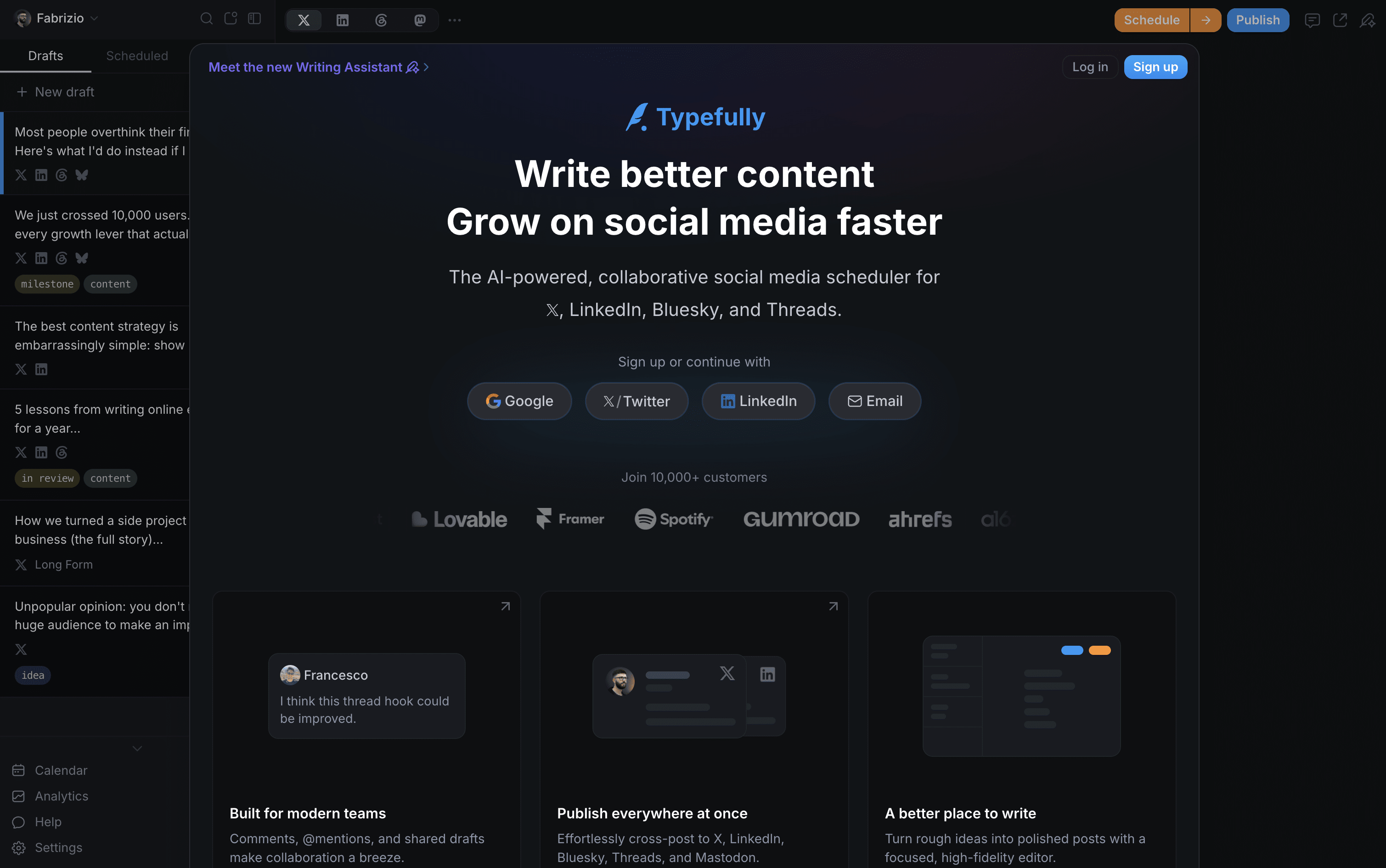
Typefully is a social media writing and scheduling tool built for people who care about content quality. It gives you a clean, focused editor to write posts, build X threads, and schedule content across platforms from one place. The built-in AI assistant helps you improve drafts, generate new ideas, and write in your own voice without sounding generic.

You get a visual calendar for planning ahead, a smart queue that suggests the best times to post, and a detailed analytics dashboard to see what performs well. Teams can share drafts, leave comments, and run approval flows together. It works natively with X, LinkedIn, Threads, Bluesky, and Mastodon.

Typefully Features

  • AI writing assistant that learns your voice and tone

  • Schedule posts on X, LinkedIn, Threads, Bluesky, Mastodon

  • Visual drag-and-drop content calendar

  • Smart queue with best-time post suggestions

  • Deep X analytics with streaks and conversion tracking

  • Thread and long-form post support

  • Team collaboration and approval workflows

  • Auto-retweet, auto-plug, and auto-DM automations

  • Zapier, Notion, Slack, and API integrations

  • Cross-platform publishing in one click

Typefully Pricing Plans

Free

Free
  • 15 posts per month
  • 1 social set
  • 1 user
  • Publish to X, LinkedIn, Threads, Bluesky, Mastodon
  • Advanced scheduling
  • Share and comment on drafts
  • API, MCP, and Agents support
  • Limited media uploads
Most Popular

Pro

$10/mo
  • 1,000 posts per month
  • Up to 10 social sets
  • 1 user
  • AI Writing Assistant (rewrite, improve, generate)
  • Detailed X analytics with streaks and CSV export
  • Profile conversion rate tracking
  • LinkedIn PDF carousels and first comment
  • Auto-DMs, auto-plug, and schedule retweets
  • Unlimited media and video uploads
  • Zapier, Notion, Slack DM, Raycast integrations

Business

$20/mo
  • 1,500 posts per month
  • Up to 50 social sets
  • Unlimited users
  • Everything in Pro
  • Team collaboration with roles and permissions
  • Collaborative writing and shared drafts
  • Team review and approval workflows
  • Slack channel notifications on publish
  • Higher AI usage limits
  • Higher API rate limits

Enterprise

Custom
  • Custom social set limits
  • Enterprise-grade priority support
  • Security reviews and custom arrangements
  • Everything in Business
  • Trial available on request
Read more β†’
#23
SmarterQueue
PaidSubscription
SmarterQueue screenshot

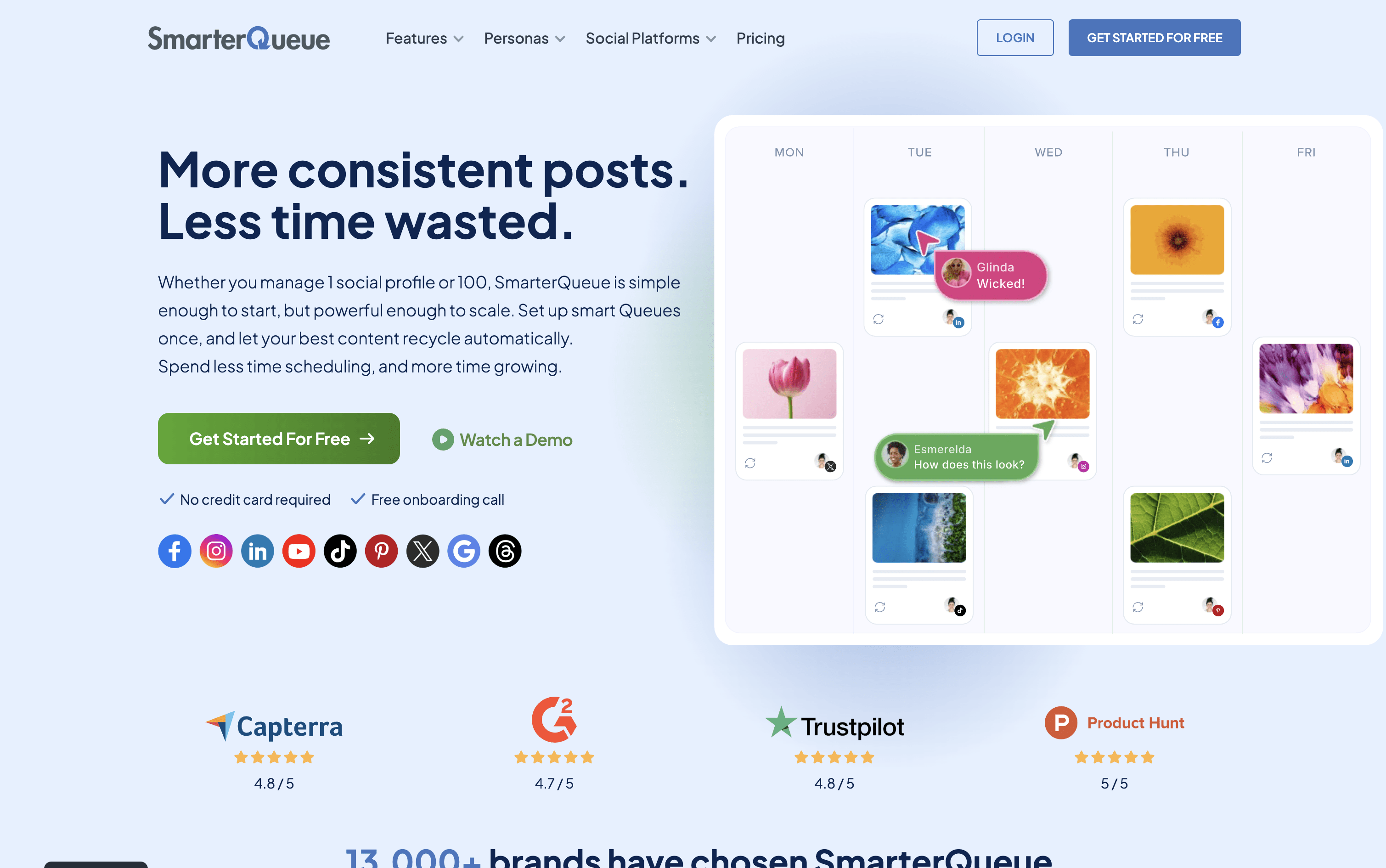
SmarterQueue is a social media scheduling platform that runs on a category-based system. You group your posts into content types such as tips, promotions, or quotes, then set a weekly posting plan. The tool automatically pulls posts from each category and publishes them at the right times.

Its key feature is evergreen recycling. When a post finishes its first publishing cycle, it returns to the queue and gets reshared again later. You can add variations to each post so the same content looks different each time it is published.

The platform connects to nine networks, Instagram, Facebook, TikTok, LinkedIn, X, Pinterest, YouTube, Threads, and Google Business Profile and is used by solo creators, businesses, and agencies.

SmarterQueue Features

  • Category-based posting plan with full automation

  • Evergreen recycling with post variations for freshness

  • Instagram grid visual planner

  • AI caption writer and variation generator

  • RSS feeds, CSV import, and Chrome extension

  • Supports 9 social platforms

  • Post analytics with best time insights

  • Team workspaces with roles and approval comments

  • Media library with Canva, Unsplash, Pixabay

  • Per-profile customization and post preview

SmarterQueue Pricing Plans

Solo

$29.99/mo
  • 4 social profiles
  • 10 content categories
  • 500 queued posts
  • 2 RSS auto-importers
  • 10 timeslots per day
  • 10,000 AI words per month
  • Basic analytics with 1-year data retention
  • Unlimited workspaces
  • Evergreen recycling and post variations
  • Instagram grid preview

Solo (Annual)

$24.99/mo
  • All Solo plan features
  • Billed annually β€” saves approximately 15%
Most Popular

Business

$49.99/mo
  • 10 social profiles
  • 20 content categories
  • 1,000 queued posts
  • 5 RSS auto-importers
  • 20 timeslots per day
  • 20,000 AI words per month
  • Intermediate analytics with 1-year data retention
  • Bulk import and CSV upload (up to 500 posts)
  • Google Analytics UTM tracking
  • Everything in Solo

Business (Annual)

$42.99/mo
  • All Business plan features
  • Billed annually β€” saves approximately 15%

Agency

$99.99/mo
  • 25 social profiles
  • 50 content categories
  • 2,500 queued posts
  • 25 RSS auto-importers
  • 40 timeslots per day
  • 50,000 AI words per month
  • Advanced analytics with unlimited data retention
  • Competitor analysis
  • PDF and CSV report exports
  • Feedly bookmarks import and advanced feed filters

Agency (Annual)

$84.99/mo
  • All Agency plan features
  • Billed annually β€” saves approximately 15%
Read more β†’
#24
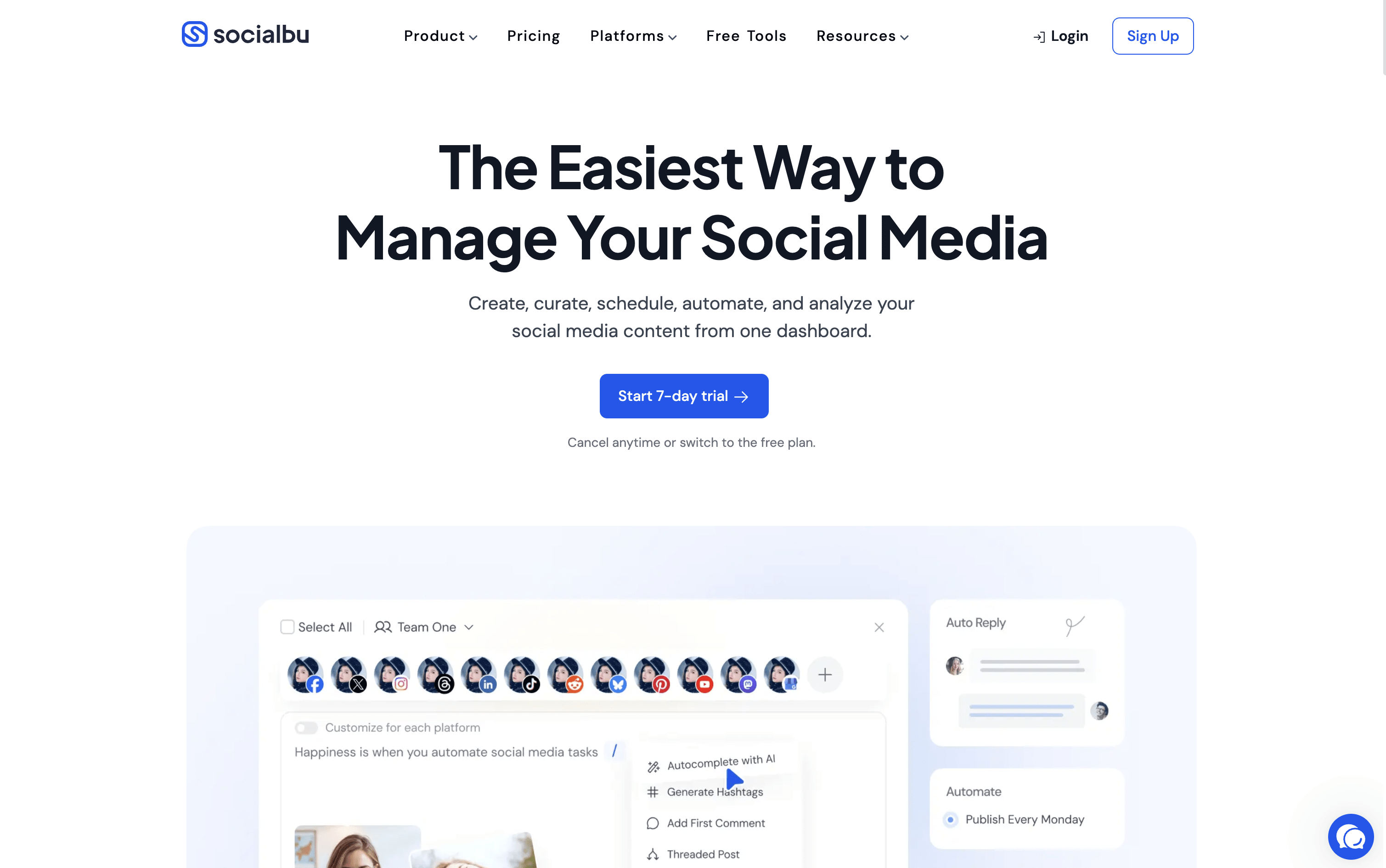
SocialBu
FreemiumSubscription
SocialBu screenshot

SocialBu is a social media management tool that lets you schedule, publish, and automate posts across 12 platforms, including Instagram, Facebook, X, LinkedIn, TikTok, YouTube, Pinterest, Reddit, Threads, Bluesky, Mastodon, and Google Business Profile.

You can create posts using built-in AI assistance, manage a visual content calendar, set up recurring posts, and respond to all messages from a single unified inbox. It also includes detailed analytics to track content performance and team features for approvals and collaboration.

SocialBu is designed to reduce the daily effort needed to maintain an active social media presence, while giving you the tools to grow your audience and improve your strategy over time.

SocialBu Features

  • Schedule posts across 12 social media platforms

  • AI-powered caption and content generation built in

  • Visual drag-and-drop content calendar with monthly view

  • Smart queues and bulk CSV scheduling

  • Unified inbox for messages, comments, and mentions

  • RSS auto-posting and evergreen content recycling

  • Team collaboration with approval workflows

  • Detailed analytics with exportable PDF reports

  • Automation rules, triggers, and webhooks

  • iOS and Android mobile apps available

SocialBu Pricing Plans

Free

Free
  • 3 social accounts
  • 10 lifetime posts
  • Publish images and videos
  • Post recycling and drafts
  • Social calendar and post preview
  • Bulk import
  • 60 AI writer credits
  • Hashtag suggestions
  • Instagram Reels and Story scheduling
  • Twitter thread scheduling

Standard

$19/mo
  • 12 social accounts
  • 800 posts per month
  • Everything in Free
  • Social inbox
  • 5 feeds
  • 360 AI writer credits
  • 16 automations
  • RSS auto-posting
  • Automated messaging and replies
  • Webhook integrations

Standard (Annual)

$190/yr
  • 12 social accounts
  • 800 posts per month
  • Everything in Free
  • Social inbox
  • 5 feeds
  • 360 AI writer credits
  • 16 automations
  • RSS auto-posting
  • Automated messaging and replies
  • Webhook integrations
Most Popular

Super

$59/mo
  • 30 social accounts
  • Unlimited monthly posts
  • Everything in Standard
  • 15 feeds
  • 900 AI writer credits
  • 60 automations
  • 6 teams, 8 team members
  • Social listening (2 streams, 3,000 matched items/month)
  • AI filtering and analysis
  • Phone support

Super (Annual)

$590/yr
  • 30 social accounts
  • Unlimited monthly posts
  • Everything in Standard
  • 15 feeds
  • 900 AI writer credits
  • 60 automations
  • 6 teams, 8 team members
  • Social listening (2 streams, 3,000 matched items/month)
  • AI filtering and analysis
  • Phone support

Supreme

$199/mo
  • 150 social accounts
  • Unlimited monthly posts
  • Everything in Super
  • 50 feeds
  • 4,500 AI writer credits
  • 400 automations
  • 25 teams, 20 team members
  • Social listening (10 streams, 50,000 matched items/month)
  • AI filtering and analysis
  • Priority email, live chat, and phone support

Supreme (Annual)

$1990/yr
  • 150 social accounts
  • Unlimited monthly posts
  • Everything in Super
  • 50 feeds
  • 4,500 AI writer credits
  • 400 automations
  • 25 teams, 20 team members
  • Social listening (10 streams, 50,000 matched items/month)
  • AI filtering and analysis
  • Priority email, live chat, and phone support

Enterprise

Custom
  • Custom social account limits
  • Custom team and member limits
  • Dedicated account support
  • Custom onboarding assistance
  • Contact sales for pricing
Read more β†’
#25
Sked Social
PaidSubscription
Sked Social screenshot

Sked Social is a social media scheduling and management tool that handles your entire content workflow. You can capture ideas, plan strategy, create and edit posts, get team approvals, auto-publish across platforms, manage messages, and track analytics β€” all from one dashboard.

It supports Instagram, Facebook, TikTok, LinkedIn, Pinterest, YouTube, X, and Threads. A standout feature is the Ideas board, where you organize content into topic areas called Content Pillars. This helps teams plan balanced, strategic content instead of posting randomly.

Built-in AI tools generate captions that match your brand voice. It also includes a media library, video editor, and client-friendly approval tools, making it suitable for both solo users and growing agencies.

Sked Social Features

  • Schedule posts to 8+ social media platforms

  • Ideas board with Content Pillar organization

  • Drag-and-drop visual content calendar with grid preview

  • Brand-trained AI caption generator

  • Built-in image and video editor

  • Unified inbox for all platforms

  • Team collaboration and approval workflows

  • Competitor tracking and performance analytics

  • PDF and Excel report exports

  • Free link-in-bio tool (Sked Link)

  • iOS and Android mobile apps

Sked Social Pricing Plans

Basic

$29/mo
  • 1 user
  • 1 social profile
  • Unlimited scheduling
  • Ideas board with Content Pillars
  • AI captions and brand voice kit
  • Advanced auto-publishing
  • Social listening summaries
  • Organic and paid analytics
  • View-live dashboards
  • 30-day comparison period

Grow

$69/mo
  • 3 users
  • 6 social profiles
  • Extra profiles at $8/month each
  • Profile-level permissions
  • Competitor tracking for up to 5 accounts
  • PDF report exports
  • Prior-period comparison analytics
  • No-login calendar preview (add-on)
  • Internal approvals add-on at $50/month
  • External approvals and review portal add-on at $100/month
Most Popular

Accelerate

$199/mo
  • 6 users
  • 10 social profiles
  • Extra users at $15/month each
  • Extra profiles at $10/month each
  • Internal and external approvals included
  • No-login review portal included
  • Unlimited and editable workflow statuses
  • Granular permissions (profiles, features, and roles)
  • Competitor tracking for up to 20 accounts
  • Brand sentiment tracking

Custom

$299/mo
  • Custom number of users
  • Custom number of social profiles
  • White-label link-in-bio
  • Frontify integration
  • Unlimited competitor tracking
  • Historic data imports
  • Custom reporting requirements
  • Custom contracts
  • Advanced onboarding
  • Dedicated Customer Success Manager
Read more β†’
#26
Canva
FreemiumSubscriptionCustom
Canva screenshot

Canva is a web-based design tool that makes it easy to create content for social media, business presentations, marketing materials, and more. It uses a simple drag-and-drop editor, so you do not need any design experience to get started.

One of its key features is the Content Planner, available on paid plans. It lets you connect your social media accounts and schedule posts to go live at specific dates and times. You can plan your content in a calendar view and track basic performance after posts are published.

Canva also includes a full set of AI tools that help you write captions, generate images, remove backgrounds, and resize designs for different platforms automatically, all inside the same workspace without switching apps.

Canva Features

  • Drag-and-drop editor for all skill levels

  • Millions of templates, photos, videos, and icons

  • Built-in social media scheduling with Content Planner

  • AI image generation, caption writing, and background removal

  • Magic Resize for adapting designs across platforms

  • Brand Kit for consistent logos, colors, and fonts

  • Team collaboration and approval workflows

  • Basic analytics for published posts

  • Web and mobile app

Canva Pricing Plans

Free

Free
  • Drag-and-drop editor
  • 1,000+ design types
  • 1.6M+ templates
  • 5GB cloud storage
  • 1 Brand Kit (3 colors)
  • Limited AI features (up to 200 Standard AI uses)
  • Canva Offline access
Most Popular

Pro

$18/mo
  • Everything in Free
  • 3.6M+ premium templates
  • 141M+ premium photos, videos, and graphics
  • 5 Brand Kits
  • 100GB cloud storage
  • Social media scheduling (Content Planner)
  • Background remover and Magic Resize
  • Full AI tools with 10Γ— more usage
  • AI Pass add-on available

Pro (Yearly)

$144/yr
  • Everything in Pro (Monthly)
  • Billed annually at $144/year (~$12/month)
  • Save approximately 33% vs monthly billing

Business

$25/user/mo
  • Everything in Pro
  • 100 Brand Kits
  • 500GB cloud storage
  • Team collaboration and admin tools
  • Approval workflows
  • Access to Leonardo AI and Flourish
  • 10% discount on print orders
  • 20Γ— more AI usage than Free

Business (Yearly)

$250/user/yr
  • Everything in Business (Monthly)
  • Billed annually at $250/year per person (~$20.83/month)
  • Save approximately 16% vs monthly billing

Enterprise

Custom
  • Everything in Business
  • 1000 Brand Kits
  • 1TB cloud storage
  • SSO and SCIM provisioning
  • Custom apps development
  • Tiered approvals and multi-team management
  • Priority support and dedicated success manager
  • 10% discount on print orders
  • Designed for 150+ contracted seats

Education – Teachers & Schools

Free
  • Free for eligible K–12 teachers and students
  • 100M+ copyright-free images, videos, and audio
  • Premium features including Magic Resize
  • 1TB secure cloud storage
  • Classroom management and grading tools
  • LMS integrations (Google Classroom, MS Teams, Canvas)
  • FERPA, COPPA, and GDPR compliant

Campus (Higher Education)

Custom
  • Premium access for all students
  • Enterprise access for staff and faculty
  • 1000 Brand Kits
  • Campus-wide SSO and centralized controls
  • AI audit logs and reporting
  • ISO 27001 and SOC 2 Type II compliant
  • Priority support and dedicated success manager
Read more β†’
#27
eClincher
PaidSubscriptionCustom
eClincher screenshot

eClincher is a web-based platform that lets you manage all your social media accounts from a single dashboard. You can schedule and publish posts on Instagram, Facebook, LinkedIn, TikTok, YouTube, Pinterest, Threads, X, Bluesky, and Google Business Profile.

It includes a unified inbox where you handle messages, comments, and reviews from every platform in one place. Beyond social media, it also manages local business listings, monitors brand mentions across the web, and provides detailed performance reports.

Built-in AI agents can create posts, reply to messages, write full blog articles, and give improvement suggestions for your strategy. It is designed for teams and agencies that manage multiple brands and accounts at the same time.

eClincher Features

  • Schedule posts across 10+ social platforms

  • Smart queues for consistent automatic posting

  • AI-generated captions and content

  • Unified inbox for messages, comments, and reviews

  • AI auto-reply for community management

  • Brand monitoring and social listening

  • Local SEO and business listings sync

  • Visual drag-and-drop content calendar

  • White-label reports for clients

  • Team collaboration with approval workflows

eClincher Pricing Plans
Standard (Monthly)

$149/mo
  • 1 Brand (up to 2 users, up to 20 profiles)
  • Unlimited post scheduling
  • Visual content calendar
  • Unified inbox with moderation
  • Review management (Google, Trustpilot, Tripadvisor, App Stores)
  • Advanced analytics and built-in reports
  • Custom drag-and-drop reports
  • Competitor reports
  • Link in Bio tool
  • AI post creation

Standard (Annual)

$1609/yr
  • 1 Brand (up to 2 users, up to 20 profiles)
  • Unlimited post scheduling
  • Visual content calendar
  • Unified inbox with moderation
  • Review management (Google, Trustpilot, Tripadvisor, App Stores)
  • Advanced analytics and built-in reports
  • Custom drag-and-drop reports
  • Competitor reports
  • Link in Bio tool
  • AI post creation
Most Popular

Professional (Monthly)

$349/mo
  • Unlimited brands (up to 10 users, up to 40 profiles)
  • Everything in Standard
  • Smart queues and RSS auto-posting
  • AI publishing agent per profile
  • AI inbox auto-reply with automation rules
  • Approval workflows with client dashboards
  • Employee advocacy tools
  • White-label reports
  • CRM integrations (Salesforce, Zendesk, ServiceNow)
  • Multi-channel and paid ads reports

Professional (Annual)

$3769/yr
  • Unlimited brands (up to 10 users, up to 40 profiles)
  • Everything in Standard
  • Smart queues and RSS auto-posting
  • AI publishing agent per profile
  • AI inbox auto-reply with automation rules
  • Approval workflows with client dashboards
  • Employee advocacy tools
  • White-label reports
  • CRM integrations (Salesforce, Zendesk, ServiceNow)
  • Multi-channel and paid ads reports

Enterprise

Custom
  • Unlimited brands, custom users and profiles
  • Everything in Professional
  • API access
  • Single sign-on (SSO)
  • Real-time inbox collision detection
  • Inbox auto-reply AI agent with private knowledge base
  • Advanced approval workflows and cross-team collaboration
  • Full enterprise reporting
  • Brand monitoring and social listening (included)
  • Local SEO and keyword auditor (included)
Read more β†’
#28
Adobe Express
FreemiumSubscriptionCustom
Adobe Express screenshot

Adobe Express is an all-in-one creative platform where you can design graphics, edit photos, create videos, and manage social media publishing in one place. It includes over 100,000 ready-made templates for social posts, Stories, Reels, presentations, and more. The platform also includes AI tools powered by Adobe Firefly, which let you generate images from text, remove backgrounds, write captions, and make quick edits just by typing.

A standout feature is the built-in Content Scheduler, which lets you plan, preview, and automatically publish posts to Instagram, Facebook, TikTok, LinkedIn, X, and Pinterest. Since design and scheduling are in the same app, you can go from idea to published post without switching between tools. It works on desktop browsers, iOS, and Android apps.

Adobe Express Features

  • 100,000+ design templates for all platforms

  • Built-in scheduler for 6 social networks

  • AI image generation with Adobe Firefly

  • Video editing with captions and background removal

  • Brand Kit for consistent team designs

  • Quick Actions for instant edits

  • Real-time collaboration and approval workflows

  • 30,000+ Adobe Fonts available

  • Mobile apps for iOS and Android

  • Export as PNG, JPG, PDF, or MP4

Adobe Express Pricing Plans

Free

Custom
  • 100,000+ static and video templates
  • 1M+ royalty-free Adobe Stock assets
  • 4,000+ Adobe Fonts
  • Basic photo, video, and document editing
  • Content scheduling for 1 social account per network
  • 5 GB cloud storage
  • 10-day version history
  • Desktop and mobile access
Most Popular

Premium

$9.99/mo
  • Everything in Free
  • 250 generative AI credits per month
  • 200M+ Adobe Stock photos, videos, and music
  • 30,000+ Adobe Fonts
  • Remove Video Background
  • Advanced animation tools
  • One-click Resize for multiple channels
  • Brand Kit and brand management tools
  • Content scheduling for up to 3 social accounts per network
  • 100 GB cloud storage

Firefly Pro

$19.99/mo
  • Everything in Premium
  • 4,000 generative AI credits per month
  • Text-to-Video generation (up to 40 videos, 5 seconds each)
  • Unlimited standard image generation
  • Access to Google, OpenAI, and Flux AI models
  • Generate up to 400 sound effects
  • Up to 13 minutes of video and audio translation
  • Unlimited Firefly mood boards
  • Full Adobe Photoshop on web and mobile
  • 7-day free trial

Teams

$4.99/user/mo
  • Everything in Premium
  • Minimum 2 users
  • Brand kits and template locking
  • Admin console and centralized billing
  • 1 TB cloud storage per user
  • Shared organization asset libraries
  • 250 AI credits per user per month
  • 200M+ Adobe Stock assets
  • 14-day free trial
  • Annual subscription (first-year promotional pricing)

Enterprise

Custom
  • Everything in Teams
  • 100+ users
  • Enterprise-grade security and encryption
  • Directory synchronization and automated provisioning
  • User management APIs
  • Adobe Experience Manager asset access
  • IP indemnification for AI-generated content
  • Unlimited 1:1 expert sessions
  • 24/7 technical support
  • Custom purchasing arrangements
Read more β†’
#29
Beplan
FreemiumSubscription
Beplan screenshot

Beplan is an online social media scheduling tool that supports ten platforms, including Instagram, TikTok, YouTube, LinkedIn, X, Facebook, Pinterest, Threads, Bluesky, and Discord. From one visual calendar, you can plan, write, and schedule posts using drag-and-drop controls.

It goes beyond basic scheduling by giving every post a Post Quality Score from 0 to 100 and explaining why a post may perform well or not. The Quick-Fill feature auto-matches your tagged media to open calendar slots, cutting scheduling time from hours to seconds. AI caption tools help you write and adjust text for each platform automatically. Social Sets let you manage multiple brands with separate media libraries, schedules, and analytics for each one.

Beplan Features

  • Schedule posts across 10 platforms from one calendar

  • Quick-Fill bulk scheduling fills calendar in seconds

  • Post Quality Score with Smart Insights per post

  • AI caption writing and optimization per platform

  • Content Runway to track scheduled days ahead

  • VOD-to-Shorts for automatic video repurposing

  • Format Intelligence for smarter media organization

  • Multi-brand Social Sets with separate analytics

  • Team collaboration and approval workflow add-on

  • No per-channel fees on any plan

Beplan Pricing Plans

Free

Free
  • 1 Social Set (up to 10 platforms)
  • 30 scheduled posts
  • 100 draft posts
  • 5 GB storage (~1,000 photos)
  • Quick-Fill automation (Week/Month view)
  • Full media library with folders
  • General best times to post
  • Kanban workflow

Starter

$15/mo
  • 1 Social Set (up to 10 platforms)
  • Unlimited scheduled posts
  • Unlimited draft posts
  • 600 AI credits/month
  • 50 GB storage (~10,000 photos)
  • Quick-Fill automation
  • Format Intelligence
  • Light insights with metrics
  • Full media library with folders
  • 14-day free trial included

Starter

$150/yr
  • 1 Social Set (up to 10 platforms)
  • Unlimited scheduled posts
  • Unlimited draft posts
  • 600 AI credits/month
  • 50 GB storage (~10,000 photos)
  • Quick-Fill automation
  • Format Intelligence
  • Light insights with metrics
  • Save $30 vs monthly billing
  • 14-day free trial included
Most Popular

Growth

$30/mo
  • 2 Social Sets (up to 20 platforms)
  • Unlimited scheduled and draft posts
  • 1,200 AI credits/month
  • 200 GB storage (~40,000 photos)
  • Post Quality Score (PQS) with Smart Insights
  • Advanced analytics dashboard
  • Time-based performance graphs
  • Days-in-Advance Insights
  • VOD-to-Shorts conversion
  • Calendar completeness tracking

Growth

$300/yr
  • 2 Social Sets (up to 20 platforms)
  • Unlimited scheduled and draft posts
  • 1,200 AI credits/month
  • 200 GB storage (~40,000 photos)
  • Post Quality Score (PQS) with Smart Insights
  • Advanced analytics dashboard
  • VOD-to-Shorts conversion
  • Save $60 vs monthly billing
  • 14-day free trial included

Studio

$60/mo
  • 5 Social Sets (up to 50 platforms)
  • Unlimited scheduled and draft posts
  • 3,600 AI credits/month
  • 500 GB storage (~100,000 photos)
  • All advanced analytics features
  • Post Quality Score with Smart Insights
  • VOD-to-Shorts conversion
  • All Growth features included
  • 14-day free trial included

Studio

$600/yr
  • 5 Social Sets (up to 50 platforms)
  • Unlimited scheduled and draft posts
  • 3,600 AI credits/month
  • 500 GB storage (~100,000 photos)
  • All advanced analytics features
  • Post Quality Score with Smart Insights
  • VOD-to-Shorts conversion
  • Save $120 vs monthly billing
  • 14-day free trial included

Team Collaboration Add-on

$10/mo
  • Unlimited team members
  • Real-time collaboration
  • Review and approval system
  • Role-based permissions
  • Available on any paid plan
  • Flat monthly fee regardless of team size
Read more β†’